


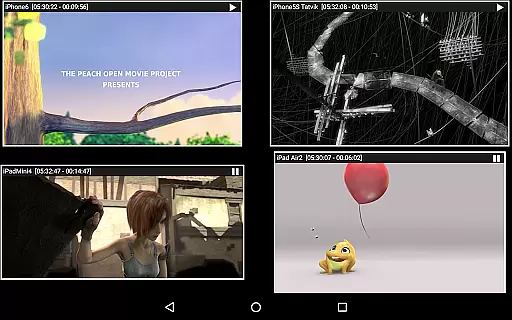


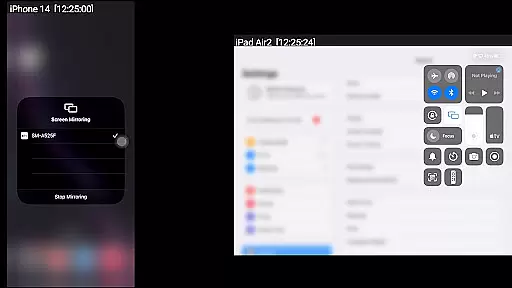
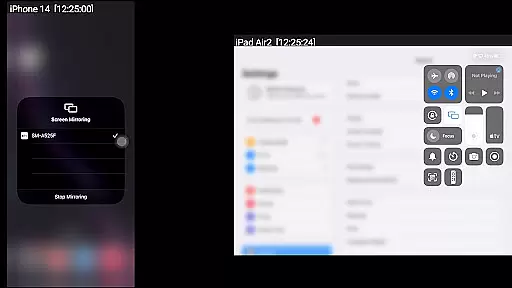
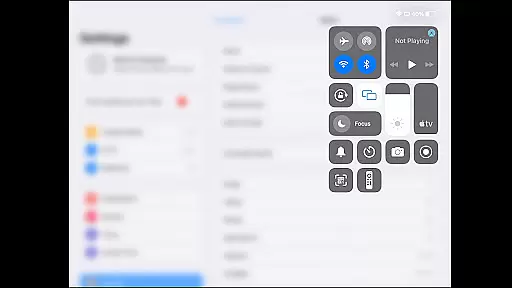
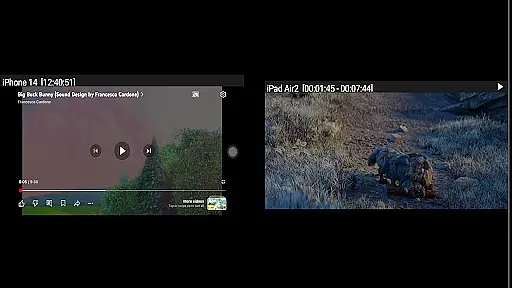
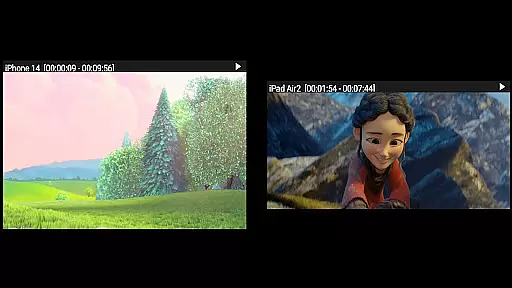

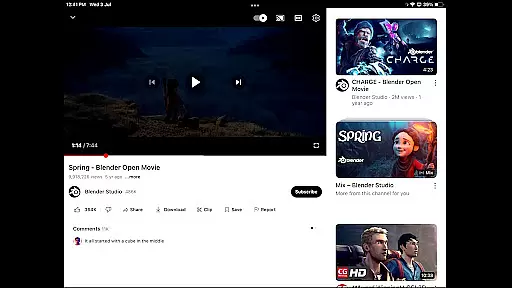
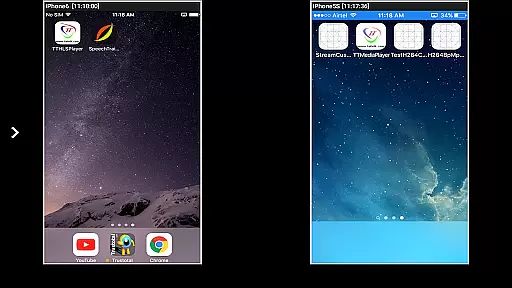

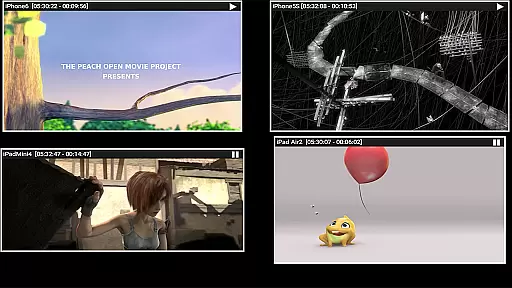
AirMirror is a specialized receiver application designed for Android devices, enabling seamless screen mirroring and casting from Apple devices such as iPhones, iPads, MacBooks, and iMacs. This app allows users to mirror screens, play back media content, and even cast YouTube videos from Apple devices onto an Android device within the same local network. With support for iOS versions 9 to 15, AirMirror facilitates simultaneous connections from up to four Apple devices.
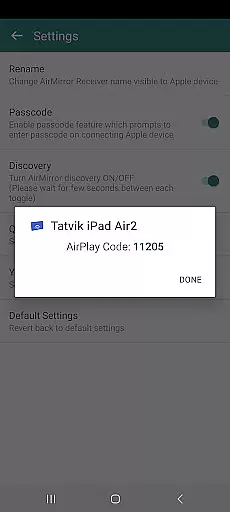
One of the key strengths of AirMirror is its ability to enhance collaborative experiences. Users can share presentations, photos, and videos with family, friends, or business partners effortlessly. The app also features passcode protection to prevent unauthorized sharing, ensuring privacy during screen casting sessions. Additionally, users can resize and move the mirroring window, making it highly customizable for different use cases.
The practical applications of AirMirror extend to professional settings, where sharing game screens or conducting interactive demonstrations becomes simplified. Its intuitive interface and robust functionality make it a valuable tool for both personal entertainment and business environments, bridging the gap between Apple and Android ecosystems effectively.
AirMirror offers a comprehensive set of features that cater to diverse user needs. One standout capability is its support for simultaneous screen mirroring from up to four Apple devices, allowing multiple users to connect and share content without interruptions. This feature is particularly beneficial in meeting rooms or classrooms where collaboration is essential.
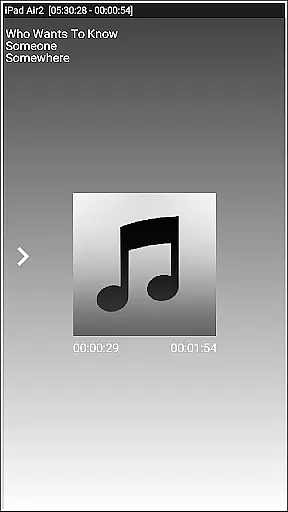
In addition to screen mirroring, AirMirror enables playback of media stored on Apple devices, including photos, images, and videos. Users can enjoy high-quality slideshow presentations directly on their Android devices. Furthermore, the app supports YouTube link sharing, letting users stream free content from an Apple device to the AirMirror receiver seamlessly.
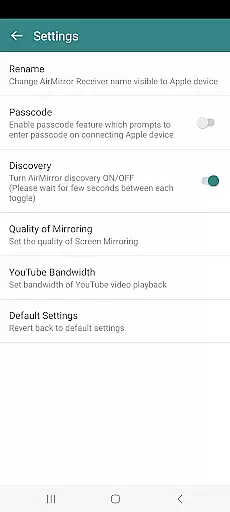
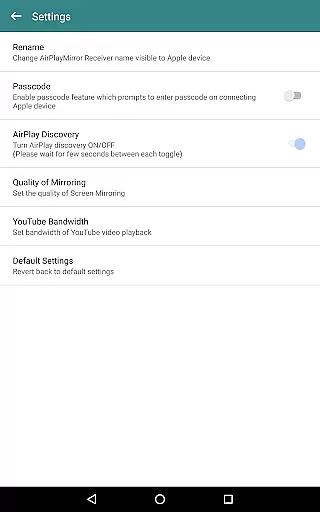
Advanced functionalities include Bluetooth Low Energy-based advertising, which facilitates mirroring across different subnets, enhancing connectivity options. The app also provides a semi-transparent control screen for managing connected devices, along with settings to rename the receiver, toggle discovery, adjust mirroring quality, and manage YouTube bandwidth. These features collectively ensure a smooth and customizable user experience.
Video format compatibility is a crucial feature for any video player or editor, ensuring that users can access and work with a wide range of video formats without the need for conversion. AirMirror supports screen mirroring and casting from Apple devices to Android, including playback of media content such as audio, video, and photos stored on the Apple device.
This application facilitates the mirroring of screens from iOS devices (versions 9 to 15) and allows simultaneous casting from up to four Apple devices. Users can enjoy a slideshow of photos, images, and videos directly from their Apple devices, enhancing shared experiences with family, friends, or colleagues.
AirMirror's ability to play back YouTube content from an Apple device adds another layer of convenience. The resizing and moving of the mirroring/casting window within the app view provide flexibility in how mirrored content is displayed, making it suitable for presentations or casual sharing.
While AirMirror does not support DRM-protected content like Netflix or paid iTunes and Google Movies, its broad compatibility with non-protected formats makes it a versatile tool for sharing and enjoying digital media across different platforms.
AI-powered editing features are transforming the landscape of video players and editors by introducing intelligent tools that simplify complex tasks. Although AirMirror primarily focuses on screen mirroring and casting, it incorporates several smart functionalities that enhance user interaction and content management.
The app enables users to mirror their gameplay screens while playing games on Apple devices, providing an interactive way to share gaming experiences. This feature leverages basic AI principles to ensure smooth transmission and synchronization between devices, creating an engaging viewing experience for audiences.
AirMirror also utilizes Bluetooth Low Energy based advertising to connect devices across different subnets, showcasing an adaptive approach to network connectivity. Such innovations highlight the potential integration of AI technologies in optimizing performance and expanding functional capabilities beyond traditional boundaries.
Additionally, the app offers settings where users can adjust the quality of mirroring, set bandwidth preferences for YouTube playback, and manage authentication through passcodes. These customizable options reflect a user-centric design philosophy aimed at delivering personalized and secure multimedia experiences.
User-friendly interface
Multi-device support
Passcode security feature
Customizable mirroring window
YouTube content streaming
No DRM content support
Limited live TV capability
Network dependency
Occasional connectivity issues
Device compatibility limits

You can play SWF format file!
 2.50
2.50
IPTV-Smarters Player Pro M3U - Watch Live Stream TV Channels with Chromecast
4.00
Watch full episodes of your favorite Cartoon Network and Cartoonito shows!
3.50
Fast video downloader & private browser. Save HD clips to watch offline.
4.40
Download website videos fast&privacy
4.40
All in one HD video downloader & player for multiple formats with full privacy
4.70
Make your own Animations, Video and Photo Edits, Visual Effects, and more!
4.00
Fast & Private HD Video Downloader with Built-in Proxy Browser and Video Player.
4.50
Create, Publish & Maximize
4.70
Find, download, and play torrents with the official BitTorrent® Pro app
4.70
Cast Videos from Web Browser, IPTV to Roku, Chromecast, DLNA, Smart TV +more
4.60
Watch a large amount of high-definition short drama content
4.60
Search & download videos from net with all video downloader, auto-detect & safe.
4.60
Add date and time watermark to photos and videos
4.50
Movie maker & video editing app with AI effects and green screen
4.30
Web Browser for LG TV to stream webvideos, online movies and livestreams in HD
4.20
Browser for Samsung TV to stream webvideos, online movies and livestreams in HD
4.10
LumaFusion: The Ultimate Storytelling Experience for Video Editing
4.10
Save photos and videos from social apps in one tap.
3.60


User Reviews