
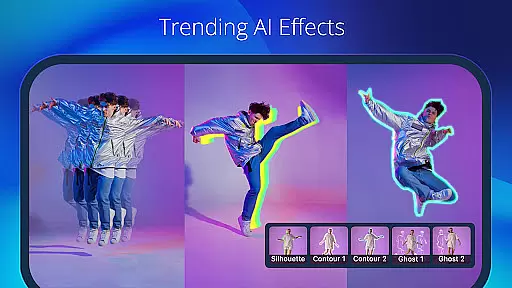
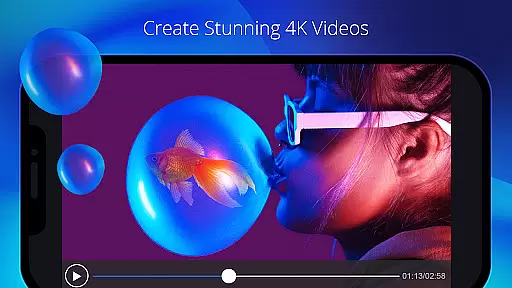
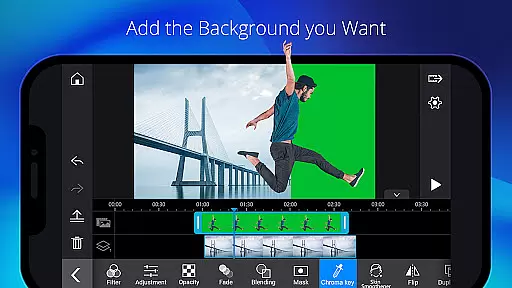
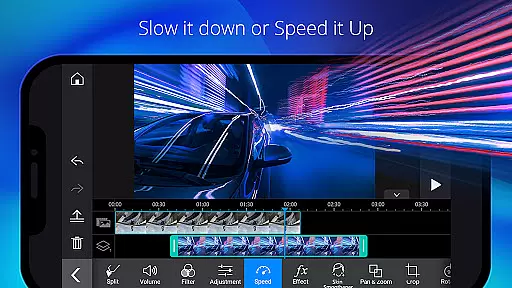
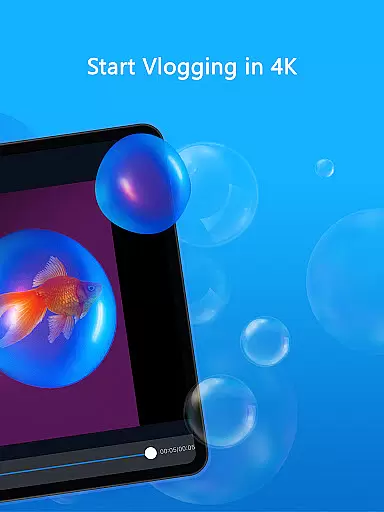
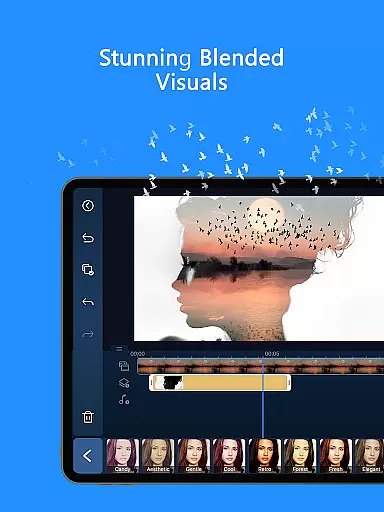
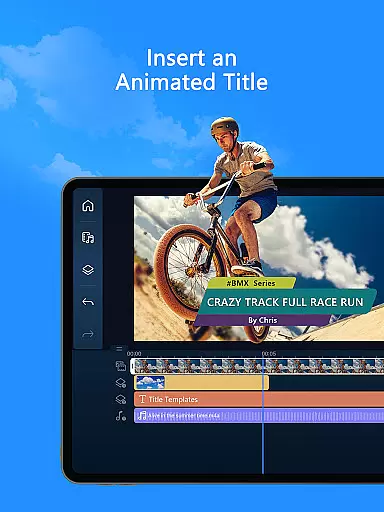
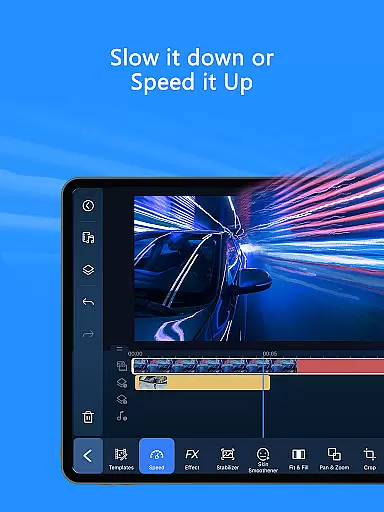
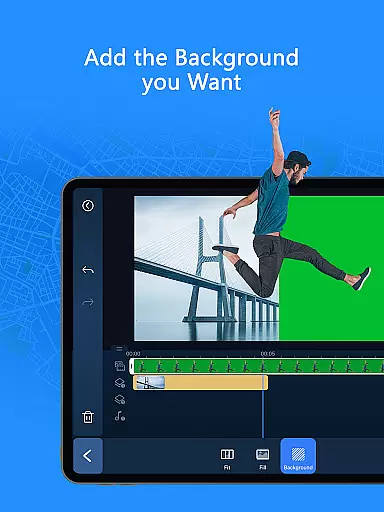
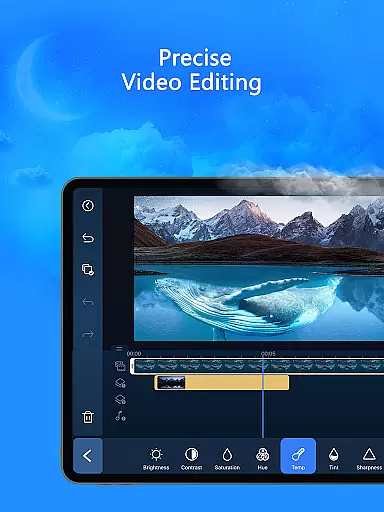
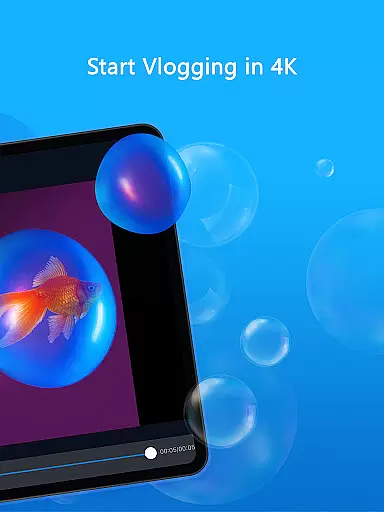
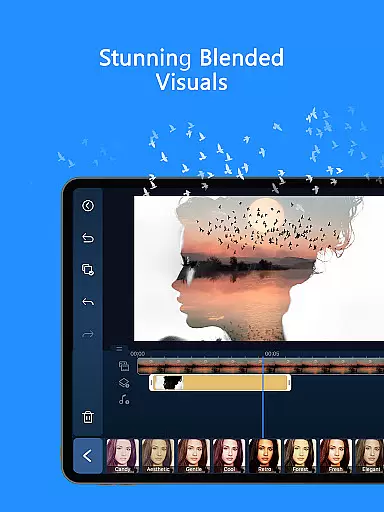
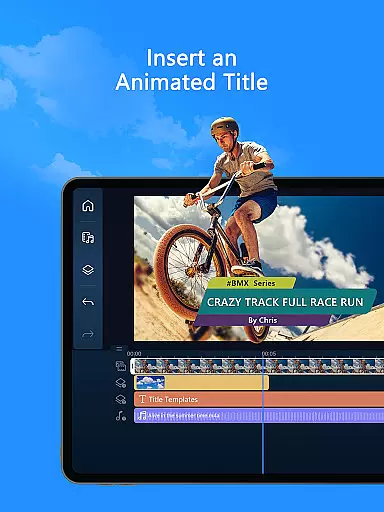
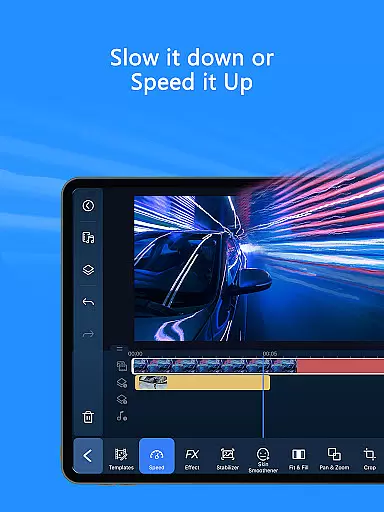
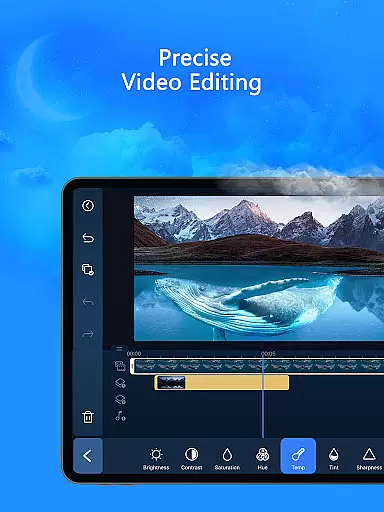
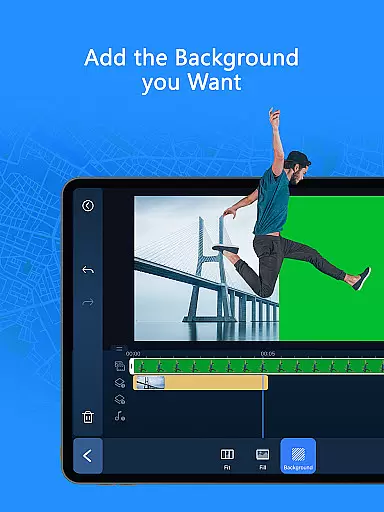
PowerDirector is a comprehensive AI-powered video editing application designed for both novice and professional content creators. This versatile tool allows users to create high-quality videos with ease, offering an extensive range of features including animation filters, AI Auto Edit tools, and various creative templates. Whether you're looking to produce engaging social media clips or professional-grade video content, PowerDirector provides all the necessary tools in one place.
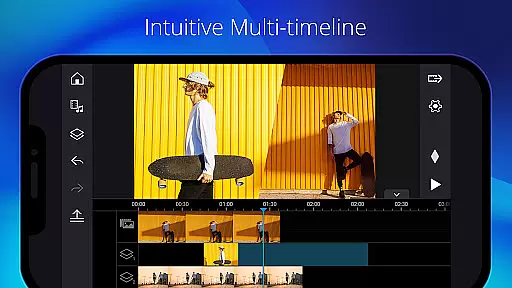
The app stands out with its specialized AI editing capabilities that automate complex processes. Users can leverage features like AI Image-to-Video conversion, AI Portrait filters, and AI Speech-to-Text functionality to enhance their projects efficiently. Additionally, the app offers advanced tools for color correction, green screen editing, and video stabilization, making it suitable for professional video production. Its intuitive interface ensures accessibility for beginners while providing depth for experienced editors.
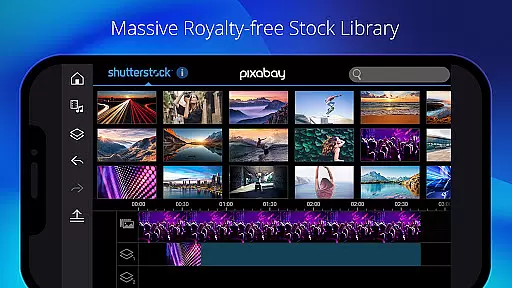
PowerDirector is particularly valuable for content creators who need to produce polished videos quickly. The app's AI-driven features help streamline the editing process, enabling users to transform raw footage into compelling stories within minutes. With support for various media formats and a built-in royalty-free stock library, this application serves as an all-in-one solution for modern video production needs.
PowerDirector distinguishes itself through its robust collection of AI-powered editing tools and user-friendly features. The AI Auto Edit function automatically identifies the most impactful moments in your footage and generates professionally styled videos using customizable templates. This feature significantly reduces editing time while maintaining high production quality. Additionally, the app offers unique AI effects such as AI Image-to-Video conversion, which transforms still images into dynamic video sequences, and AI Portrait filters that apply artistic styles reminiscent of popular animation studios.
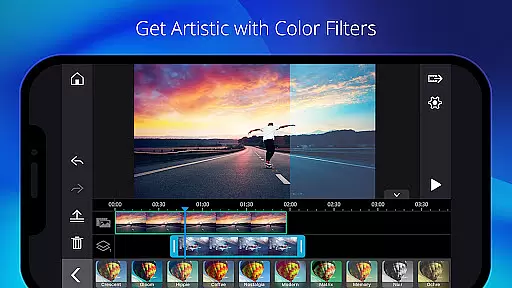
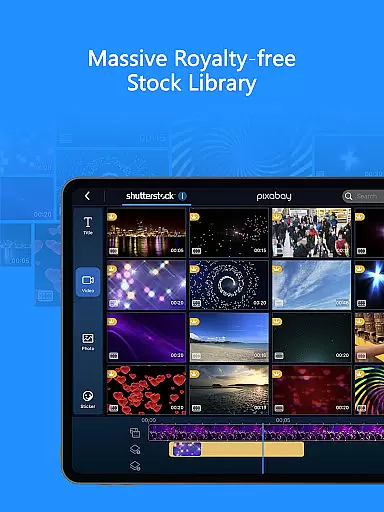
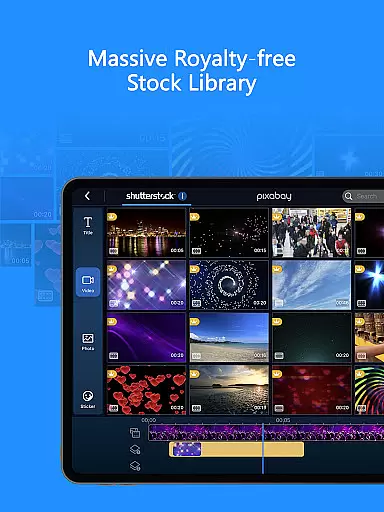
The application provides a complete suite of traditional editing tools alongside its innovative AI features. Users can perform fundamental editing tasks like trimming, cutting, and rotating clips with precision. The app includes thousands of free templates, visual effects, and filters to enhance creativity. Advanced features like green screen editing, video stabilization, and keyframe controls enable sophisticated post-production work. The built-in stock library offers access to royalty-free music, photos, and video footage, eliminating the need for external resources.
For professional content creators, PowerDirector offers premium benefits including exclusive filters, motion titles, and transitions. The subscription model provides unlimited access to a massive royalty-free media library powered by Getty Images, plus commercial-use stock media content. These professional-grade features, combined with the app's intuitive interface and powerful AI tools, make PowerDirector a top choice for video editors across different experience levels.
PowerDirector stands out in video format compatibility, ensuring that users can work with a wide array of file types without any hitches. This AI video editor supports everything from common formats like MP4, AVI, and MOV to more specialized ones, catering to both amateur and professional needs.
The app's comprehensive format support means you won't be bogged down by conversion tasks before editing. Whether you're looking to create viral TikTok clips or engaging social media content, PowerDirector has got your back with its versatile compatibility options.
Moreover, the ability to export your projects in various resolutions and formats makes sharing your creations hassle-free. With this feature, users can easily distribute their videos across different platforms, reaching wider audiences without worrying about format restrictions.
At the heart of PowerDirector lies its impressive suite of AI-powered editing features, revolutionizing how users create and edit videos. From AI Auto Edit that selects the best moments in your clips to AI Image-to-Video templates for creative transformations, these tools are designed to make video editing accessible and efficient.
These intelligent features extend to refining audio tracks with AI Speech Enhancement and adding stylistic touches through AI Portrait filters. Such capabilities not only save time but also open up new creative possibilities for content creators aiming for professional-grade output.
By leveraging these advanced AI functionalities, users can enhance their storytelling, making their videos more engaging and polished. The inclusion of an AI Video Enhancer and AI Background Removal tool further underscores PowerDirector's commitment to providing cutting-edge solutions tailored for modern digital storytelling needs.
User-friendly interface
Extensive AI features
Versatile editing tools
Premium stock library
Cross-platform support
Subscription fees required
High device requirements
Complex for beginners
Limited free features
Occasional performance issues

A full editing room to accompany your Insta360 cameras and handheld gimbals.
 3.30
3.30
Create photo video with music & template. AI video maker for stunning slideshow.
4.60
All format media Player, no need video converter any more!
4.00
An easy-to-use and all-round screen recorder with audio
4.80
Seamlessly connect and control your smart devices, anytime, anywhere with ease.
4.60
Download website videos fast&privacy
4.40
Fast & Private Video Downloader App. Save all videos easily from the Internet.
4.40
Browser + Remote for Roku to stream webvideos, online movies and livestreams
4.60
Fast & Private HD Video Downloader with Built-in Proxy Browser and Video Player.
4.50
VLC Remote lets you control your VLC Media Player on Mac, PC or Linux.
4.60
HD video maker with no watermark, no ads & vlog maker with music, PIP, text
4.50
Photo and Music Video Creator into Stunning Videos—Effortlessly
4.40
AirMirror Receiver - Screen mirroring/cast web videos to Android TV by AirPlay.
4.40
Browser for Fire TV to stream webvideos, online movies, livestreams in HD
4.40
Create & edit videos with AI
4.30
Manage your IPTV live channels and VOD playlists (no playlist included)
3.80
Watch full episodes of your favorite Cartoon Network and Cartoonito shows!
3.50
Client application for NextPVR software
3.00
The essential companion to your Blue Iris PC software
2.50


User Reviews