
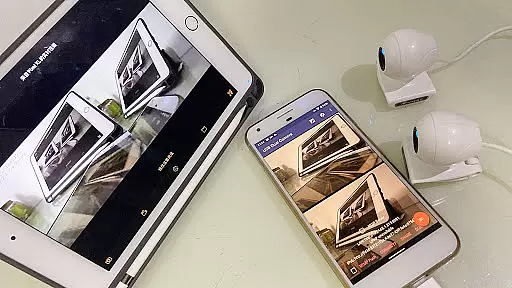
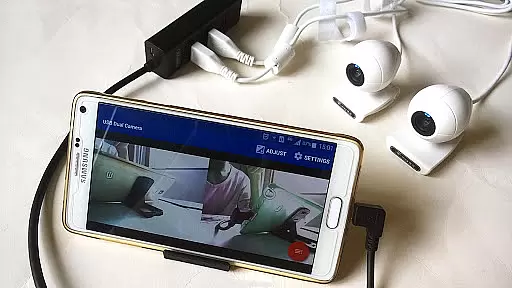
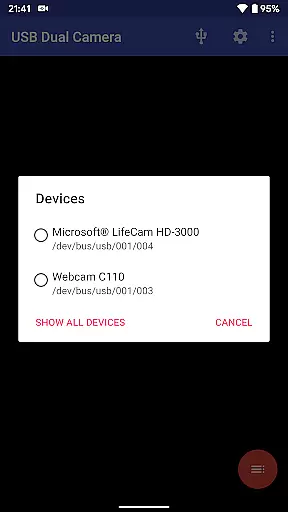

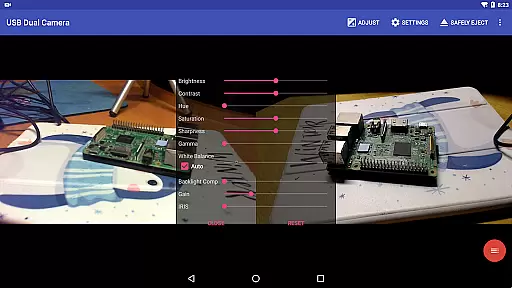
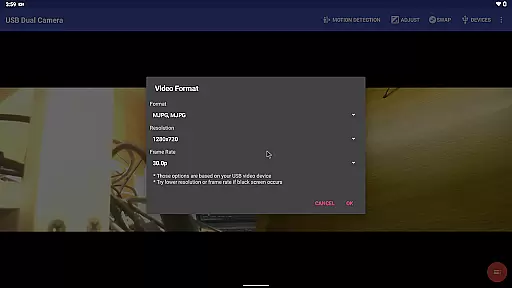
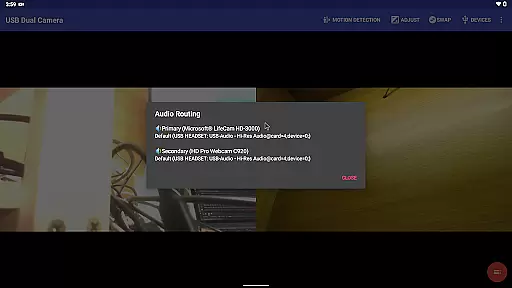
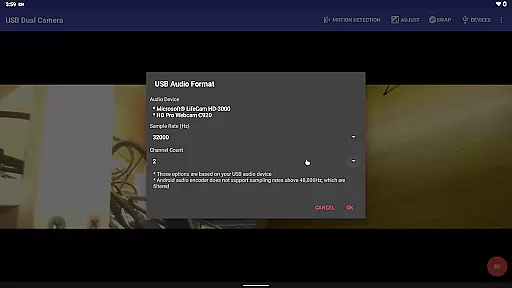
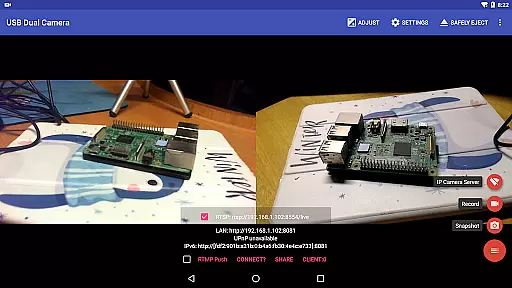
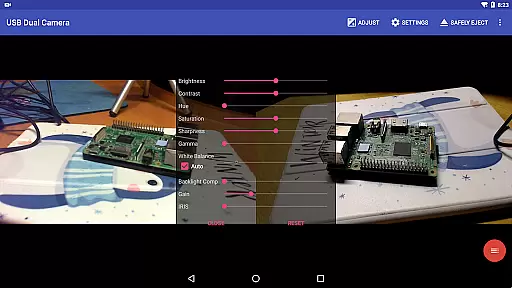
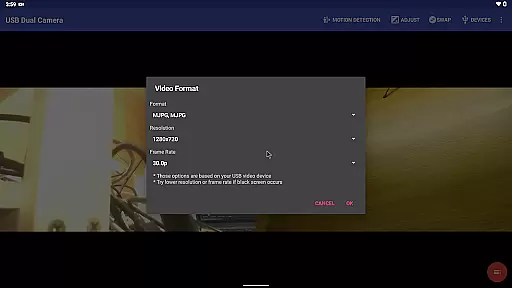
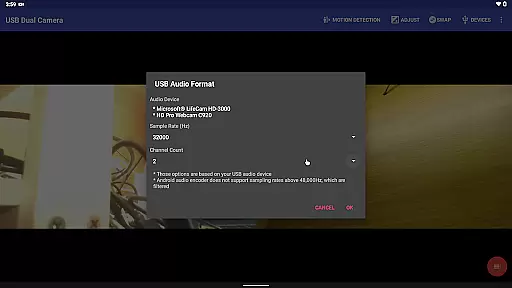
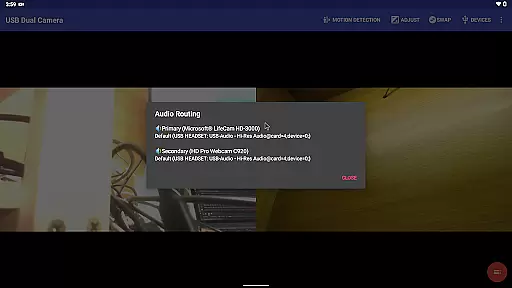
USB Dual Camera Pro is a versatile video application that allows Android devices to connect to two USB WebCams or video capture cards simultaneously via USB-OTG. The app supports UVC WebCams with microphones and UVC video grabbers with audio input, enabling high-quality video recording up to 4K resolution. It also features MJPEG, H.264, H.265, and HEVC formats for dual camera usage, making it suitable for professional video production.
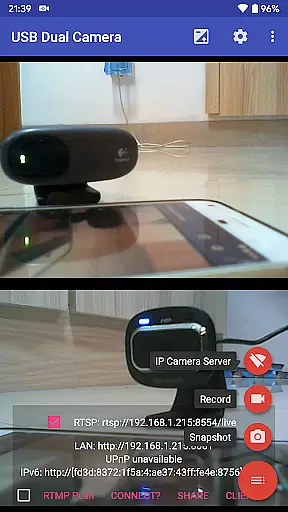
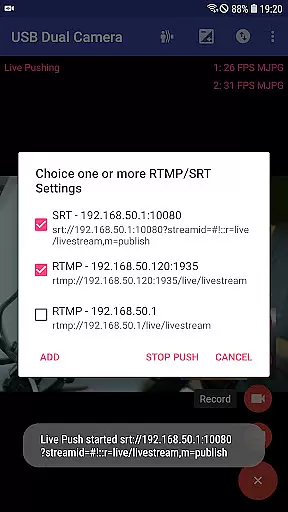
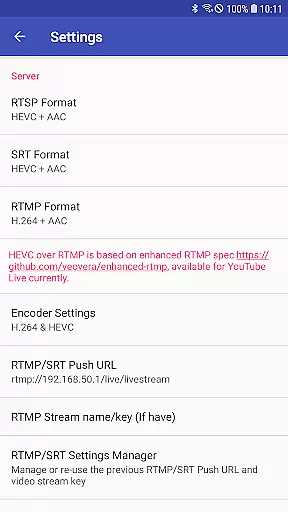
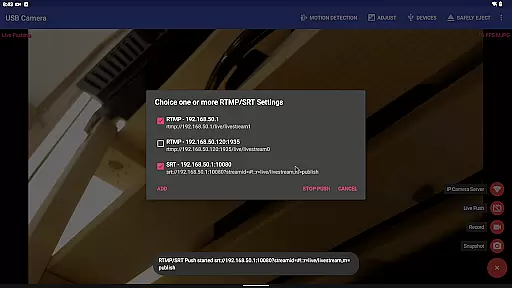
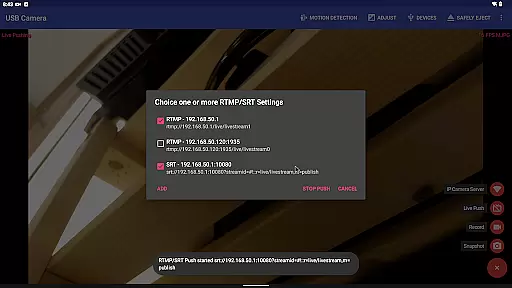
Beyond basic video recording, the app transforms your phone into a wireless IP Camera through an integrated RTSP and HTTP server, ideal for security monitoring with bi-directional audio support. Users can view the stream using their browser or dedicated IP Camera apps. Additionally, the app supports advanced functionalities like pushing video and audio streams to RTMP/SRT live media servers, facilitating network live broadcasts with support for rtmps security protocol and SRT protocol.
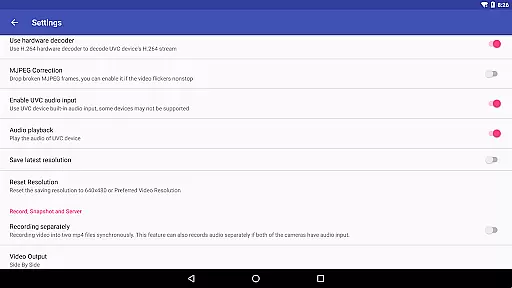
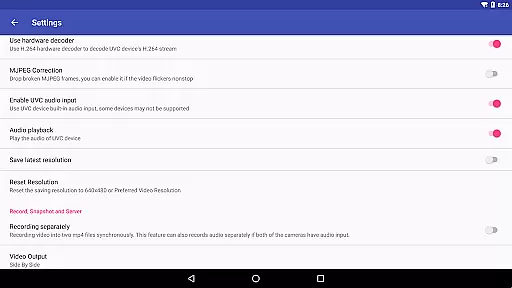
The app's comprehensive feature set includes mixing USB audio with built-in microphones or system audio, overlaying internal camera/screen video onto external camera feeds, and simultaneous recording of two MP4 files when connected to dual cameras. With options for timestamp overlays, GPS data, speed information, and loop-recording functionality, USB Dual Camera Pro serves as a robust solution for various video capturing needs, including use as a dashcam.
USB Dual Camera Pro stands out with its ability to handle multiple video sources seamlessly. The app supports dual camera connections, allowing users to record from two different sources simultaneously. This feature is particularly useful for content creators who need to capture scenes from multiple angles without switching devices. The app ensures smooth operation by recommending the use of a powered USB hub, which helps maintain consistent power supply to all connected devices.
One of the standout features is the built-in RTSP and HTTP server, which turns your Android device into a wireless IP camera. This setup is perfect for security monitoring, providing real-time video streaming accessible via a web browser. The app also supports bi-directional audio, enhancing communication capabilities during live broadcasts or security checks. Furthermore, the app's compatibility with various codecs, including HEVC and AV1, ensures high-quality video streaming on supported devices.
Advanced users will appreciate the app's ability to push video and audio streams to multiple RTMP/SRT live media servers simultaneously. This feature is invaluable for live broadcasting events across different platforms. Additionally, the app offers extensive customization options, such as adding timestamps, GPS data, and speed information to video frames. These features not only enhance the visual appeal but also provide valuable metadata for post-production analysis. The seamless switching between foreground and background ensures uninterrupted recording, making it a reliable tool for continuous video capture.
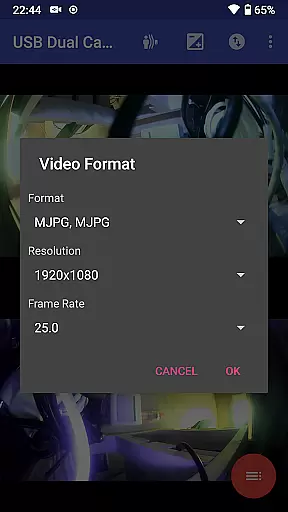
USB Dual Camera Pro demonstrates exceptional versatility in video format compatibility, ensuring a seamless experience for users working with diverse video sources. The application supports an extensive range of formats including MJPEG, H.264, H.265, HEVC, and even the emerging AV1 codec.
This flexibility allows simultaneous connection to two USB Webcams or video capture cards via USB-OTG, accommodating resolutions up to 4K through HDMI. Whether your workflow involves progressive or interlaced video streams, this app adjusts accordingly, providing you with the necessary tools to manage complex video inputs.
For content creators and professionals who demand high-quality video processing on their Android devices, the support for these advanced codecs means that you can record, stream, and broadcast without being limited by format restrictions. This ensures that whether you're involved in security monitoring or network live broadcasts, your video content will be delivered accurately and efficiently.
Beyond its primary function as a dual camera interface, USB Dual Camera Pro incorporates AI-powered editing features that significantly enhance the post-production process. These intelligent tools allow for automatic audio mixing when both connected cameras have audio input, creating a balanced soundscape without manual intervention.
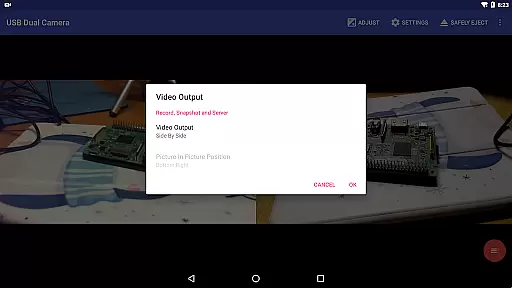
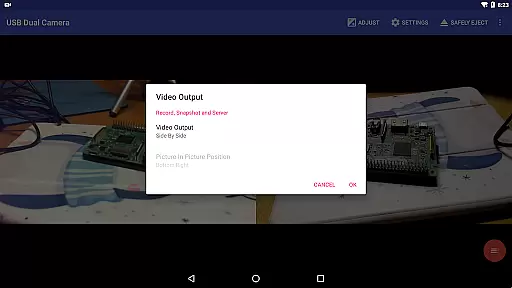
The application also provides sophisticated video composition options such as creating full Side-by-Side (SBS) 3D videos when using two cameras simultaneously. This feature opens new creative possibilities for producing immersive 3D content viewable with compatible players.
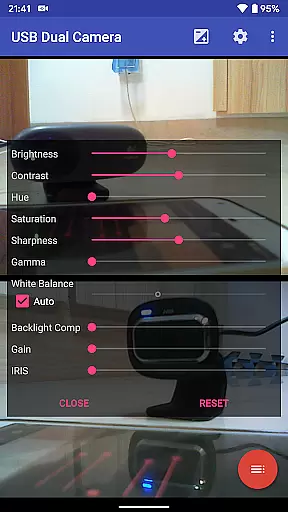
Additionally, the app's ability to overlay built-in camera footage onto external camera video introduces dynamic layering capabilities. Users can add timestamps, GPS data, speed information, and other metadata directly onto video frames during recording, streamlining workflows that require detailed documentation.
User-friendly interface
High-quality video support
Multiple codec compatibility
Advanced streaming capabilities
Comprehensive feature set
Requires good OTG cables
Power supply dependent
Complex setup process
Limited third-party app integration
Premium pricing model

Search & download videos from net with all video downloader, auto-detect & safe.
 4.60
4.60
HD video maker with no watermark, no ads & vlog maker with music, PIP, text
4.50
Powerful HD video player with support for all formats & subtitles.
4.5
IPTV Player - Watch live TV from m3m & m3u8 playlist, stream IPTV on mobile
3.30
Make your own Animations, Video and Photo Edits, Visual Effects, and more!
4.00
Browser for Sony TV to stream web videos, online movies and live tv
3.20
Watch IPTV on your Android device
4.60
VLC for Android is the best open source video and music player, fast and easy!
4.10
convenient, safe and fast at Video Downloader & Player
4.60
Tik & Story Saver-Download ALL social media videos, photos & reels no watermark.
4.80
High-Quality USB Camera Viewer & HDMI Display
4.70
Support 1000+ Video Format, Subtitle Download, mp3 & Background Play, Cast On TV
4.60
IPTV Loader, loads your own Playlist. DOES NOT CONTAIN ANY LIST OR CHANNELS
4.60
Browser + Remote for Roku to stream webvideos, online movies and livestreams
4.60
KMPlayer Plus (Divx Codec) officially support Divx codec.
4.30
Video player with 4K & 1080P support, popup play, background play and subtitle.
4.20
Kodi media center, a free and open source cross-platform entertainment hub
3.60
Client application for NextPVR software
3.00
You can play SWF format file!
2.50


User Reviews