
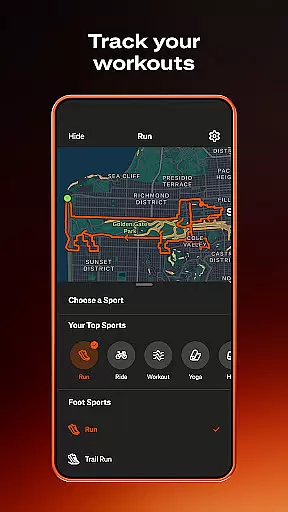
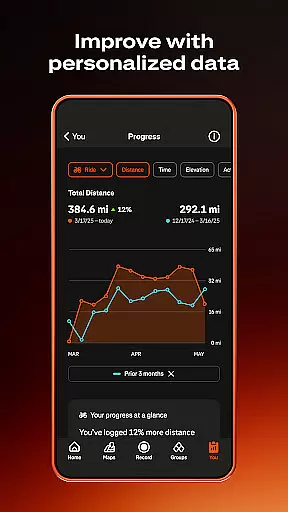
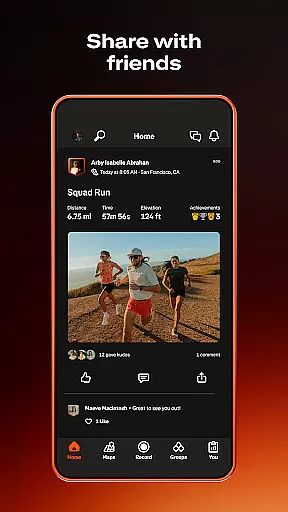
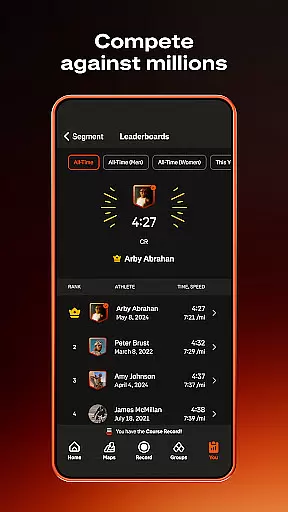
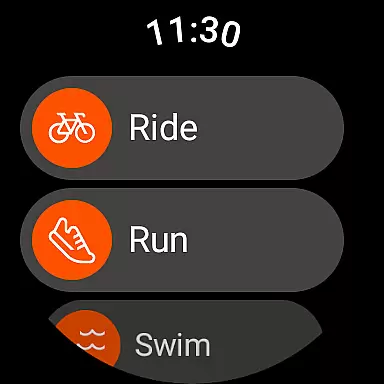
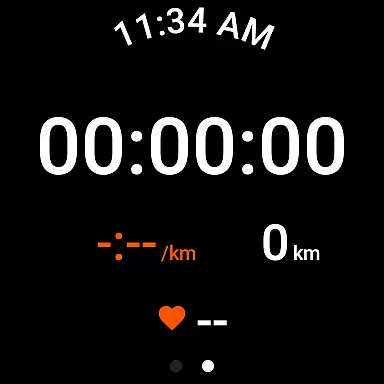
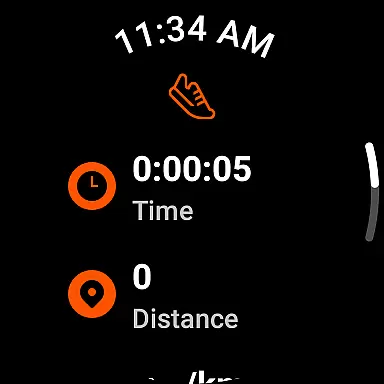
Strava is the ultimate fitness tracking app that combines community building with performance monitoring, designed specifically for athletes and fitness enthusiasts. With over 180 million active users, Strava supports a wide range of activities including running, cycling, walking, hiking, and yoga, along with over 40 other sport types. The app syncs seamlessly with thousands of devices such as Apple Watch, Garmin, Fitbit, and Peloton, offering users comprehensive data insights to track their progress over time. Whether you're competing on segments to reach the top of leaderboards or analyzing your training log, Strava provides tools like Live Segments and AI-driven Athlete Intelligence to enhance your performance.
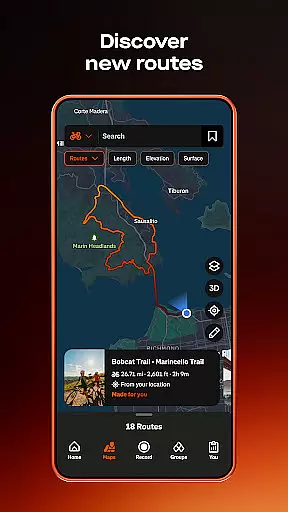
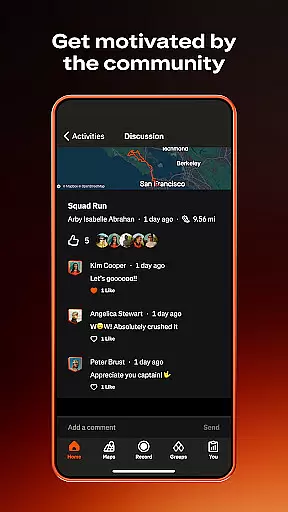
Beyond individual tracking, Strava fosters a strong sense of community by enabling users to join local clubs, participate in monthly challenges, and follow friends or favorite athletes. Features like Beacon ensure safety by allowing users to share their real-time location with loved ones during activities. Privacy controls are robust, letting users manage who sees their data and hide specific map points. Subscribers gain access to advanced features like intelligent route recommendations, custom goals, and injury-prevention exercises through Recover Athletics. Whether you're a world-class athlete or just starting out, Strava offers the tools and support network to help you achieve your fitness goals.
Strava stands out with its extensive feature set tailored for both casual exercisers and serious athletes. One of its core strengths is the ability to record a diverse array of activities—over 40 sport types—and sync with popular fitness devices like Apple Watch, Garmin, and Fitbit. This ensures that every workout is captured accurately, providing users with reliable data to analyze their performance. The app's segment feature adds a competitive edge, allowing users to race against others on specific routes and earn leaderboard positions. For those seeking deeper insights, Strava's premium subscription unlocks powerful tools like Live Segments, which delivers real-time performance updates, and Athlete Intelligence, offering AI-driven analysis of workout data.
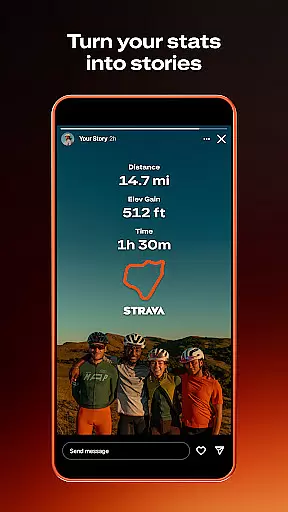
Community engagement is another cornerstone of Strava's appeal. Users can join Clubs to connect with local groups, participate in monthly Challenges to stay motivated, and interact with a personalized feed showcasing real efforts from friends and followed athletes. Safety features like Beacon provide peace of mind by sharing real-time locations with trusted contacts. Additionally, privacy controls are comprehensive, enabling users to manage activity visibility and edit map details. Subscribers also benefit from advanced route planning, custom goal setting, and access to injury-prevention resources via Recover Athletics. These features collectively create a holistic platform that not only tracks fitness but also builds a supportive community around it.
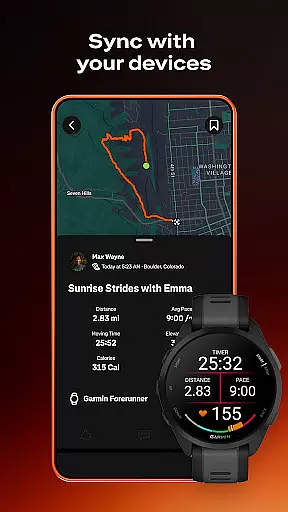
Companion app integration is essential for users who rely on multiple devices to track and enhance their fitness activities. Strava excels in this area by offering seamless connectivity with a wide range of devices, including the Apple Watch, Garmin, Fitbit, and Peloton.
The Strava Wear OS app enhances this experience further by providing a tile and a complication that allow users to launch activities quickly. This ensures that whether you're cycling, running, or engaging in yoga, your data is consistently synchronized across all platforms.
By integrating with thousands of devices, Strava not only simplifies activity tracking but also enriches the user's data insights. This comprehensive synchronization empowers users to understand their progress over time better and compete on segments, enhancing both individual and community-driven fitness goals.
Device compatibility is crucial for ensuring that users can enjoy a seamless experience across various platforms. Strava supports an extensive array of devices, making it versatile and accessible to a broad audience. Whether you're using a Wear OS device or other popular fitness trackers, Strava has got you covered.
Strava's compatibility extends beyond just basic functionality; it includes advanced features like real-time updates on segments and AI-driven insights. These features are particularly beneficial for athletes who demand high performance and detailed analytics from their apps.
Moreover, Strava addresses potential GPS issues proactively by restricting installation on devices known for poor GPS performance, such as the Samsung Galaxy Ace 3 and Galaxy Express 2. This commitment to quality ensures that users enjoy accurate location tracking and reliable data recording, thus maintaining trust and satisfaction.
User-friendly interface
Extensive device compatibility
Robust community features
Advanced performance analytics
Comprehensive privacy controls
Premium subscription costly
Limited free features
Occasional GPS issues
High battery consumption
Complex for beginners

Beautiful artistic animated digital watch face, with a customizable layout!
 4.40
4.40
Easy Voice Recorder is your everyday companion to record important moments.
4.70
Sleek, highly customizable watch face inspired by Galaxy Watch Circle Dashboard.
4.2
Digital watch face with big numbers and many customization for Wear OS devices
4.40
Kia Access makes getting your vehicle information easier than ever
4.60
To-Do List: daily schedule planner, task organizer, to do reminder app, calendar
4.60
Get helpful reminders, take progress photos and find answers to your questions.
3.90
The most customizable hybrid watch face. For Wear OS 5.0, API 34+ and later
4.70
A modern hybrid informative watch face for Wear OS designed by BALLOZI
4.80
Christmas - Festive - Christmas Village - Winter - Christmas lights
5.00
WTW M17 is a premium and luxurious hybrid watch face
4.70
Monitor health with the stress test and pulse checker in the heart rate app.
4.60
Deck out your Wear OS Watch face with a beautifully decorated pine wreath!
4.50
Locate your family members by GPS phone location tracker everywhere and anytime
4.30
A digital watch face that celebrates Christmas.
4.00
Viewer for Wyze/Yi/Eufy/Arlo/ONVIF/RTSP/P2P IP cams w/ adv. features & DIY DVR
4.00
Animated Watch Face and Customizable with 24 Backgrounds. Perfect for Christmas!
3.90
Precision analog watch face with 7 complications and style options
4.3
Stylish digital watch face for Wear OS devices with customizable features
4.2


User Reviews