
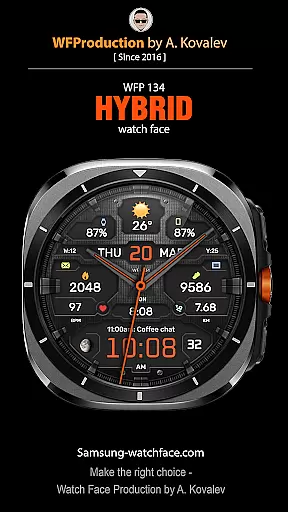
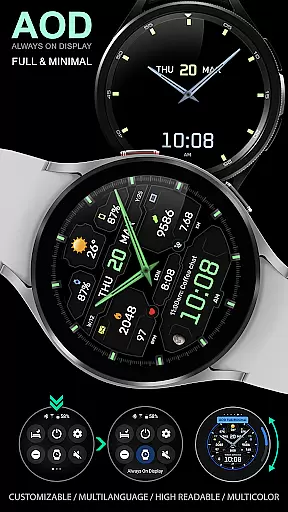
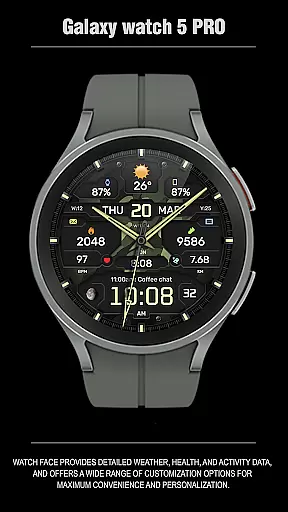
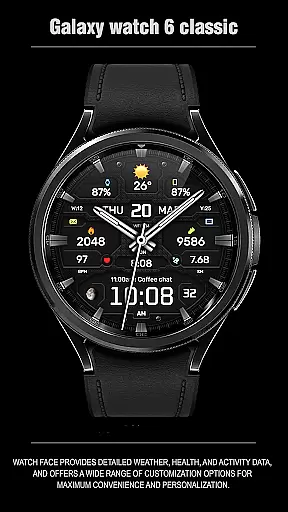
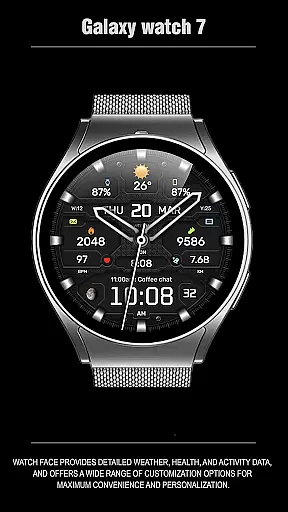
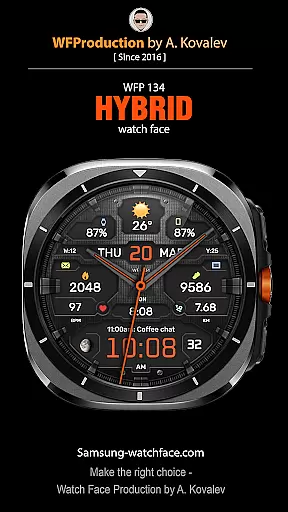
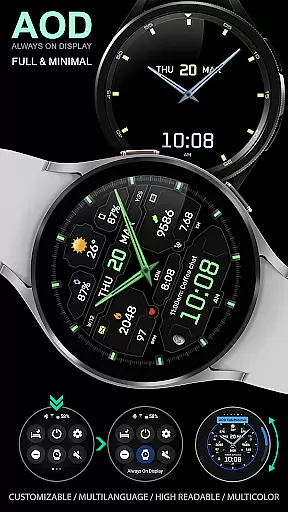
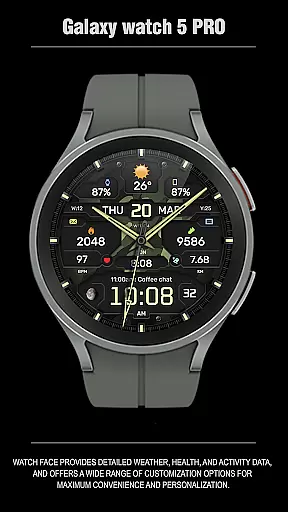
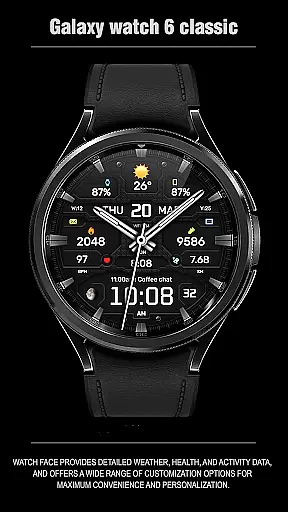
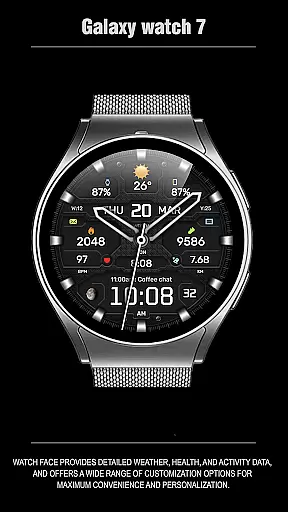
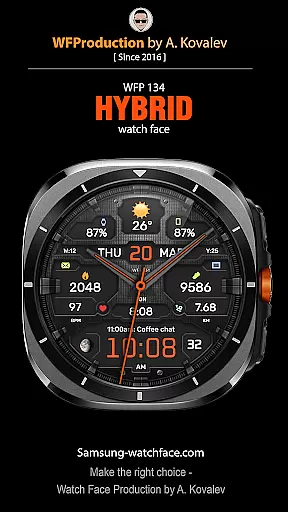
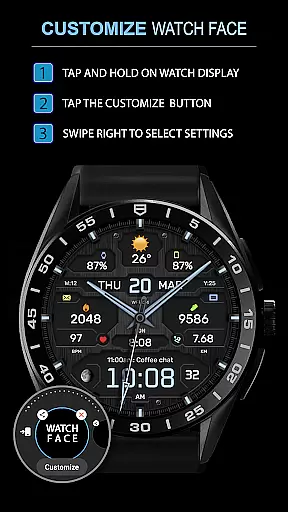
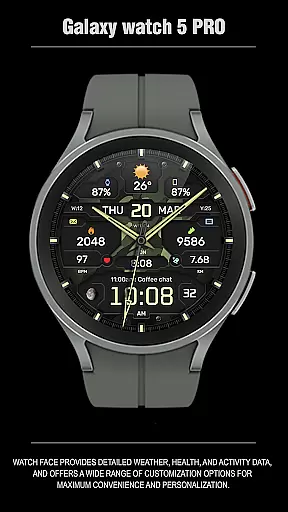
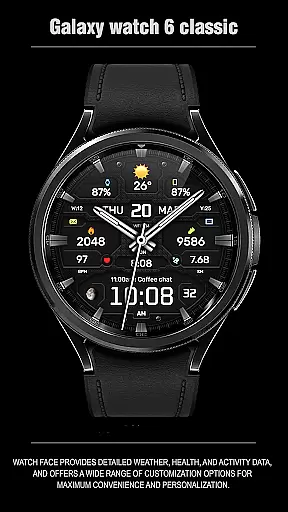
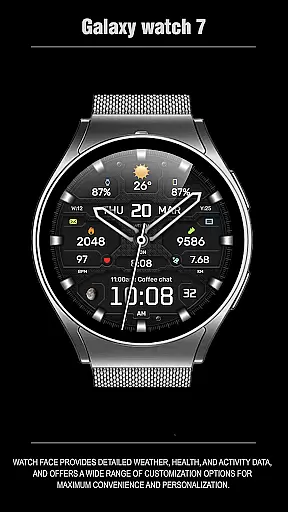
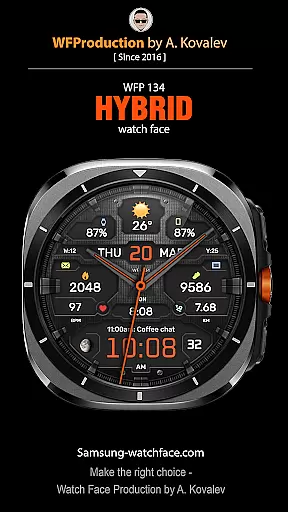
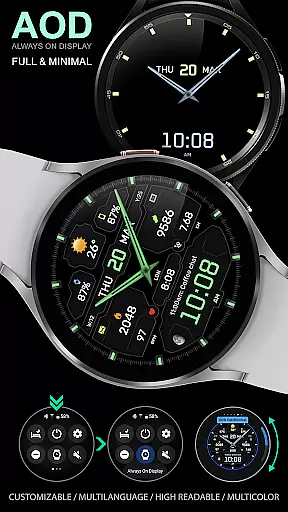
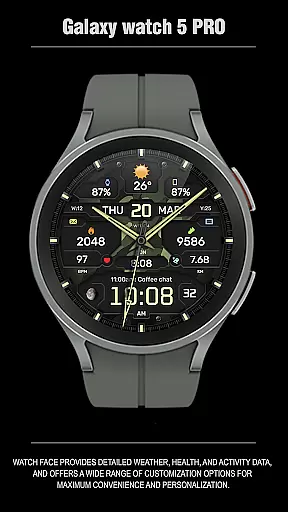
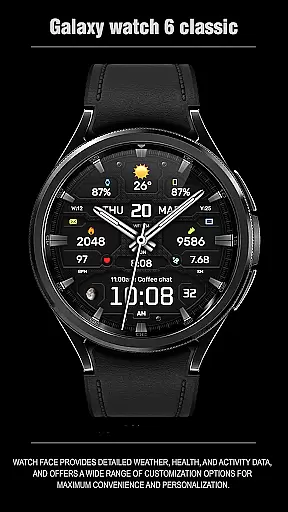
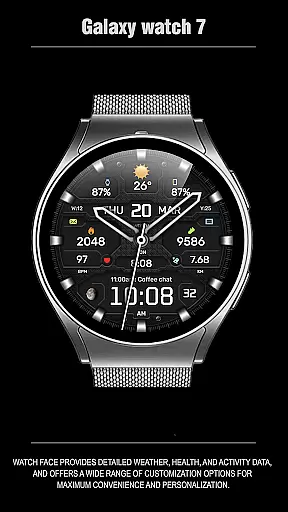
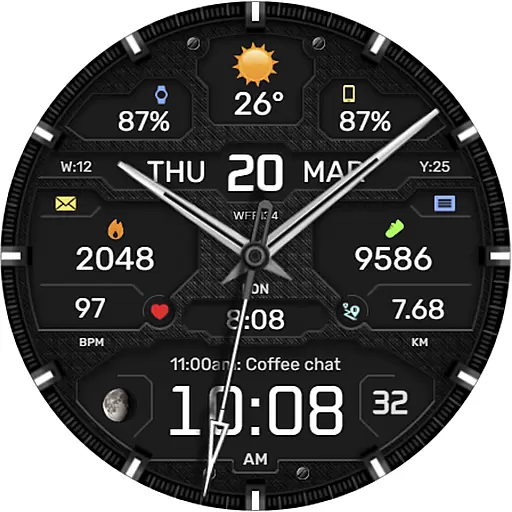
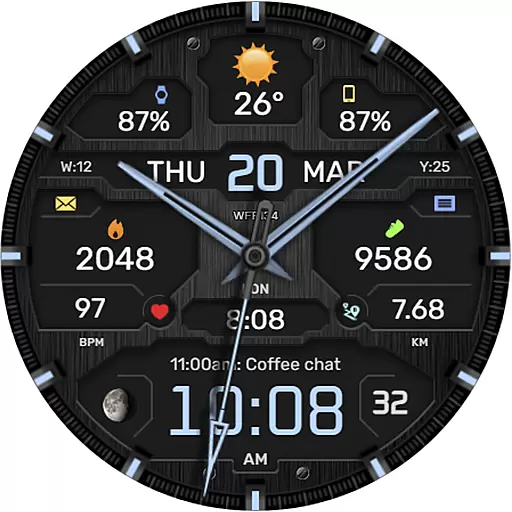
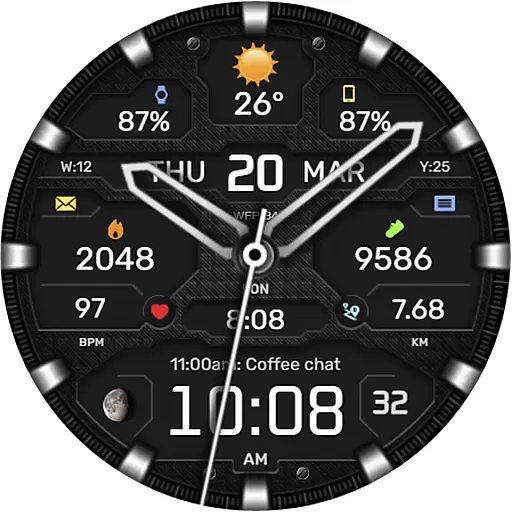
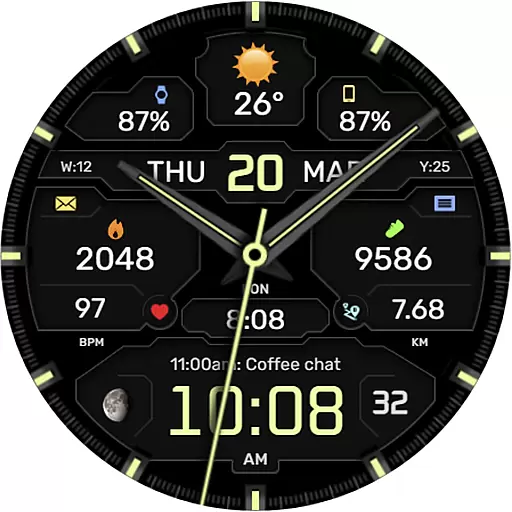
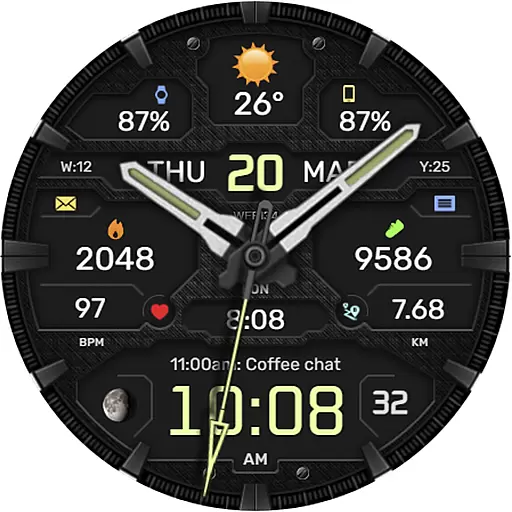
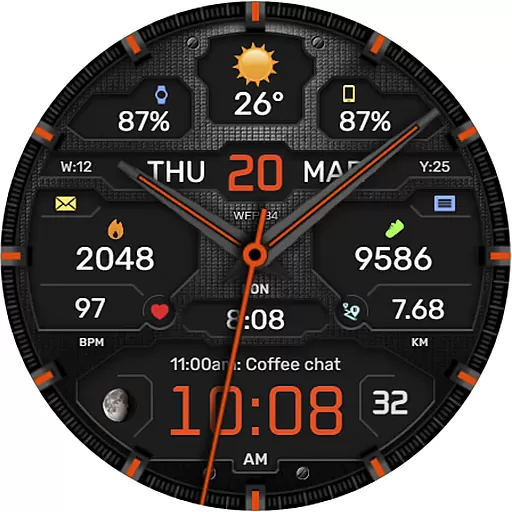
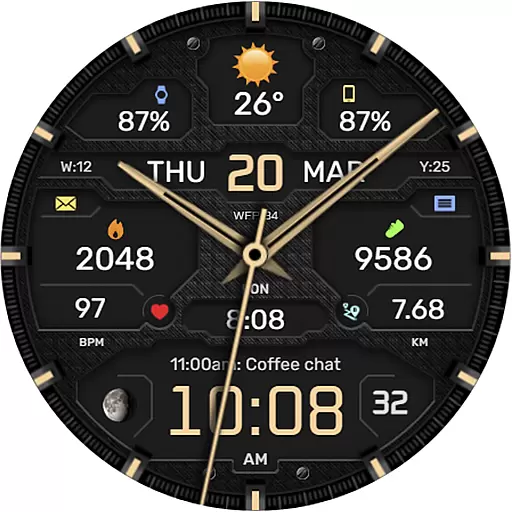
The WFP 134 Hybrid watch face is a versatile and stylish wearable application designed for smartwatch users seeking both functionality and personalization. This innovative watch face not only displays time but also provides comprehensive data including weather forecasts, health metrics, and activity tracking. With compatibility across devices running API 34+ and later, it ensures broad usability.
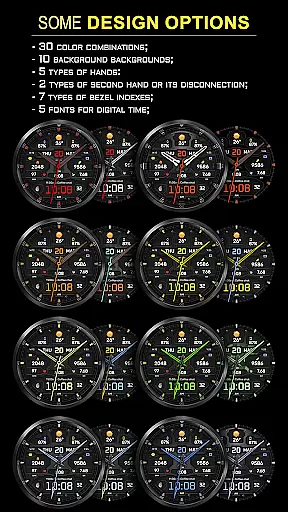
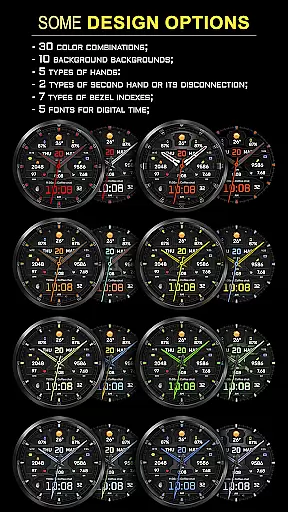
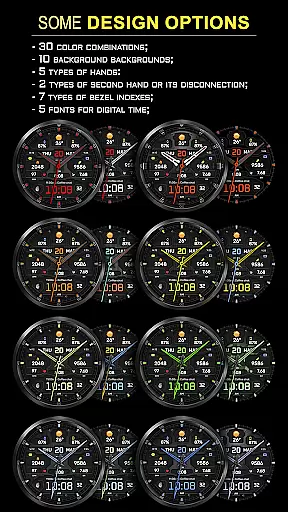
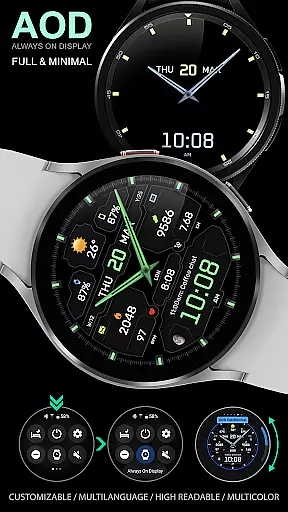
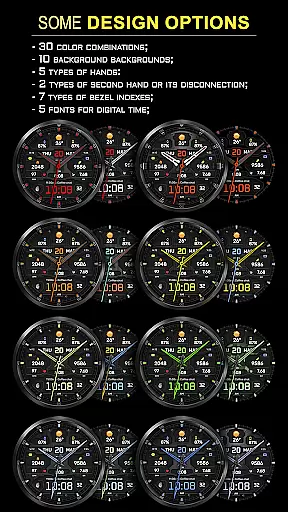
What sets this watch face apart is its extensive customization options. Users can choose from 30 color combinations, 10 backgrounds, and various display settings such as 5 types of hands and 7 bezel indexes. The inclusion of an Always-On Display (AOD) mode, weather in Fahrenheit or Celsius, and multilingual support makes it adaptable to individual preferences. Whether you're monitoring your fitness goals or staying updated with weather conditions, this app offers both convenience and style.
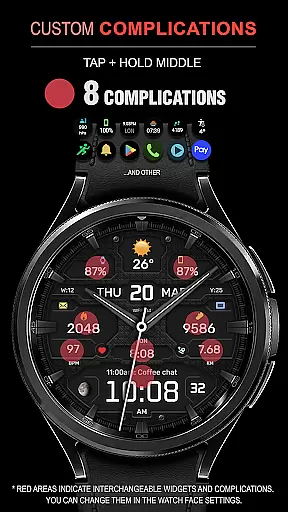
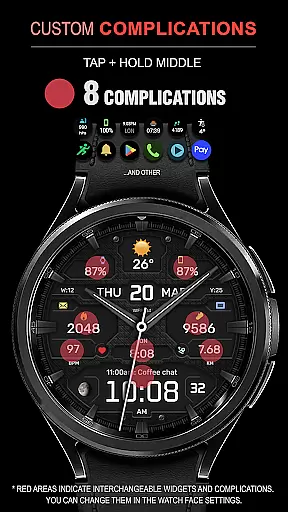
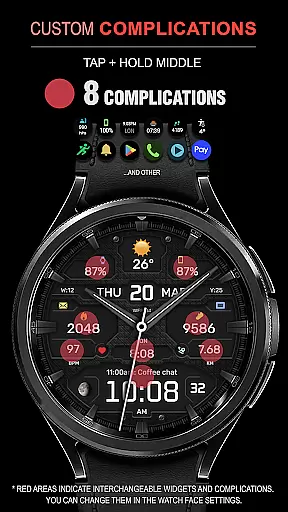
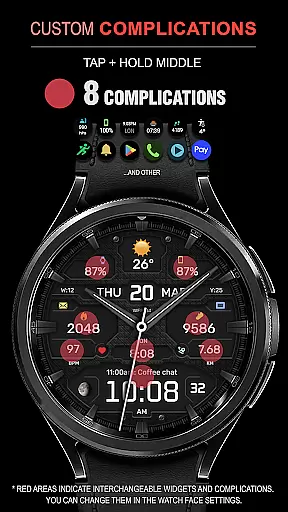
The WFP 134 Hybrid watch face stands out with its rich feature set tailored for smartwatch enthusiasts. One of the key highlights is the availability of 8 complications, allowing users to access detailed information at a glance. These include weather forecasts, moon phases, and health statistics, all optimized for quick readability.
Customization is at the core of this application's design. Users can personalize their watch face with 30 color schemes, 10 unique backgrounds, and 5 fonts for digital time display. Additionally, features like Black edition mode, high-resolution graphics, and low battery consumption ensure both aesthetic appeal and practicality. The dual-language support and customizable AOD mode further enhance user experience by catering to diverse needs and preferences.
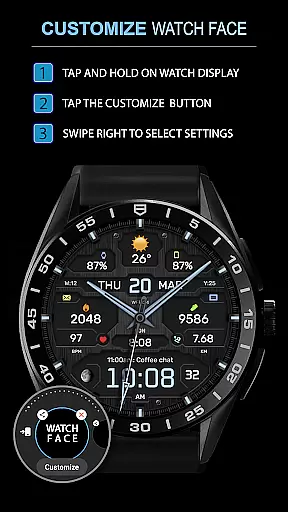
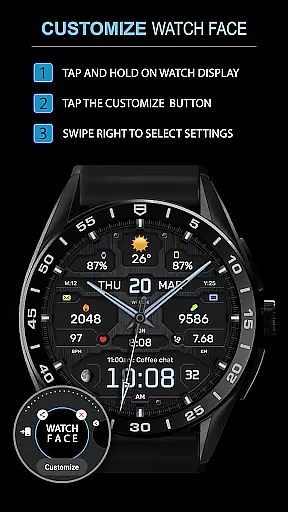
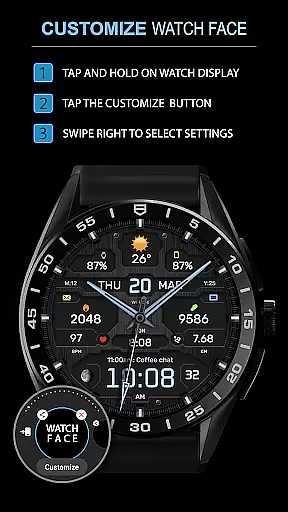
Companion app integration is essential for a seamless experience between a smartphone and a wearable device. The WFP 134 Hybrid watch face excels in this area by offering users the ability to customize their watch face directly from their phone.
This application provides detailed weather, health, and activity data, which can be easily synced with the companion app. Users can access various customization options such as color combinations, backgrounds, and types of hands through an intuitive interface on their mobile device.
By following the provided installation instructions and settings links, users can effortlessly set up widgets for phone charge, calories, floors climbed, and more. This ensures that all necessary information is readily available at a glance on the hybrid watch face.
The promotion of Buy 1 - Get 1 free further enhances the value proposition, allowing users to enjoy a personalized and functional watch face experience while also benefiting from regular updates and news via multiple social media platforms.
Ensuring compatibility across various devices is crucial for any Wear OS application. The WFP 134 Hybrid watch face supports devices running API 34+ and later, making it accessible to a wide range of users with compatible Samsung devices.
This compatibility extends to providing high-resolution visuals and optimized performance, ensuring that the watch face looks great and runs smoothly on all supported devices. With features like weather forecast, moon phases, and multilingual support, users can enjoy a rich set of functionalities regardless of their device model.
Additionally, the application boasts low battery consumption, thanks to its high optimization. This allows users to benefit from the extensive customization options without worrying about excessive power usage affecting their daily routine.
For those interested in staying updated with the latest news and promotions, links to web, Telegram, Facebook, and Instagram pages provide continuous engagement opportunities, enhancing user experience beyond just device compatibility.
Highly customizable
Low battery usage
Wide compatibility
Stylish design
Comprehensive data
Complex setup
Premium cost
Limited free options
Occasional bugs
Advanced features locked

Christmas - Festive - Christmas Village - Winter - Christmas lights
 5.00
5.00
Rose gold watch face with festive lights & customizable features.
4.60
A full-featured Amazon Alexa voice assistant that can show you things.
3.70
Analog watch face with 8 complications and expedition styling
4.4
Simple Analog-Digital Watchface For Wear OS 3.0 and Up Smartwatches
4.0
3 Complications. All shadow on/off. 30 Themes color palette...
4.3
Find EV charging stations
4.30
Locate your family members by GPS phone location tracker everywhere and anytime
4.30
Back up your contacts & access them anywhere
4.30
Beautiful, colorful and practical watch face. For Wear OS devices.
5.00
Current temperature, weather hourly, weather radar by the weather forecast app
4.40
Reliable phone calls with spam protection, caller ID and more helpful features
4.40
Your music, your playlists, and more—offline and unlimited.
4.20
Embrace the festive spirit with our Christmas Countdown watchface for Wear OS
4.10
Viewer for Wyze/Yi/Eufy/Arlo/ONVIF/RTSP/P2P IP cams w/ adv. features & DIY DVR
4.00
Stay in touch with your friends and family using LINE!
3.40
Christmas and New Year - Themed Watchface
4.2
A Wintery Snow Globe on Your Wrist; now celebrating Christmas!
4.3
A watch face that fuses motorsport precision with contemporary smartwatch design
4.2


User Reviews