
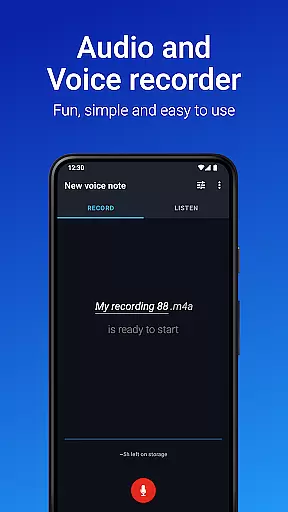
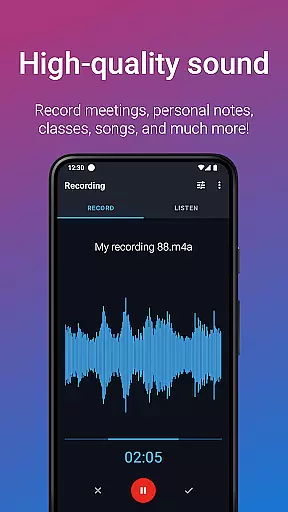
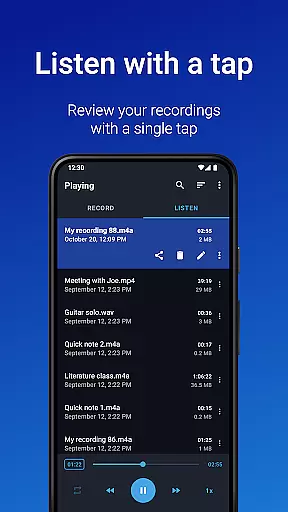
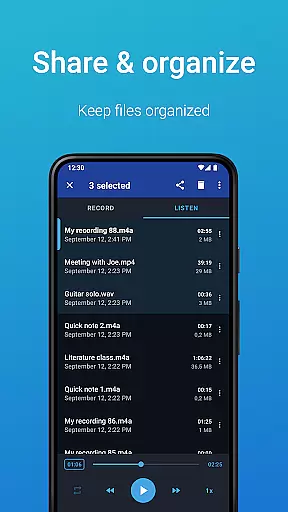
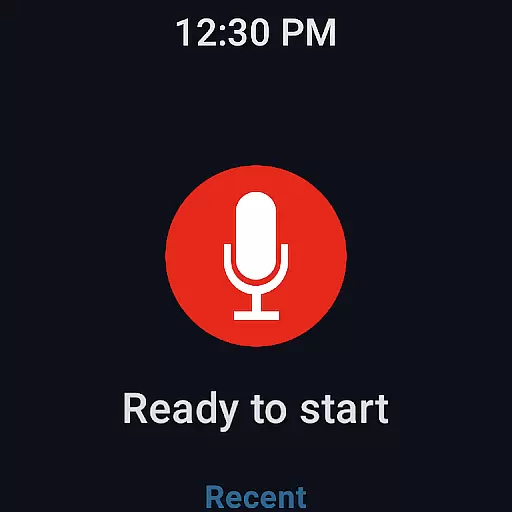
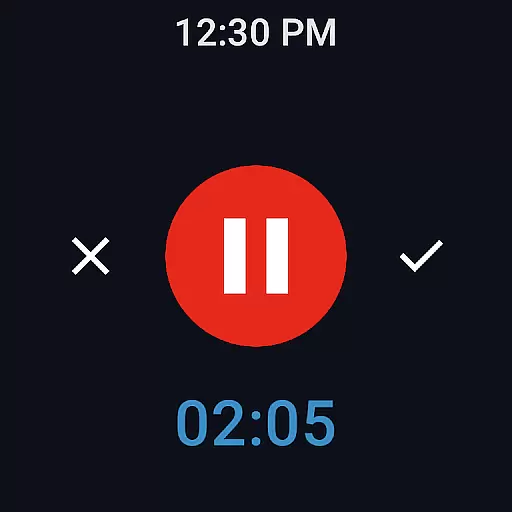
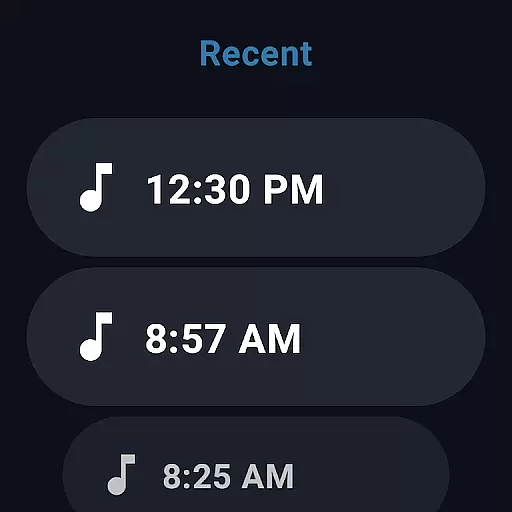
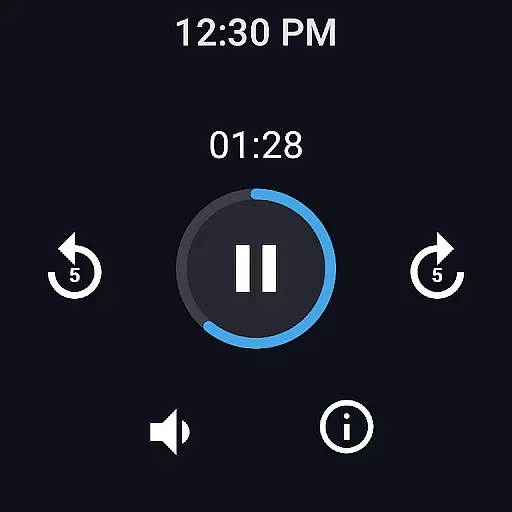
Easy Voice Recorder is a versatile audio recording application designed for Android Wear and mobile devices. It allows users to capture high-quality recordings of meetings, lectures, music, and more without any time restrictions. The app offers multiple formats including PCM, MP4, and AMR, providing flexibility in storage and quality options.
Specifically tailored for students, professionals, and musicians, the app features playback speed control, background recording, and easy sharing options. Users can quickly initiate recordings through widgets and shortcuts, making it an ideal tool for capturing important moments on-the-go. Its seamless integration with Wear OS enables smartwatch recording, adding another layer of convenience.
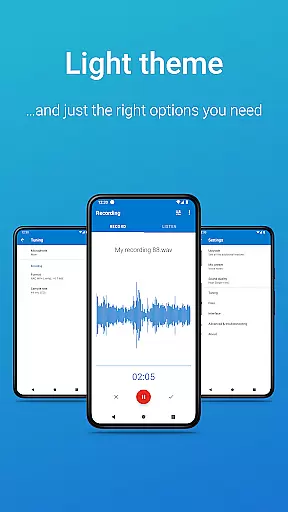
The Pro version expands functionality with cloud uploads, MP3/FLAC/AAC support, Bluetooth microphone compatibility, and advanced editing tools. With its user-friendly interface and customizable settings, Easy Voice Recorder proves to be a reliable companion for all audio recording needs.
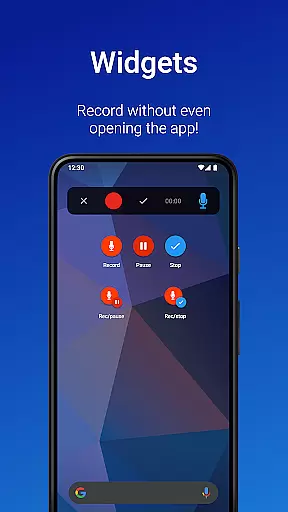
Easy Voice Recorder stands out with its comprehensive feature set tailored for diverse recording scenarios. The app supports high-quality PCM and MP4 formats, while also offering space-saving AMR options. Its intuitive widget system and shortcuts allow users to start recordings instantly from their home screen or smartwatch.
For enhanced usability, the app provides playback speed adjustments, making it easier for students to review lecture materials at their preferred pace. Business professionals benefit from seamless sharing capabilities via email or messaging apps, as well as background recording for multitasking. Musicians can experiment with different settings and presets optimized for capturing melodies and rehearsals.
The Pro version takes these features further by introducing automatic cloud backups to Google Drive or Dropbox, stereo recording, and advanced editing tools like trimming and silence skipping. These capabilities ensure that users have complete control over their audio projects while maintaining organization through folder management.
Companion app integration is essential for a seamless experience across multiple devices. Easy Voice Recorder excels in this area by offering robust synchronization between your smartphone, tablet, and Wear OS smartwatch. This ensures that recordings started on one device can be effortlessly managed and accessed on another.
The app provides intuitive widgets and shortcuts, enabling users to initiate recordings directly from their home screen or smartwatch. This feature enhances accessibility and convenience, particularly for professionals who need to capture meetings or interviews on the go. The ability to control recording functions remotely adds a layer of flexibility that is invaluable in dynamic environments.
Sharing options are equally impressive, allowing users to distribute recordings via email or messaging apps without hassle. This interconnected ecosystem not only streamlines workflow but also ensures that important audio files are always within reach, regardless of the device you are using.
By focusing on these integrative features, Easy Voice Recorder delivers a cohesive user experience that maximizes productivity and ease of use across all compatible devices.
Wear OS and device compatibility is a critical aspect of modern applications, ensuring they function optimally across various platforms. Easy Voice Recorder stands out with its dedicated support for Wear OS, allowing users to record directly from their smartwatches. This compatibility transforms how users interact with the app, providing unprecedented convenience and accessibility.
The inclusion of a watch tile further simplifies the process, enabling quick starts for new recordings right from the wearable interface. This feature is particularly beneficial for capturing spontaneous ideas or crucial moments without needing to reach for a phone. Such immediacy can be vital in fast-paced scenarios where every second counts.
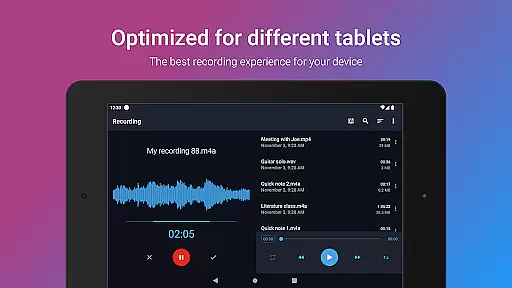
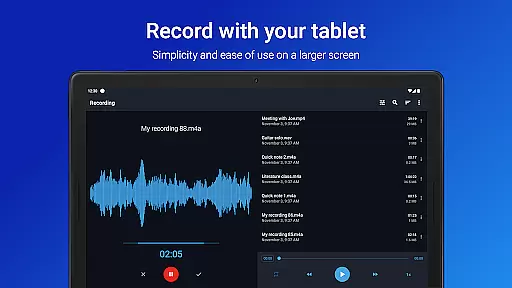
Moreover, the app's adaptability extends beyond just smartwatches. It supports a range of devices including smartphones and tablets, ensuring consistent performance and user experience. Whether you're recording lectures, meetings, or melodies, Easy Voice Recorder maintains high-quality output irrespective of the device used.
This broad compatibility underscores the appu2019s commitment to delivering reliable, flexible, and user-centric solutions tailored for today's diverse technological landscape.
User-friendly interface
High-quality recording formats
Background recording capability
Seamless Wear OS integration
Flexible sharing options
Limited free version features
No built-in call recording
Pro version requires purchase
Advanced settings may overwhelm beginners
Occasional bugs reported

Christmas is near, let's count together the days left until Santa comes
 4.0
4.0
Embrace the festive spirit with our Christmas Countdown watchface for Wear OS
4.10
A watch face that fuses motorsport precision with contemporary smartwatch design
4.0
Let's celebrate Thanksgiving - Wear Os watch face
4.20
Kia Access makes getting your vehicle information easier than ever
4.60
Hyperlocal rain alerts by MyRadar using patent-pending technology, radar & more
4.80
Reliable phone calls with spam protection, caller ID and more helpful features
4.40
Funny animated watch face for Thanksgiving
4.0
Retro digital watch face with customizable colors and a unique lighting effect
4.60
The most customizable hybrid watch face. For Wear OS 5.0, API 34+ and later
4.70
To-Do List: daily schedule planner, task organizer, to do reminder app, calendar
4.60
Bold weather Digital watchface with forecast & optional animated background
4.40
Premium hybrid watch face with many customizations for Wear OS devices.
4.40
"PER27 Galaxy Digital" is a digital Wear OS watch face designed by PERSONA
4.10
sleep, alarm, snoring, stress, healing, focus, sound therapy, circadian rhythm
4.10
Structured watch face with seven complications and modular UI elements
3.90
Authentic military-tactical design with ZULU time! Realistic and functional!
3.80
Stylish digital watch face for Wear OS devices with customizable features
4.2
Hybrid Vibrant Health Watch Face for Wear OS
4.2


User Reviews