
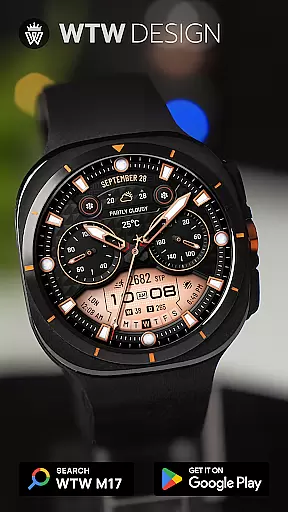
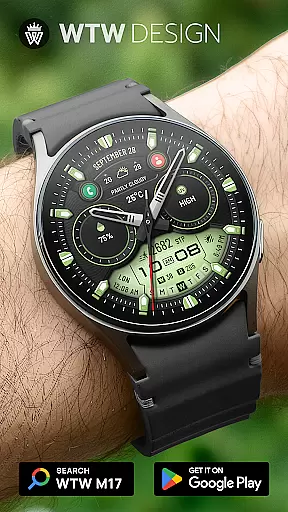
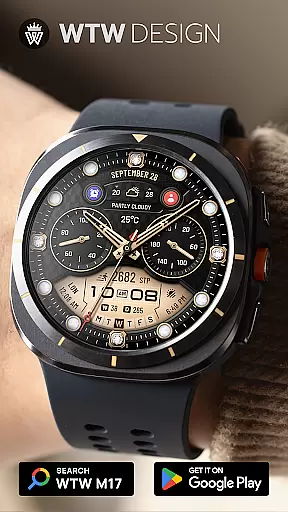
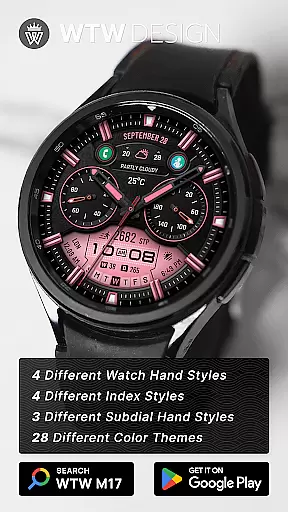
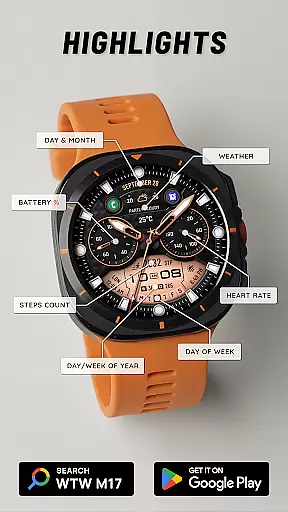
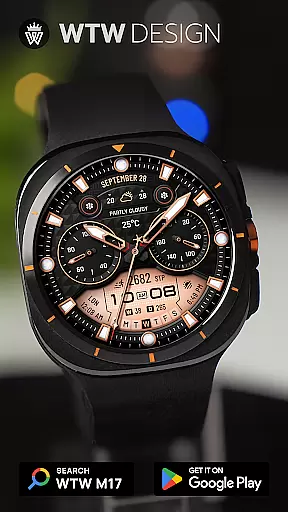
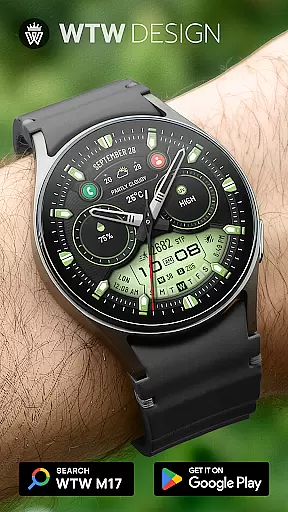
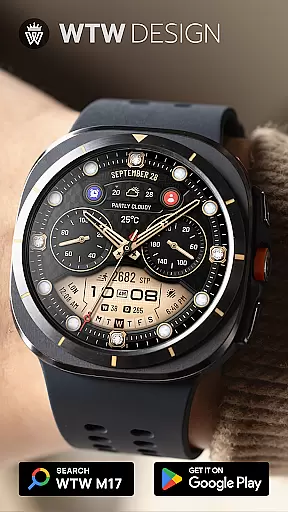
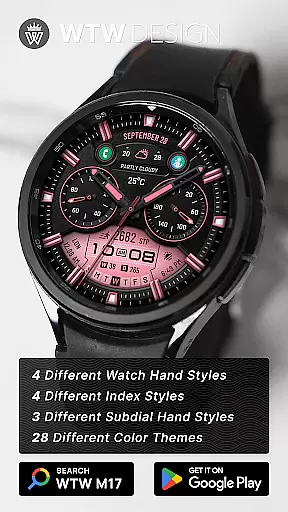
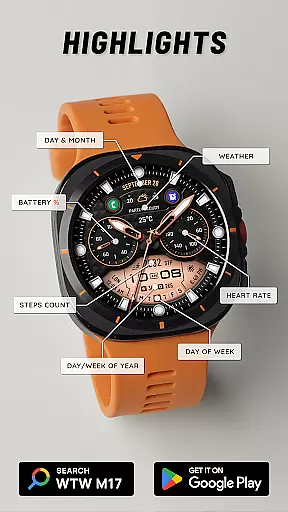
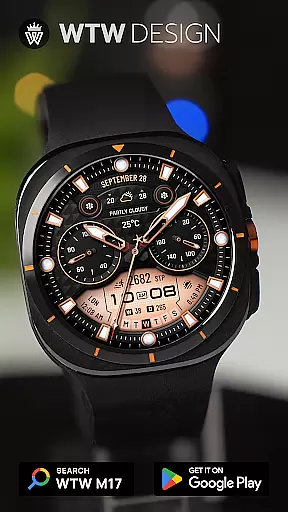
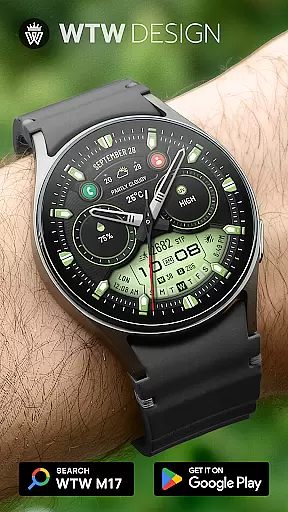
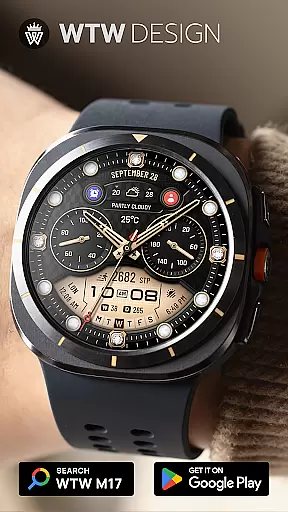
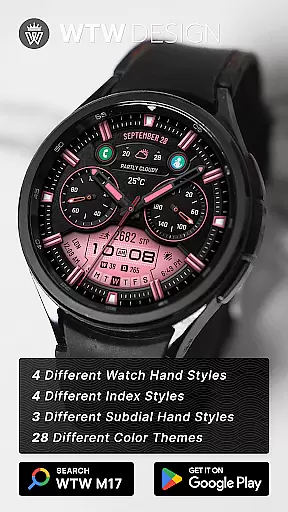
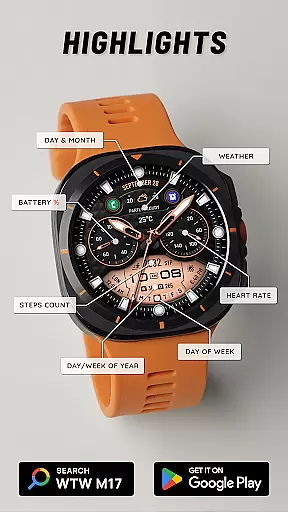
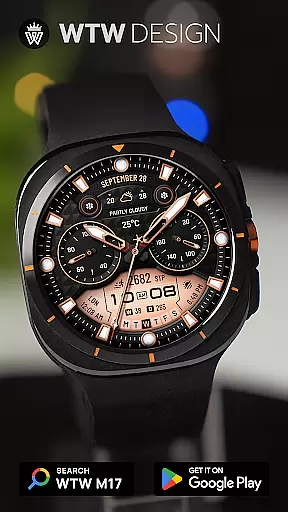
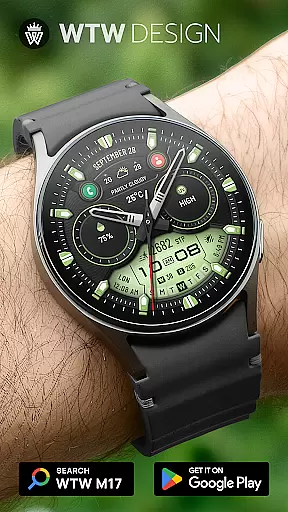
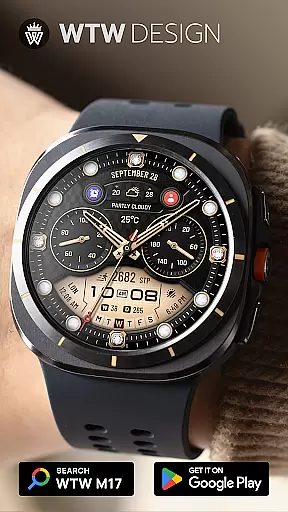
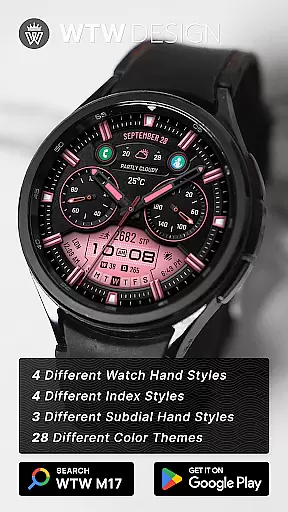
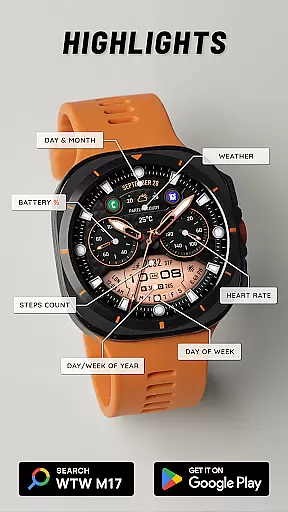
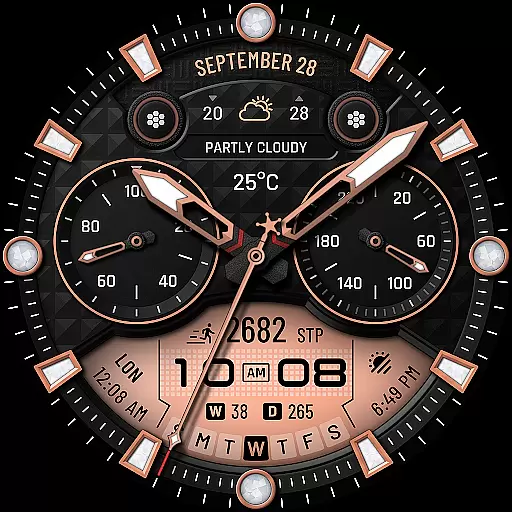
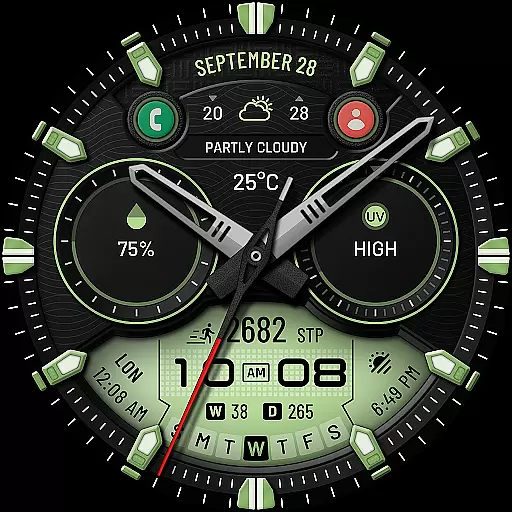
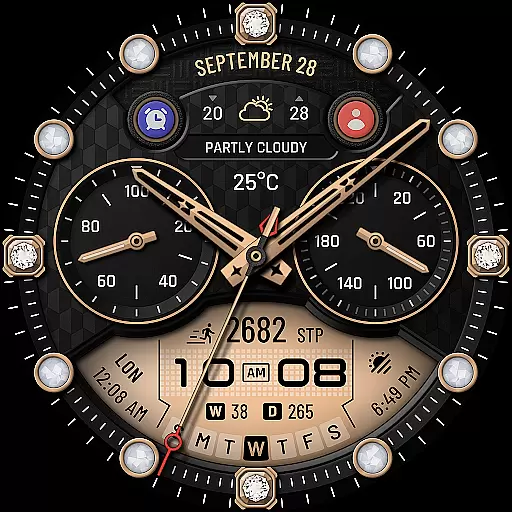
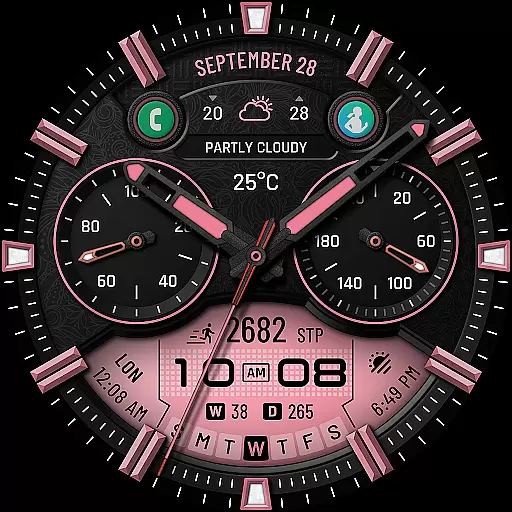
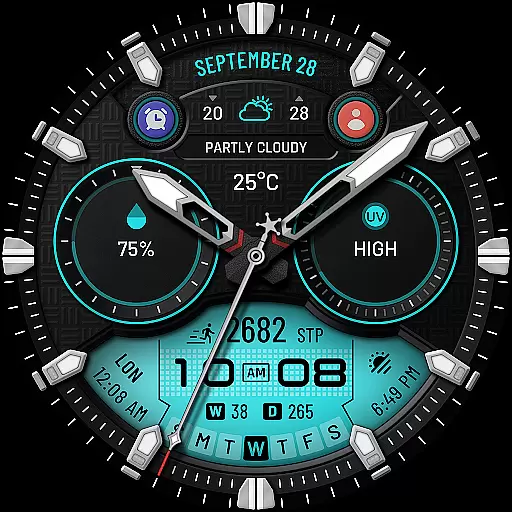
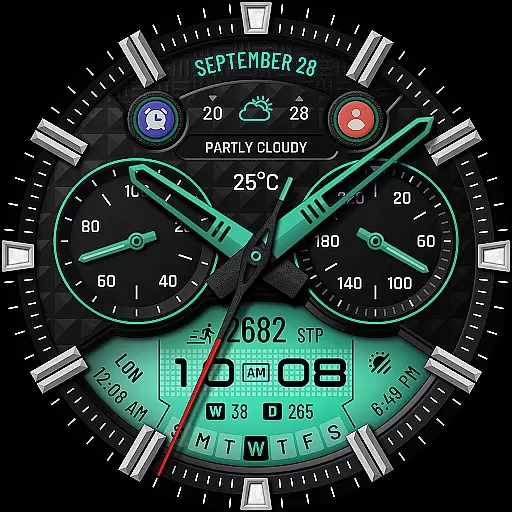
WTW M17 Hybrid Watch Face is a versatile and customizable watch face designed for Wear OS devices. Supporting all Wear OS devices with API Level 30+, this app offers compatibility with Samsung Galaxy Watch series, Pixel Watch, and more. The watch face features an analog dial, digital time display based on phone settings, battery percentage, heart rate monitoring, step counting, date information, weather updates, and much more.
With over 15 unique features including multiple watch hand styles, index styles, subdial hand styles, preset app shortcuts, custom complications, and multicolor options, users can personalize their watch face to suit their preferences. The Always On Display ensures that essential information is always visible at a glance. Whether you're tracking fitness goals or simply want a stylish and functional watch face, WTW M17 Hybrid Watch Face delivers both form and function.
WTW M17 Hybrid Watch Face stands out with its extensive customization options and rich feature set. The app includes an analog dial with support for both 12/24hr digital time formats based on your phone's settings. It provides practical information such as battery percentage, BPM heart rate, steps counts, day & month, day of the week, day in year, week in year, and weather updates.
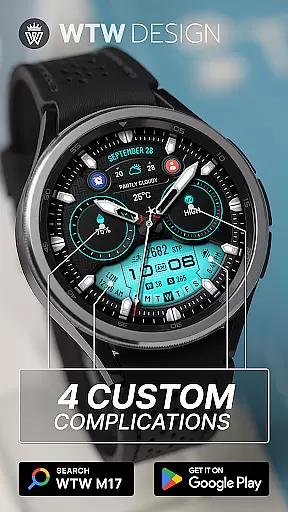
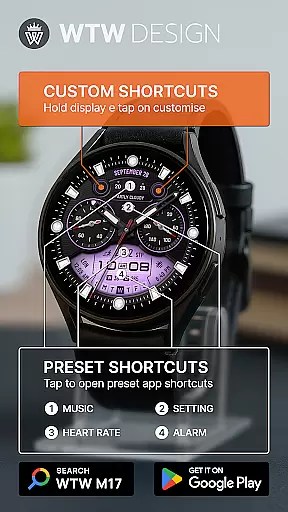
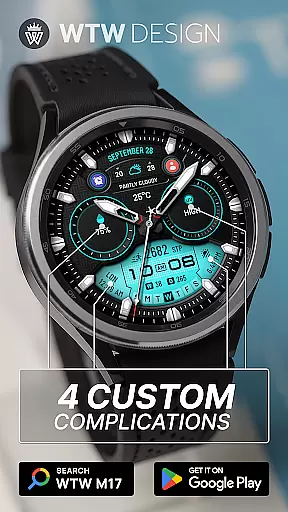
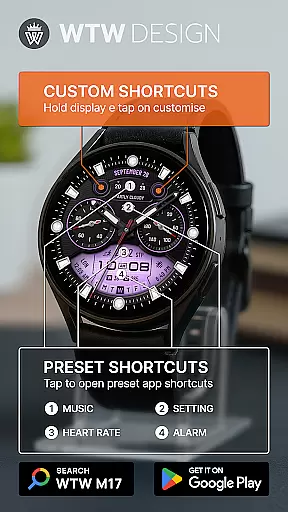
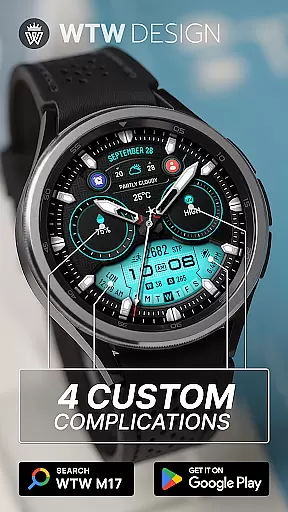
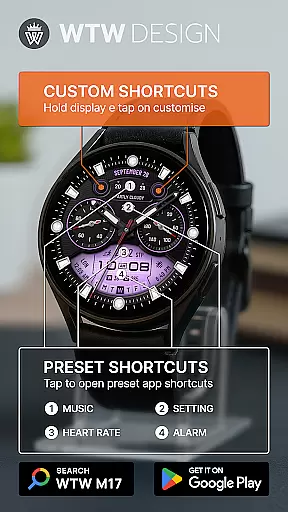
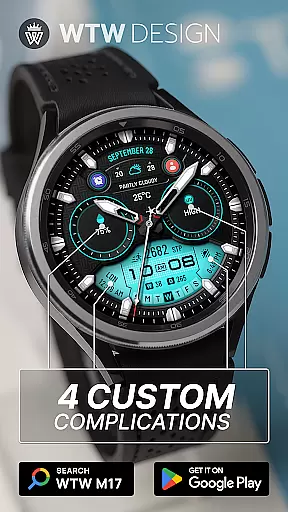
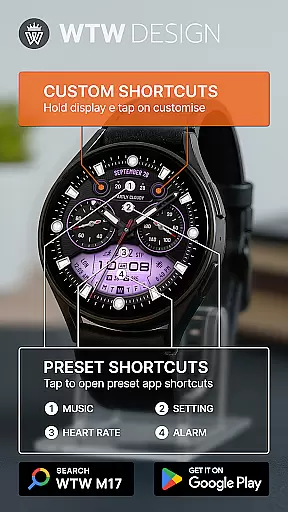
Users can choose from 4 different watch hand styles, 4 index styles, and 3 subdial hand styles to create a personalized look. Additionally, the app offers 4 preset app shortcuts (Music, Alarm, Heart Rate, Setting), 4 custom complications, and 2 customizable app shortcuts. With multicolor options and an Always On Display feature, this watch face combines aesthetics with functionality. These features ensure that users have quick access to important information while enjoying a visually appealing design tailored to their individual tastes.
For the WTW M17 Hybrid Watch Face, companion app integration is crucial for a seamless wearable experience. This feature ensures that your watch face settings are perfectly synchronized with your smartphone.
The application supports all Wear OS devices with API Level 30+, including Samsung Galaxy Watches and Pixel Watches. By connecting through the companion app, users can easily customize their watch face to suit their preferences.
Through the synchronization feature, users can access various functionalities such as music control, alarm settings, heart rate monitoring, and more directly from their wrist. This connectivity enhances user convenience by providing quick access to essential functions without needing to reach for their phone.
Device compatibility is a key aspect of the WTW M17 Hybrid Watch Face, ensuring it works seamlessly across a wide range of Wear OS devices. The watch face is optimized for Samsung Galaxy Watch versions 4 through 8, including special editions like the Ultra and Classic models, as well as the Pixel Watch.
This broad compatibility means that regardless of which Wear OS device you own, you can enjoy the rich features of the WTW M17. These include analog and digital time displays, battery percentage indicators, heart rate monitoring, step counting, and even weather updates.
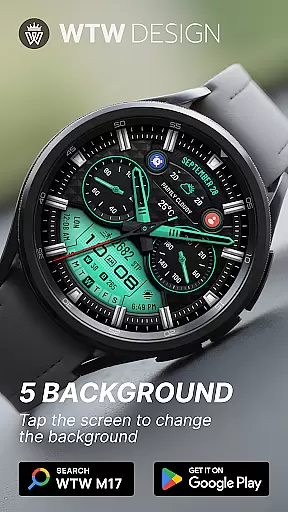
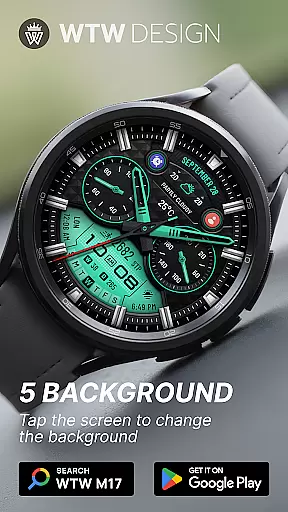
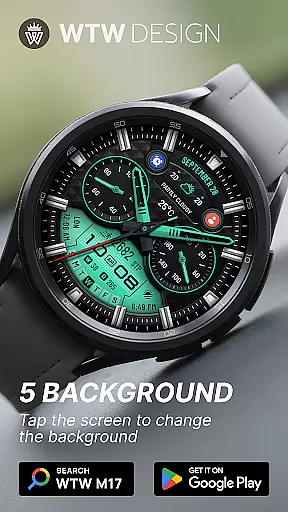
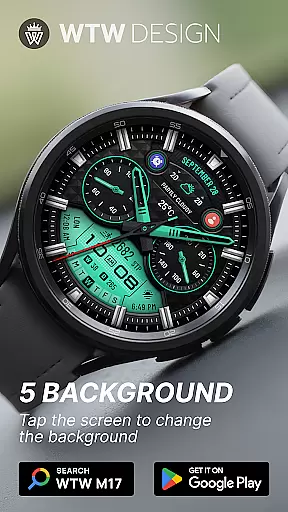
With support for multiple customizable elements such as watch hand styles, index styles, and subdial hand styles, users have extensive options to personalize their watch face. This level of customization ensures that every user can tailor their smartwatch experience to match their personal style while enjoying full functionality.
Highly customizable
Wide device compatibility
Rich feature set
Always On Display
Multiple style options
Requires API Level 30+
Complex setup process
Limited free features
Premium version needed
Battery consumption

A watch face that fuses motorsport precision with contemporary smartwatch design
 4.5
4.5
Elegant animated Christmas tree with multiple customization options
4.20
Sleek, highly customizable watch face inspired by Galaxy Watch Circle Dashboard.
4.4
Stylish digital watch face for Wear OS devices with customizable features
4.0
Kia Access makes getting your vehicle information easier than ever
4.60
Reliable phone calls with spam protection, caller ID and more helpful features
4.40
Your local weather forecast, storm tracker, radar maps & live weather news
3.40
Control your Samsung Smart TVs, appliances, and SmartThings-compatible devices
4.60
Spam call blocker and caller ID for automatic call protection!
4.40
Beautiful, colorful and practical watch face. For Wear OS devices.
5.00
Gym Log & Workout Tracker | Fitness Journal, Training & Weight Lifting Planner
4.90
Period, ovulation & pregnancy tracker. Fertility insights & menstrual calendar.
4.90
Ideal for surviving in the wasteland left after nuclear fallout
4.50
Digital watch face. For Wear OS devices.
4.40
Calming & relaxing sounds for sleeping and stress relief. Stay focused all day!
4.20
The #1 source of faces for your smartwatch!
4.00
Animated Watch Face and Customizable with 24 Backgrounds. Perfect for Christmas!
3.90
Fitness interactive virtual pet super fighter boy watch face
4.2
Minimalistic design modern digital watch face.
4.1


User Reviews