

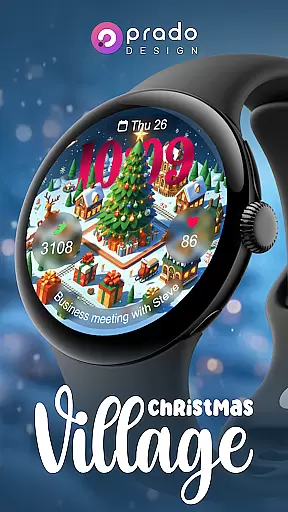
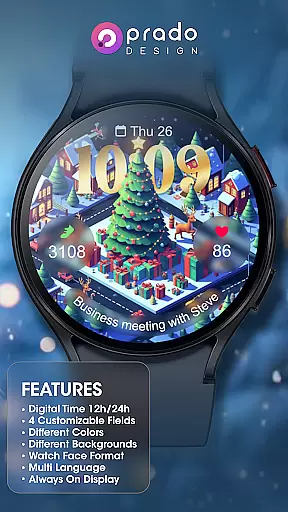
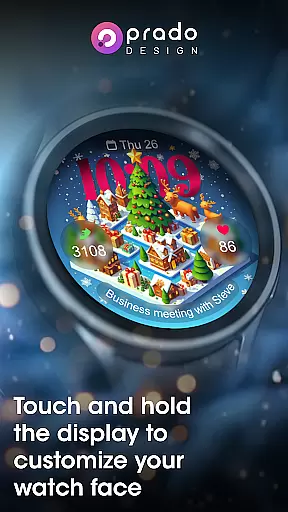
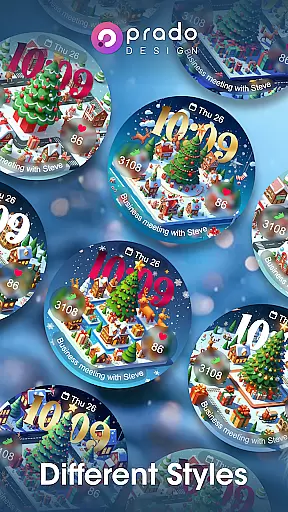

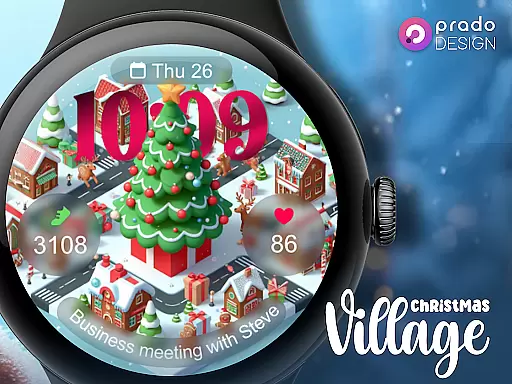
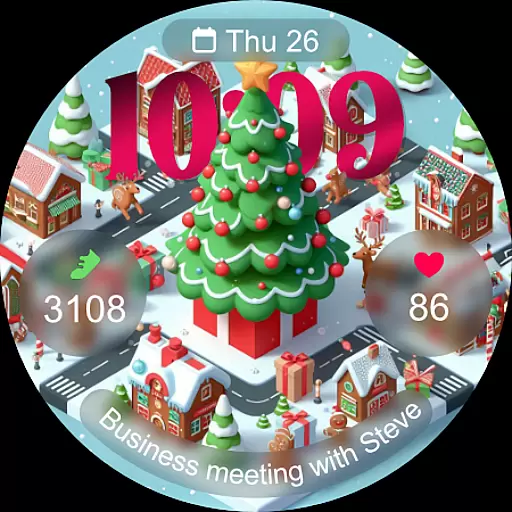
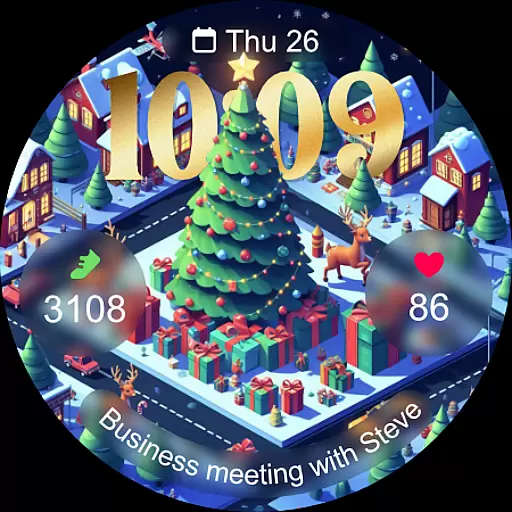
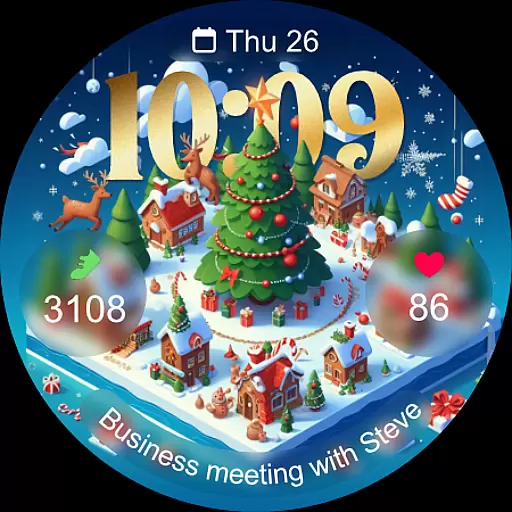
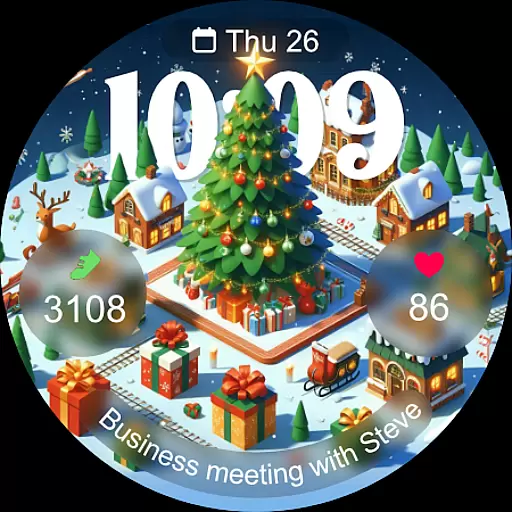
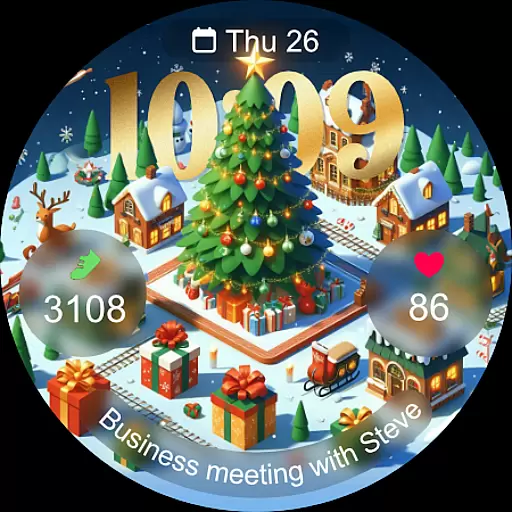
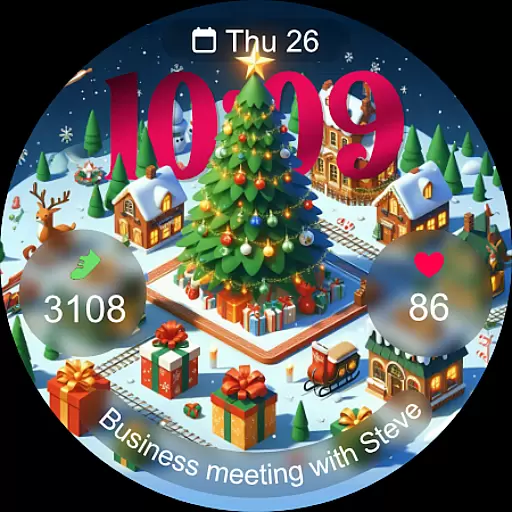
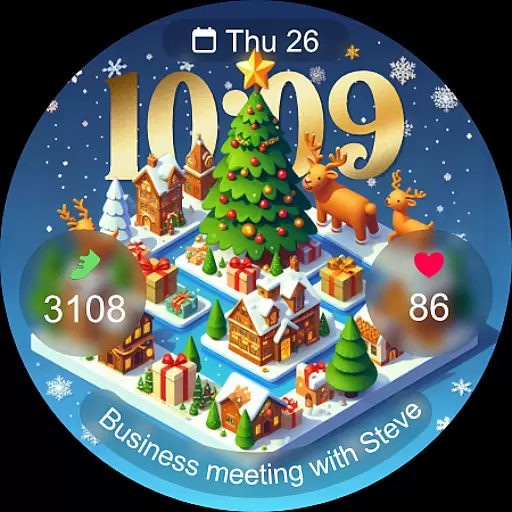
Christmas Village is a festive watch face app designed specifically for Wear OS devices, bringing holiday cheer to your smartwatch. This app offers a delightful Christmas-themed interface with customizable features that adapt to your preferences and device settings.
The watch face supports both 12-hour and 24-hour formats based on your phone's configuration, and includes four customizable fields for personalization. With support for multiple languages, various color options, and unique characters, it provides a tailored experience for each user. The always-on display ensures you can enjoy the holiday spirit while maintaining functionality.
Ideal for those wanting to celebrate the season in style, Christmas Village is perfect for anyone looking to add a touch of festivity to their wearable tech during the Christmas period.
Christmas Village stands out with its rich feature set tailored for Wear OS users. One of its key aspects is the ability to customize the watch face extensively. Users can choose from different colors and characters, allowing for a personalized touch that matches the holiday mood.
The app supports up to four customizable fields, enabling users to display the information most relevant to them. It also integrates seamlessly with weather complications, enhancing its utility by providing real-time weather updates directly on the watch face. To ensure full functionality, users are guided to enable necessary permissions for sensors and data complications manually.
Additionally, the always-on display feature ensures that the beautiful designs remain visible at all times without significant battery drain. With multi-language support, this app caters to a global audience, making it an excellent choice for those who want both aesthetics and practicality in their smartwatch faces.
For Christmas Village, companion app integration is crucial for enhancing the smartwatch experience. This feature ensures that your Wear OS device can seamlessly sync with your smartphone, providing real-time updates and notifications.
The watch face relies on the phone's settings for features like time format (12h/24h) and weather complications. By connecting with recommended apps such as Weather Complications or SimpleWeather, users can enjoy accurate weather data displayed directly on their watch face.
Users benefit from this integration by having all necessary information in one place. Whether it's receiving notifications, setting customizable fields, or enabling permissions for sensors, the companion app plays a vital role in maintaining functionality.
This synchronization not only enhances convenience but also allows for greater personalization options. With different colors, characters, and multi-language support, users can tailor their Christmas-themed watch face to suit their preferences while enjoying the holiday season.
Ensuring compatibility with Wear OS devices is essential for Christmas Village. This feature guarantees that the watch face operates smoothly across various smartwatches running on the Wear OS platform.
Before purchasing, users should verify their device's compatibility to avoid issues like the "Your devices are not compatible" message. By checking the Play Store via a browser, customers can confirm whether their specific model supports this festive watch face.
The advantage of robust Wear OS compatibility lies in its ability to deliver full functionality. Features such as Always On Display, customizable fields, and sensor permissions work optimally when paired with supported devices.
By focusing on broad device compatibility, Christmas Village ensures that more users can enjoy a perfect holiday season right on their wrists. This dedication to accessibility enhances user satisfaction and widens the potential customer base.
Perfect for holidays
Fully customizable
Always-on display
Multi-language support
Vibrant designs
Wear OS only
Weather setup needed
Limited compatibility
No iOS support
Manual permissions

Gym Log & Workout Tracker | Fitness Journal, Training & Weight Lifting Planner
 4.90
4.90
Hyperlocal rain alerts by MyRadar using patent-pending technology, radar & more
4.80
Nutrition, Macro tracker: Food, fitness & healthy diet tracking for weight loss
4.60
The ultimate destination for kids ages 3-8 to explore the Marvel Universe!
4.30
Retro digital watch face with customizable colors and a unique lighting effect
4.60
A digital watch face that celebrates Christmas.
4.00
Your local weather forecast, storm tracker, radar maps & live weather news
3.40
Track your active life in one place and share the journey with friends.
4.40
Start and succeed with PAP
4.10
A modern hybrid informative watch face for Wear OS designed by BALLOZI
4.80
The Chevron App allows you to pay for fuel from the comfort of your car!
4.80
Walking app for weight loss: walk & step tracker, pedometer, indoor treadmill
4.60
Premium hybrid watch face with many customizations for Wear OS devices.
4.40
A white realistic classic analog watch face with many customization options.
4.40
Calming & relaxing sounds for sleeping and stress relief. Stay focused all day!
4.20
Wear Os Watch Face - Animated Snow Effect & Magic Spark - 6 Scenes
4.10
Animated Watch Face and Customizable with 24 Backgrounds. Perfect for Christmas!
3.90
Authentic military-tactical design with ZULU time! Realistic and functional!
3.80
Want to take charge of your health? Let Google Fit help you reach your goals.
3.50


User Reviews