
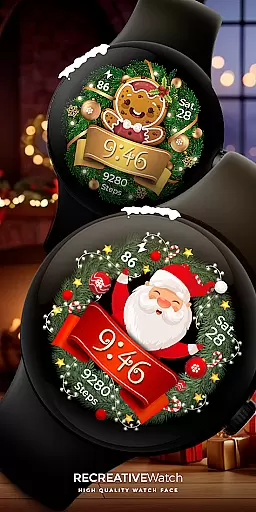
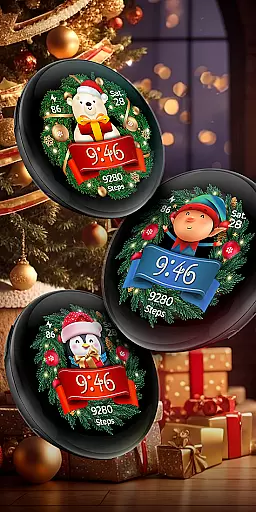
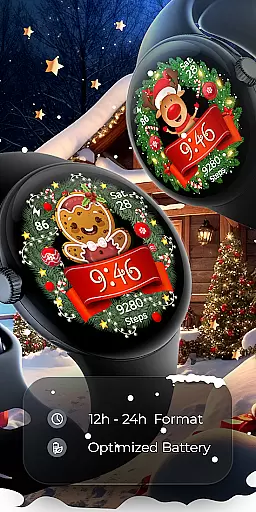

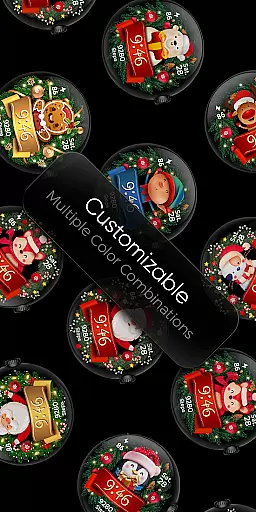
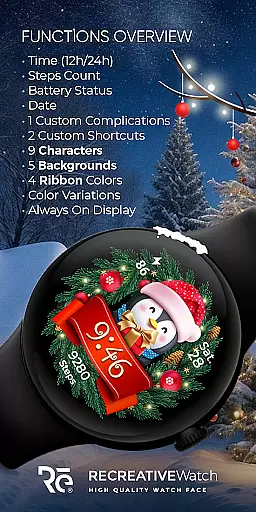
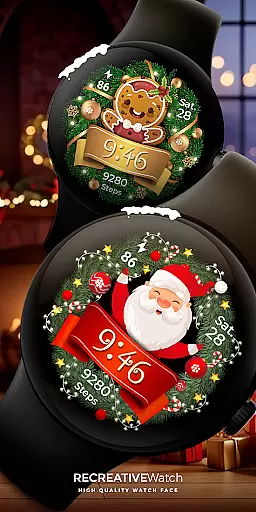
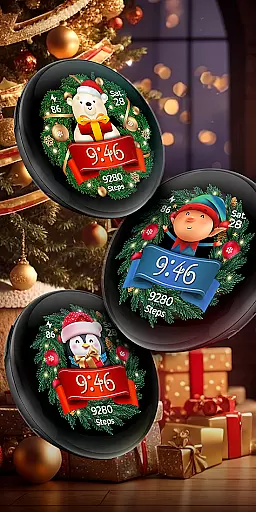
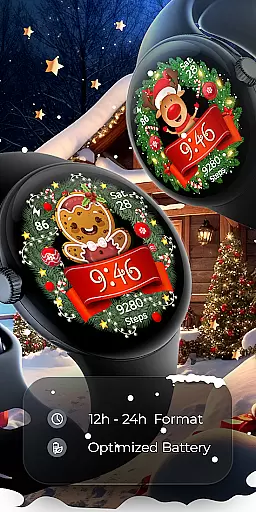

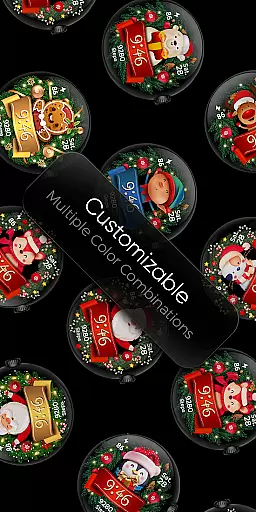
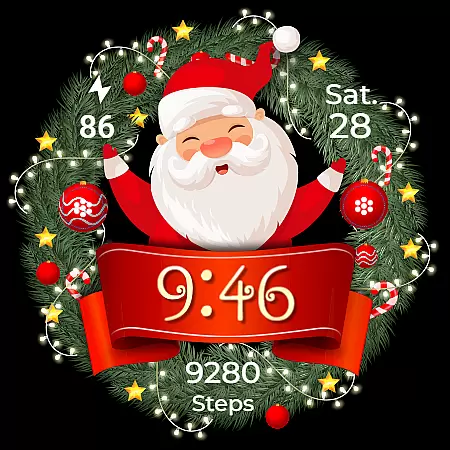
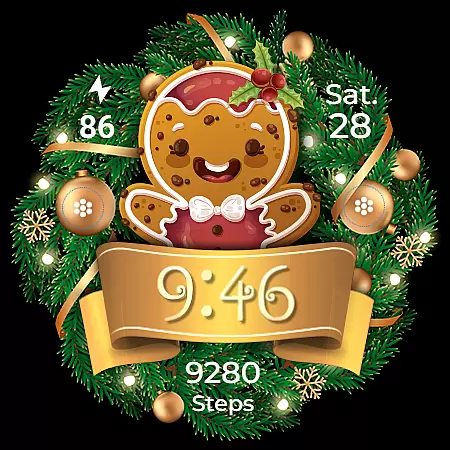
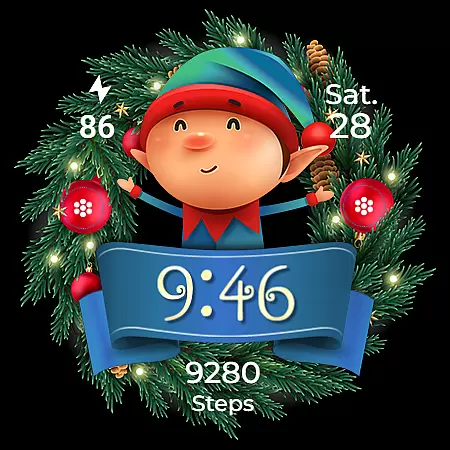
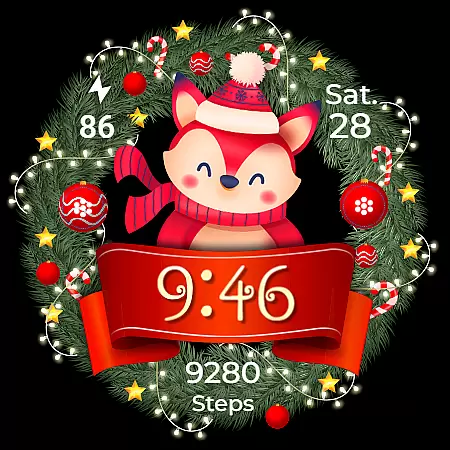
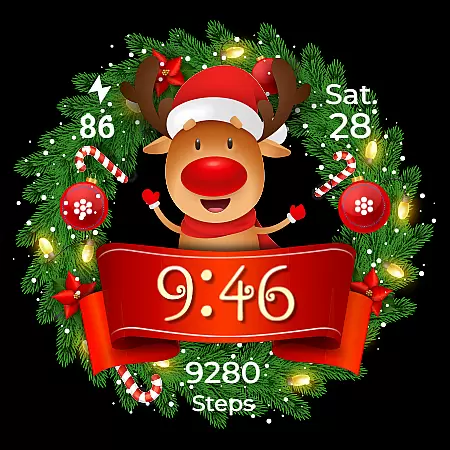
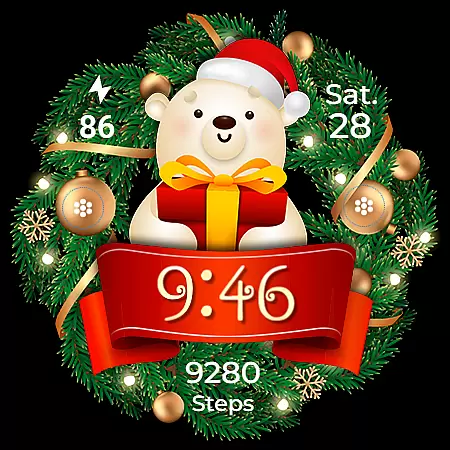
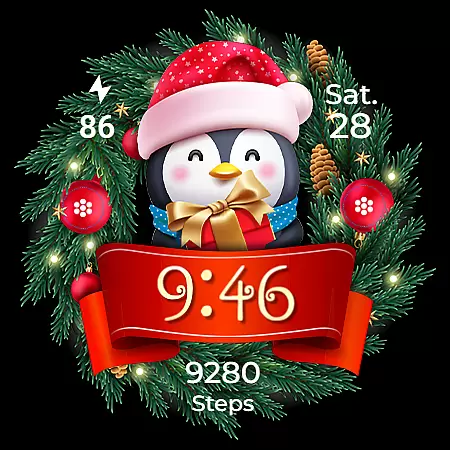
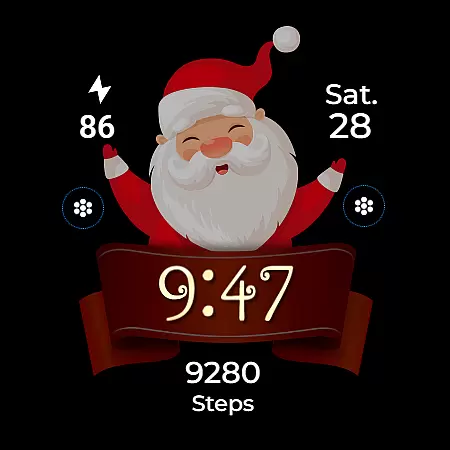
Christmas Frame is a festive-themed watch face app designed specifically for Wear OS devices. This application allows users to customize their smartwatch display with holiday-inspired designs, featuring various characters such as Santa, a reindeer, snowman, or an elf, all set within a decorative pine circle. Beyond its charming aesthetics, the app also provides practical functionalities including digital time display in 12/24h format, date, battery status, and step count.
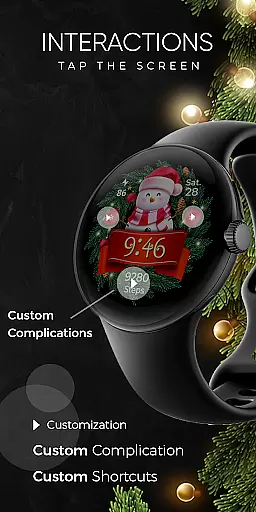
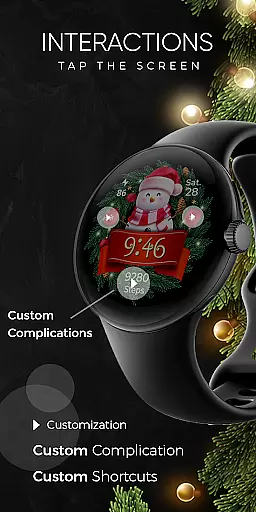
The app supports advanced features like customizable complications and shortcuts, enabling users to tailor their watch face to display any data they choose. With support for Always ON Display and multiple customization options for backgrounds, characters, and ribbon colors, Christmas Frame ensures that your wristwear not only looks festive but remains functional and personalized throughout the holiday season.
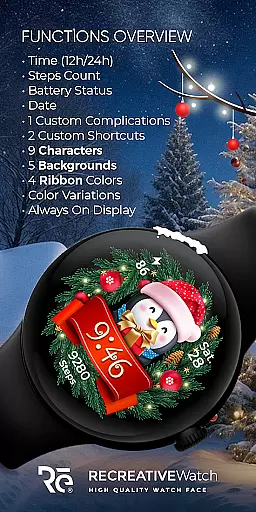
Christmas Frame stands out with its rich feature set tailored for the holiday season. The app offers five unique backgrounds and nine selectable characters, allowing users to create a truly personalized watch face. Each watch face can be further customized with four different ribbon colors, adding another layer of personalization.
In addition to its aesthetic customizations, the app includes practical features such as 12/24h digital time display, date, battery indicator, and step counter. Users can also take advantage of one customizable complication and one customizable shortcut, empowering them to display the most relevant information at a glance. The inclusion of Always ON Display with changeable colors and modes ensures that these festive designs remain both beautiful and useful even when the watch is not actively in use.
Christmas Frame offers a seamless companion app experience that bridges your Wear OS device with your smartphone. The mobile application serves as an essential tool for managing and customizing the watch face, ensuring a hassle-free setup process.
The phone app facilitates easy installation of the festive-themed watch face onto your wearable. By providing a user-friendly interface, it allows you to locate and apply the Christmas Frame on your smartwatch without any complications.
While the mobile app contains ads, it enhances user engagement by offering various customization options. This ensures that your Wear OS device not only sparkles with holiday spirit but also remains highly functional with features like step counting and battery status display.
Ensuring broad compatibility, Christmas Frame is designed to work seamlessly with a range of Wear OS devices. It supports API level 33+ including popular models such as Google Pixel, Galaxy Watch 4, 5, 6, and other Wear OS watches.
This wide-ranging compatibility means users can enjoy a consistent and reliable performance across different devices. Whether you're using a high-end smartwatch or an entry-level model, Christmas Frame delivers an optimized experience tailored to your device's capabilities.
For those concerned about battery life, the application provides recommendations to enhance efficiency. Disabling the Always On Display mode can significantly improve battery performance while still allowing access to essential features like time, date, and customizable complications.
Festive Designs
Customizable Features
Battery Optimization
Wide Device Compatibility
User-friendly Interface
Limited to Wear OS
Ads in Mobile App
Character Choices Only
No Analog Time Option
Advanced Settings Required

Calming & relaxing sounds for sleeping and stress relief. Stay focused all day!
 4.20
4.20
A Wintery Snow Globe on Your Wrist; now celebrating Christmas!
4.1
Artistic Digital Watchface
4.2
Watch face designed for Thanksgiving Day. 7 Background Styles included.
3.20
Watch face for Wear OS.
4.20
Digital watch face. For Wear OS devices.
4.40
Period, ovulation & pregnancy tracker. Fertility insights & menstrual calendar.
4.90
Minimalistic design modern digital watch face.
4.1
Connect, create, and collaborate with Gmail, part of Google Workspace.
4.10
Gym Log & Workout Tracker | Fitness Journal, Training & Weight Lifting Planner
4.90
WTW M17 is a premium and luxurious hybrid watch face
4.70
Kia Access makes getting your vehicle information easier than ever
4.60
Nutrition, Macro tracker: Food, fitness & healthy diet tracking for weight loss
4.60
Christmas watch face. For Wear OS devices.
4.30
Wear Os Watch Face - Animated Snow Effect & Magic Spark - 6 Scenes
4.10
Viewer for Wyze/Yi/Eufy/Arlo/ONVIF/RTSP/P2P IP cams w/ adv. features & DIY DVR
4.00
Wear Os Watch Face - Animated Snow Effect & Christmas Lights
4.0
Christmas is near, let's count together the days left until Santa comes
4.0
Contemporary digital watch face with five complications
4.4


User Reviews