
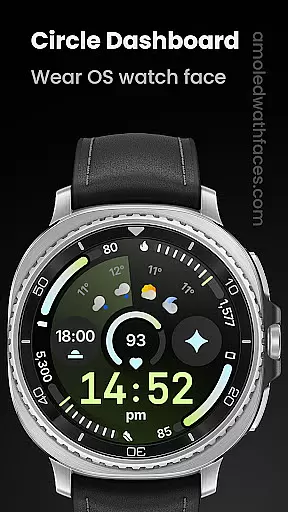
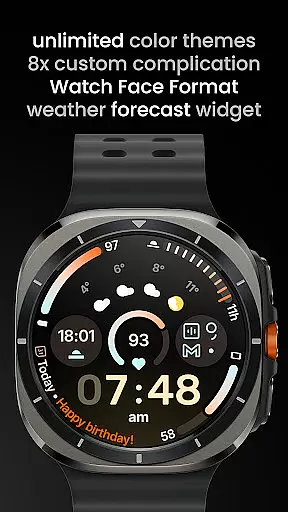
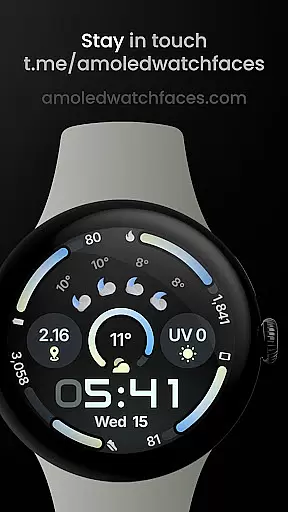
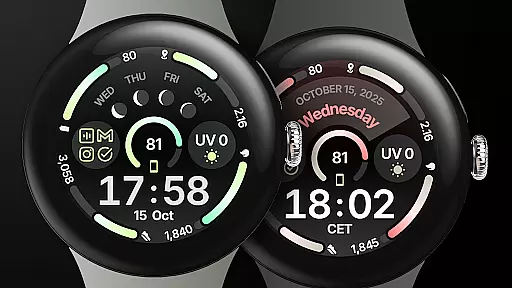
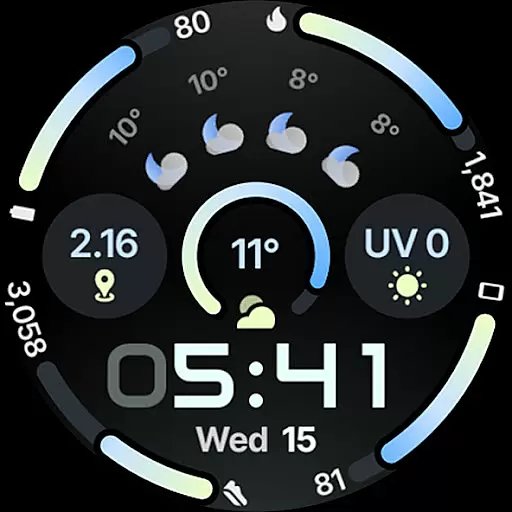
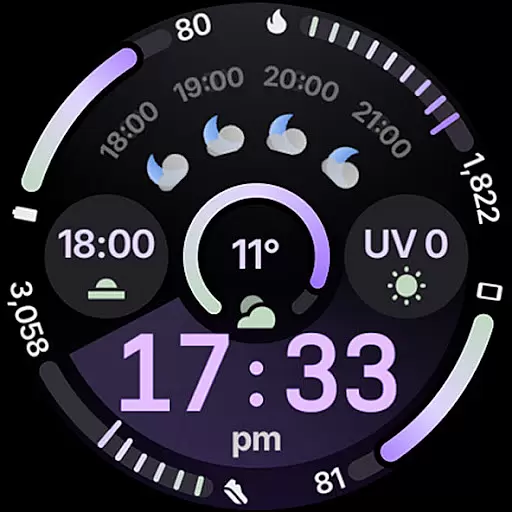
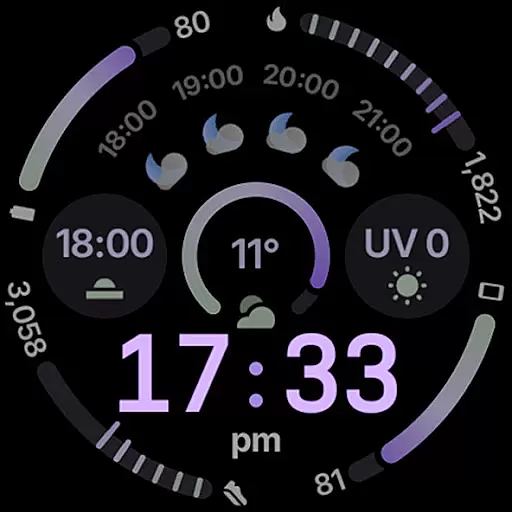
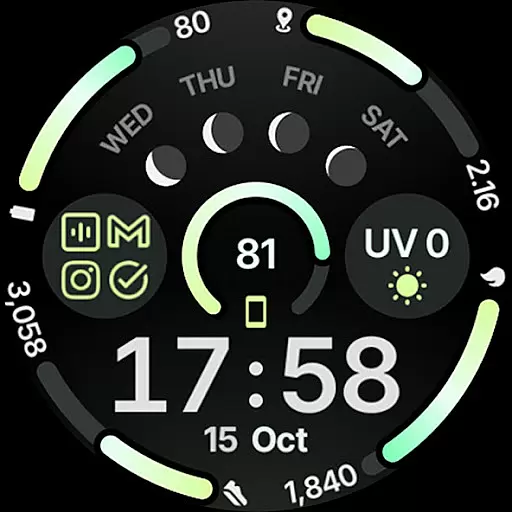
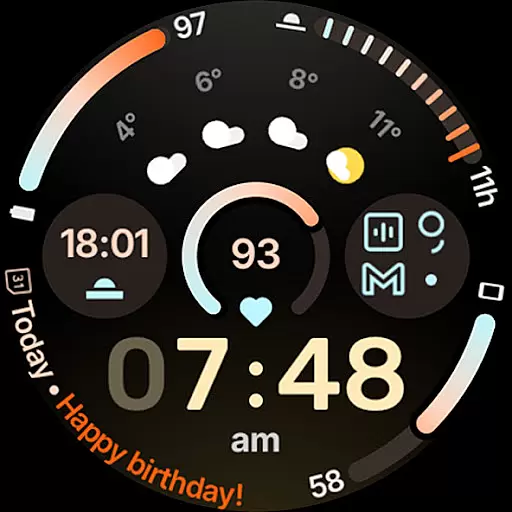
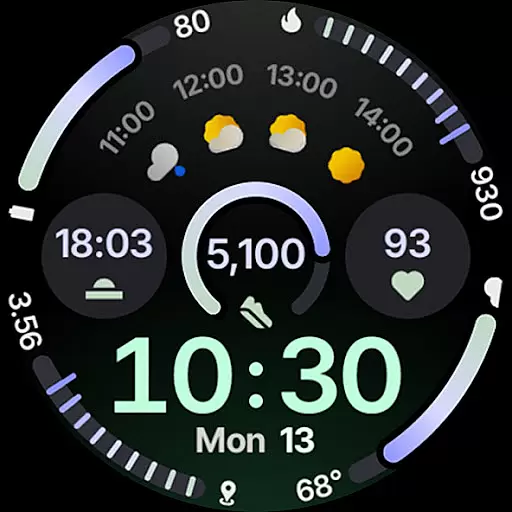
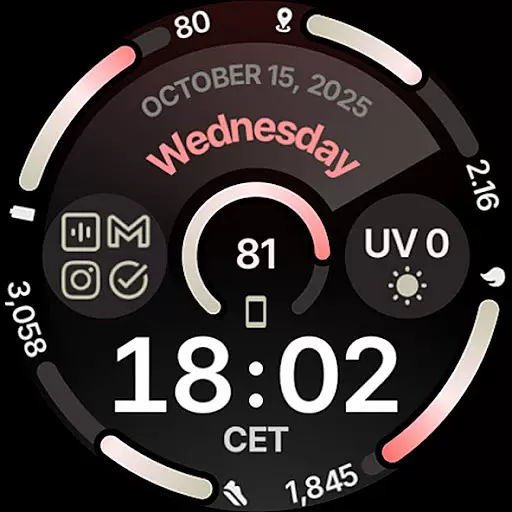
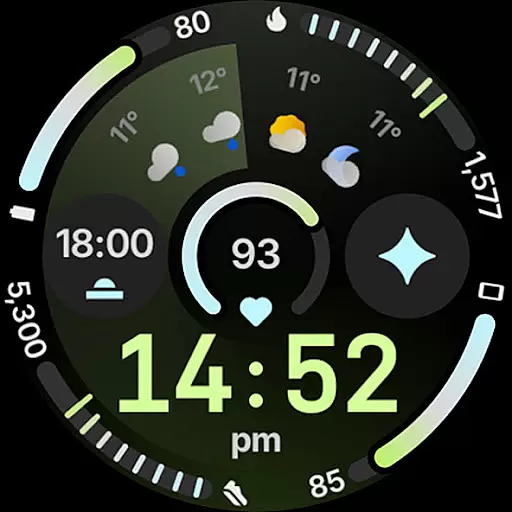
Circle Dashboard Watch Face is a feature-rich watch face designed exclusively for Wear OS 4+ devices. Inspired by the Galaxy Watch 8 series, it offers advanced customization options and supports multiple complications. The watch face provides users with an intuitive dashboard experience, featuring expressive progress bars, optional seconds indicators, and multilingual support. With its true black background and battery-friendly design, it ensures both aesthetic appeal and optimal performance on compatible smartwatches.
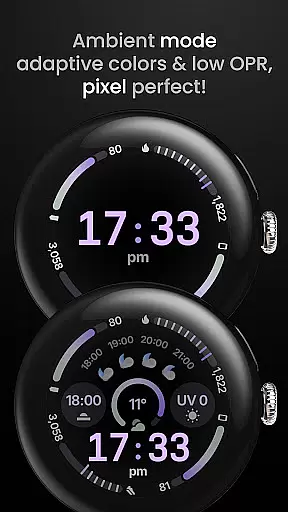
This application stands out with its unlimited color theme combinations, three always-on display styles, and adaptive complication text size. Users can personalize their watch faces with various digital clock fonts, date formats, and widgets like weather forecast and moon phases. The integration with custom complication apps enhances functionality, making it a versatile choice for power users seeking both style and utility in their wearable devices.
Circle Dashboard Watch Face showcases an impressive array of features that cater to tech-savvy smartwatch users. Built using Watch Face Format 4 and developed in Android Studio, it supports up to eight custom complication slots with various supported types including SHORT_TEXT, LONG_TEXT, and RANGED_VALUE. The implementation of material 3 expressive progress bars and animated AOD entering (Wear OS 6+) demonstrates cutting-edge design principles.
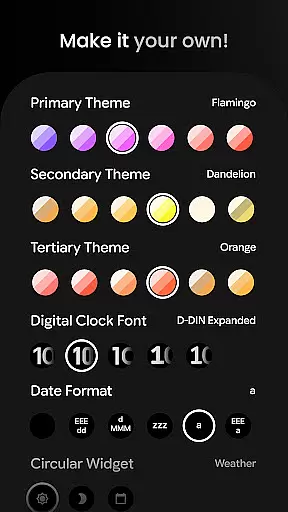
What sets this watch face apart is its extensive user configuration options. Wearers can choose from over 60 theme variations across primary, secondary, and tertiary colors, select from five digital clock fonts, and configure eight different complication slots. Advanced features include weather provider selection (supporting four providers), vivid digital clock effects, and adaptive complication text sizing. These technical implementations ensure maximum personalization while maintaining system efficiency and visual clarity on Wear OS devices.
Companion app integration is essential for wearable devices to synchronize data and settings with a smartphone. Circle Dashboard Watch Face ensures seamless connectivity between your Wear OS device and Android phone, allowing users to customize watch faces effortlessly.
The app provides advanced configuration options through its companion app, enabling users to personalize over 60 theme combinations, choose from multiple digital clock fonts, and configure up to eight custom complication slots. This level of customization ensures that each user can tailor their watch face to match their personal style and needs.
Additionally, the companion app supports features like weather forecast widgets and moon phase displays, which require smartphone-level processing power. By delegating these tasks to the phone, the watch maintains optimal performance while delivering rich functionalities.
Device compatibility is crucial when selecting a smartwatch face, and Circle Dashboard Watch Face is designed specifically for Wear OS 4+ devices. This ensures that users with newer Wear OS versions can take full advantage of the latest features, including animated always-on display entering and adaptive complication text sizes.
The application leverages Watch Face Format 4, supporting cutting-edge functionalities such as expressive progress bars and optional seconds indicators. These modern design elements provide an enhanced visual experience while maintaining battery efficiencyu2014a critical consideration for wearable technology.
Furthermore, the watch face offers extensive language support and true black backgrounds, making it versatile for various users and devices. With optimized performance and innovative features, Circle Dashboard delivers a next-generation wearable experience tailored for contemporary smartwatches.
User-friendly interface
Highly customizable
Battery efficient
Modern design
Advanced features
Wear OS 4+ only
Some features paid
Complex setup
Weather widget limited
Requires companion app

"PER27 Galaxy Digital" is a digital Wear OS watch face designed by PERSONA
 4.10
4.10
Christmas watch face. For Wear OS devices.
4.30
Precision analog watch face with 7 complications and style options
4.2
A modern premium sporty hybrid watch face for Wear OS by Ballozi
4.70
Kia Access makes getting your vehicle information easier than ever
4.60
Your second brain for organizing your life: to-do, calendar, reminder.
4.70
Hybrid Vibrant Health Watch Face for Wear OS
4.1
Premium hybrid watch face with many customizations for Wear OS devices.
4.40
Simple, helpful messaging by Google
4.60
Rose gold watch face with festive lights & customizable features.
4.60
Monitor health with the stress test and pulse checker in the heart rate app.
4.60
Nutrition, Macro tracker: Food, fitness & healthy diet tracking for weight loss
4.60
Fast and smart typing with Emojis, GIFs, and more
4.50
The ultimate destination for kids ages 3-8 to explore the Marvel Universe!
4.30
Watch face for Wear OS.
4.20
A digital watch face that celebrates Christmas.
4.00
Professional weather radar and more
3.90
Stunning modern digital watch face with 7 complications and strong contrast
4.0
Artistic Digital Watchface
4.4


User Reviews