
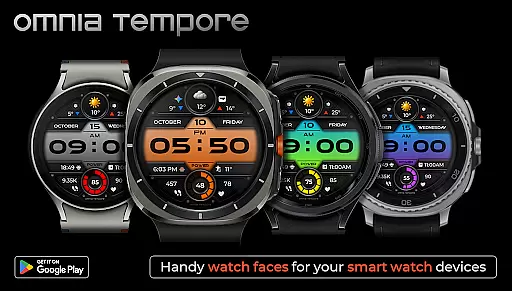
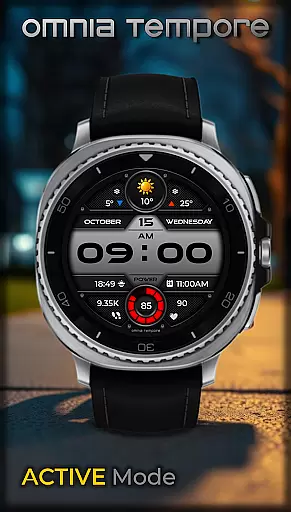
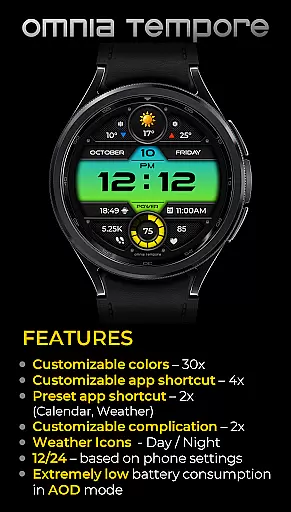
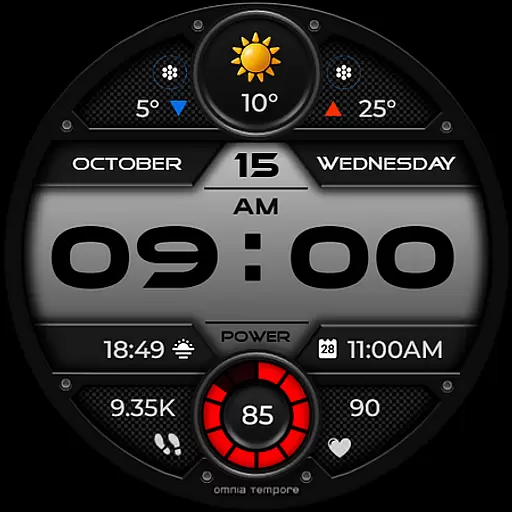
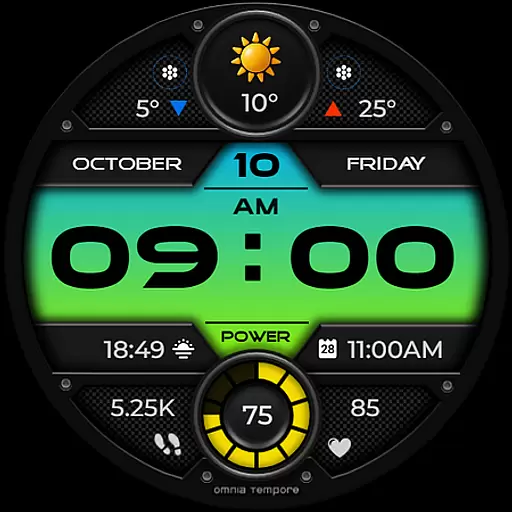
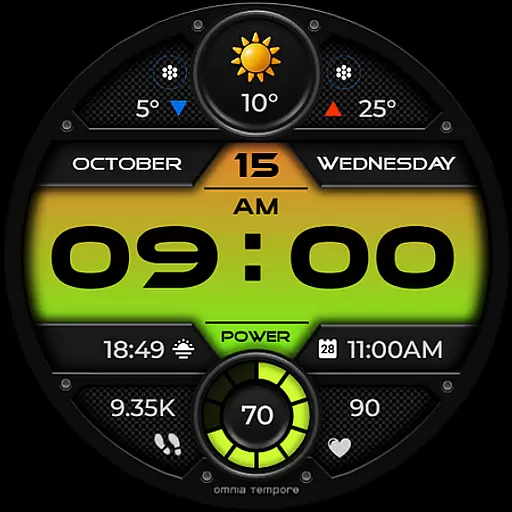
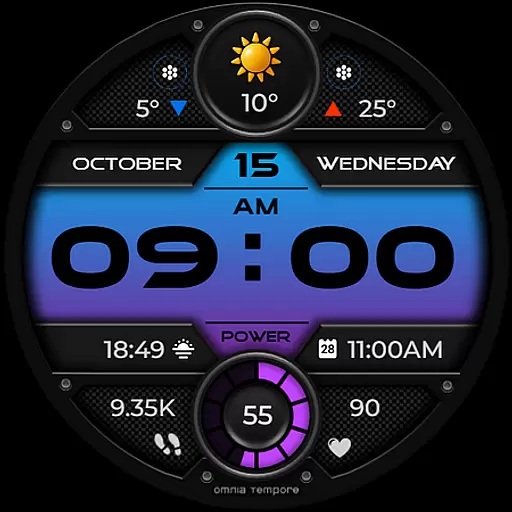
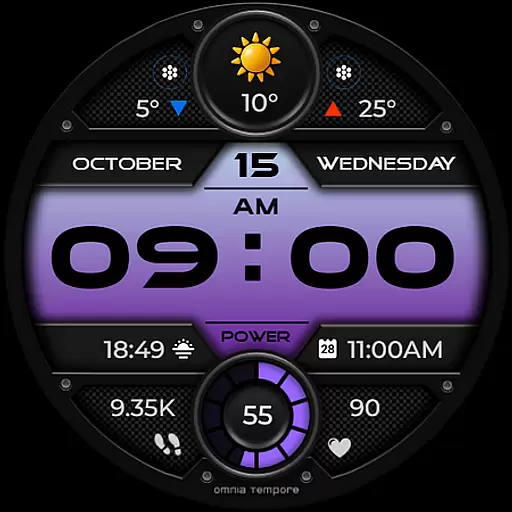
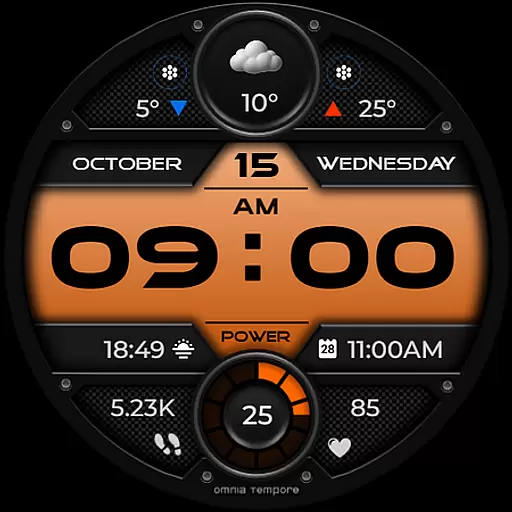
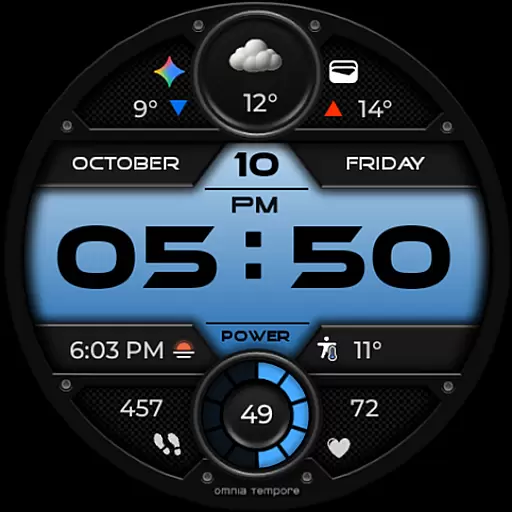
OT is a sophisticated digital watch face designed for Wear OS devices running version 5.0 and above. This application seamlessly blends style with functionality, offering users real-time weather updates, step counting, and heart rate monitoring. The watch face ensures that you remain connected to both your personal well-being and the outside world without any interruptions.
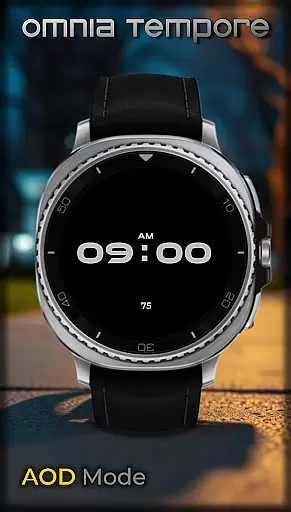
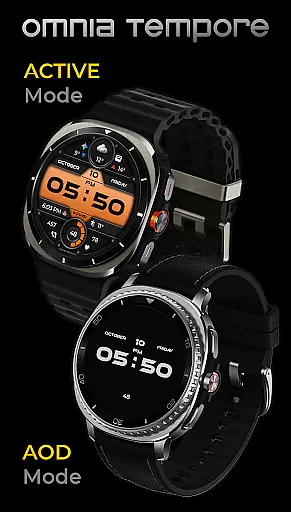
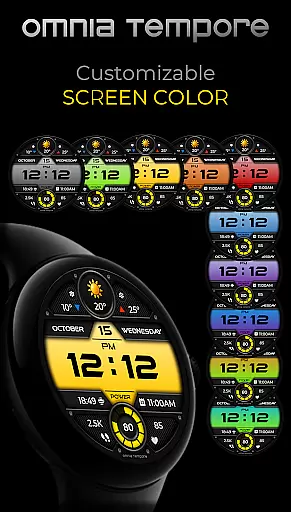
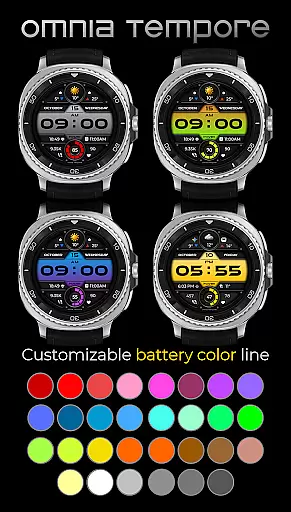
With customizable complications and app shortcuts, OT provides a personalized experience tailored to individual preferences. Users can choose from ten color versions of the display and thirty color options for battery status indication. Its sleek design and low power consumption in AOD mode make it an ideal companion whether you're heading to a business meeting or a workout session at the gym.
OT stands out with its comprehensive feature set tailored for the modern smartwatch user. It offers real-time weather updates, allowing users to stay informed about current conditions. The integration of health tracking features such as step counting and heart rate monitoring promotes an active lifestyle while keeping you aware of your fitness metrics.
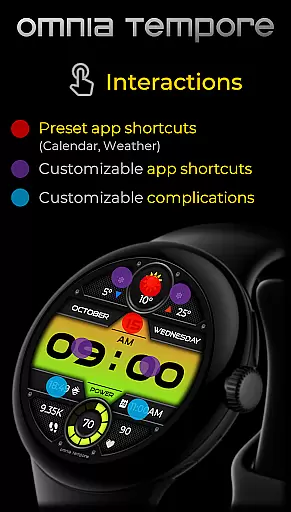
Customization is at the core of OT's offerings. With two customizable complications and six app shortcut slots (two preset and four user-configurable), users can tailor their watch face to display the information most relevant to them. Additionally, the availability of multiple color schemes for both the display and battery status ensures that personal style is not compromised. Low power consumption in AOD mode further enhances usability by extending battery life.
Companion app integration is essential for a seamless wearable experience. OT ensures that your Wear OS device works in harmony with your smartphone, providing real-time synchronization of important data such as weather updates, calendar events, and health statistics.
This stylish digital watch face offers two preset app shortcuts for Weather and Calendar, making it easy to access vital information at a glance. With four additional app shortcut slots available, users can customize their experience by launching their favorite tools directly from the watch face.
The ability to stay connected to both your personal and digital worlds without missing a beat is what sets OT apart. By integrating customizable complications, this watch face allows you to prioritize what matters most to you, ensuring that your essential apps are always just a tap away.
Compatibility with Wear OS devices is crucial for any app designed for smartwatches. OT is optimized for Wear OS 5.0 and above, ensuring that users with different devices can enjoy its features without compromise.
With support for a wide range of Wear OS-powered watches, OT brings together sleek design and smart functionality. The watch face provides ten color versions of the display and thirty color options for battery status, allowing users to tailor the look to their personal style while maintaining optimal performance.
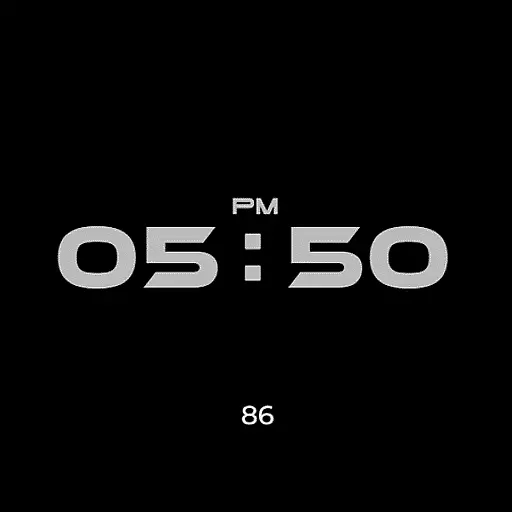
Low power consumption in Always-On Display (AOD) mode means that users can have peace of mind knowing their device will maintain battery life while still displaying important information. Whether heading to a meeting or hitting the gym, OT's modern aesthetic keeps you in sync with your busy lifestyle on any compatible Wear OS device.
User-friendly interface
Comprehensive health tracking
Highly customizable display
Multiple color options
Low power consumption
Limited to Wear OS
Requires version 5.0+
Premium features may cost extra
Some features need third-party apps
Design might not appeal to all

A customizable Christmas watch face for Wear OS with a countdown.
 4.20
4.20
A full-featured Amazon Alexa voice assistant that can show you things.
3.70
Beautiful artistic animated digital watch face, with a customizable layout!
4.40
Sleek, highly customizable watch face inspired by Galaxy Watch Circle Dashboard.
4.3
Find EV charging stations
4.30
Professional weather radar and more
3.90
A digital watch face that celebrates Christmas.
4.00
From periods to pregnancy & perimenopause, Flo helps you track it all. Try now.
4.70
Download full tracks, listen to music offline, make unlimited playlists.
4.80
Hybrid watch face for Wear OS with customizable complications by Matteo Dini MD
4.70
Real-time results, stats, schedules and player profiles for all leagues
4.60
Stylish, Energizing and Modern Watch Face crafted by Dominus Mathias.
4.50
Digital watch face with big numbers and many customization for Wear OS devices
4.40
Digital watch face. For Wear OS devices.
4.40
The ultimate destination for kids ages 3-8 to explore the Marvel Universe!
4.30
Animated video-game inspired “secret agent” simulation, right on your wrist!
4.20
Snowflake Rose Gold Watch Face - Digital, modern, & sleek with GYRO effect.
4.10
Wear Os Watch Face - Animated Snow - Sesonal for Christmas & Winter
4.1
Funny animated watch face for Thanksgiving
4.0


User Reviews