
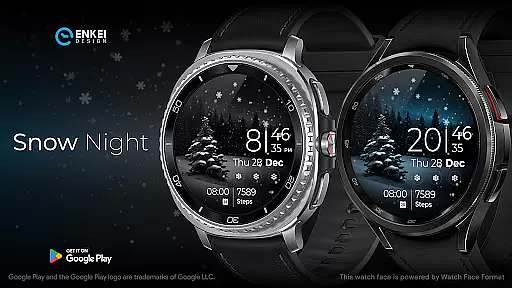
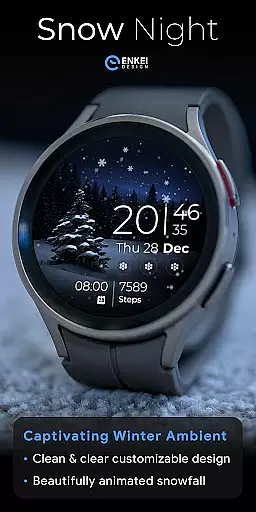
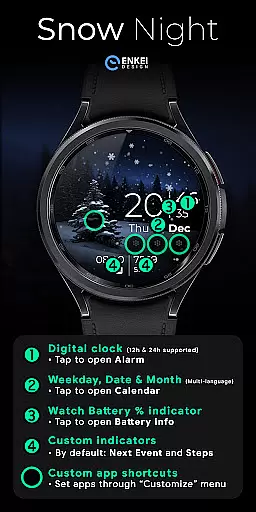
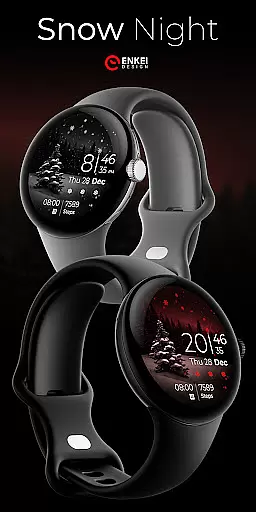
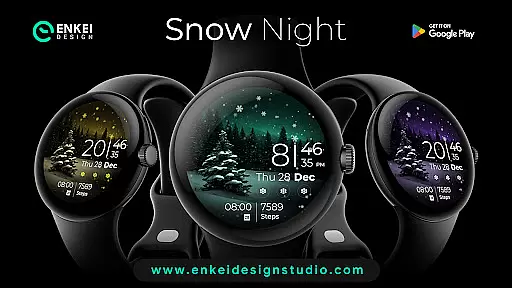
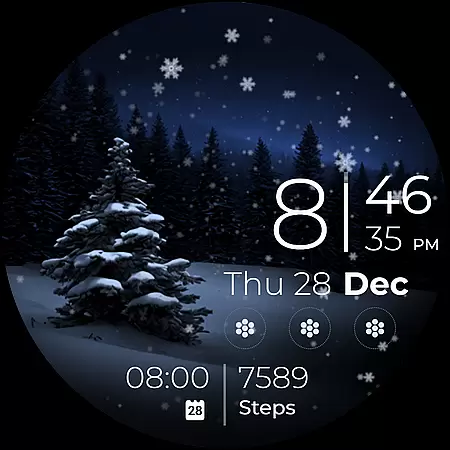
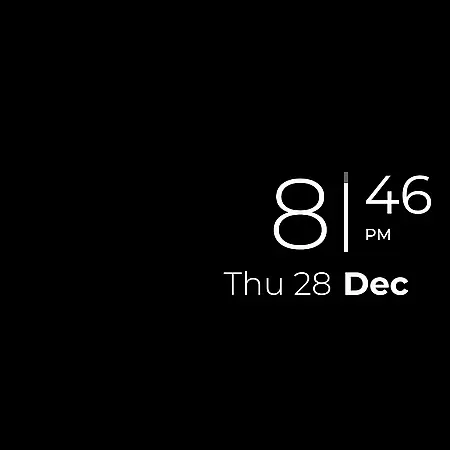
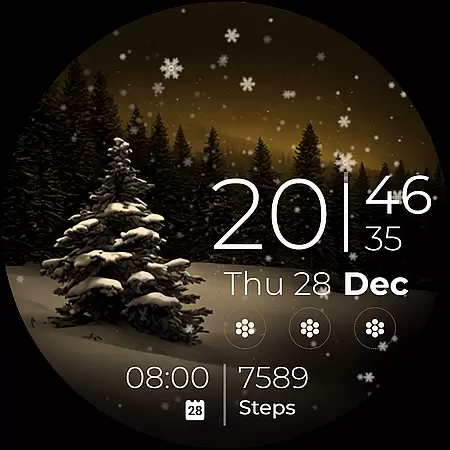
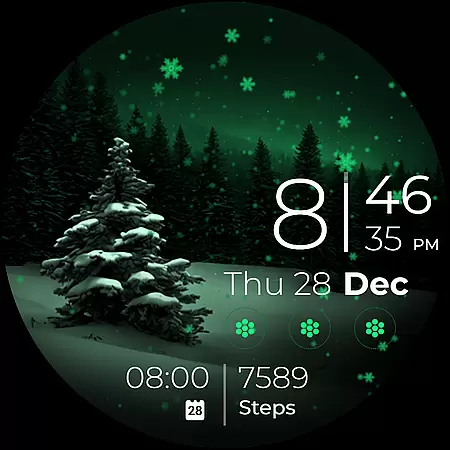
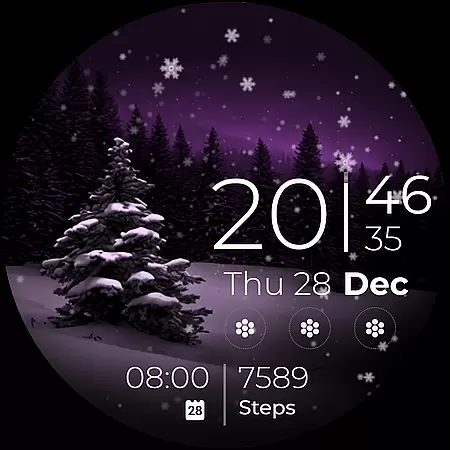
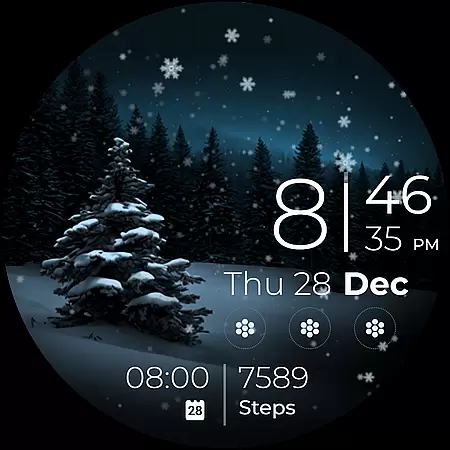
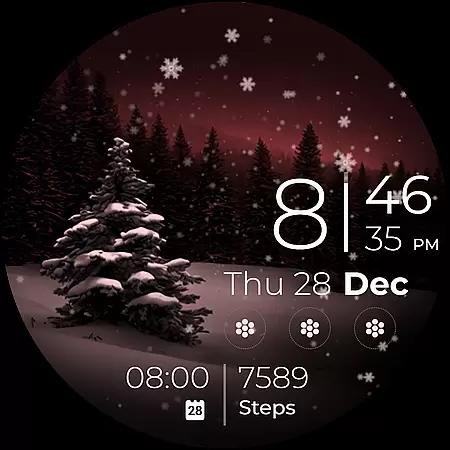
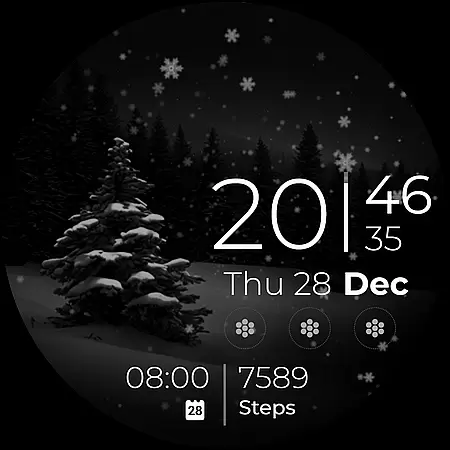
Snow Night is an artistic watch face designed for Wear OS devices, featuring captivating winter-themed animations and customizable elements. The ambient snowfall effect creates a relaxing visual experience while clear indicators ensure optimal visibility.
With support for digital clock display, date tracking, battery monitoring, and multiple app shortcuts, this watch face offers both aesthetic appeal and practical functionality. Users can personalize their layout through various color schemes, Always-On Display (AOD) styles, and complication settings.
This watch face stands out with its rich feature set tailored for customization enthusiasts. The digital clock supports both 12-hour and 24-hour formats, while tap interactions provide quick access to essential functions like setting alarms and viewing calendars.
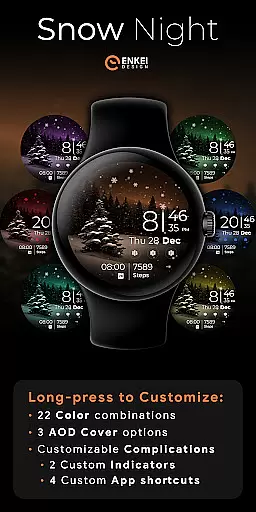
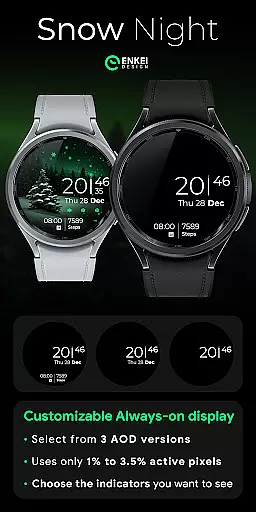
Advanced personalization options include 22 color combinations, three AOD cover styles, and configurable complications. Users can create their ideal layout by customizing two short-text indicators and four app shortcuts, ensuring minimal power consumption with only 2-4% active pixel usage.
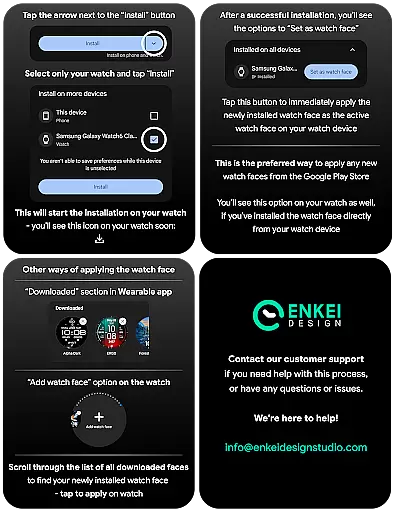
Companion app integration is crucial for Android Wear applications as it ensures seamless synchronization between the watch and paired smartphone. Snow Night excels in this area by providing a dedicated phone companion app that simplifies the installation process directly to your watch device.
The companion app serves as a bridge, allowing users to access advanced customization options and useful features powered by Watch Face Format. This includes expanded color combinations, AOD styles, and complication settings, all of which contribute to creating a personalized layout that suits individual preferences.
By using the companion app, users can easily navigate to essential links such as installation tips, promotional offers, and customer support channels. This holistic approach not only enhances user experience but also demonstrates the developer's commitment to customer satisfaction through comprehensive support resources.
Ensuring proper Wear OS and device compatibility is vital for any Android Wear application. Snow Night is specifically optimized for devices running Wear OS 5.0 and newer versions (API 34+), guaranteeing optimal performance on supported devices.
The application takes full advantage of the latest Wear OS features, including ambient mode, customizable complications, and active pixel management. These technical considerations ensure that the watch face maintains excellent visibility and functionality while minimizing battery consumption.
Users can be confident in Snow Night's compatibility, as it adheres to strict development standards and utilizes the Watch Face Format. This technical foundation enables the application to deliver a captivating winter-themed experience with reliable performance across compatible devices.
Visually appealing design
Highly customizable interface
Low power consumption
Quick access to essential features
Responsive customer support
Limited to newer Wear OS versions
Installation requires companion app
Some features need specific permissions
Customization may overwhelm beginners
No built-in weather information

Gym Log & Workout Tracker | Fitness Journal, Training & Weight Lifting Planner
 4.90
4.90
Calming & relaxing sounds for sleeping and stress relief. Stay focused all day!
4.20
A Wintery Snow Globe on Your Wrist; now celebrating Christmas!
4.5
Watch face for Wear OS.
4.20
Connect to your Bluelink equipped Hyundai vehicle from your smartphone.
4.50
The Chevron App allows you to pay for fuel from the comfort of your car!
4.80
Fast and smart typing with Emojis, GIFs, and more
4.50
Track airplanes and follow flights with our real-time flight tracker
4.50
Spam call blocker and caller ID for automatic call protection!
4.40
Beautiful, colorful and practical watch face. For Wear OS devices.
5.00
Simple, helpful messaging by Google
4.60
Premium hybrid watch face with many customizations for Wear OS devices.
4.40
The ultimate destination for kids ages 3-8 to explore the Marvel Universe!
4.30
Connect, create, and collaborate with Gmail, part of Google Workspace.
4.10
Structured watch face with seven complications and modular UI elements
3.90
Professional weather radar and more
3.90
Fitness interactive virtual pet super fighter boy watch face
4.3
Funny animated watch face for Thanksgiving
4.3
Minimalistic design modern digital watch face.
4.4


User Reviews