
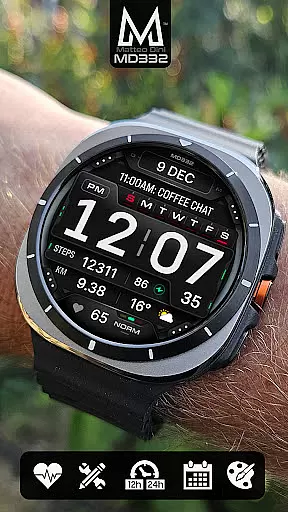
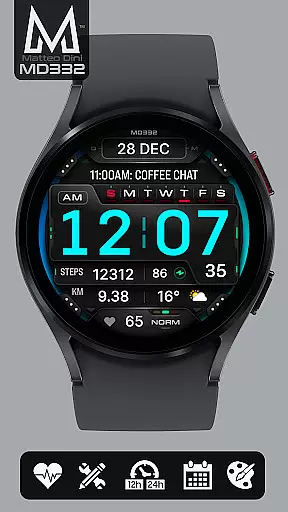
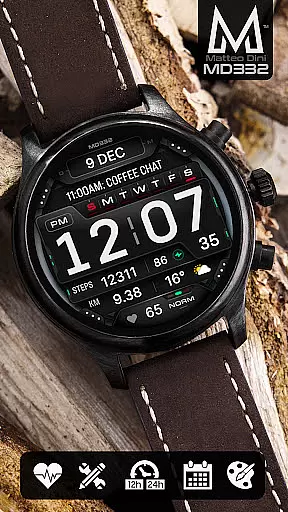
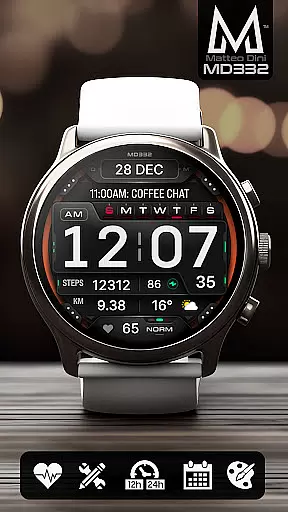
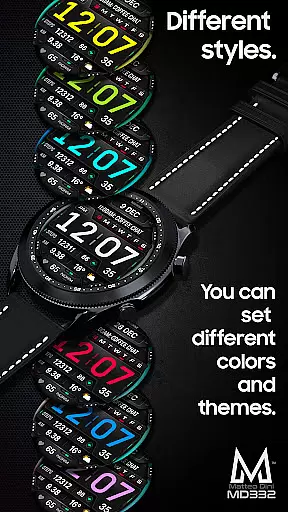
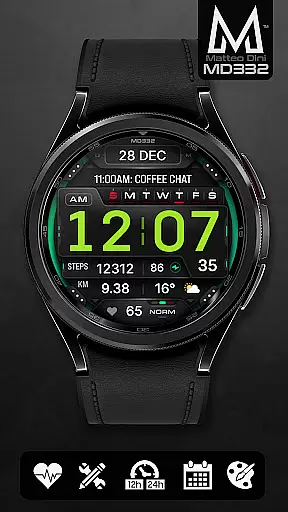
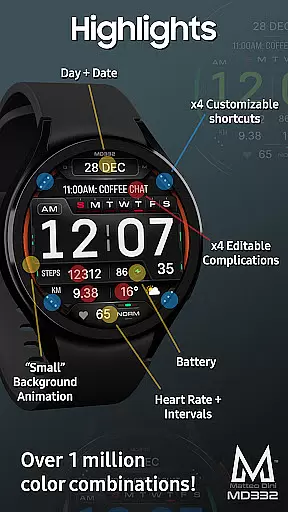
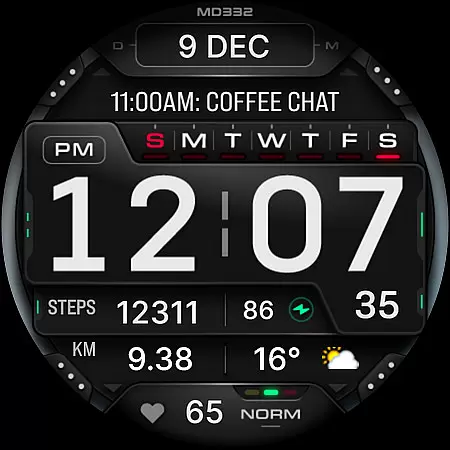
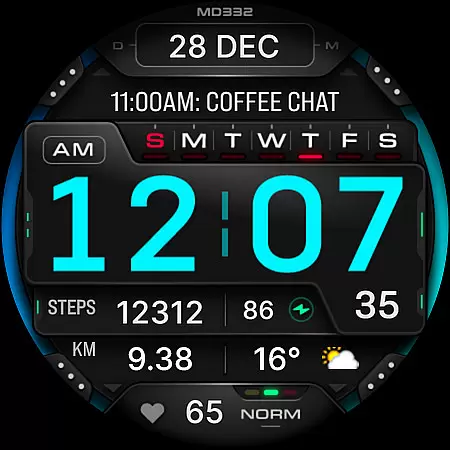
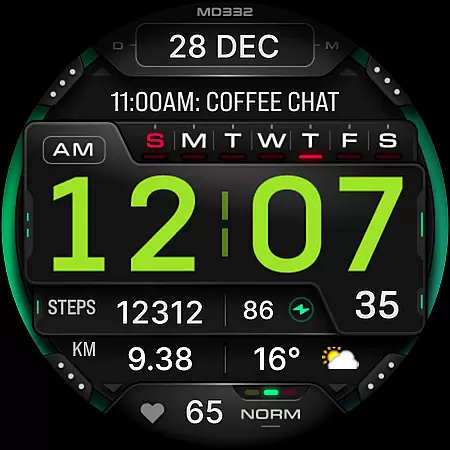
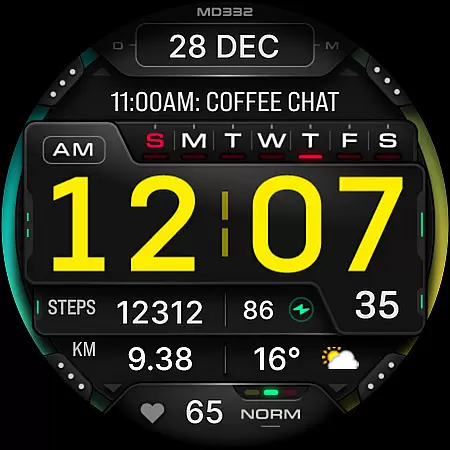
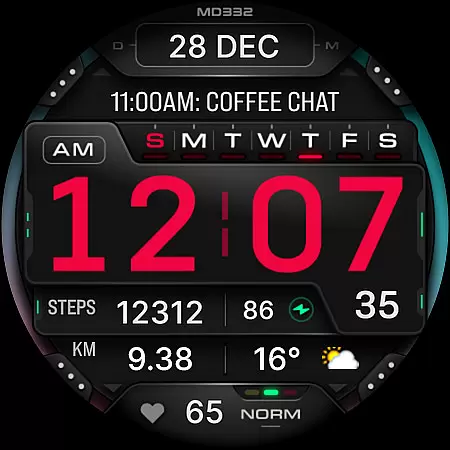
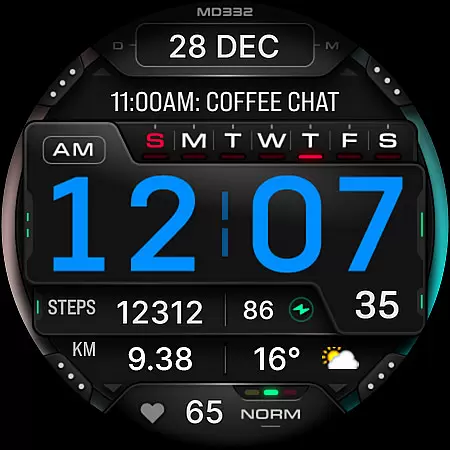
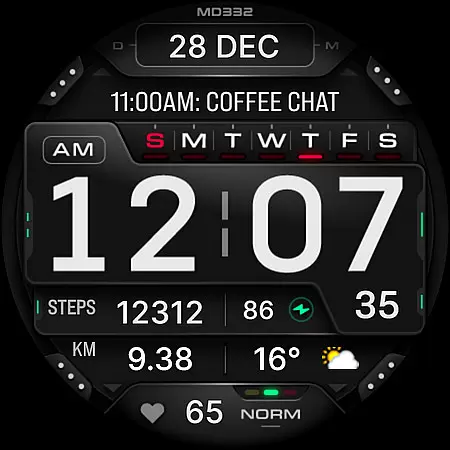
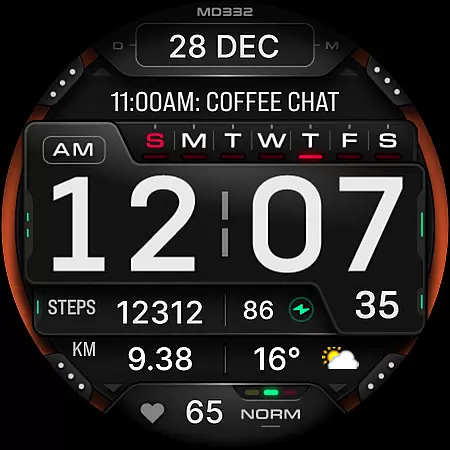
MD332 Digital watch face offers a feature-rich customization experience for Wear OS users. This advanced watch face supports devices with API Level 33+ and includes 3 preset app shortcuts, 4 customizable shortcuts, and 4 complications that display various data types like weather, heart rate, and calories.
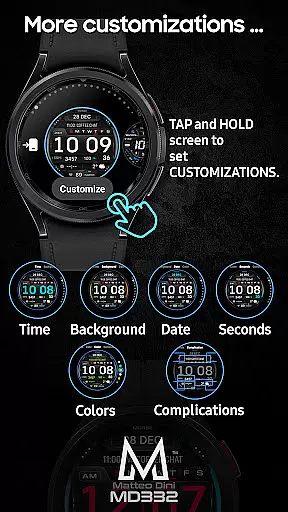
The design automatically adjusts to 12/24-hour formats based on phone settings and features big numbers for easy reading. Users can customize colors, enable always-on display modes, and access essential information at a glance. The intuitive tap-and-hold customization makes personalization straightforward.
Ideal for Samsung Galaxy Watch 4-8, Ultra, and Pixel Watch owners who want both functionality and style in their wearable device interface.
This digital watch face stands out with its comprehensive customization options. Users can personalize time, date, seconds, background colors, and general interface elements. The minimal and full AOD (Always-On Display) modes ensure visibility while preserving battery life.
Functionality is enhanced through 3 preset app shortcuts including Calendar, Battery, and Heart Rate measurement. Additionally, 4 customizable shortcuts and complications allow users to display preferred data such as weather, barometer readings, or fitness metrics.
Notably, the watch face editor within Samsung Wearable app may have loading issues with complex designs. To avoid this, users are encouraged to customize directly on their watch. The application also provides detailed installation guides and troubleshooting tips on the developer's website.
Companion app integration is essential for a seamless wearable experience. The MD332 Digital watch face offers robust connectivity with its companion app, ensuring that all features are easily accessible and customizable.
This integration allows users to adjust settings such as time format, color schemes, and data displays directly from their smartphone. By doing so, it simplifies the customization process, making it more user-friendly and efficient.
Moreover, the synchronization between the watch face and its companion app ensures real-time updates and notifications. Users can receive instant alerts for battery status, heart rate, and other vital metrics, enhancing their overall wearable experience.
Despite some challenges with the Samsung Wearable app's editor, the MD332 Digital watch face remains a reliable choice for Galaxy Watch users who customize directly on their device. This highlights the importance of a strong companion app integration in maximizing the utility and personalization of wearable technology.
Ensuring broad device compatibility is crucial for any Wear OS application. The MD332 Digital watch face supports all Wear OS devices with API Level 33+ including Samsung Galaxy Watch 4-8, Ultra, and Pixel Watch models.
This wide compatibility range means that users across different devices can enjoy a consistent and high-quality experience. Whether you're using a Samsung or a Google device, the watch face maintains its functionality and aesthetic appeal.
Additionally, the watch face is designed to adapt to various screen sizes and resolutions, providing optimal display quality. This adaptability ensures that graphical elements like big numbers and complications are clearly visible and well-organized.
By supporting the latest Wear OS versions, the MD332 Digital watch face takes full advantage of modern smartwatch capabilities. Users benefit from up-to-date features such as health tracking, customizable shortcuts, and always-on display modes, making it a versatile choice for tech-savvy individuals.
Highly customizable
User-friendly interface
Comprehensive data display
Supports latest Wear OS
Intuitive shortcut system
Complex setup process
Limited compatibility
External complication apps
Potential loading issues
Feature limitations on some devices

Christmas watch face. For Wear OS devices.
 4.30
4.30
A Wintery Snow Globe on Your Wrist; now celebrating Christmas!
4.0
MyNISSAN® lets you remotely control your car from your phone.*
4.50
To-Do List: daily schedule planner, task organizer, to do reminder app, calendar
4.60
A digital watch face that celebrates Christmas.
4.00
Viewer for Wyze/Yi/Eufy/Arlo/ONVIF/RTSP/P2P IP cams w/ adv. features & DIY DVR
4.00
Your local weather forecast, storm tracker, radar maps & live weather news
3.40
Simple, helpful messaging by Google
4.60
Track airplanes and follow flights with our real-time flight tracker
4.50
Real-time weather radar with temperatures, warnings, hurricanes, and widgets
4.80
The most customizable minimal watch face. For Wear OS 5.0, API 34+ and later
4.70
Hybrid watch face for Wear OS with customizable complications by Matteo Dini MD
4.70
Highly customizable hybrid watch face for Wear OS, perfect for everyday use.
4.60
Find EV charging stations
4.30
The ultimate destination for kids ages 3-8 to explore the Marvel Universe!
4.30
Let's celebrate Thanksgiving - Wear Os watch face
4.20
Animated video-game inspired “secret agent” simulation, right on your wrist!
4.20
Animated Watch Face and Customizable with 24 Backgrounds. Perfect for Christmas!
3.90
Contemporary digital watch face with five complications
4.4


User Reviews