
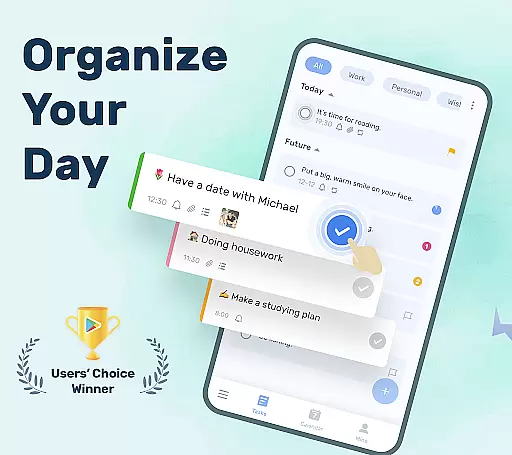
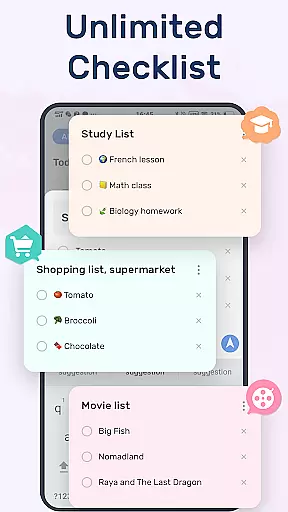
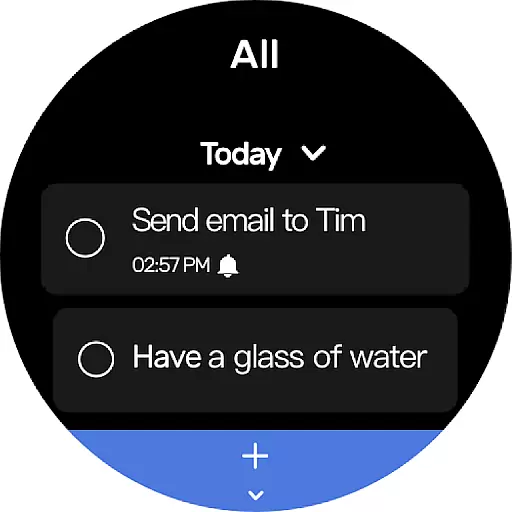
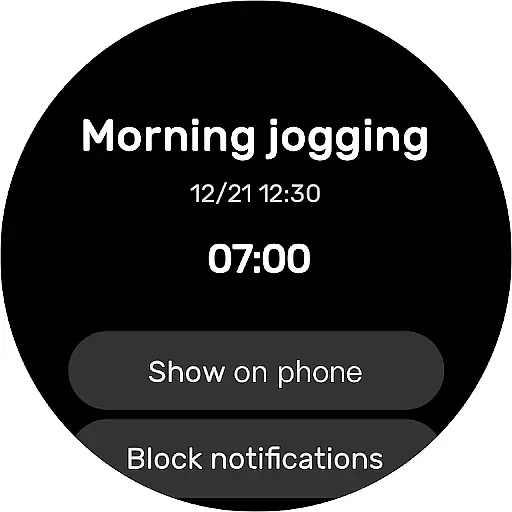
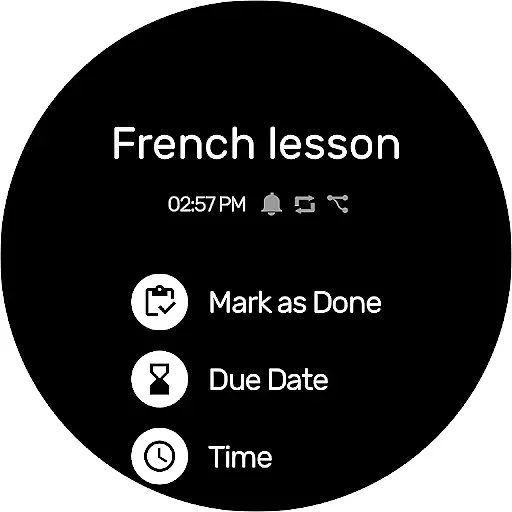
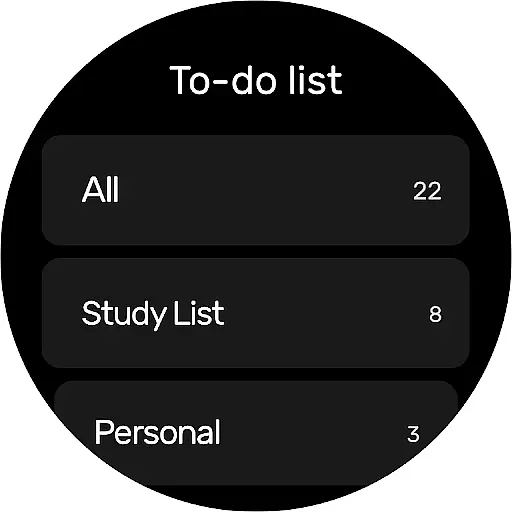
To-Do List is a comprehensive task management app designed for Android Wear, helping users organize their personal and professional lives efficiently. The app allows you to create multiple task lists, set reminders with alarms, and categorize tasks using labels and priorities. With its sleek design and customizable themes, it offers both functionality and aesthetic appeal.
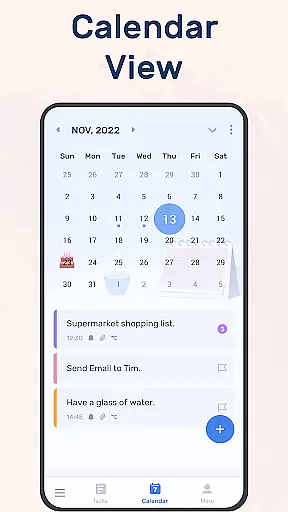
One of the standout features is the calendar view, which provides a clear overview of daily, weekly, and monthly tasks. The app also supports cloud synchronization via Google Drive, ensuring your data is safe and accessible across multiple devices. Whether you need to manage work projects, fitness goals, or personal errands, To-Do List ensures you stay on track and never miss an important deadline.
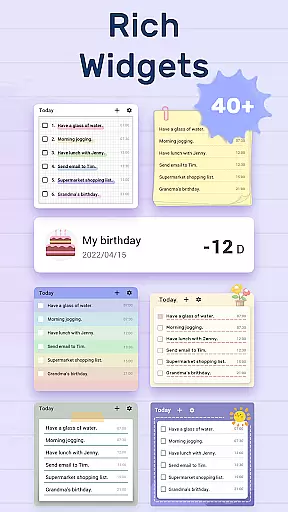
To-Do List offers a rich set of features that cater to various productivity needs. Users can create and manage multiple to-do lists with ease, thanks to the app's intuitive two-step creation process. It includes options for setting up daily widgets, which allow quick access and updates to your tasks directly from your home screen.
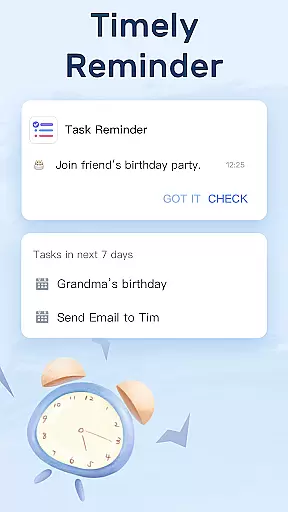
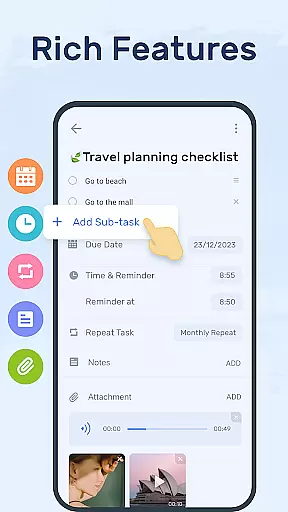
The app excels in task management with capabilities such as setting alarms and recurring reminders, categorizing tasks with labels and priorities, and even adding sub-tasks for complex projects. Additionally, the availability of different theme colors and a night mode enhances user experience by providing a comfortable interface for managing tasks at any time of day.
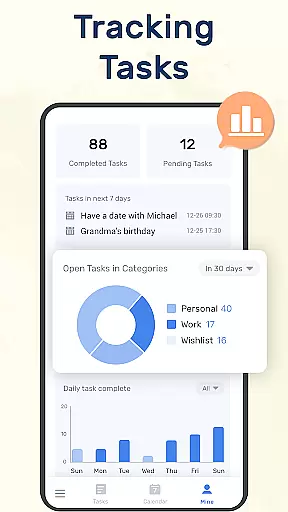
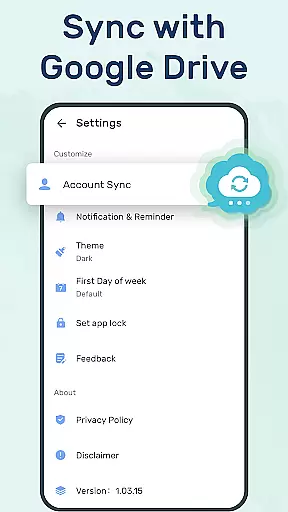
For those who require cross-device functionality, To-Do List supports syncing and backing up your data to the cloud via Google Drive. This feature ensures that whether you're on your phone, tablet, or Wear OS watch, your tasks are always up-to-date and accessible. The inclusion of a completion tracking system further motivates users by visually demonstrating their progress over time.
Companion app integration is essential for users who want seamless synchronization between their mobile devices and wearable technology. To-Do List - Schedule Planner & To Do List Task Manager offers a robust solution by allowing you to sync your daily planners and to-do lists effortlessly across different platforms.
This application supports syncing via Google Drive, ensuring that whether you're using an Android phone or a Wear OS watch, your data remains consistent and up-to-date. This means you can track tasks, receive reminders, and manage your schedule from either device without missing a beat.
The ability to access your to-do lists on multiple devices enhances productivity and ensures that important tasks are never overlooked. With real-time updates, any changes made on one device will reflect instantly on others, providing a cohesive user experience.
By integrating with Wear OS, this app extends its functionality beyond smartphones, making it easier than ever to stay organized no matter where you are. The convenience of having your task manager always at hand significantly boosts efficiency and helps maintain a balanced work-life routine.
Wear OS/device compatibility is crucial for those who rely on smartwatches to keep them organized throughout the day. To-Do List - Schedule Planner & To Do List Task Manager excels in this area by offering full support for Wear OS devices, ensuring that all features are accessible directly from your wrist.
This compatibility allows users to receive notifications, view their schedules, and even mark tasks as complete without needing to take out their phones. It streamlines the process of managing daily activities, making it more convenient and efficient.
In addition to basic task management, the app provides advanced functionalities such as setting reminders and viewing calendar events right on your smartwatch. These features ensure that you're always aware of upcoming deadlines and appointments, helping you stay ahead of your commitments.
With a focus on usability and performance, To-Do List - Schedule Planner & To Do List Task Manager guarantees a smooth and responsive experience on Wear OS devices. This compatibility not only enhances accessibility but also empowers users to lead more organized and productive lives.
User-friendly interface
Customizable themes
Cloud sync support
Task reminders with alarms
Cross-device compatibility
Limited advanced features
No team collaboration tools
Basic free version
Occasional sync issues
Fewer integrations

Animated Watch Face and Customizable with 24 Backgrounds. Perfect for Christmas!
 3.90
3.90
Simple Analog-Digital Watchface For Wear OS 3.0 and Up Smartwatches
4.4
Watch face for Wear OS.
4.20
Locate your family members by GPS phone location tracker everywhere and anytime
4.30
The ultimate destination for kids ages 3-8 to explore the Marvel Universe!
4.30
Retro digital watch face with customizable colors and a unique lighting effect
4.60
Animated video-game inspired “secret agent” simulation, right on your wrist!
4.20
Your local weather forecast, storm tracker, radar maps & live weather news
3.40
Track your active life in one place and share the journey with friends.
4.40
Gym & home workout plans with strength training, exercise tracking, HIIT & more.
4.60
Rose gold watch face with festive lights & customizable features.
4.60
Real-time results, stats, schedules and player profiles for all leagues
4.60
Beautiful artistic animated digital watch face, with a customizable layout!
4.40
A white realistic classic analog watch face with many customization options.
4.40
Calming & relaxing sounds for sleeping and stress relief. Stay focused all day!
4.20
Elegant animated Christmas tree with multiple customization options
4.20
Daily Weather forecast with 15 weather images for Day & Night plus Big Bold time
4.10
Structured watch face with seven complications and modular UI elements
3.90
A full-featured Amazon Alexa voice assistant that can show you things.
3.70


User Reviews