
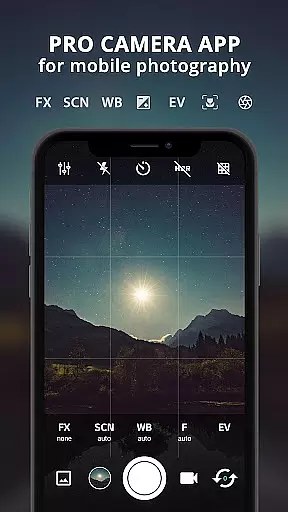
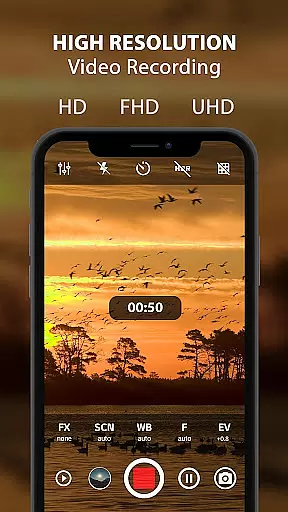
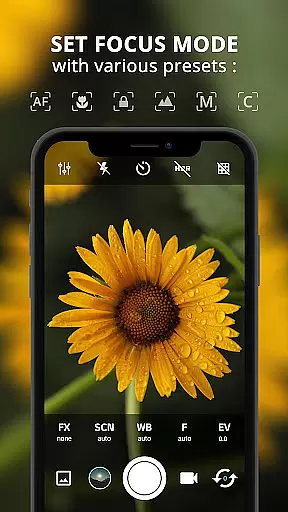
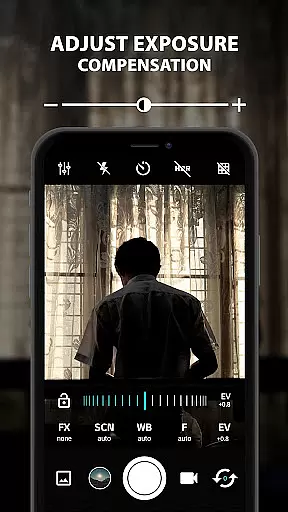
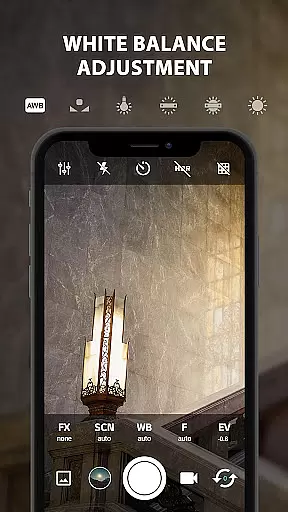
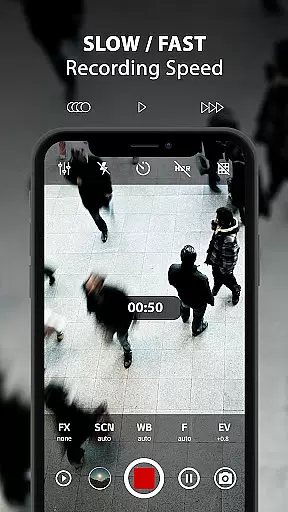
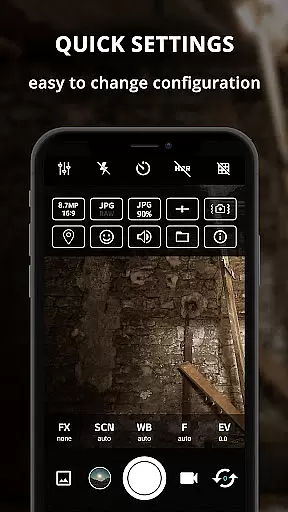
ProCam X transforms your smartphone into a professional-grade camera, offering full manual control over essential photography parameters. With precise adjustments for exposure, focus, white balance, ISO, and shutter speed, this app empowers users to elevate their mobile photography experience. Designed for both amateur enthusiasts and seasoned photographers, ProCam X supports advanced features like 4K video recording, real-time filters, and geotagging.
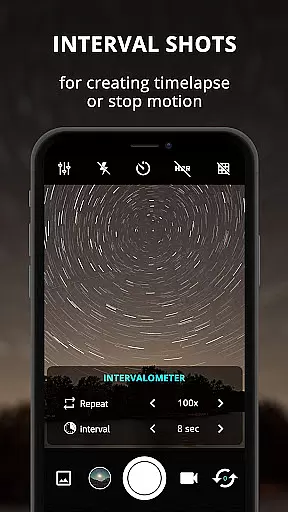
The app's standout capability lies in its extensive DSLR-like controls, including manual ISO settings, exposure lock, and customizable shooting modes. These features are complemented by practical tools such as burst mode, intervalometer, and anti-shake functionality, making it suitable for creating time-lapse videos or capturing fast-action scenes. Whether you're aiming for artistic shots or professional-quality recordings, ProCam X provides the necessary tools to achieve exceptional results.
Ideal for content creators and photography professionals, ProCam X is particularly useful in scenarios requiring high precision and creative control. The ability to shoot in RAW format and adjust settings like shutter speed and white balance ensures that users can adapt to various lighting conditions and capture images exactly as envisioned. This versatility makes the app an indispensable tool for mobile photographers seeking DSLR-level functionality on their smartphones.
ProCam X stands out with its comprehensive suite of professional camera features designed to give users complete control over their mobile photography. One of its key strengths is the ability to manually adjust critical camera settings such as ISO, shutter speed, focus, and white balance. These manual controls, similar to those found in DSLR cameras, enable photographers to fine-tune each shot according to their specific requirements and creative vision.
The app also includes advanced functionalities that enhance the overall photography experience. For instance, the intervalometer feature allows users to capture time-lapse sequences effortlessly, while the burst mode enables rapid-fire shooting perfect for action shots. Additionally, ProCam X offers real-time filters and color effects, giving users the flexibility to apply artistic touches directly within the app. The inclusion of geotagging and optional GPS location tagging further adds value for photographers who need to document precise shooting locations.
Another remarkable aspect of ProCam X is its support for 4K video recording with configurable bit rates and optional audio. The app's interface is designed for seamless operation, allowing users to change orientation without interruption and customize volume key functions for quick adjustments. These features collectively make ProCam X a powerful tool for capturing professional-quality photos and videos, rivaling dedicated camera equipment in terms of functionality and performance.
Real-time capture and preview functionality is essential for any photography application, allowing users to frame their shots accurately and make necessary adjustments before taking a photo. ProCam X offers an advanced real-time preview system that ensures what you see on the screen is what you get in your final image.
The app provides users with precise control over various camera settings such as exposure, white balance, ISO, and focus, all of which can be adjusted in real time. This immediate feedback empowers photographers to fine-tune their images according to different lighting conditions and creative intentions without any guesswork.
Additionally, ProCam X supports features like anti-shake and geotagging, enhancing the quality of the photos and providing useful information about where they were taken. These capabilities ensure that users can consistently capture high-quality images with their mobile devices, rivaling the performance of professional cameras.
By leveraging the phone's hardware and software capabilities, ProCam X delivers a seamless and responsive photography experience, making it an invaluable tool for both amateur and professional photographers who demand the best from their mobile camera applications.
AI beauty and enhancement features have become increasingly popular in photography apps, offering users the ability to improve their photos with just a few taps. ProCam X incorporates sophisticated AI algorithms that enhance images naturally, avoiding the artificial look that can result from excessive digital manipulation.
The app's AI-powered enhancements work by intelligently analyzing the content of each photo, applying adjustments that bring out the best in every image while maintaining a realistic appearance. Whether it's smoothing skin tones, brightening eyes, or enhancing colors, the changes are subtle yet effective, ensuring that edited photos retain their authenticity.
ProCam X also includes a variety of real-time filters and color effects that can be applied during capture, giving users creative flexibility without compromising on naturalness. These filters are designed to complement the scene rather than overpower it, preserving the original mood and atmosphere of the photograph.
With its focus on delivering natural-looking enhancements, ProCam X stands out as a powerful tool for photographers who want to elevate their mobile photography without sacrificing the genuine qualities that make each photo unique.
Full manual controls
4K video recording
Real-time filters
Intervalometer feature
RAW file support
Complex for beginners
High battery usage
Device compatibility issues
No free version
Occasional crashes

Application for remote controlling DSLR
 3.00
3.00
Turn your phone into a professional camera - full DSLR manual photography
4.30
A must-have app for landscape photographers
4.60
Fit multiple photos on one post. Create carousels & scroll layouts for Instagram
4.50
AI-powered video creator by MiniMax - Where ideas meet cinema
4.20
Astrophotography with your smartphone, photo live stacking and much more!
3.90
Catch sunlight, sunrise sunset times and sun phases with the AR sun tracker.
4.10
Effortlessly make high-quality GIFs from images & videos without any watermarks.
4.70
Unlock the full potential of your DJI drone with Litchi
4.50
A collection of tools and reference tables for DPs, ACs, DITs and Operators.
4.70
Add Watermark - Sign your pictures with a text or logo. Effective, quick, easy!
4.50
Safe & smart flight with Go Fly drone controller for 40+ drone camera, zone map
4.50
AI photo editor with hair editor, retouch tools, hair color changer & filters!
4.50
Easily stitch panoramas from multiple photos or video.
4.40
Create & Edit with AI: AI Remove, Enhance, Retouch, Filter
4.10
Professional quality photo edits with the new Snapseed.
4.00
How would you look like with a differently shaped nose, chin or lips?
3.90
Perfect photos with body shaping, BG changer and object remover.
3.70
Long exposure camera with computational photography
2.60


User Reviews