
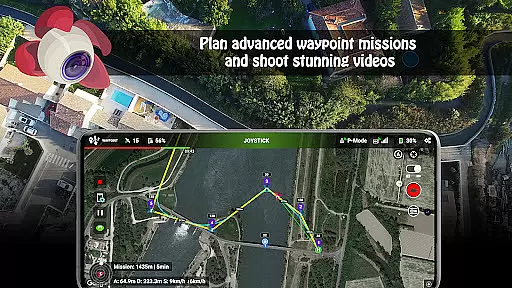
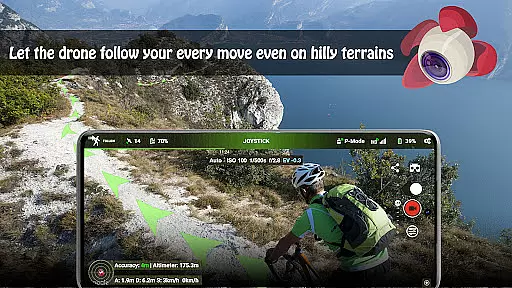
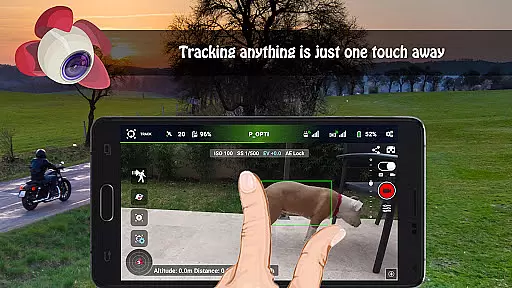
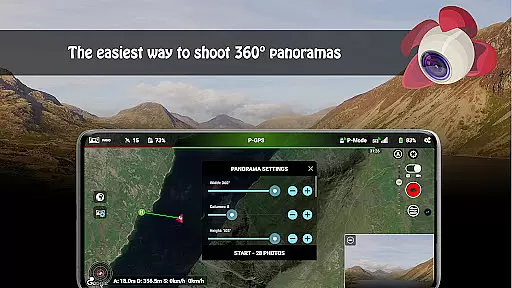
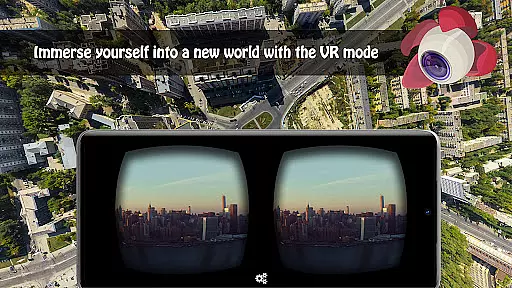
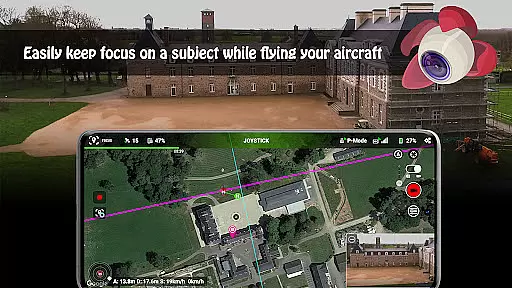
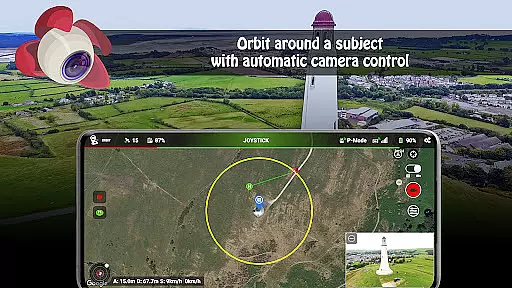
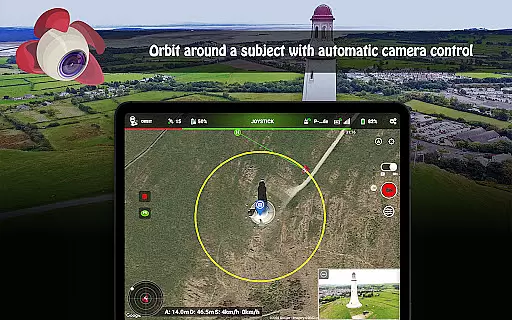
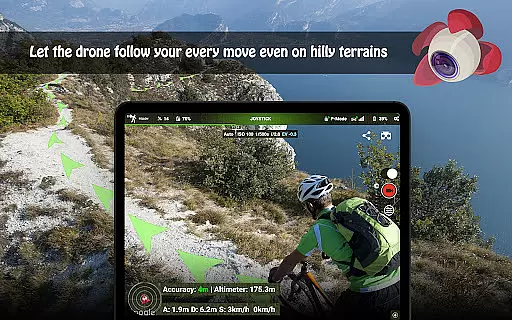
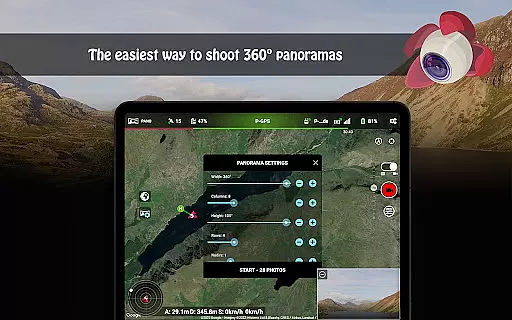
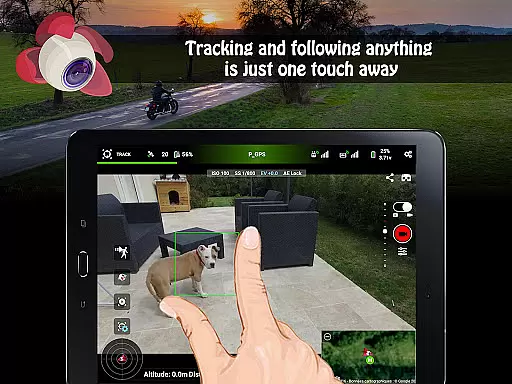
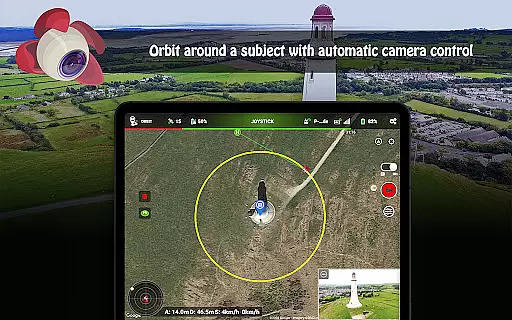
Litchi for DJI Drones is the premier application designed to enhance your drone flying experience. This app unlocks advanced features of your compatible DJI drone, offering capabilities such as Waypoint mode, Panorama mode, and Track mode. With an intuitive waypoint engine and seamless flight plan syncing across devices, Litchi caters to both professionals and beginners. The app also supports immersive VR mode and advanced Orbit mode, providing users with creative control over their aerial photography and videography.
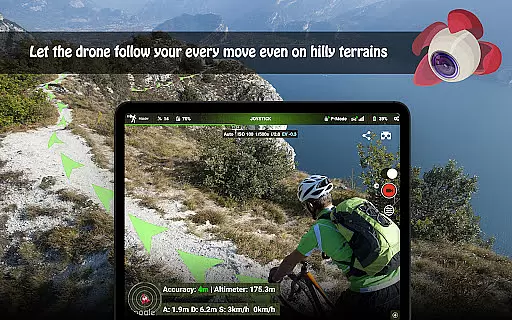
Whether you're capturing stunning panoramas or tracking moving subjects with precision, Litchi ensures that your DJI drone operates at its full potential. Compatible with a wide range of DJI models, this app empowers users to execute complex flight plans and livestream their drone's video feed directly to platforms like Facebook. Additionally, features like Follow mode and automatic video recording make it easier than ever to document your adventures from the sky.
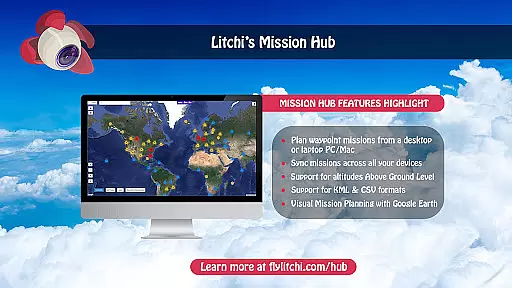
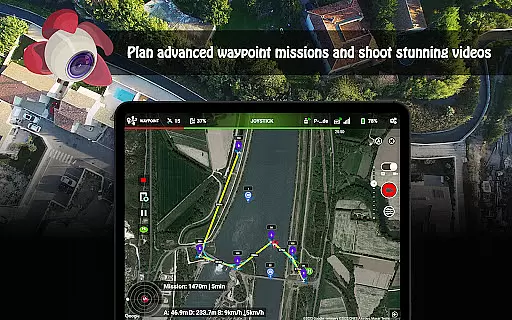
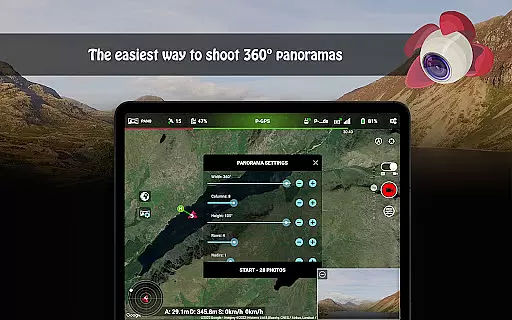
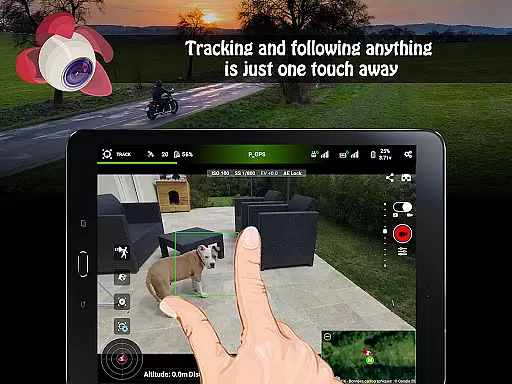
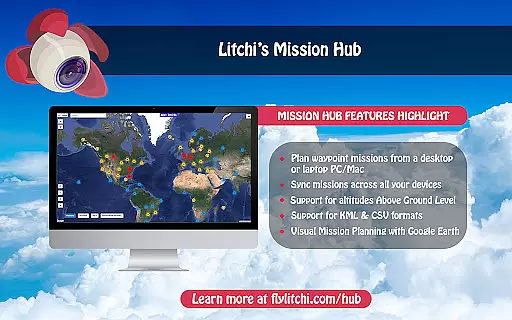
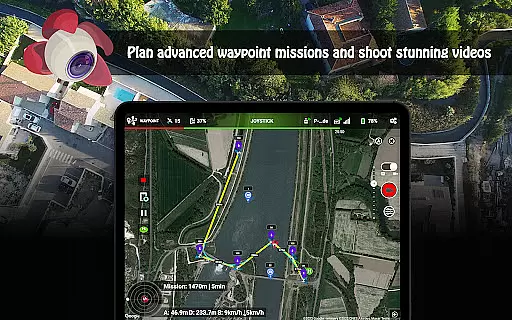
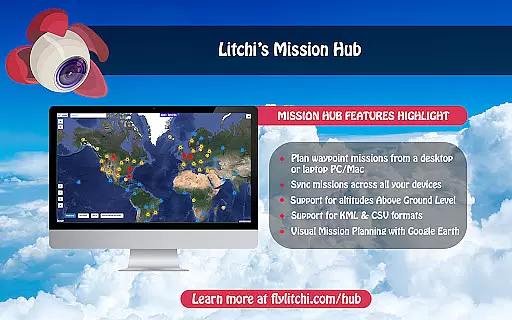
Litchi stands out with its comprehensive feature set tailored for DJI drone enthusiasts. One of its key highlights is the Waypoint mode, which allows users to create intricate flight paths using an intuitive planner available on multiple platforms including PC and Mac. The app's Panorama mode simplifies capturing breathtaking 360-degree views, while the Track mode employs cutting-edge computer vision algorithms to keep subjects perfectly framed during flight.
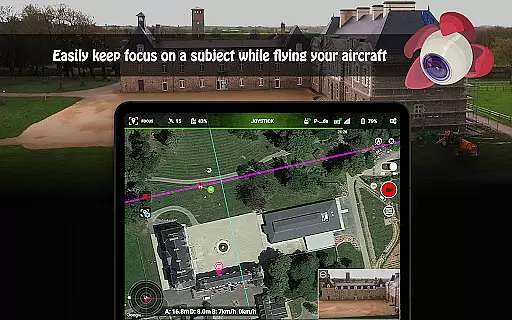
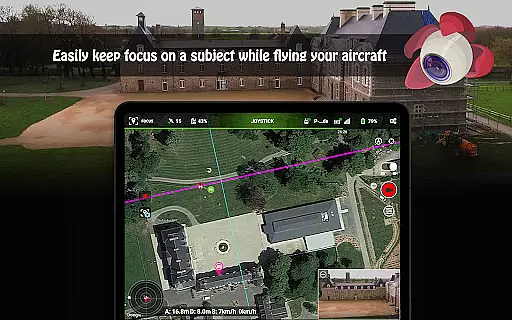
Beyond these, Litchi offers innovative modes like VR mode for an immersive FPV experience when paired with separate goggles, and Focus mode that manages gimbal and yaw controls so pilots can focus on navigation. Additional functionalities include livestreaming capabilities, support for bluetooth controllers, human-readable flight logs in CSV format, and voice feedback for critical alerts. These robust features collectively provide a versatile toolkit for both hobbyists and professional content creators looking to maximize their drone's potential.
Real-time capture and preview functionality is essential for drone photography, allowing users to see exactly what the camera captures as it happens. Litchi for DJI Drones excels in this area by providing a seamless live feed from the drone's camera directly to the user's device.
The app ensures minimal latency in video transmission, which is crucial when navigating and framing shots. This real-time feedback enables photographers and videographers to make immediate adjustments to their drone's position, angle, and settings, ensuring they capture the perfect shot every time.
With compatibility across various devices, Litchi offers flexibility in how users choose to monitor their flights. Whether on a smartphone or through VR goggles, the clarity and responsiveness of the live preview enhance the overall flying and filming experience.
This feature not only improves the quality of the content captured but also contributes to flight safety. Pilots can maintain visual contact with their drone while simultaneously monitoring the camera feed, reducing the risk of accidents and flyaways.
While primarily focused on drone control and photography, Litchi incorporates features that leverage AI for image enhancement without compromising naturalness. The app processes images and videos to improve quality while maintaining authenticity, avoiding the over-processed look common in lesser applications.
Litchi's AI algorithms work behind the scenes to optimize image parameters such as exposure, color balance, and sharpness. These enhancements occur in real-time during capture or post-processing, depending on user preferences and workflow requirements.
The application strikes a balance between automated improvements and manual controls, giving users the flexibility to adjust settings according to their artistic vision. This approach ensures that photos and videos retain their original character while benefiting from technical enhancements.
Furthermore, Litchi's processing capabilities extend beyond simple filters. Advanced features like panorama stitching and HDR processing utilize sophisticated algorithms to create composite images that appear naturally enhanced rather than artificially altered, preserving the integrity of the original scene.
User-friendly interface
Advanced waypoint planning
Seamless device syncing
Immersive VR experience
Professional-quality panoramas
Incompatible with latest DJI models
Requires internet for activation
Separate goggles needed for VR
Premium pricing for full features
Complex setup for beginners

All-in-One Editor & AI Photo Enhancer, Beautify & Retouch, Collage, Cartoonify
 4.20
4.20
Trendy TikTok time warp scan funny filter app brings you unique photos & videos.
4.40
Be your best in every shot! Fix, edit and retouch your face in selfies & photos.
3.70
A must-have app for landscape photographers
4.60
Add a dreamy vibe to your selfies and videos with soft style filters
4.2
Luminar: Photo Editor - easy picture editing with AI
4.20
AI Photo Editor with 100+ Filters, Effects! Remove BG, Retouch & Photo Enhancer.
4.80
Your personal guide to the sun and moon. Plan ahead, visualize and predict!
4.70
Professional camera app that brings DSLR manual photography controls to Android.
4.20
A collection of tools and reference tables for DPs, ACs, DITs and Operators.
4.70
Android Native system HD camera app. Never been so simple and faster.
4.70
Cartoon and artistic effects for your photos and videos
4.70
The original Rarevision VHS look seen everywhere!
4.70
Enhance, upscale, and transform your images — on your device, without limits
4.70
Photo Exif Editor allows to view, add and modify EXIF data of multiple photos
4.50
AI photo enhancer with Sora 2! Enhance, descratch, and colorize your old photos.
4.50
The #1 app for B&W film developing featuring an advanced darkroom timer.
4.10
Create amazing frames with up to five photos. Rounded corners, effects and more!
3.60
An interval timer to automate photo taking process for timelapse
2.90


User Reviews