
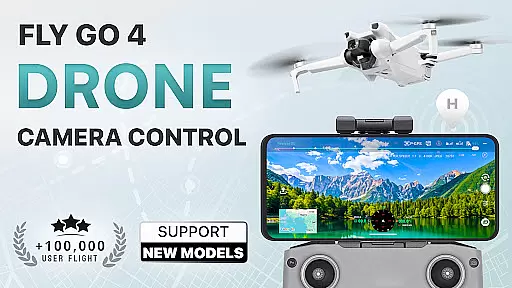
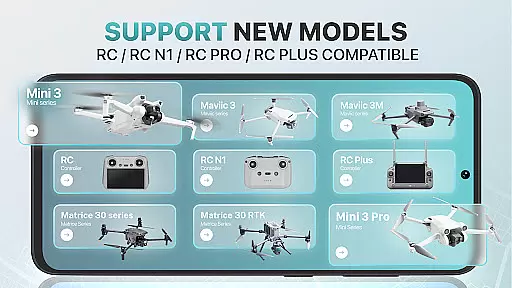
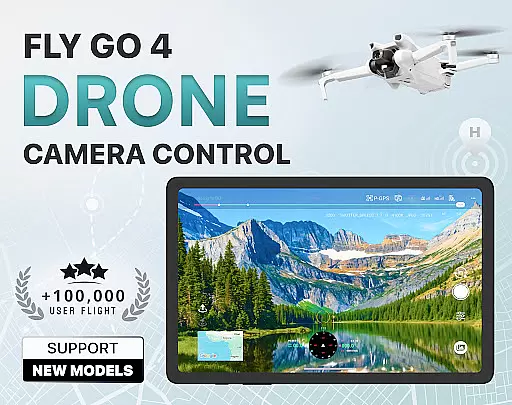
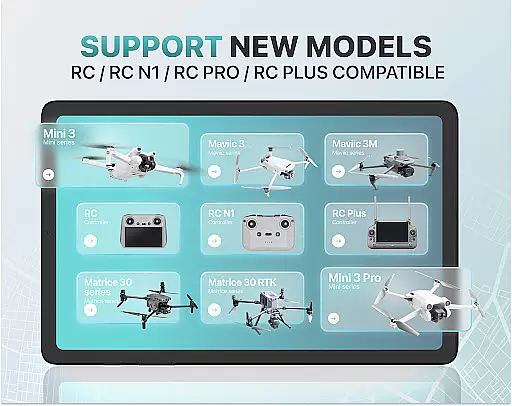
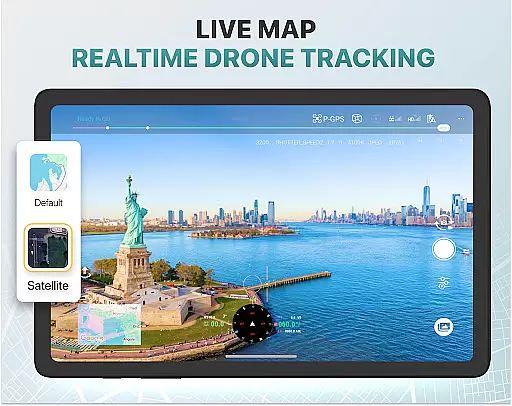
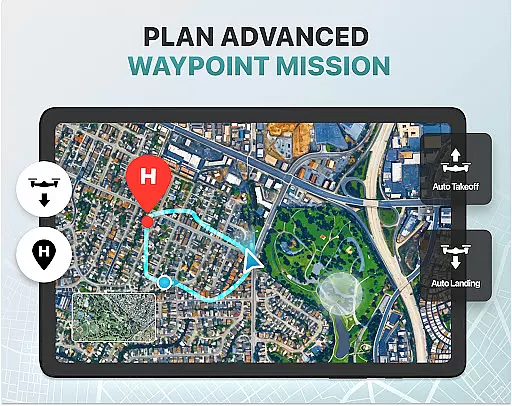
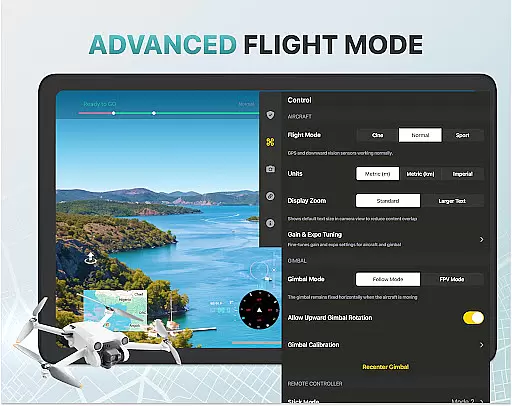
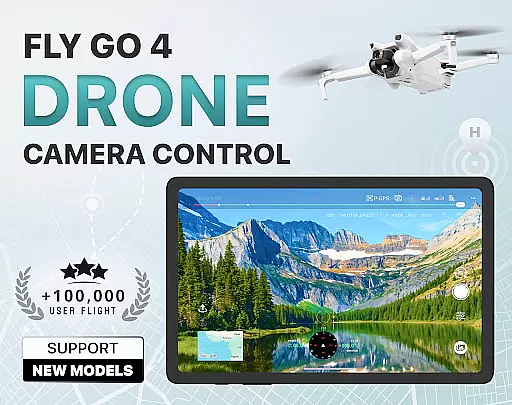
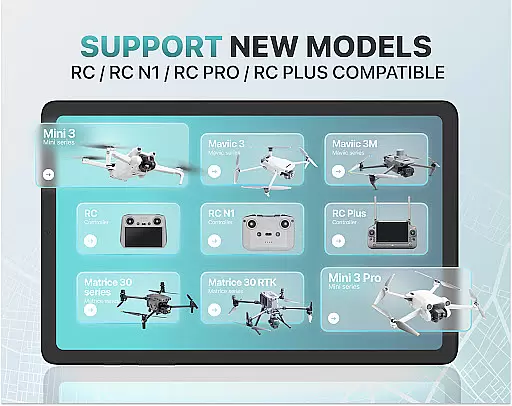
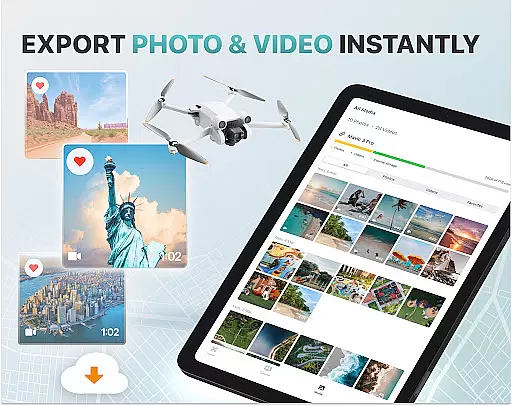
Fly Go 4 Drone Camera Control is a comprehensive drone management app designed for both amateur and professional drone pilots. This app offers seamless compatibility with a wide range of drones, flycams, and UAVs, including popular models like Matrice 350 RTK, DJI Mini 3, and DJI Mavic 3 Enterprise Series. With its intuitive interface, users can effortlessly control their drones from their mobile devices.
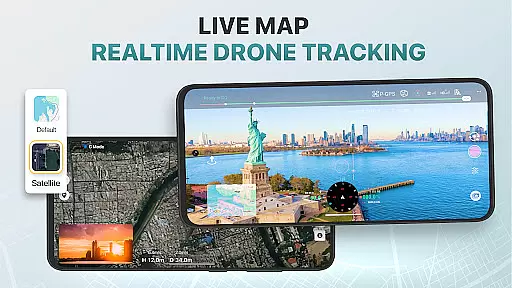
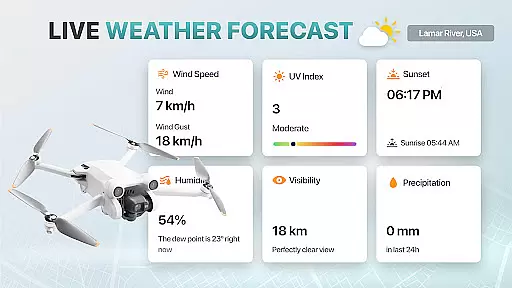
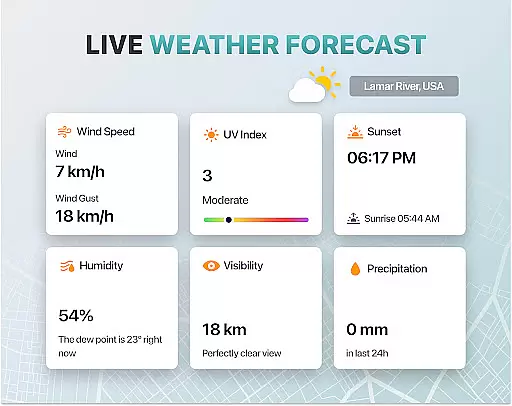
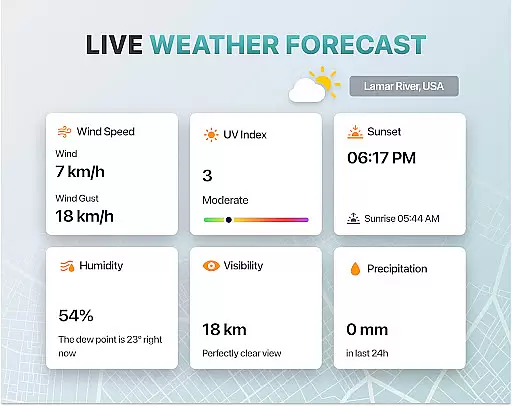
One of the standout features of Fly Go 4 is its ability to provide real-time weather updates, ensuring safe flying conditions. Additionally, it includes no-fly zone alerts, GPS tracking, and smart media export options. The app also supports advanced camera controls, enabling users to capture stunning panoramic images and videos directly from their phone screens. Whether you're a beginner or an experienced pilot, this app provides all the tools necessary for a successful drone flying experience.
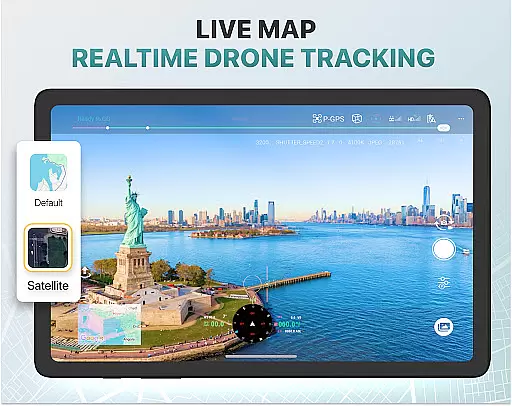
Fly Go 4 Drone Camera Control boasts a variety of innovative features tailored to enhance the drone flying experience. One of its key functionalities is the real-time camera feed, which allows users to view lag-free video streams from their drone's camera. This feature ensures precise control over aerial footage, making it easier to capture breathtaking shots.
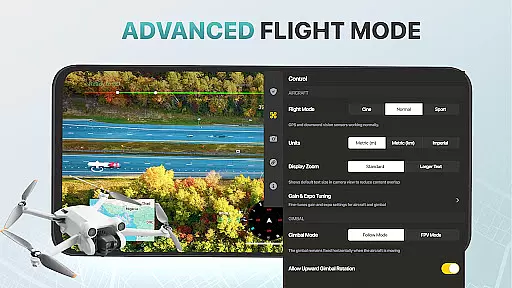
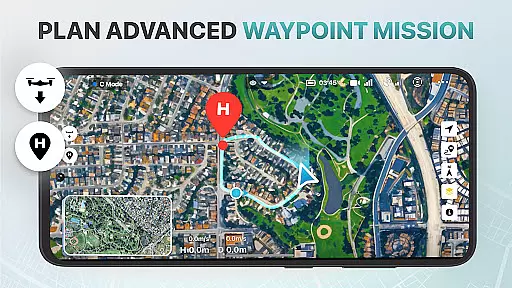
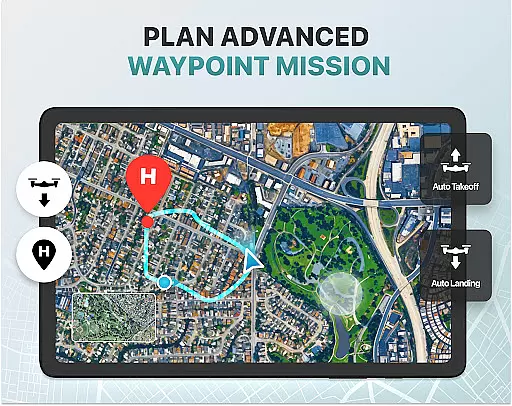
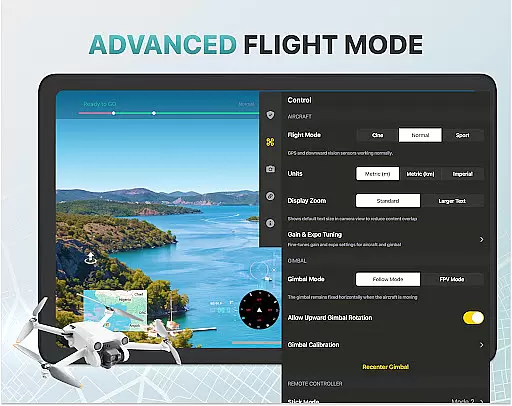
The app also includes intelligent flight modes that simplify complex maneuvers, making it accessible for beginners while still offering advanced options for seasoned pilots. Users can take advantage of specialized tools such as enhanced gimbal direction adjustment and on-screen exposure graphs for detailed camera settings. Furthermore, the built-in GPS tracker and home point functionality ensure that your drone can be easily located and safely returned in case of emergencies or signal loss.
Real-time capture and preview functionality is essential for drone photography, allowing users to see exactly what their drone's camera is capturing as it happens. The Go Fly Drone Controller Pro app excels in this area by providing a seamless live video feed directly to the user's phone screen.
This feature ensures that every shot can be perfectly framed and timed, offering precision control over the final output. With lag-free transmission, pilots can make real-time adjustments to capture stunning panoramic images and videos effortlessly.
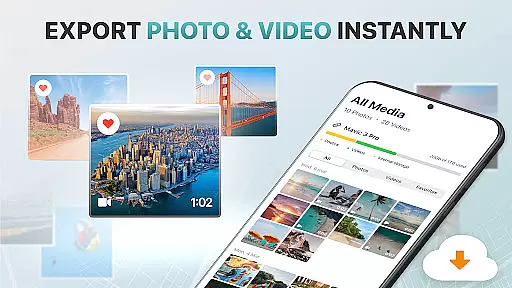
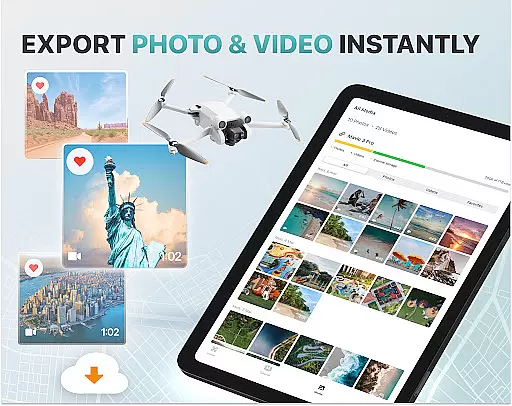
The app supports various high-quality file formats, making it easy to transfer captured footage to your device for sharing or editing. This immediate access to high-resolution media enhances the overall photography experience, enabling creators to produce professional-grade content with ease.
While primarily focused on drone control, the Go Fly Drone Controller Pro also incorporates AI beauty and enhancement features that ensure natural-looking results. These tools help optimize image quality without compromising authenticity, striking a balance between enhancement and realism.
Utilizing advanced algorithms, the app can automatically adjust exposure settings, color balance, and other parameters to create visually appealing images. This process occurs in real-time, allowing users to see enhanced previews before capturing the final shot.
For photographers seeking to elevate their aerial photography, these AI-powered enhancements provide an added layer of sophistication. By delivering natural yet polished results, the app empowers users to achieve exceptional visual storytelling through their drone's camera.
User-friendly interface
Wide device compatibility
Real-time weather updates
Advanced camera controls
Comprehensive tutorials
Premium subscription required
Limited free trial period
No iOS support
Occasional connectivity issues
Not an official manufacturer app

Photo editor: face & body editor, beauty cam, filters and quality enhancer.
 4.00
4.00
How would you look like with a differently shaped nose, chin or lips?
3.90
Add Watermark - Sign your pictures with a text or logo. Effective, quick, easy!
4.50
Android Native system HD camera app. Never been so simple and faster.
4.70
Amazing Photo Effects - The most fun you can have with your photos!
4.70
USB Storage Access for Photos, Videos, Music and Documents
3.80
Future baby face generator: AI kids generator, kid face! What my baby look like?
4.40
Your personal guide to the sun and moon. Plan ahead, visualize and predict!
4.70
Solocator stamps photos you take with GPS location, Compass Direction, Date/Time
3.80
Create funny photos and videos with the popular Time Warp Scan filter.
4.90
Pro version: AR sun/moon tracker for any date. Tool for photographers & planners
4.90
AI Photo Editor with 100+ Filters, Effects! Remove BG, Retouch & Photo Enhancer.
4.80
See your baby AI baby face generator AI baby maker Face generator babymaker fun!
4.70
Light-weight Media Gallery app for Android made with Jetpack Compose
4.60
Create Business Headshots, Polaroid Filter, Retake Photos,Profile Pics,AI Photos
4.50
Fit multiple photos on one post. Create carousels & scroll layouts for Instagram
4.50
Trendy TikTok time warp scan funny filter app brings you unique photos & videos.
4.40
Create AI Photos, Improve and restore quality of blurry, old or damaged pics.
4.20
Astrophotography with your smartphone, photo live stacking and much more!
3.90


User Reviews