
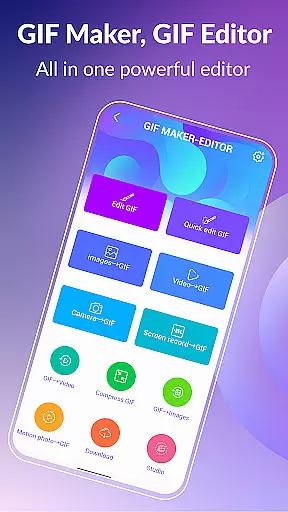
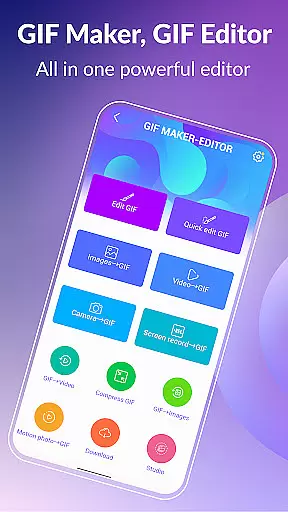
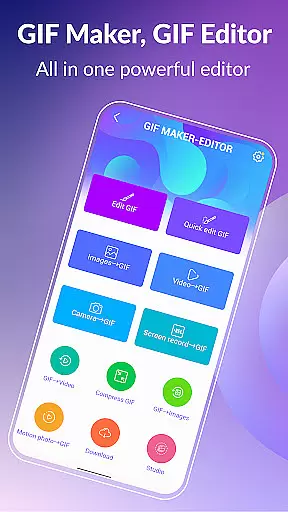

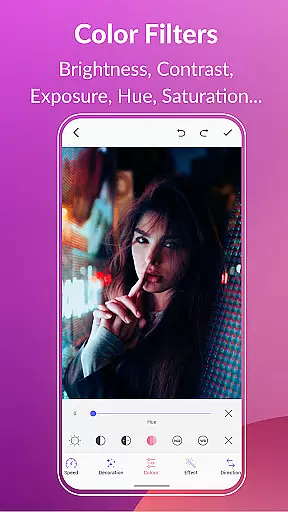
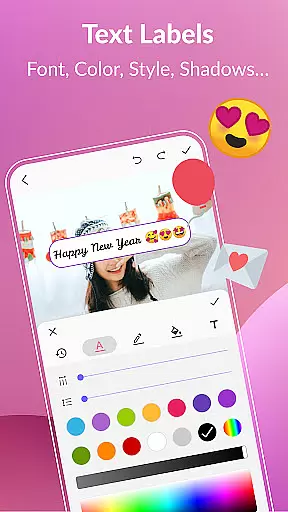
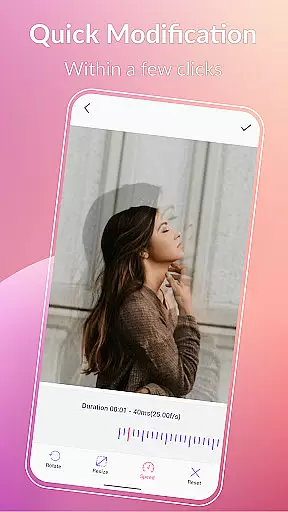
GIF Maker, GIF Editor Pro is a comprehensive photography app designed for creating and editing high-quality animated GIFs. This app supports up to 600 frames and HD resolution of 720x1280 pixels, ensuring your creations are crisp and clear. With an intuitive interface, users can easily transform images, videos, screen recordings, and existing GIFs into stunning animations.
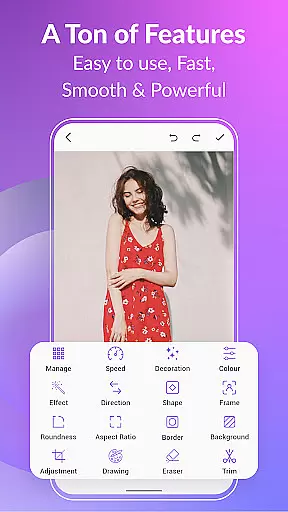
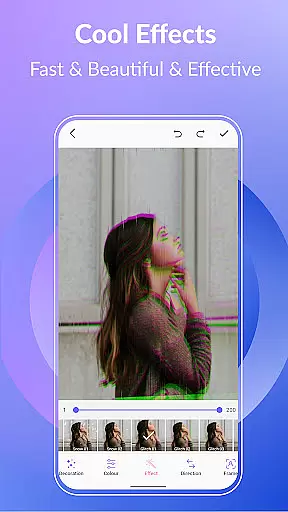
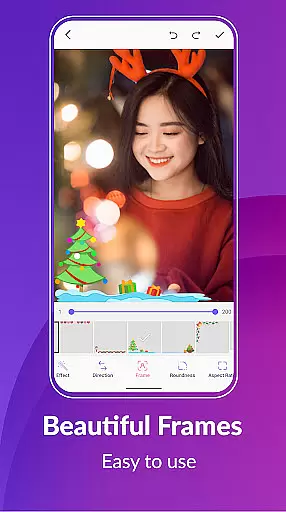
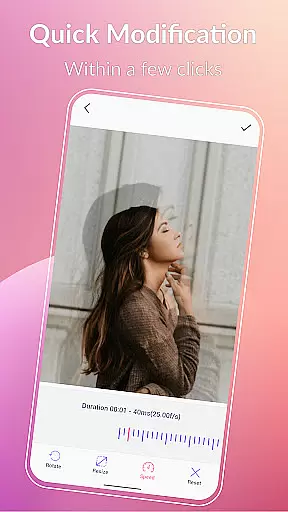
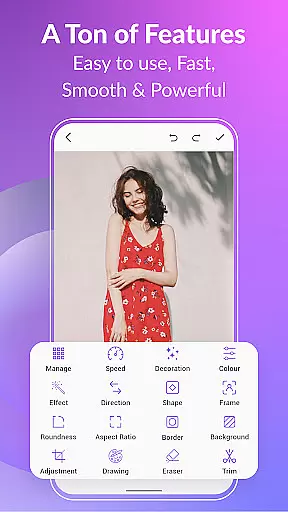
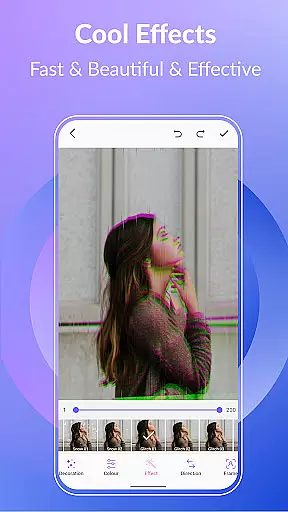
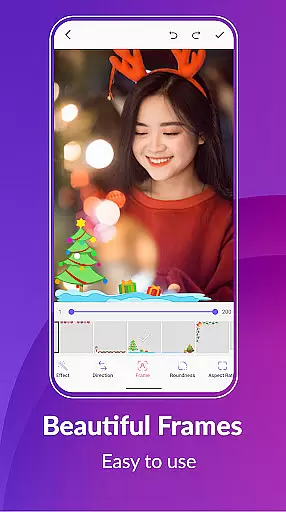
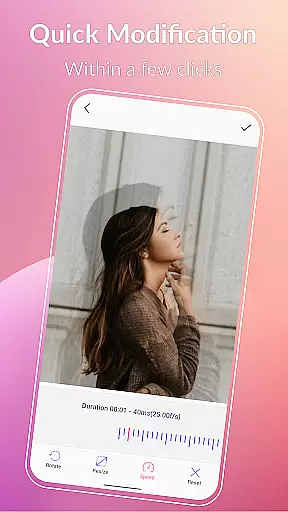
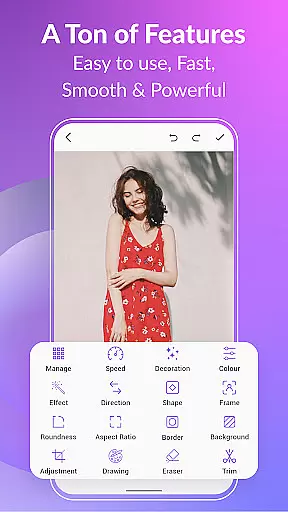
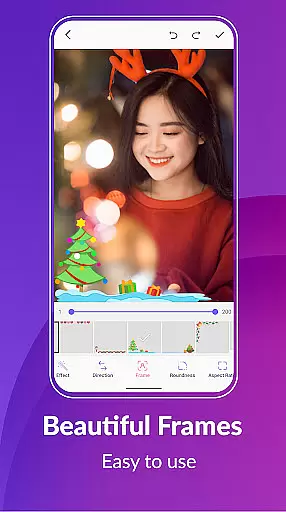
Whether you're looking to convert video clips, combine multiple images, or record your screen, this app offers the tools needed to create professional-looking GIFs. It includes features like cropping, resizing, speed adjustment, adding emojis, filters, trimming, stickers, aspect ratio modification, and more. The app also supports compressing GIFs, converting GIFs to videos, and applying various effects and color filters.
This app is perfect for content creators, social media enthusiasts, and anyone who wants to add a creative touch to their digital communications. By offering extensive customization options and supporting multiple languages, GIF Maker, GIF Editor Pro caters to a global audience, making it easy to produce engaging and personalized GIFs.
GIF Maker, GIF Editor Pro stands out with its robust set of features tailored for both novice and experienced users. One of the key highlights is its support for a wide range of formats including PNG, JPEG, MP4, MPEG, FLV, 3GP, and GIF. This versatility allows users to import and export files in various formats, providing flexibility in project management.
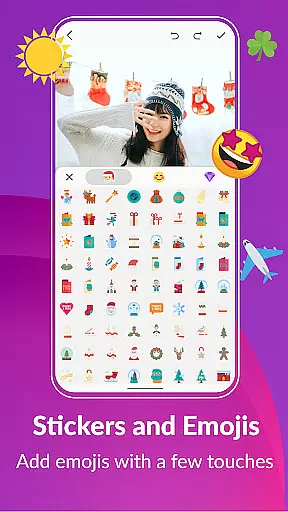
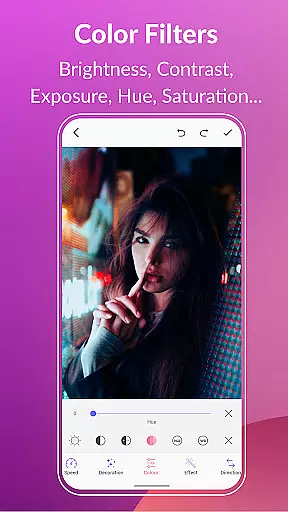
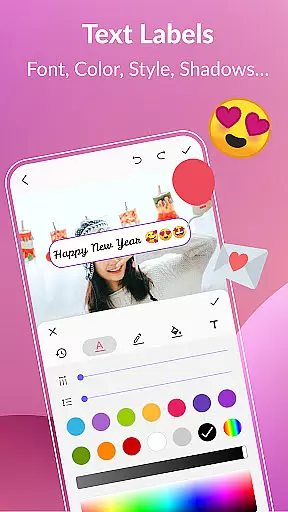
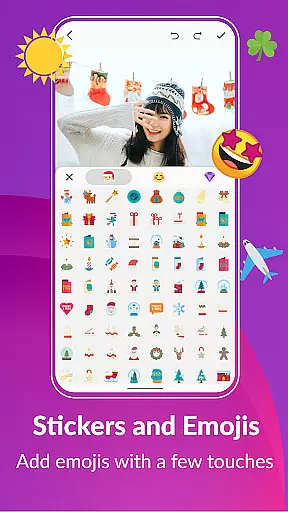
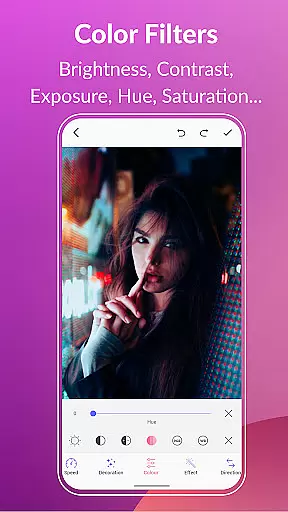
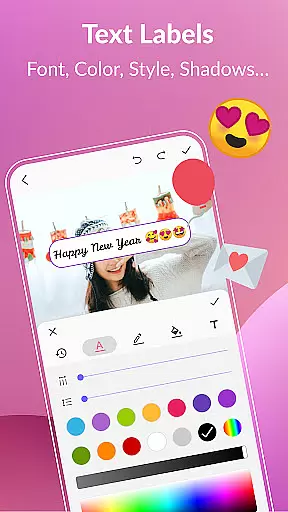
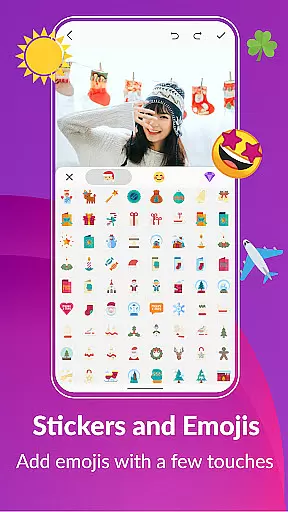
The app offers advanced editing capabilities such as adjusting play speed, adding text labels, applying color filters, and inserting stickers and emojis. Users can also manage their GIF collections efficiently, view and edit all GIFs on their device, and export frames from a GIF with ease. These features ensure that users have complete control over their creations, enabling them to fine-tune every detail.
Additionally, GIF Maker, GIF Editor Pro provides options for customizing the background of GIFs with choices like transparent, black, white, solid color, gradient colors, and blur effects. The app's ability to maintain high quality while offering compression tools makes it ideal for sharing GIFs on platforms like WhatsApp, Facebook, Messenger, Twitter, and others. This ensures that your GIFs are not only visually appealing but also optimized for quick sharing.
Real-time capture and preview functionality is essential for any photography or GIF-making app, allowing users to see exactly what their final output will look like as they create it.
GIF Maker, GIF Editor Pro offers an intuitive interface that supports real-time image and video processing. This means you can instantly see the results of applying filters, effects, and other edits to your images or videos, ensuring that the final GIF meets your expectations without any surprises.
The benefit to users is significant; this feature allows for precise adjustments and creative freedom. Whether tweaking colors, adding text, or applying special effects, seeing these changes in real time enhances the creative process, making it more efficient and enjoyable.
This immediate feedback loop not only saves time but also elevates the quality of the content produced, enabling creators to fine-tune every detail of their animated GIFs with confidence.
AI beauty and enhancement features are revolutionizing how we edit photos and videos by offering natural-looking improvements that were once only possible through professional editing.
In GIF Maker, GIF Editor Pro, AI-driven tools allow users to enhance their GIFs with realistic effects such as skin smoothing, color correction, and facial recognition enhancements. These tools intelligently analyze each frame to apply enhancements that maintain the authenticity of the original content while elevating its visual appeal.
Users gain the ability to produce high-quality, visually appealing GIFs without needing extensive technical knowledge or experience. The AI ensures that all modifications look seamless and true to life, preserving the essence of the original footage.
Ultimately, this technology empowers creators to focus on their artistic vision, knowing that the AI will handle the nuances of enhancement with subtlety and precision, resulting in stunning yet believable animations.
User-friendly interface
High-quality output
Extensive format support
Versatile editing tools
Multi-language support
Paid version required
Advanced features may overwhelm beginners
Limited free trial options
Occasional performance lags
Ads in free version

Photo editor: face & body editor, beauty cam, filters and quality enhancer.
 4.00
4.00
Gallery show photo, video, slideshow, is perfect 3D effect private photo albums.
4.80
Perfect photos with body shaping, BG changer and object remover.
3.70
The #1 app for B&W film developing featuring an advanced darkroom timer.
4.10
AI Photo Editor with 100+ Filters, Effects! Remove BG, Retouch & Photo Enhancer.
4.80
Smart, light, and fast photo and video gallery
4.30
Transform Photos: Edit, Beautify and Craft Memories & Make Collages!
4.10
Hair color changer, AI haircut app, fun hair editor and buzz cut filter for all!
3.80
Try an anime version, cartoon yourself, and generate AI hug or aging videos!
3.70
Android Native system HD camera app. Never been so simple and faster.
4.70
Photo editor & gallery. Crop pictures & edit photos offline, no wifi!
4.50
Search, tag and rate your way to an organized image gallery
4.40
Trendy TikTok time warp scan funny filter app brings you unique photos & videos.
4.40
What celebrity do you look like? Celebs will find your celebrity match!
4.10
Remote control of the phone camera from your Wear OS smartwatch
3.70
Create amazing frames with up to five photos. Rounded corners, effects and more!
3.60
Long exposure camera with computational photography
2.60
Photo Album Watch Face shows your favorite pictures as a Watchface.
1.90
Over 800 film simulation recipes for Fujifilm. Black Friday Offer!
4.3


User Reviews