
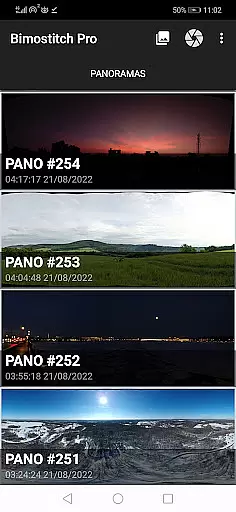
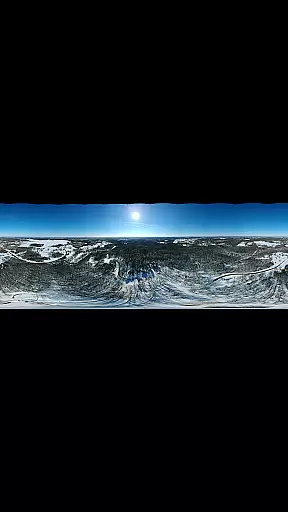
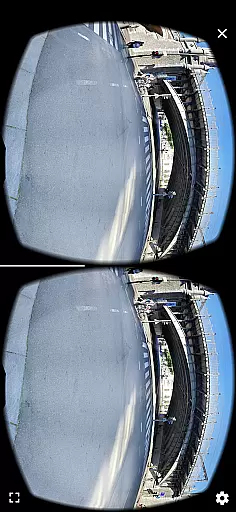

Bimostitch Panorama Pro is a powerful photography app designed for creating high-resolution panoramic images directly on your mobile device. The app utilizes advanced on-device stitching algorithms to automatically align, match, and blend multiple overlapping photos into stunning panoramas. With support for various panorama types including horizontal, vertical, 360°, and photospheres, this tool caters to both amateur and professional photographers.
One of the standout features of Bimostitch Panorama Pro is its ability to maintain the quality of source images while producing ultra-high-resolution outputs of up to 1 Gigapixel. Additionally, users can convert videos with panning motions into panoramic images, offering versatility in content creation. Whether you're capturing landscapes, cityscapes, or aerial shots via drone, this app ensures minimal resolution loss and provides automatic exposure balancing, straightening, and color correction for polished results.
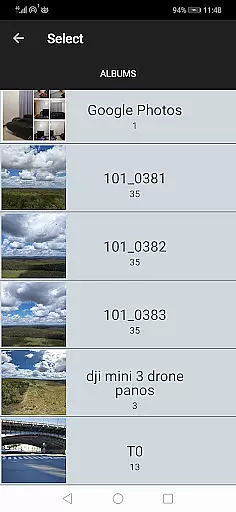
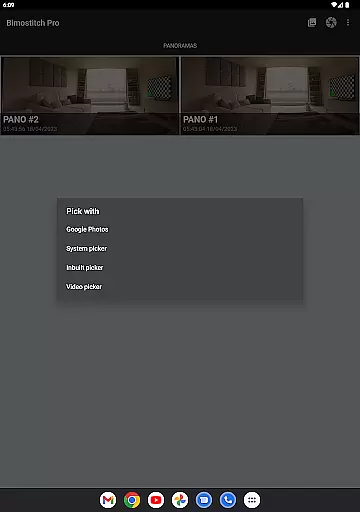
The app's intuitive interface allows seamless photo selection from the device gallery, camera, or even third-party apps. Its offline functionality and lack of reliance on special sensors like gyroscopes make it an ideal choice for photographers who need a portable yet robust solution for creating professional-quality panoramas on the go.
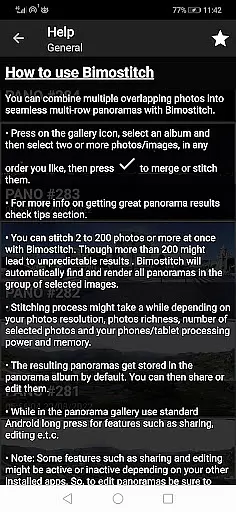
Bimostitch Panorama Pro stands out with its comprehensive feature set tailored for panoramic photography enthusiasts. The app supports stitching between 2 to 200+ overlapping photos, accommodating both simple and complex projects such as multi-row or vertical panoramas. Advanced functionalities include auto-lens calibration to compensate for lens distortions, ensuring high-quality output regardless of the camera type used.
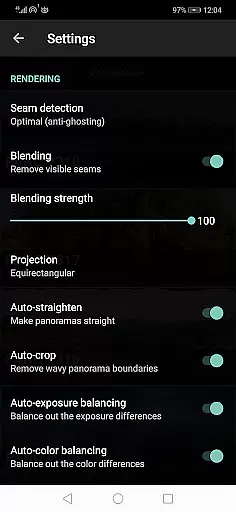
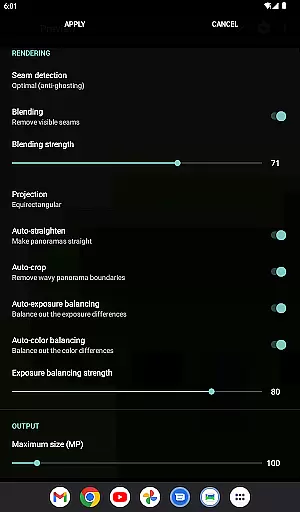
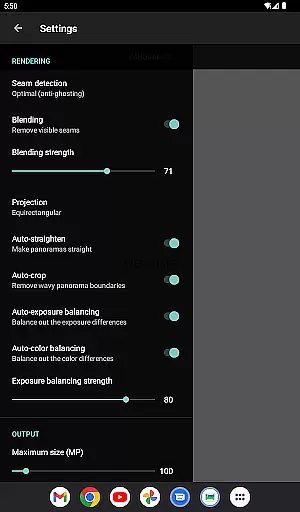
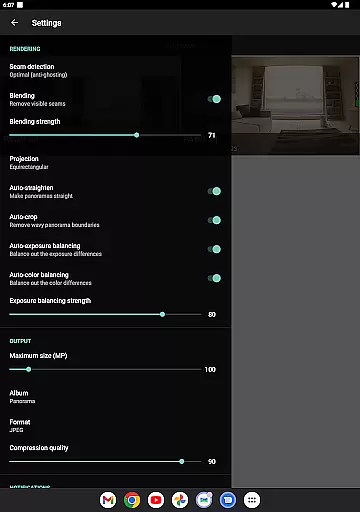
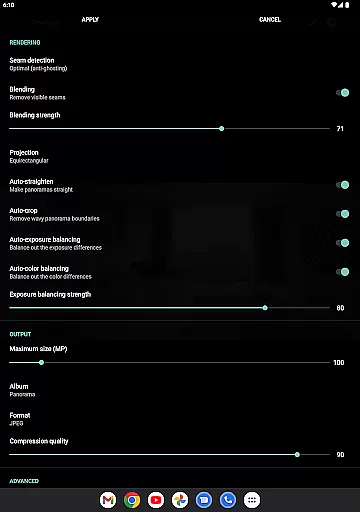
For users seeking more control over their panoramas, the app offers adjustable settings such as seam detection quality, blending intensity, and exposure balancing. These customization options allow for fine-tuned edits that enhance the final image. Additionally, the app provides practical utilities like saving previews for later use, compressing large files to save storage space, and exporting in JPEG or PNG formats.
Another notable feature is the video-to-panorama capability, which converts panning motion videos into panoramic images. This function expands creative possibilities, especially when capturing dynamic scenes. With no ads and full offline functionality, Bimostitch Panorama Pro delivers a seamless user experience focused on performance and quality.
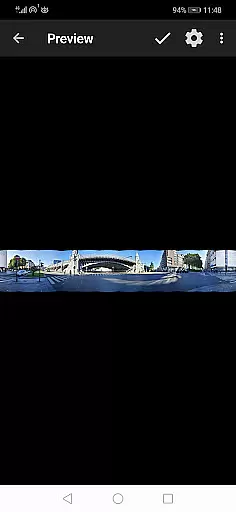
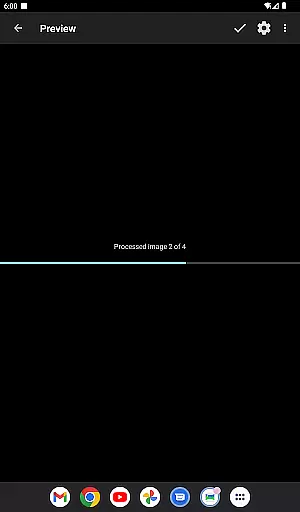
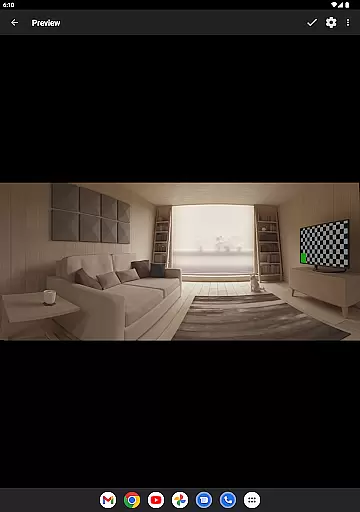
Real-time capture and preview functionality is essential for ensuring that every moment is captured with precision. Bimostitch Panorama Pro offers an intuitive interface where users can instantly see the results of their panoramic shots before finalizing them. This feature allows photographers to make necessary adjustments on the fly, ensuring optimal image quality.
The app's advanced algorithms work seamlessly to stitch together high-resolution panoramas in real time. Whether you're using overlapping photos or converting panning motion videos into panoramas, the preview mode provides a clear representation of the final output. This immediate feedback loop empowers users to refine their shots without delay.
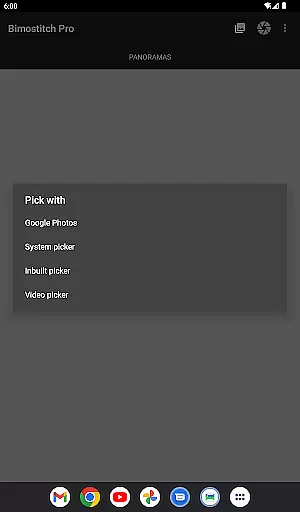
Additionally, Bimostitch Panorama Pro supports various input methods, including built-in photo pickers, external apps, and even drones. The real-time preview ensures that regardless of the source, the resulting panorama will meet professional standards. This flexibility makes it an invaluable tool for both amateur and seasoned photographers.
Ultimately, the real-time capture and preview feature enhances user experience by providing instant visual feedback. This capability not only saves time but also elevates the quality of panoramic images, making it easier than ever to create stunning visuals directly from your mobile device.
AI beauty and enhancement features are crucial for refining images while maintaining their natural essence. Bimostitch Panorama Pro leverages sophisticated AI algorithms to enhance panoramas without compromising authenticity. This ensures that every stitched image retains its original charm while benefiting from improved clarity and vibrancy.
The app automatically balances exposure and straightens panoramas, creating visually appealing outputs that remain true to life. With options like auto-color balancing and seam detection modes, users can fine-tune their images to achieve professional-grade results. These enhancements are applied intelligently, preserving the natural aesthetics of the captured scenes.
Bimostitch Panorama Pro also includes advanced settings for adjusting the intensity of auto-exposure and color balancing features. Users have granular control over blending intensity, allowing them to customize the enhancements according to their preferences. Such flexibility ensures that each panorama reflects the photographer's unique vision.
In summary, the AI beauty and enhancement capabilities of Bimostitch Panorama Pro deliver polished yet natural-looking panoramas. By combining cutting-edge technology with user-centric design, the app empowers photographers to produce breathtaking images that stand out for their authenticity and detail.
High-quality stitching
Intuitive interface
Offline functionality
Versatile input options
Advanced customization
Requires 4GB RAM
Premium cost
Complex for beginners
Limited free features
Heavy file sizes

Application for remote controlling DSLR
 3.00
3.00
An interval timer to automate photo taking process for timelapse
2.90
Photo editor: AI filters, photo enhancer, pic collage maker, AI art generator.
4.80
Turn your phone into a professional camera - full DSLR manual photography
4.30
See your baby AI baby face generator AI baby maker Face generator babymaker fun!
4.70
Luminar: Photo Editor - easy picture editing with AI
4.20
Easily view, share, delete photos with Gallery.
4.70
Enhance, upscale, and transform your images — on your device, without limits
4.70
Remote control the phone camera shutter from your smartwatch and take a picture
1.60
Find time and duration of different sunlight phases at any location
4.90
Cartoon and artistic effects for your photos and videos
4.70
Movie camera, supports pro recording settings for filming. Try it and be amazed!
4.50
Future baby face generator: AI kids generator, kid face! What my baby look like?
4.40
AI portrait generator and polaroid AI selfie, fun AI generated AI photo creator!
4.30
AI-powered video creator by MiniMax - Where ideas meet cinema
4.20
A light meter for true photographers.
4.20
Professional quality photo edits with the new Snapseed.
4.00
Turn photos into cartoons & avatars! - Photo Editor, Cartoon Face!
3.90
Over 800 film simulation recipes for Fujifilm. Black Friday Offer!
4.4


User Reviews