

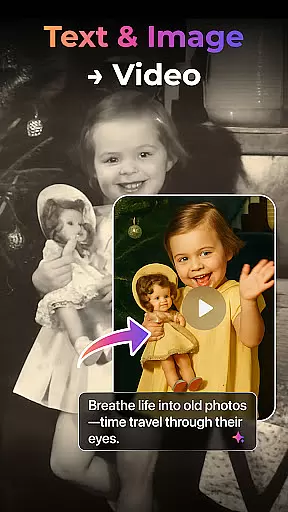


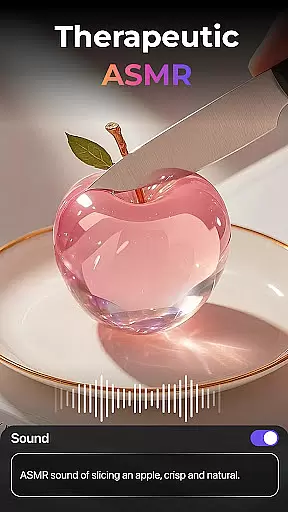
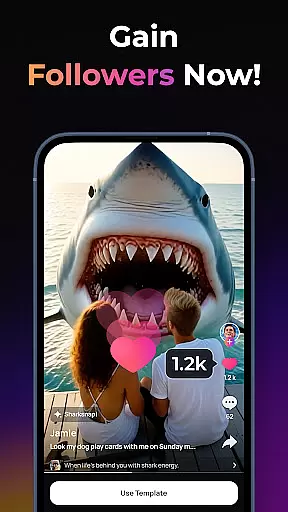
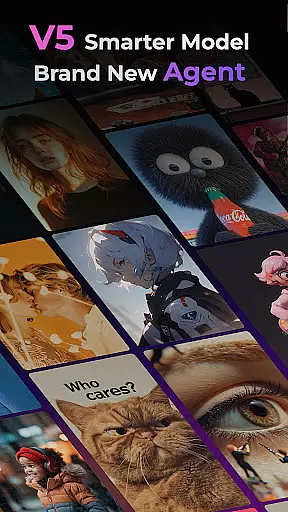

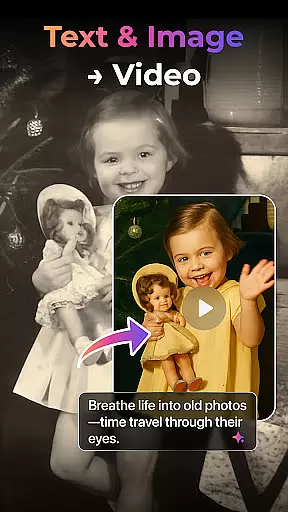


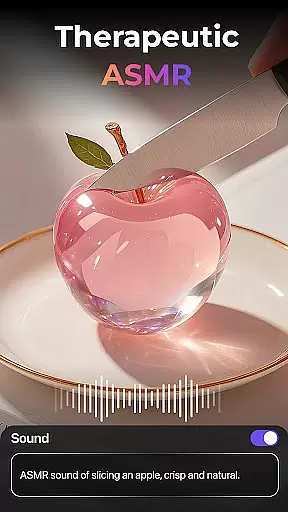
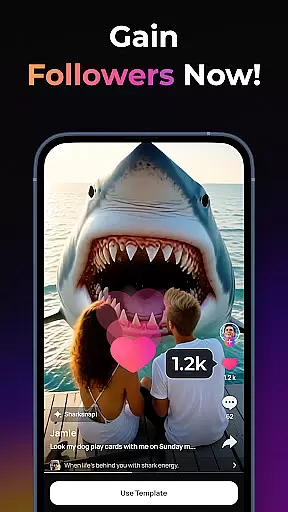
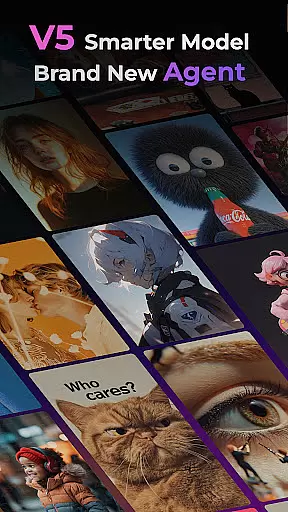

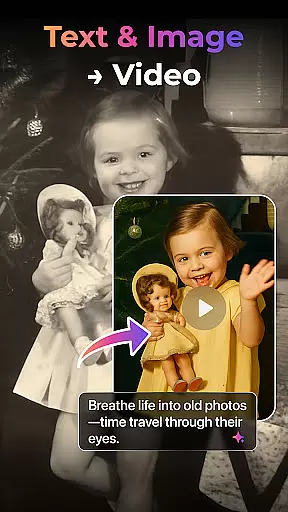


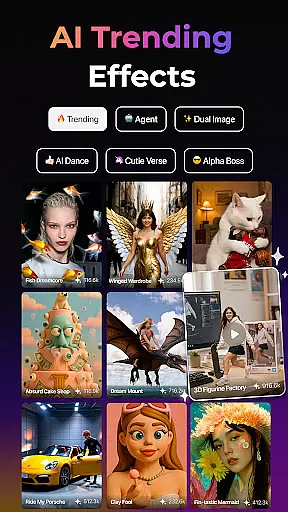
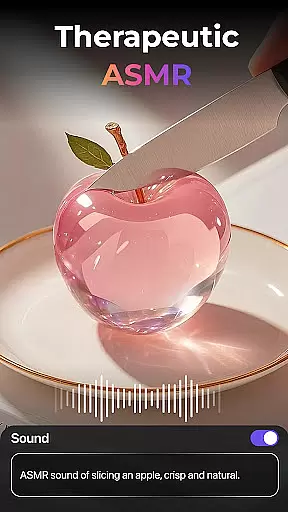
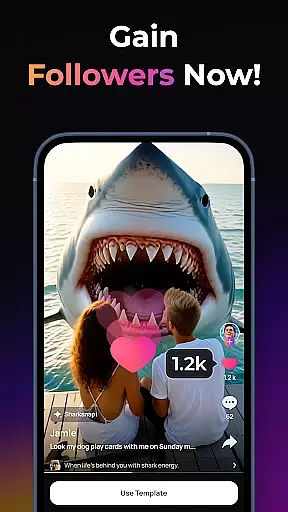
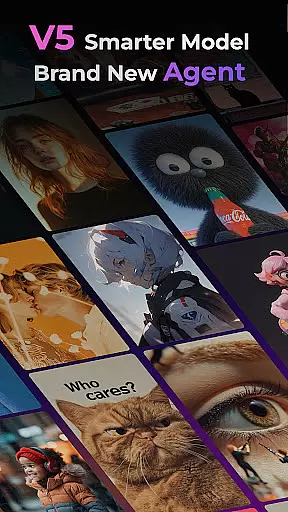
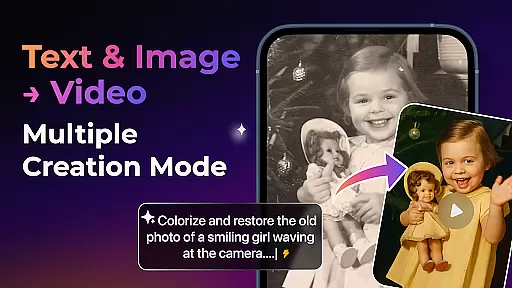


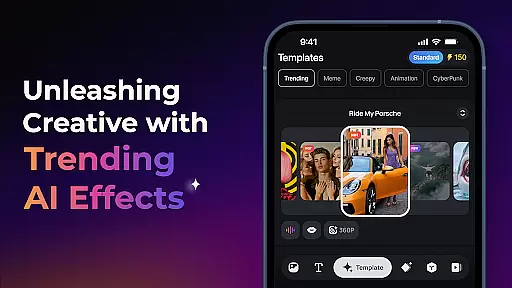
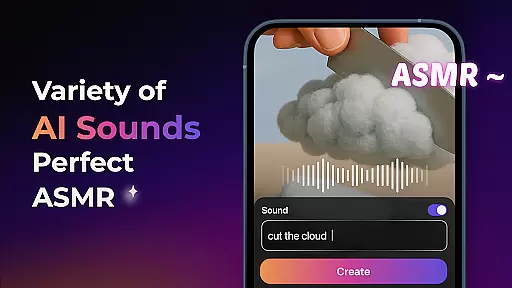
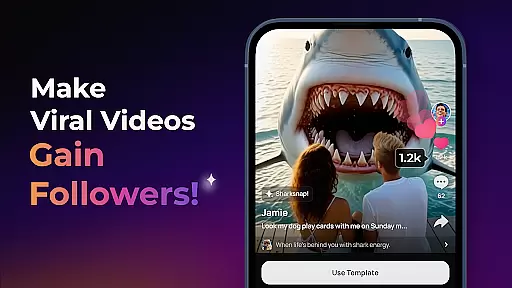

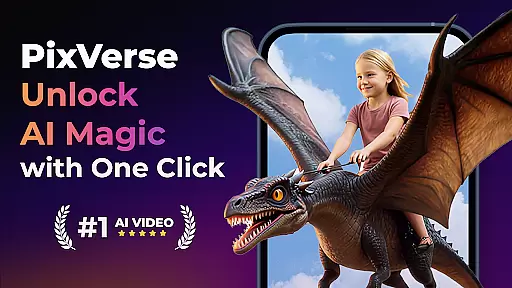
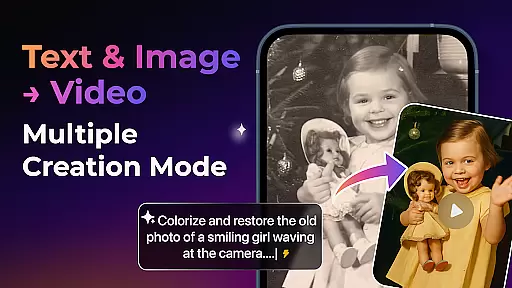


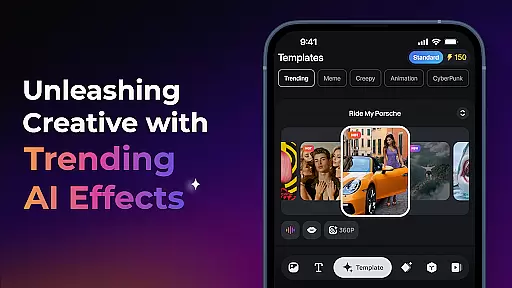
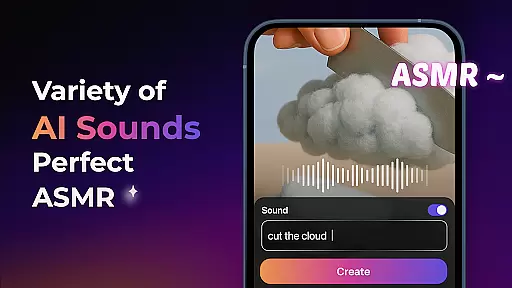
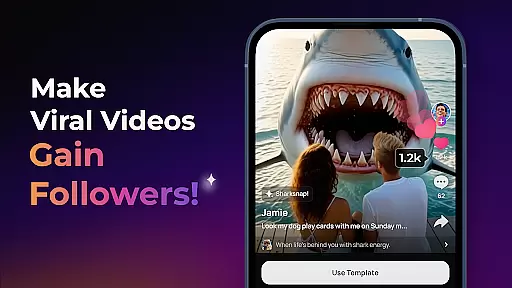

PixVerse is an innovative AI-powered video creation suite that empowers users to transform photos, text, and videos into captivating content within seconds. The app's cutting-edge V5 model ensures perfect prompt alignment, lifelike details, and smooth animations, while the new Agent feature acts as a creative co-pilot to streamline the production process.
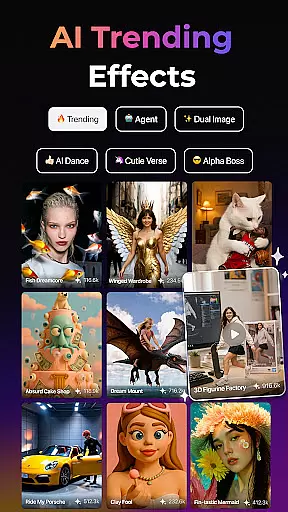
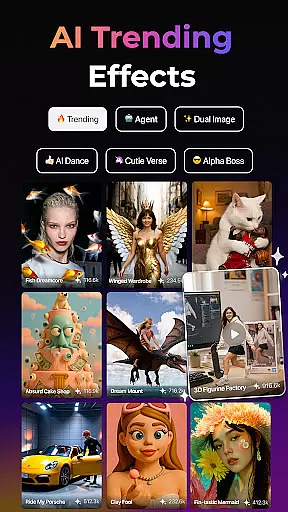
With multiple creation modes including Image to Video, Text to Video, and Video Extension, PixVerse offers versatile tools for content creators. Its advanced features like Trending AI Effects, Key Frame Control, and Fusion enable users to produce high-quality, hyper-realistic videos with cinematic appeal. Whether you're reviving old photos or crafting viral dance sequences, PixVerse provides endless creative possibilities.
PixVerse stands out with its robust feature set designed to unleash creativity. The Smarter V5 Model delivers unparalleled realism through advanced physics simulations and natural motion rendering. Users can upload custom keyframes to maintain creative control over video generation, ensuring seamless transitions and enhanced stability.
The app also includes unique AI effects such as Old Photo Revival, Earth Zoom Challenge, and Muscle Max, which add dynamic flair to any project. Additionally, the Fusion tool allows combining up to three images into a single cohesive video. With constant updates and cross-platform integration via its official hub and API, PixVerse remains at the forefront of AI-driven video creation technology.
Real-time capture and preview functionality is essential for any photography app, allowing users to see exactly what their final output will look like before they commit to the shot. PixVerse offers this feature with a twist, integrating AI-powered animations that bring static photos to life instantly.
The app's real-time capabilities are enhanced by its advanced physics simulations, which mirror real-world movements, providing hyper-realistic previews. This ensures that users can anticipate how their photos will transform into videos, offering a seamless blend of reality and imagination.
With PixVerse, photographers and content creators can experiment with confidence, knowing that the end result will match their creative vision. The ability to preview these transformations in real time not only saves time but also opens up new avenues for creativity and innovation in visual storytelling.
In the realm of photo editing, achieving natural-looking enhancements is key. PixVerse addresses this need through its AI Beauty & Enhancement features, which focus on delivering subtle yet impactful improvements without compromising the authenticity of the original image.
The app employs sophisticated algorithms capable of enhancing facial features while maintaining the unique characteristics of each subject. Whether reviving old photos or sculpting a chiseled physique, PixVerse ensures that every modification appears organic and true to life.
Users benefit from having powerful editing tools at their fingertips that do not distort reality but rather elevate it. By prioritizing naturalness in its enhancements, PixVerse empowers creators to produce stunning visuals that resonate with audiences and uphold high standards of quality and realism.
Lightning-fast processing
Cinematic HD quality
Advanced AI capabilities
Versatile creation modes
Constant feature updates
Subscription fees apply
Learning curve for beginners
Limited free features
Requires internet connection
Occasional bugs reported

Trendy TikTok time warp scan funny filter app brings you unique photos & videos.
 4.40
4.40
Cut and paste photo editor & eraser to customize photos easy and swap faces fun
4.50
Photo prints, cards, & gifts at Walgreens. Easy ordering & fast local pickup !
4.80
A must-have app for landscape photographers
4.60
Gallery Slideshow is slideshow maker app for slideshow from your gallery photos.
3.90
Enhance, retouch & create your story - Share the moment with Photoshop Express.
4.60
Your personal guide to the sun and moon. Plan ahead, visualize and predict!
4.70
A unique animation app. Powerful, easy to use, and lots of fun.
4.30
Your Family Calendar + Photos. Manage your Skylight Calendar and Skylight Frame.
4.40
A collection of tools and reference tables for DPs, ACs, DITs and Operators.
4.70
Create collages easily! Nice pic collage maker & background eraser for Instagram
4.50
Transform photos into videos! Create realistic or anime-style images easily!
4.50
Search, tag and rate your way to an organized image gallery
4.40
[3DSteroid Pro] is a stereoscopic application for Android.
4.30
Natural Beauty, Selfie Retouch
4.30
Professional photography on your mobile phone
4.20
Luminar: Photo Editor - easy picture editing with AI
4.20
Application for remote controlling DSLR
3.00
An interval timer to automate photo taking process for timelapse
2.90


User Reviews