
FaceApp is a leading photography app that specializes in photorealistic editing, enabling users to transform their selfies into professional-grade portraits with minimal effort. With over a billion downloads, this app has become one of the most popular choices for photo enthusiasts who want to create Instagram-worthy edits without spending hours on Photoshop.
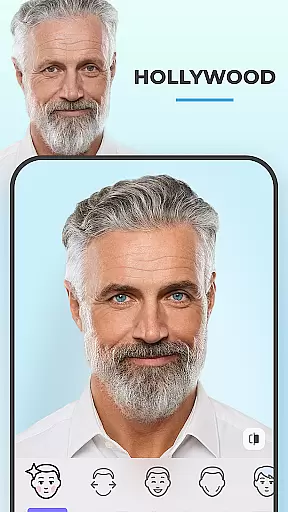
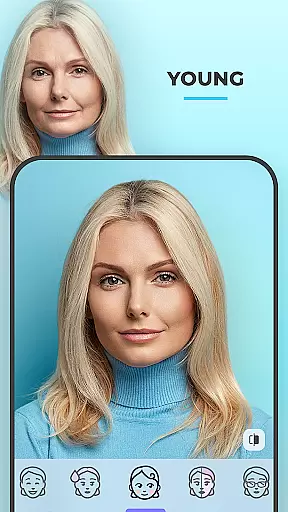
The app offers more than 60 highly realistic filters and tools, including face filters, effects, makeup options, and even gender swap features. Users can perfect their selfies by adjusting facial features, trying different hairstyles, or experimenting with aging effects. Its intuitive interface allows for seamless editing in just one tap, making it accessible for both beginners and advanced users.
Whether you're looking to enhance your social media presence or simply have fun exploring different looks, FaceApp provides all the necessary tools to make every photo flawless. From smoothing wrinkles to adding creative light effects, this app ensures your images stand out and capture attention.
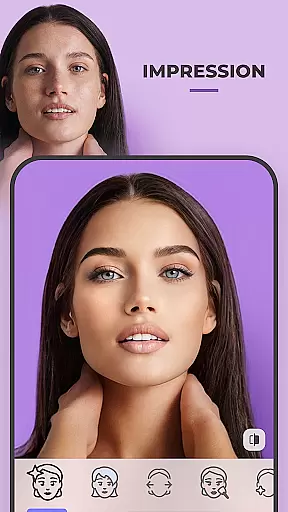
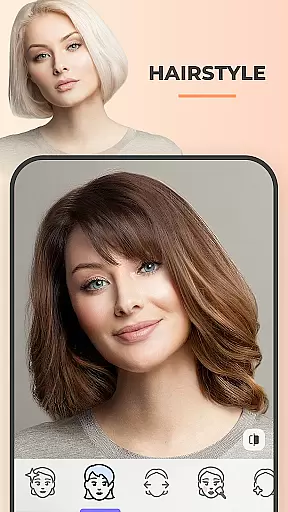
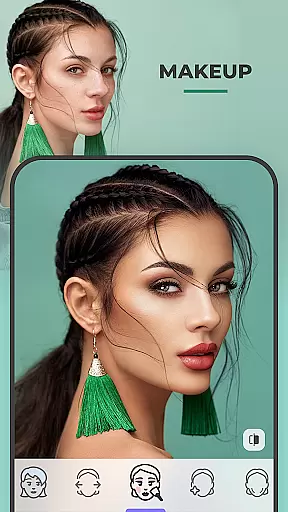
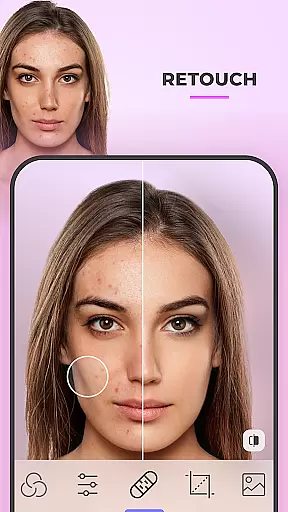
FaceApp distinguishes itself through its extensive range of innovative features designed to cater to various photo editing needs. One of its standout capabilities is the Impression filters, which allow users to perfect their selfies by enhancing facial features, removing blemishes, and smoothing wrinkles. Additionally, the app offers tools to change hair color, add beards or mustaches, and experiment with trendy makeup styles.
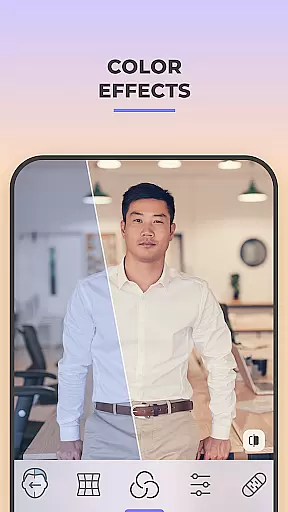
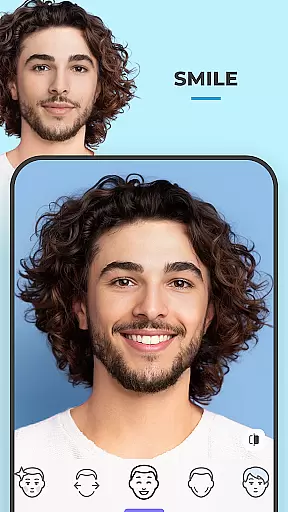
Beyond basic editing, FaceApp includes unique entertainment-focused features such as Gender Swap and Aging filters, which let users explore alternate versions of themselves. The app also supports detailed customization options like adjusting saturation, temperature, and lighting. These features are complemented by an easy Compare tool that lets users review before-and-after results at every step.
For those eager to share their creations, FaceApp makes it simple to post edited photos directly to social media platforms. This combination of powerful editing tools and user-friendly sharing options positions FaceApp as a versatile solution for both casual users and serious photographers.
Real-time capture and preview functionality is essential for ensuring that users can see the effects of filters and edits immediately as they apply them. This feature allows for a seamless editing experience, reducing the time between capturing an image and seeing the final result.
FaceApp excels in this area by providing instantaneous previews of its highly photorealistic filters. Users can experiment with different looks, such as adding a beard or changing hair color, and see the results in real-time without any lag. This immediate feedback loop enhances user engagement and satisfaction.
The app's advanced algorithms work behind the scenes to ensure that each filter is applied smoothly and accurately. This means that whether you're trying out makeup effects or experimenting with gender swap features, the preview will be a true representation of the final image.
Ultimately, real-time capture and preview empower users to make informed decisions about their edits, leading to more satisfying and Instagram-worthy photos. With FaceApp, you can achieve professional-quality edits effortlessly, making every photo perfect for social media sharing.
AI beauty and enhancement features are designed to improve the aesthetic quality of photos while maintaining a natural look. These tools leverage artificial intelligence to analyze facial features and apply enhancements that look realistic rather than over-processed.
FaceApp offers a suite of AI-powered tools that enhance various aspects of a selfie. From smoothing wrinkles to removing acne and blemishes, these features ensure that your skin looks flawless yet authentic. The app intelligently adjusts facial features, such as enlarging eyes or reshaping the nose, without making the image appear artificial.
One standout feature is the ability to try out trendy makeup filters that adapt to your unique facial structure. Whether it's adding volume to your hair or experimenting with different hairstyles and colors, FaceApp ensures that each edit enhances your natural beauty. The AI-driven enhancements provide users with the flexibility to customize their appearance while retaining a lifelike quality.
By focusing on natural-looking enhancements, FaceApp helps users create stunning images that stand out on social media. The app strikes the perfect balance between beautification and authenticity, ensuring that every edit looks both polished and genuine.
User-friendly interface
Wide variety of filters
One-tap editing
Highly realistic effects
Fun experimental features
Some filters are paid
Privacy concerns
Occasional bugs
Limited free options
Heavy app size

A collection of tools and reference tables for DPs, ACs, DITs and Operators.
 4.70
4.70
How would you look like with a differently shaped nose, chin or lips?
3.90
What celebrity do you look like? Celebs will find your celebrity match!
4.10
AI photo editor with hair editor, retouch tools, hair color changer & filters!
4.50
Photo editor & gallery. Crop pictures & edit photos offline, no wifi!
4.50
USB Storage Access for Photos, Videos, Music and Documents
3.80
Luminar: Photo Editor - easy picture editing with AI
4.20
Professional quality photo edits with the new Snapseed.
4.00
AI-powered video creator by MiniMax - Where ideas meet cinema
4.20
Pro version: AR sun/moon tracker for any date. Tool for photographers & planners
4.90
Collage your moments in one tap: 1000+ layouts, filters, stickers, and texts.
4.90
Viewfinder, Light meter, Reciprocity failure time, DOF & Bellows Extension
4.60
Take videos and pictures with the popular TikTok TIME WARP SCAN filter.
4.60
Enhance, retouch & create your story - Share the moment with Photoshop Express.
4.60
A light meter for true photographers.
4.20
Gallery Slideshow is slideshow maker app for slideshow from your gallery photos.
3.90
Create amazing frames with up to five photos. Rounded corners, effects and more!
3.60
Photo Album Watch Face shows your favorite pictures as a Watchface.
1.90
Over 800 film simulation recipes for Fujifilm. Black Friday Offer!
4.5


User Reviews