
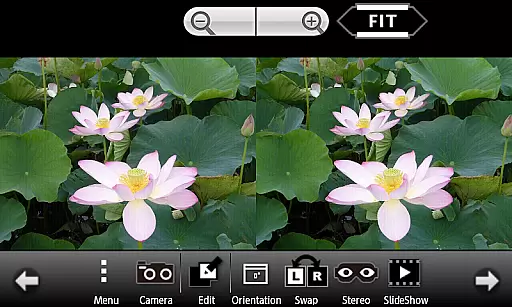
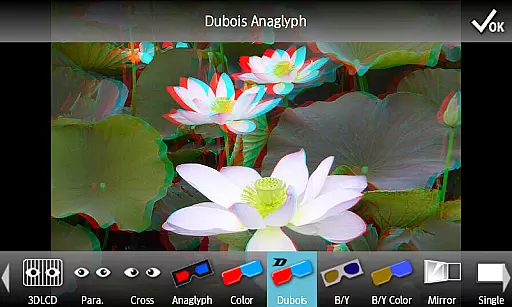
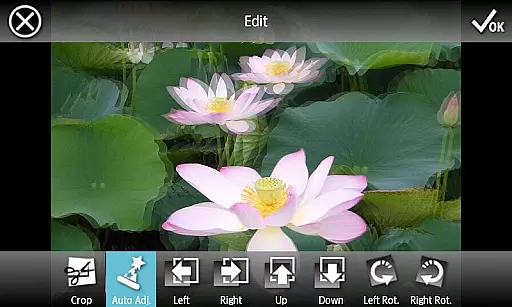
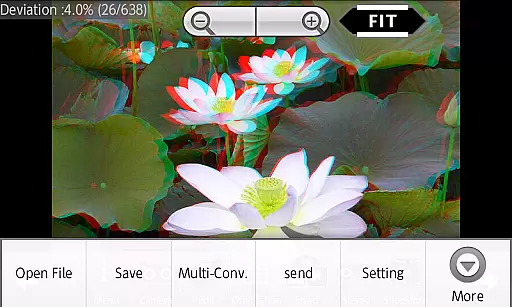
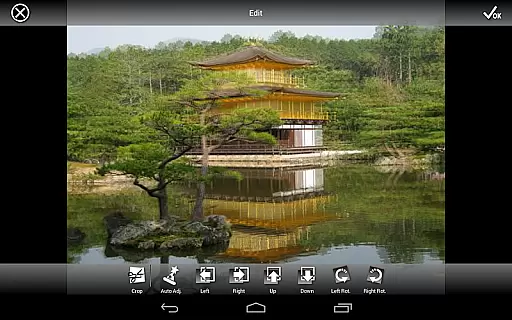
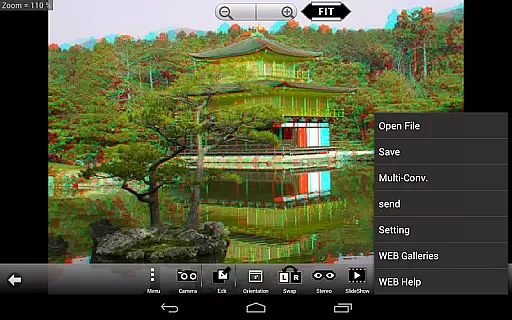
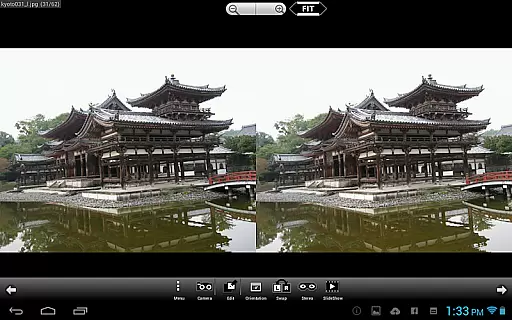
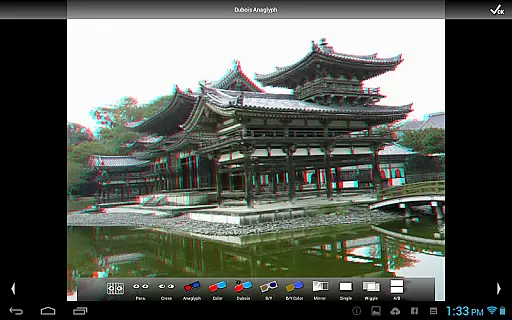
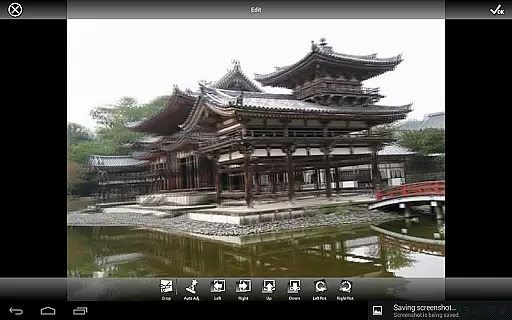
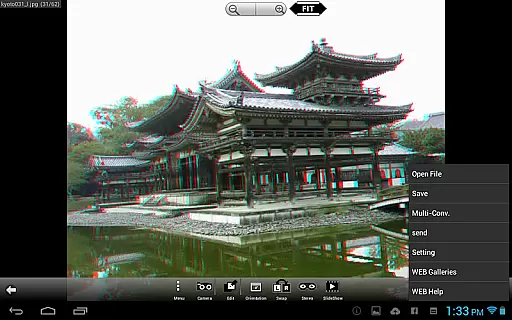
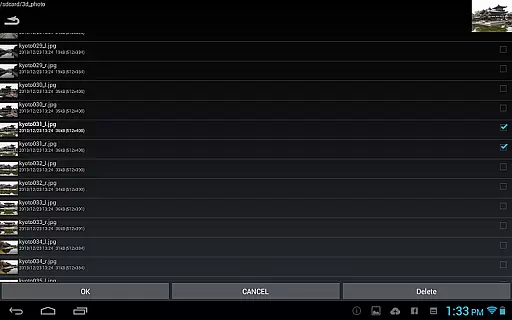
3DSteroid Pro is a premium stereoscopic application designed for Android devices, offering advanced 3D image editing and viewing capabilities. The app supports various input formats including L/R independent, SBS, and MPO files, making it versatile for different types of 3D photography needs. With the ability to auto-align L/R images, adjust positions, rotation, and size errors, users can achieve precise control over their 3D content.
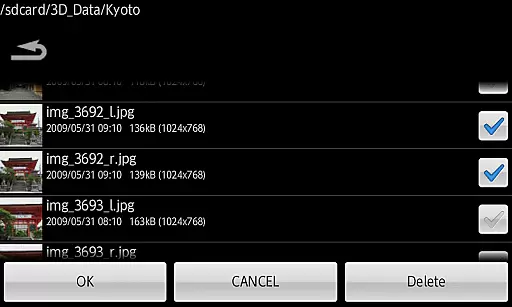
This professional version stands out with exclusive features such as saving edited images, batch conversion, and sending saved files. It also provides multiple display methods like 3D LCD, SBS, Mirror, Wiggle, 2D, and Anaglyph, catering to diverse viewing preferences. Additionally, the app includes a web gallery access with over 1000 images and a slide show function, enhancing user engagement and experience.
Despite its powerful features, please note that after Ver4.20, there are specification changes for Android 11 and later models. Users should be aware of file loading limitations and destination folder changes. This app is ideal for photography enthusiasts looking to explore and enhance their 3D imaging projects on mobile devices.
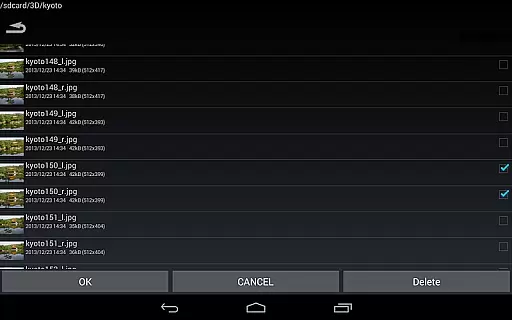
3DSteroid Pro boasts an array of sophisticated features tailored for 3D photography aficionados. One of its standout capabilities is the auto-alignment of L/R images, which simplifies the process of creating perfectly aligned stereoscopic images. The app's multi-conversion functionality allows users to convert numerous files in one go, significantly boosting productivity.
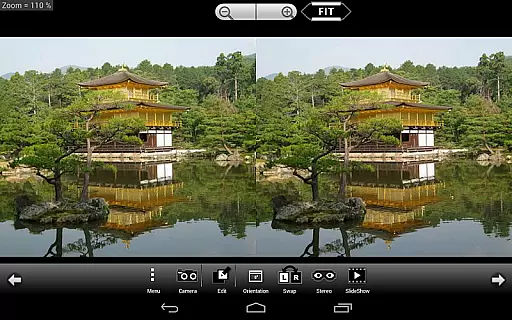
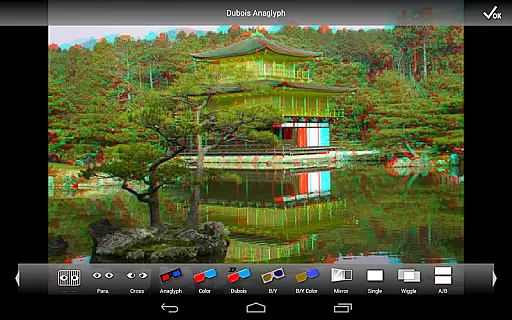
In addition to supporting various input formats such as L/R independent, SBS, and MPO, this app offers several display methods including 3D LCD, SBS, Mirror, Wiggle, 2D, and Anaglyph. These options ensure that users can view their creations in the format that best suits their needs. Moreover, the Pro version enables saving edited images and sending these files directly from the app, streamlining the workflow for photographers.
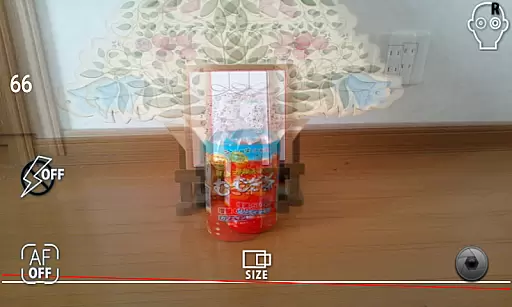
The inclusion of a built-in camera feature lets users take L/R pictures effortlessly, while adjustment tools for position, rotation, and size errors provide meticulous control over image quality. With access to a vast web gallery and a slide show function, 3DSteroid Pro delivers both depth and breadth in its offerings, establishing itself as a comprehensive tool for 3D photography enthusiasts.
Real-time capture and preview functionality is essential for ensuring that users can accurately capture stereoscopic images without any discrepancies in the final output. In 3DSteroid Pro, this feature allows photographers to take left/right (L/R) pictures with the internal camera while providing a live preview of the captured content.
The application ensures that the L/R images are perfectly aligned during the capture process through its auto-alignment feature. This guarantees that when users preview their images, they see exactly what the final stereoscopic image will look like, thus eliminating guesswork and potential errors.
For users, this means greater creative control over their 3D photography projects. They can adjust settings such as L/R image positions, rotation error, and size error in real time before capturing the final image. This immediate feedback loop enhances the overall user experience by making it easier to produce high-quality stereoscopic images.
While 3DSteroid Pro does not explicitly market itself as having AI beauty and enhancement features, the app offers advanced functionalities that allow users to adjust and enhance their stereoscopic images naturally. These include correcting alignment issues, adjusting image positions, and fixing rotation or size errors.
The ability to fine-tune these aspects contributes to the natural enhancement of 3D images without introducing artificial elements that could detract from the authenticity of the final product. Users can save edited images directly within the app, ensuring that all enhancements maintain the original quality and intent of the captured scene.
This focus on maintaining naturalness while providing powerful editing tools offers significant value to users who prioritize realism in their 3D images. By delivering precise control over various parameters, 3DSteroid Pro enables creators to enhance their work authentically, resulting in visually compelling and technically accurate stereoscopic photographs.
Advanced 3D editing
Batch conversion
Multiple display modes
Auto-alignment feature
Comprehensive web gallery
No MPO support on newer OS
Limited device compatibility
Complex for beginners
Requires technical knowledge
Premium priced

Photo Album Watch Face shows your favorite pictures as a Watchface.
 1.90
1.90
Pet Camera
3.70
Transform photos into videos! Create realistic or anime-style images easily!
4.50
The #1 app for B&W film developing featuring an advanced darkroom timer.
4.10
Automatically backup your photos and videos to computer, NAS and Cloud services
4.60
A reflected light meter with spot metering and incident light metering.
4.40
Turn photos into cartoons & avatars! - Photo Editor, Cartoon Face!
3.90
Catch sunlight, sunrise sunset times and sun phases with the AR sun tracker.
4.10
Try an anime version, cartoon yourself, and generate AI hug or aging videos!
3.70
HD Camera Pro with HD Video shooting, Panorama, Photo editor , Beauty Camera.
4.50
Photo Exif Editor allows to view, add and modify EXIF data of multiple photos
4.50
Natural Beauty, Selfie Retouch
4.30
Turn your phone into a professional camera - full DSLR manual photography
4.30
Professional photography on your mobile phone
4.20
A light meter for true photographers.
4.20
What celebrity do you look like? Celebs will find your celebrity match!
4.10
Photobooth mini FULL app will allow you to add more fun to your parties
4.00
Hair color changer, AI haircut app, fun hair editor and buzz cut filter for all!
3.80
Remote control of the phone camera from your Wear OS smartwatch
3.70


User Reviews