
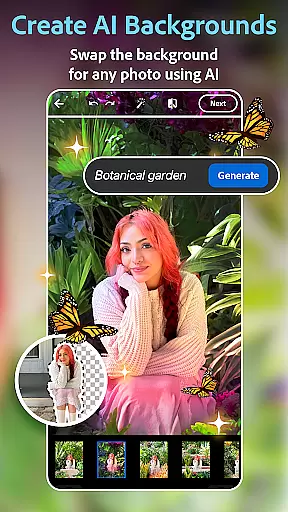
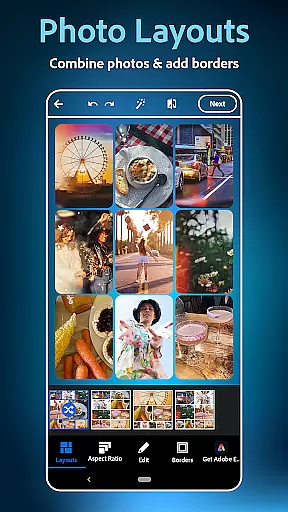
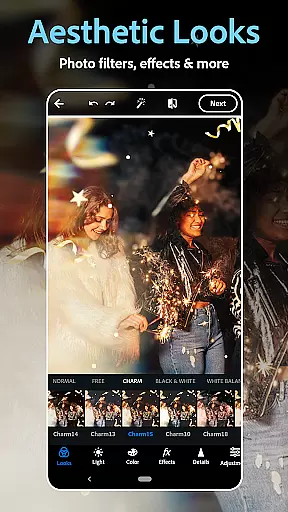
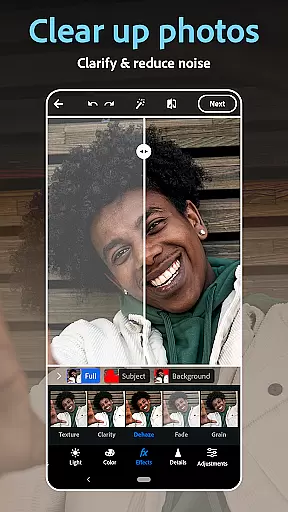
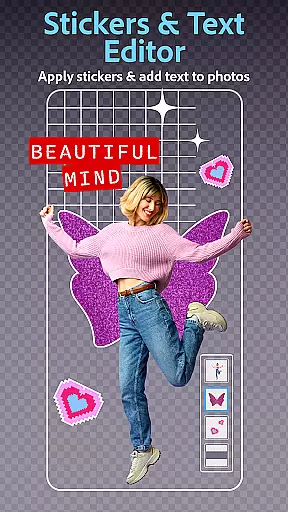
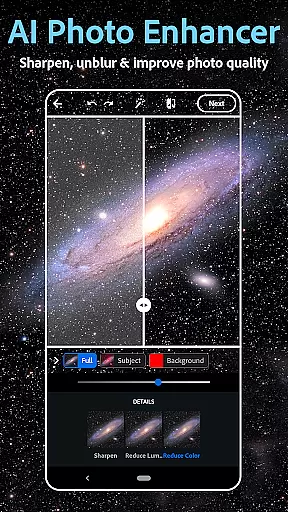
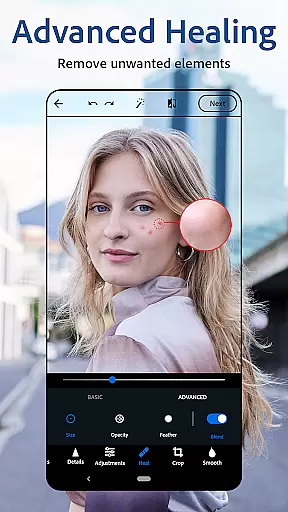
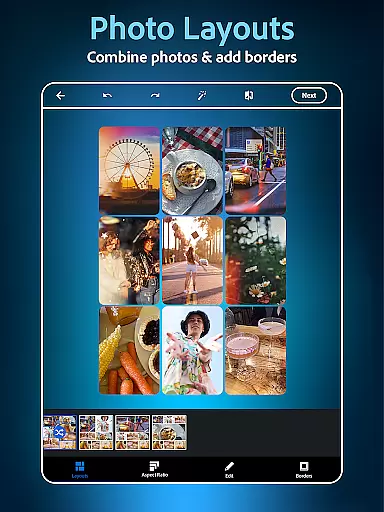
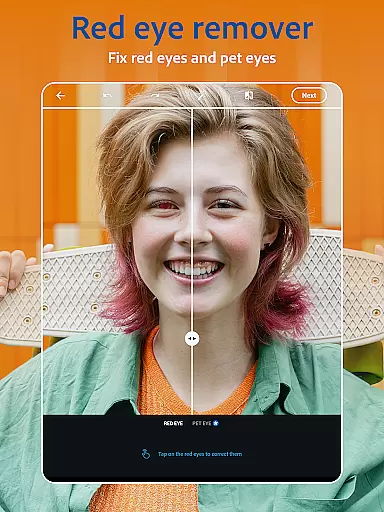
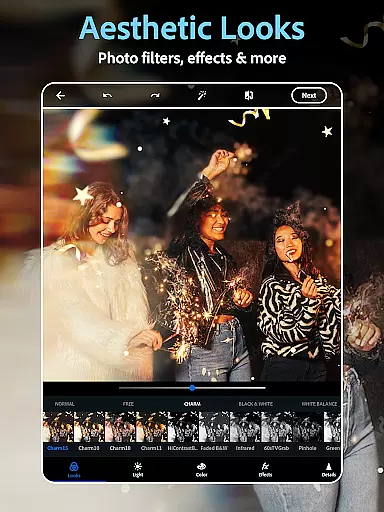
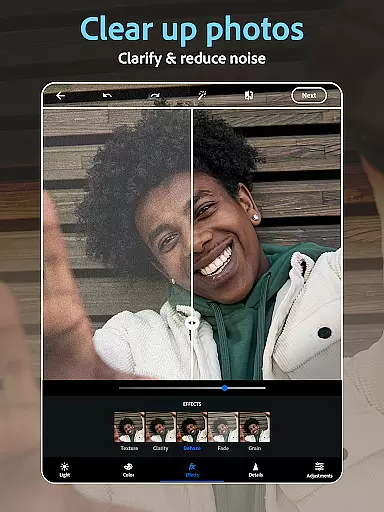
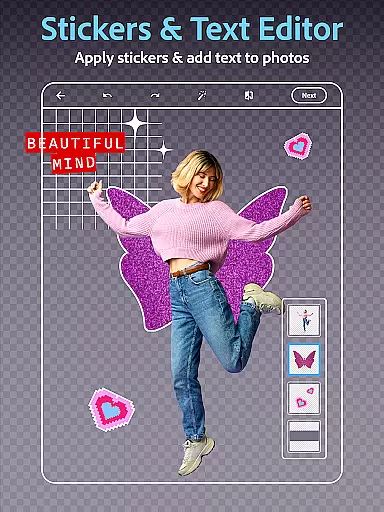
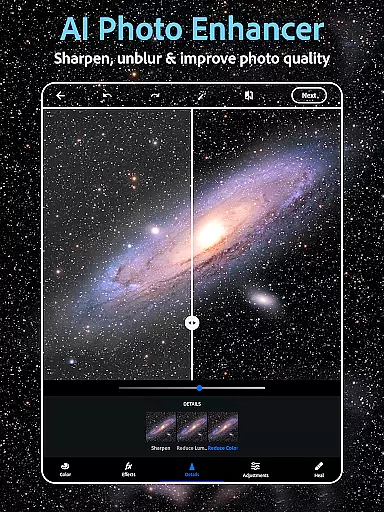
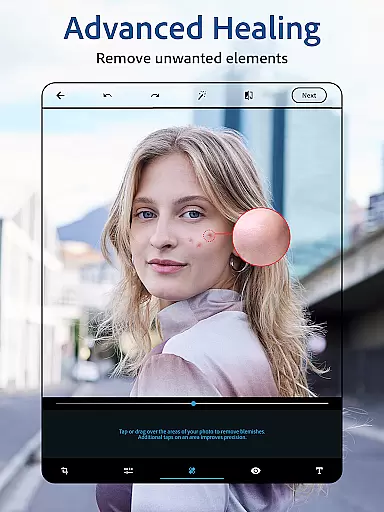
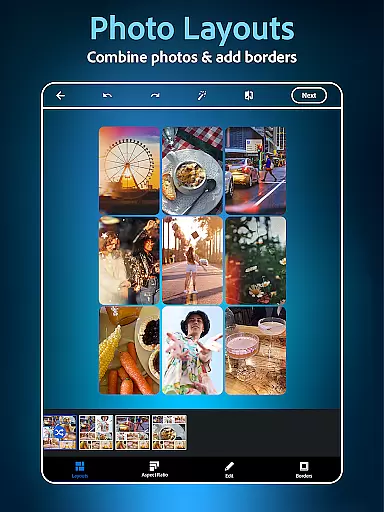
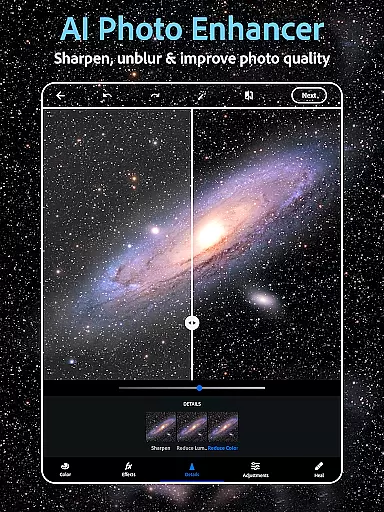
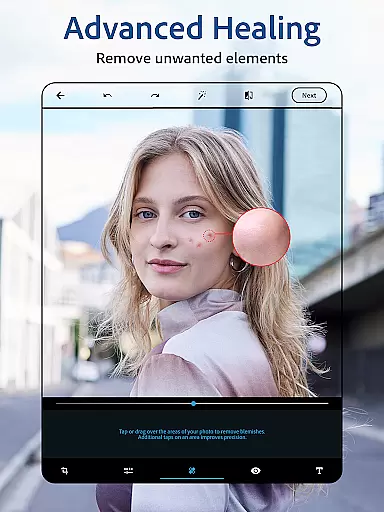
Photoshop Express Photo Editor is a versatile mobile application designed to make photo editing fun, fast, and easy. Trusted by millions, this app offers a comprehensive suite of tools for creative photo enhancement. Users can add text to photos, touch up selfies, apply vintage camera filters, and perform pre-post edits with ease. The inclusion of a state-of-the-art AI image generator, an easy-to-use collage maker, and advanced face editing tools ensures that both amateur and professional photographers can achieve their desired results.
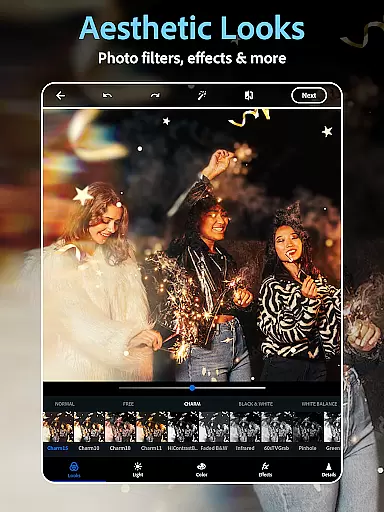
The app provides airbrush tools, healing features, and blemish removers, allowing users to clean up images effortlessly. With hundreds of camera filters ranging from moody film effects to vibrant aesthetics, Photoshop Express caters to diverse artistic preferences. Whether you're looking to enhance your social media presence or refine your photography skills, this app transforms ordinary moments into extraordinary visual stories.
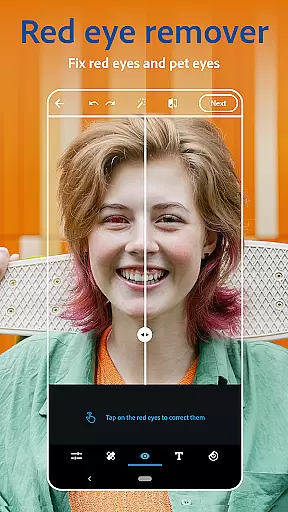
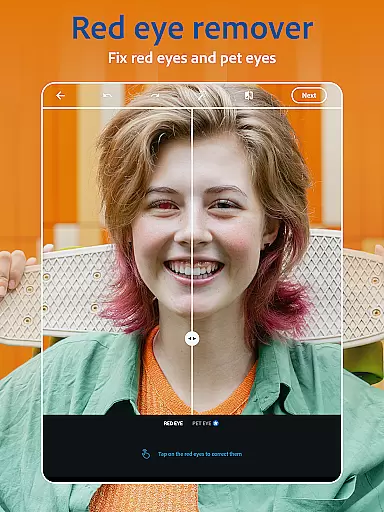
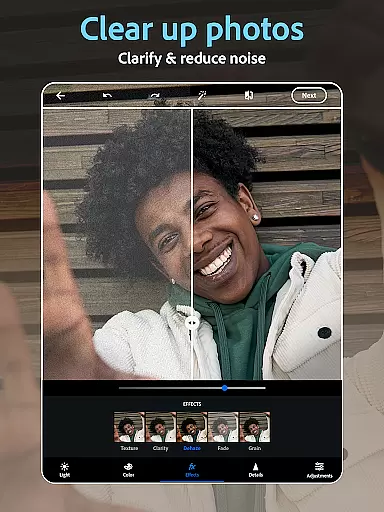
Photoshop Express boasts an array of powerful features tailored for both casual users and photography enthusiasts. The AI photo editor and retouch tools allow users to airbrush selfies, remove blemishes, and correct red-eye issues seamlessly. Vintage camera filters provide a retro touch, while advanced options enable background replacement and object removal. The app's AI capabilities extend to dehazing pictures, erasing blur, and applying presets that elevate photo quality significantly.
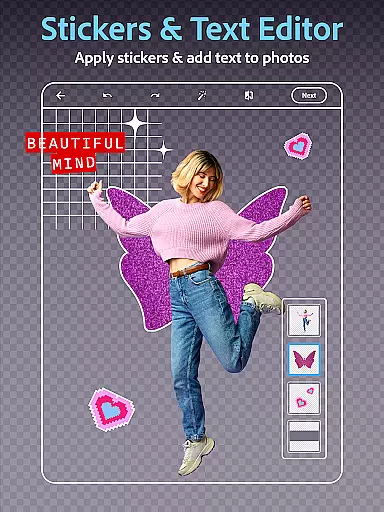
In addition to its robust editing tools, Photoshop Express includes a dynamic collage maker and text overlay features. Users can combine pictures in pre-made grids, create memes, and design custom stamps and watermarks using various fonts and layouts. The AI image generator further expands creative possibilities by allowing users to generate unique stickers and imagery based on text prompts. This feature-rich app ensures that users can level up their creativity and share stunning visuals across multiple platforms effortlessly.
Real-time capture and preview functionality is essential for ensuring that every photo taken meets the user's expectations without delay. Photoshop Express Photo Editor excels in this area by providing instant feedback on images captured or uploaded.
The application leverages advanced processing capabilities to deliver high-quality previews, allowing users to adjust settings such as lighting, contrast, and saturation before finalizing their shots. This immediate visualization helps in making informed decisions about necessary edits or enhancements.
Users benefit from the ability to see changes applied instantly, which streamlines the editing process and saves time. Whether it's adjusting filters that mimic a vintage camera or fine-tuning details with AI-powered tools, real-time previews ensure precision and satisfaction.
This feature not only enhances the overall user experience but also empowers photographers of all skill levels to produce professional-grade results effortlessly.
AI beauty and enhancement features are crucial for achieving natural-looking edits that enhance a subject's best attributes without appearing artificial. Photoshop Express incorporates sophisticated algorithms designed to airbrush selfies while maintaining authenticity.
With tools like red-eye correction, blemish removal, and spot healing, users can clean up images seamlessly. The face editor app ensures these modifications blend naturally into the original photo, preserving skin texture and facial expressions.
These AI-driven enhancements offer an intuitive way to elevate photos, whether itu2019s through subtle touch-ups or more pronounced aesthetic adjustments. Users can trust that their edited images will retain a lifelike quality, enhancing rather than distorting reality.
Ultimately, this focus on naturalness sets Photoshop Express apart, offering users confidence in sharing their enhanced photos across social media platforms knowing they look genuinely improved yet authentically themselves.
User-friendly interface
Extensive filter options
Powerful AI tools
Versatile collage maker
Comprehensive editing suite
Premium features locked
Occasional bugs reported
Limited free content
High system requirements
Learning curve for beginners

Cut and paste photo editor & eraser to customize photos easy and swap faces fun
 4.50
4.50
Photo prints, cards, & gifts at Walgreens. Easy ordering & fast local pickup !
4.80
Cartoon and artistic effects for your photos and videos
4.70
A reflected light meter with spot metering and incident light metering.
4.40
USB Storage Access for Photos, Videos, Music and Documents
3.80
Collage your moments in one tap: 1000+ layouts, filters, stickers, and texts.
4.90
Astrophotography with your smartphone, photo live stacking and much more!
3.90
Pro version: AR sun/moon tracker for any date. Tool for photographers & planners
4.90
A unique animation app. Powerful, easy to use, and lots of fun.
4.30
See your baby AI baby face generator AI baby maker Face generator babymaker fun!
4.70
Easily create custom gifts, cards, photo books & more on the Shutterfly app!
4.60
PhotoSync Bundle Add-On License. Enables all features and services in PhotoSync.
4.60
AI photo editor with hair editor, retouch tools, hair color changer & filters!
4.50
Create AI photos & videos with Enhancer; restore, fix, beautify, enhance photos
4.50
Use AI Video Generator to turn your words to ai generated videos.
4.50
[3DSteroid Pro] is a stereoscopic application for Android.
4.30
Turn your phone into a professional camera - full DSLR manual photography
4.30
Professional photography on your mobile phone
4.20
Raw Image Viewer. Gallery with support of raw images (.cr3, .cr2, .nef, .raf).
2.00


User Reviews