
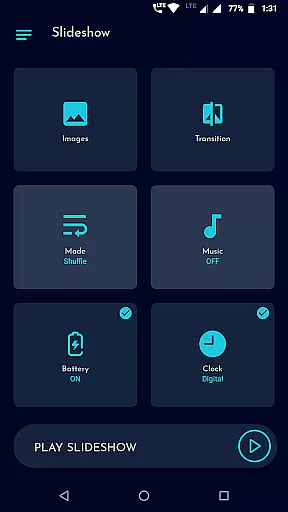
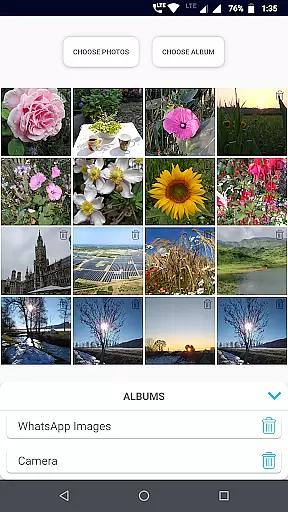
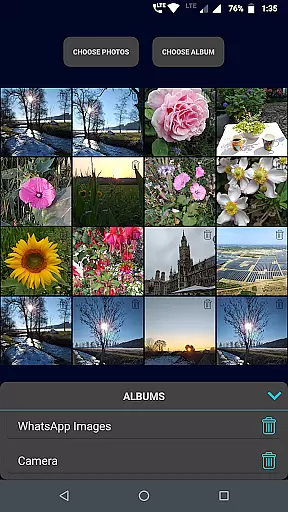
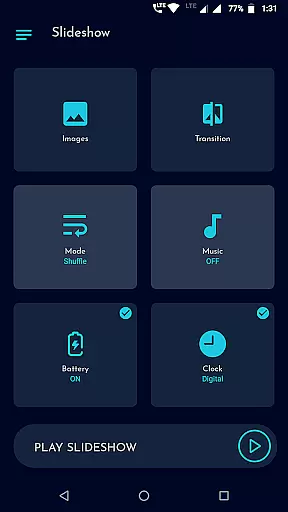
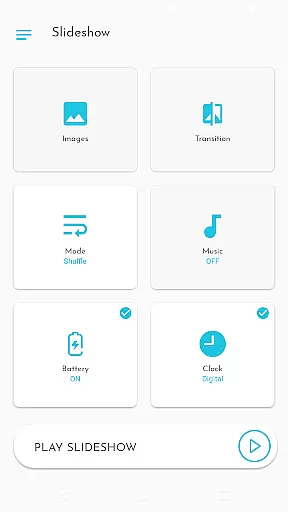
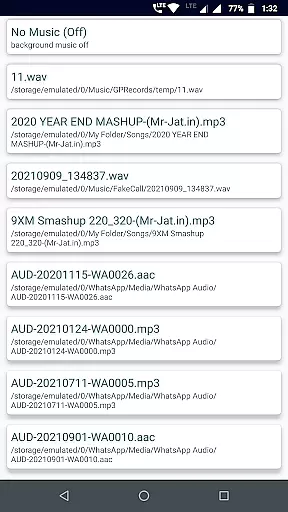
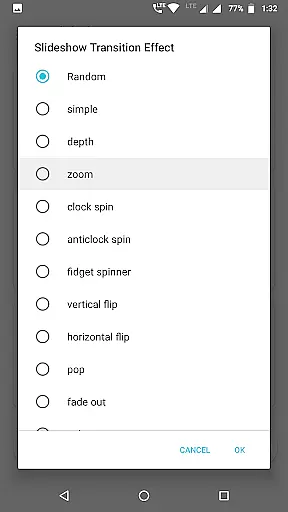
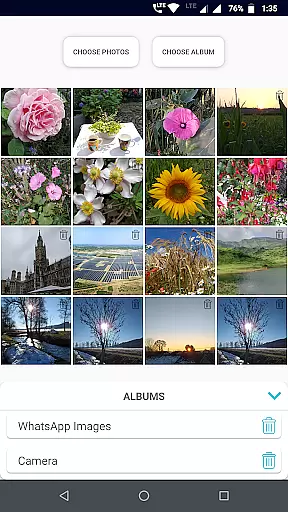
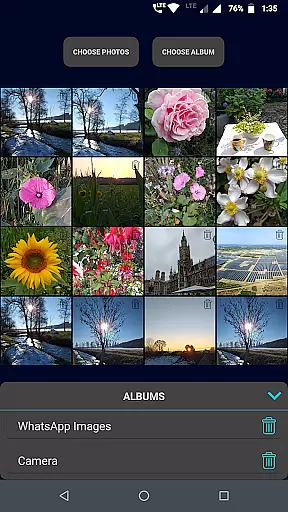
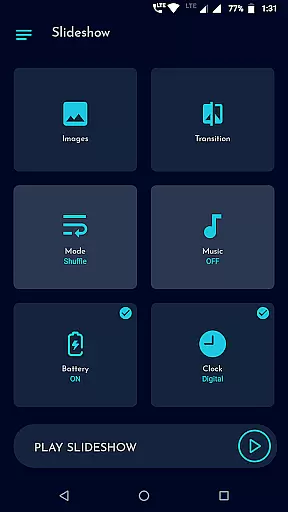
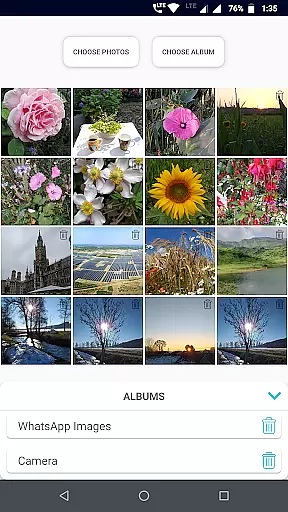
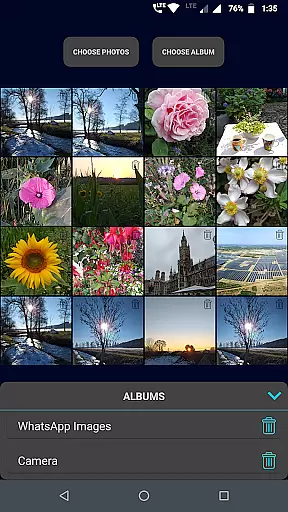
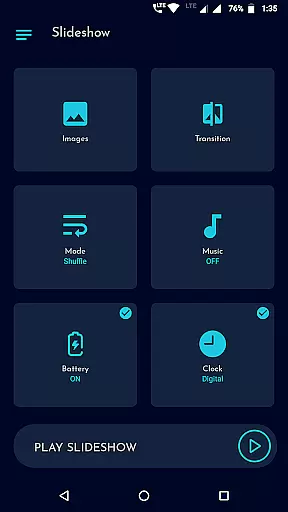
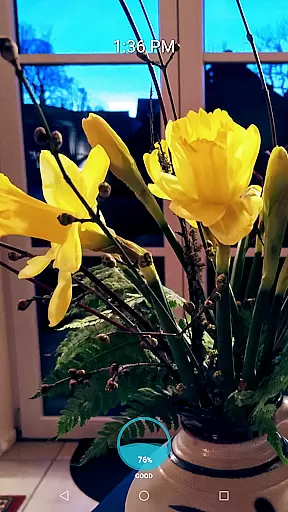
Gallery Slideshow is a photography app designed to display your gallery photos as dynamic slideshows on your phone screen with music and transition effects. Unlike video editing or slideshow maker apps, this tool focuses on simplicity, allowing users to enjoy their photos without generating videos or offering complex editing features.
The app supports multiple photo selections, folder imports, and customizable transitions, making it ideal for personal entertainment or casual viewing. With options like shuffle mode, background music, and clock displays, Gallery Slideshow enhances the viewing experience while maintaining an easy-to-use interface.
Whether you want to relive memories or create ambient visuals with your photos, this app provides a straightforward yet engaging way to showcase your images.
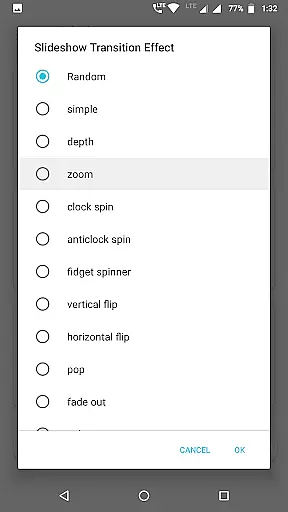
Gallery Slideshow offers a variety of features that enhance photo viewing with creative customization options. Users can select individual photos or entire folders for their slideshow, ensuring flexibility in how they present their content. The app includes numerous cool transition effects, adding a professional touch to each slide switch.
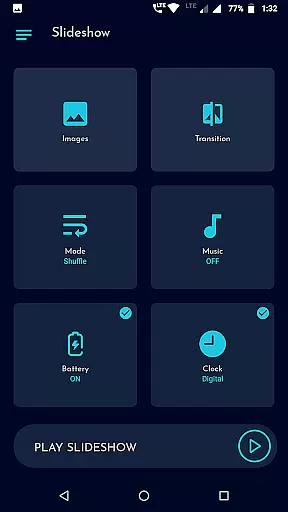
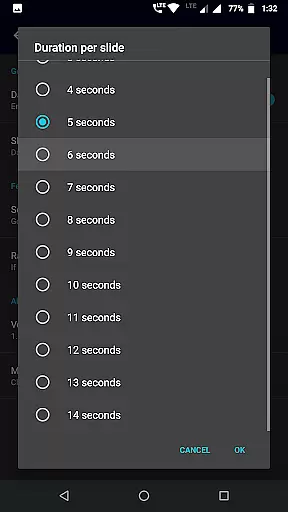
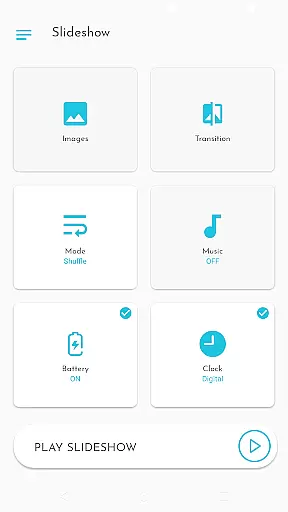
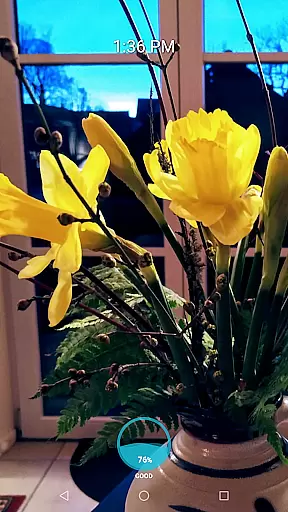
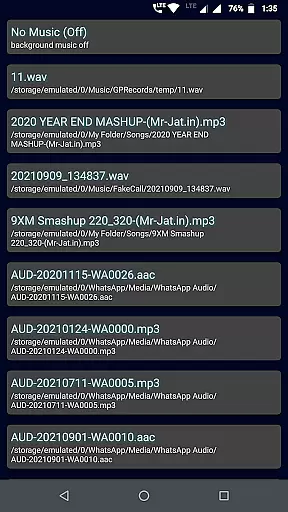
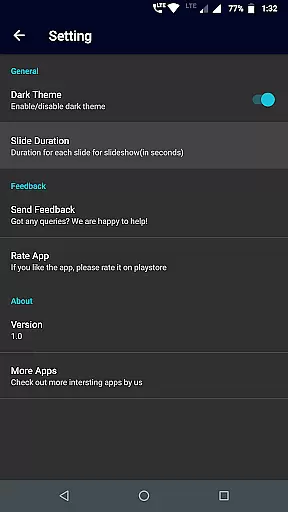
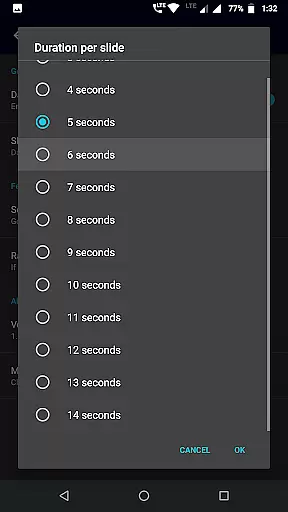
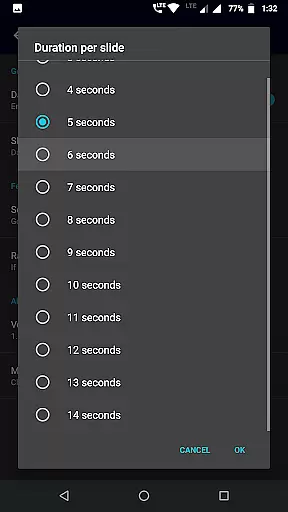
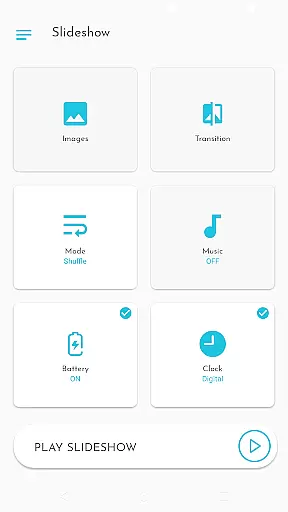
Additional functionalities include sequence or shuffle modes for randomizing photo order, background music selection, and adjustable durations between slides. Unique options such as showing battery percentage, digital/analog clocks, or both during the slideshow make it versatile for different scenarios.
With its user-friendly interface, Gallery Slideshow ensures that even beginners can easily navigate and set up their personalized slideshows without hassle.
Real-time capture and preview functionality is essential for photography apps as it allows users to see exactly what the camera is capturing. Gallery Slideshow provides a unique take on this feature by enabling users to view their selected gallery photos with added elements such as music and transition effects.
The app does not focus on capturing new images but rather enhancing the viewing experience of existing photos. Users can choose individual photos or entire folders, creating a dynamic slideshow with cool transition effects that bring their memories to life.
With options to customize the slideshow's duration, shuffle sequence, and even display battery percentage or clocks, Gallery Slideshow offers a personalized and engaging way to relive moments. This real-time enhancement of photo viewing sets it apart from standard photo or video editing applications.
While Gallery Slideshow does not offer traditional AI beauty features found in photo editing apps, it enhances the natural beauty of images through transitions and music. The emphasis on preserving the authenticity of user-selected photos while adding a layer of aesthetic enhancement ensures an enjoyable viewing experience.
Users can select from many cool transition effects which add a touch of elegance and dynamism to their slideshows. By focusing on how photos are presented rather than altered, the app maintains the originality and natural state of each image while still elevating its visual impact.
Additional features like background music selection and customizable display options further enhance the overall presentation without compromising the integrity of the original photos. This approach respects the natural essence of captured moments while providing tools for a more captivating slideshow experience.
User-friendly interface
Customizable transitions
Background music support
Flexible photo selection
Battery and clock display
No video generation
Limited editing tools
Basic feature set
No cloud integration
Folder-only import

1M influencer's special filter
 4.60
4.60
What celebrity do you look like? Celebs will find your celebrity match!
4.10
Natural Beauty, Selfie Retouch
4.30
Raw Image Viewer. Gallery with support of raw images (.cr3, .cr2, .nef, .raf).
2.00
AI photo enhancer with Sora 2! Enhance, descratch, and colorize your old photos.
4.50
Professional quality photo edits with the new Snapseed.
4.00
Fit multiple photos on one post. Create carousels & scroll layouts for Instagram
4.50
A light meter for true photographers.
4.20
Discover & download millions of art for The Frame TV or Hisense CanvasTV
4.60
AI Photo Editor with 100+ Filters, Effects! Remove BG, Retouch & Photo Enhancer.
4.80
Android Native system HD camera app. Never been so simple and faster.
4.70
Your personal guide to the sun and moon. Plan ahead, visualize and predict!
4.70
Effortlessly organize, view and share your photos & videos with Gallery app!
4.40
Edit like a pro with Hypic. Apply filters, AI effects, & magic touch.
4.40
How old age camera Gender Swap App Face Shape Hairstyle App Hair Styler App fun!
4.00
Astrophotography with your smartphone, photo live stacking and much more!
3.90
Be your best in every shot! Fix, edit and retouch your face in selfies & photos.
3.70
Superimpose one photo on top of another using the original Superimpose app!
3.20
Remote control the phone camera shutter from your smartwatch and take a picture
1.60


User Reviews