
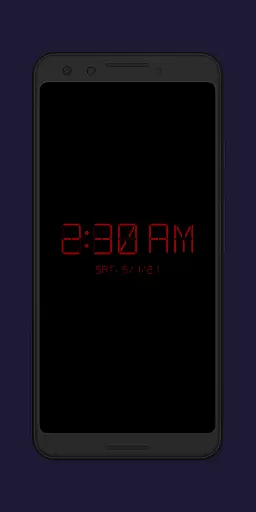
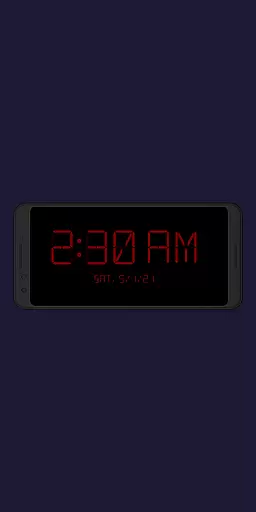
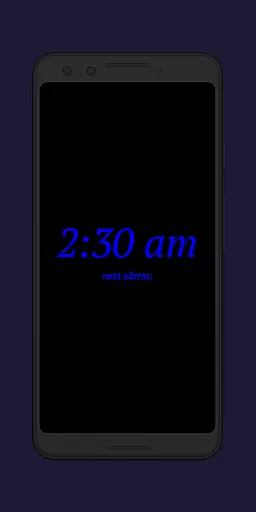
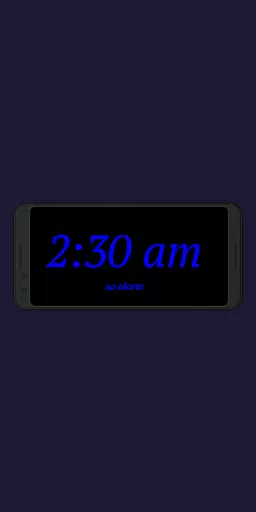
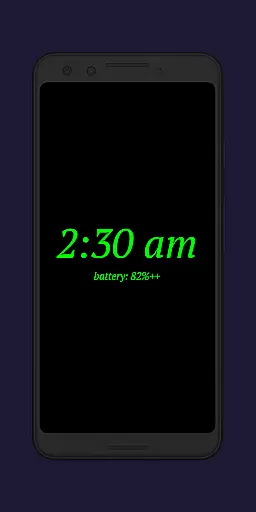
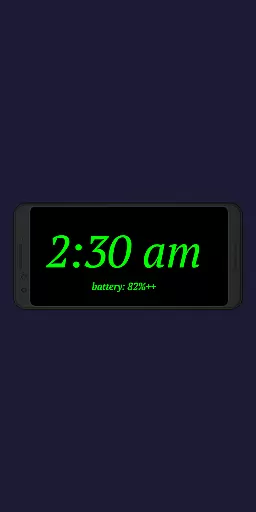
Night Clock + is a versatile digital clock application designed to serve as both a bedside night clock and a daylight mode clock. The app transforms any unused device into an elegant timepiece, suitable for both day and night use. Its unique selling point is the supporter version status, which provides users with all premium features without limitations.
The application offers practical functionality such as a built-in flashlight for nighttime convenience. This feature-rich app is particularly useful for those who need clear visibility when getting out of bed at night. By combining aesthetics with utility, Night Clock + delivers exceptional value for users seeking a reliable and visually appealing digital clock solution.
Night Clock + boasts an impressive array of features that enhance user experience. The app provides four different font types to choose from, allowing for personalized customization of the clock display. Users can adjust font color, brightness levels, and clock element sizes to suit their preferences, ensuring optimal readability in various lighting conditions.
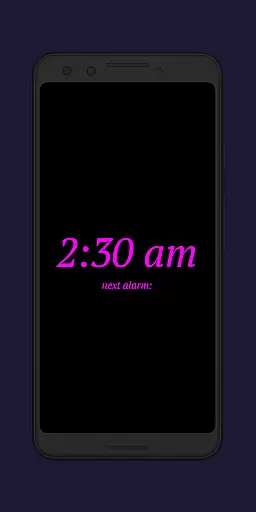
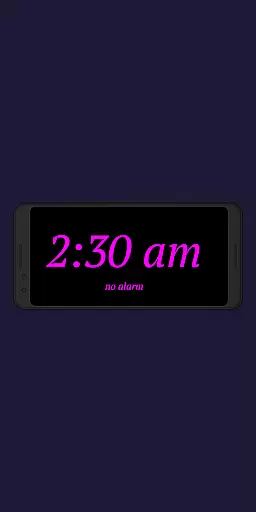
Advanced functionalities include displaying the next system alarm time directly on the clock interface and initiating the night clock automatically when a power cord is connected. The app also supports preset automatic start times and features an integrated screensaver function where the clock moves slowly across the screen. These thoughtful additions demonstrate the app's commitment to providing both practicality and aesthetic appeal.
The daylight mode offers automatic brightness adjustment, switching between dynamic and fixed brightness settings throughout the day. The app tracks total display time in settings and maintains compatibility with Radio Alarm Clock+ users. These comprehensive features make Night Clock + a standout choice among productivity apps, offering unparalleled customization options while maintaining ease of use.
In the realm of productivity, core task management is pivotal for organizing and prioritizing tasks efficiently. Night Clock + integrates this essential feature by offering users the ability to set and view their next alarm time directly on the night clock screen. This seamless incorporation into the user's routine ensures that important time-sensitive tasks are never overlooked.
The application takes task visibility a step further by allowing complete adjustability of the display size for clock elements. Users can customize the interface to suit their visual preferences, ensuring that all critical information is easily accessible at a glance. This level of personalization enhances the overall user experience, making task management intuitive and hassle-free.
Moreover, with its automatic night clock start feature, triggered either by connecting a power cord or preset times, Night Clock + supports structured routines. These automation capabilities not only streamline daily operations but also contribute to developing disciplined time management habits.
By combining practical functionalities such as displaying alarms and customizable displays with automated processes, Night Clock + delivers an effective solution for managing one's schedule. The app's thoughtful design empowers users to maintain control over their time, ultimately leading to increased productivity and peace of mind.
Cross-device synchronization is crucial for maintaining consistency and reliability across different platforms. Night Clock + addresses this need by ensuring that whether you're using an old device as a dedicated digital clock or relying on your primary gadget, the transition is smooth and dependable. This synchronization guarantees that your settings and preferences are preserved, providing a seamless experience regardless of the device in use.
The app offers features like adjustable font types, colors, and brightness levels which remain uniform across devices. Such consistency means that users can expect the same high-quality interaction from Night Clock + whether they're at home or away, promoting a reliable and familiar environment.
Furthermore, the integrated screensaver functionality moves the clock slowly across the screenu2014a feature that remains synchronized on any supported device. This harmonization not only adds aesthetic value but also reinforces brand recognition through consistent user interface elements.
By focusing on these aspects of cross-device performance, Night Clock + establishes itself as a trustworthy tool for those seeking unwavering accuracy and continuity in their daily lives. Its dedication to synchronization excellence ensures users enjoy uninterrupted service and satisfaction, wherever they choose to engage with their digital clocks.
User-friendly interface
Highly customizable
Automatic night mode
Built-in flashlight
No ads or limitations
Requires permissions
Daylight mode complex
Power connection needed
Limited free version
Device compatibility

A Revolutionary All-in-One Artificial Intelligence Tools
 3.80
3.80
Client for Nextcloud Deck
4.60
Experience real multitasking on your Android!
4.00
A lightweight JSON & XML files creator, editor and viewer (Premium Version)
4.40
App lock - lock apps with fingerprint, password, pin or pattern, protect privacy
4.70
App Lock with fingerprint, password: Lock apps & hide photos with lock screens
4.60
A simple Whisper AI keyboard for reliable speech transcription and rewording
4.60
Access your phone's notifications, calls, apps, photos & texts on your PC
3.90
Okta MFA
4.70
We're working to become the best machining app on the market! www.cncdirt.com
4.80
aCalendar+ makes your day, week and month
4.70
Stay on top of your to-dos with Google Tasks, part of Google Workspace.
4.60
Fill, sign & send docs, forms, agreements & contracts via electronic signature.
4.50
Translate text/voice/photos in 150+ languages. Offline & fast translator app.
4.50
All in One PDF Reader: Manage, Read and Edit your Documents
4.20
Unlock AutoNotification
4.00
⏰ Finally a timer app which can run multiple timers simultaneously on your watch
3.90
Smart PDF reader & editor to view, organize and manage PDF documents easily.
3.70
A simple, portable logger for POTA, SOTA, Field Day, and more
4.1


User Reviews