
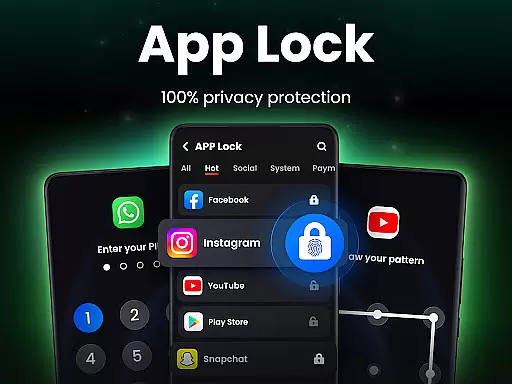
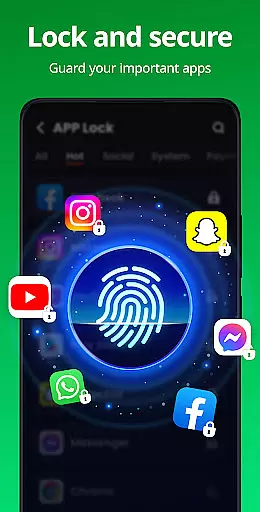
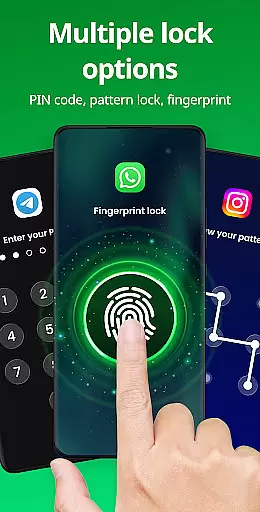
App Lock is a powerful productivity tool designed to protect your private data with advanced security features. The app allows users to lock individual applications using PIN, pattern, or fingerprint authentication, ensuring that sensitive information remains secure. With its user-friendly interface, App Lock makes it easy to safeguard personal content such as photos, videos, and messages from unauthorized access.
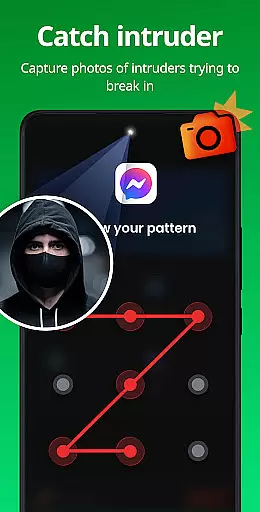
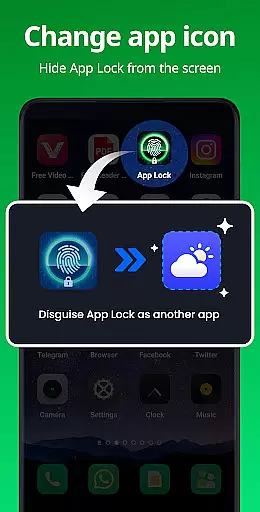
Beyond basic app locking, the application offers additional privacy features like Safe Vault for hiding private media files, Intruder Selfie to capture unauthorized access attempts, and Disguise App functionality to mask the app's presence on your device. These features make it an ideal solution for individuals who prioritize digital privacy and want to prevent accidental data exposure or unauthorized app usage.
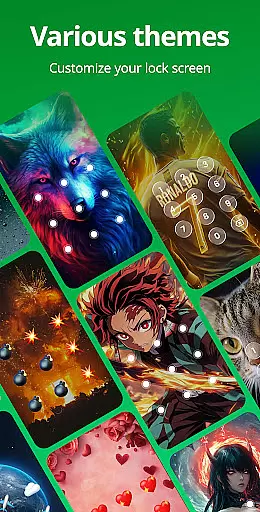
The app also includes productivity-enhancing features such as customizable themes, random keyboard layouts, and automatic relock settings. Whether you're looking to protect financial apps, social media accounts, or personal media, App Lock provides comprehensive protection that helps maintain both personal and professional privacy boundaries.
App Lock distinguishes itself through a comprehensive set of security features designed to maximize user privacy. The core functionality allows users to lock apps using multiple authentication methods including PIN, pattern, and fingerprint recognition. This multi-layered approach to security ensures that users can choose their preferred method of protection while maintaining robust security standards.
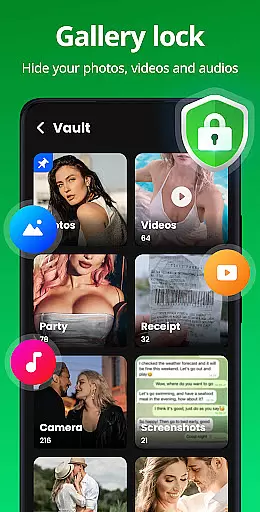
Beyond basic locking capabilities, the app incorporates innovative features like Safe Vault for discreetly storing private photos and videos, making them invisible to other gallery apps. The Intruder Selfie feature automatically captures photos of failed access attempts, providing an extra layer of security monitoring. Additionally, the Disguise App function enables users to hide the app's true purpose by displaying alternative icons, effectively preventing curious onlookers from identifying the security app.
Productivity-focused features include customizable lock screen themes, hidden pattern paths, and intelligent relock settings that automatically secure apps after use. The app also monitors newly installed applications and offers one-click locking for immediate protection. These features collectively create a comprehensive security solution that addresses various privacy concerns while maintaining ease of use and accessibility.
At the heart of App Lock's functionality is its ability to manage and secure core tasks on your mobile device. This app allows users to lock specific applications, ensuring that private data remains protected from unauthorized access. By offering multiple layers of security such as PIN, pattern, or fingerprint authentication, it provides a robust solution for safeguarding personal information.
The application extends its capabilities by enabling users to lock apps in various categories including social media, financial services, and communication tools. This feature prevents accidental purchases and blocks unwarranted access to sensitive content like messages and contact lists. With these comprehensive locking options, users can customize their security preferences according to their needs.
App Lock also includes advanced features such as intruder selfies which capture photos of anyone attempting unauthorized entry, adding an extra layer of security. The app's disguise function further enhances privacy by masking itself as another app, thus deterring potential intrusions. These innovative solutions ensure that user data remains confidential and secure at all times.
While App Lock primarily focuses on securing individual devices, it also offers reliable cross-device synchronization for managing locked apps and settings. Users who own multiple devices can maintain consistent security protocols across all platforms, ensuring uniform protection regardless of where their data resides.
This productivity tool supports cloud backup features that are essential for keeping critical information safe and synchronized. In case of accidental uninstallation or device loss, users can restore their settings and hidden files without hassle. This ensures that valuable data such as private photos and videos remain intact and accessible only to the rightful owner.
Moreover, App Locku2019s relock settings allow users to define specific conditions under which apps should automatically re-lock after exiting or when the screen turns off. Such flexibility not only enhances usability but also reinforces security measures by minimizing the risk of unauthorized access during periods of inactivity. With these features, App Lock delivers a seamless experience in maintaining top-notch security standards across different devices.
Advanced security options
User-friendly interface
Comprehensive privacy protection
Customizable security settings
Multiple authentication methods
Requires multiple permissions
May impact device performance
Limited free features
Subscription-based premium
Occasional false positives

A Revolutionary All-in-One Artificial Intelligence Tools
 3.80
3.80
Seamlessly integrate data and reports to build your presentation to impress
4.80
Send files, sync SMS, notifications & clipboard across devices via local network
4.40
Remotely view listen control and record cameras.
3.70
⏰ Finally a timer app which can run multiple timers simultaneously on your watch
3.90
To do list widget with a notebook organizer, checklist, simple shopping list
4.60
Access your phone's notifications, calls, apps, photos & texts on your PC
3.90
Scan paperwork into PDF/JPG, generate your own e-signature and send fax or email
4.70
Note taking, handwriting, record audio, PDF annotation, planner & journal
4.20
Native client for Forgejo and Gitea
5.00
Simple notepad & memo. Take notes, to-do list, shopping list with reminders.
4.80
A beautiful digital clock with autostart and many other functions
4.70
Quickly and easily keep track of your work shifts
4.70
A simple Whisper AI keyboard for reliable speech transcription and rewording
4.60
Translate text/voice/photos in 150+ languages. Offline & fast translator app.
4.50
Pwnagotchi companion app
4.20
Intelligent AI Assistant
4.10
Customizable calendar widget for seamless event sync, planning & scheduling.
4.00
The upgraded version of Name Wheel with AI and the power to add your own wheels.
4.3


User Reviews