
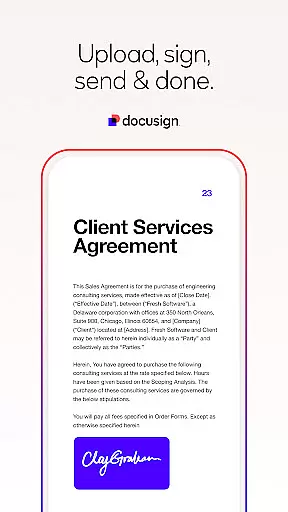
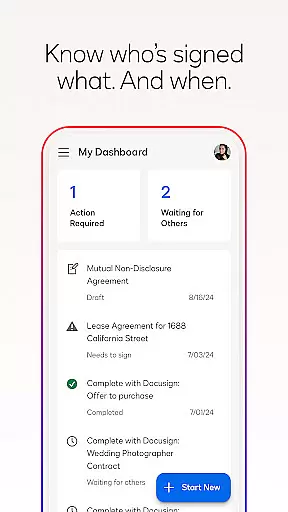


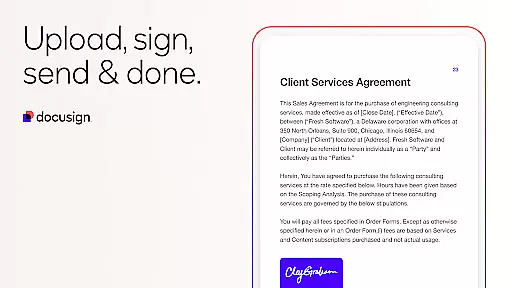
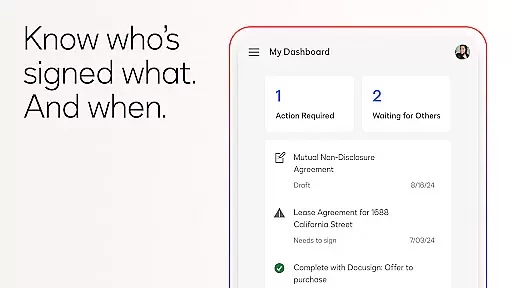

Docusign is the leading Intelligent Agreement Management solution that simplifies and secures the entire agreement process. The app allows businesses and individuals to send, sign, and manage agreements from virtually anywhere, at any time, using almost any device. With its powerful eSignature functionality, Docusign has become the world's #1 way to handle agreements digitally.
The platform offers a streamlined experience for managing documents, including features like 'Sign Here' tags, real-time push notifications, and support for multiple document formats such as PDFs, Word files, and images. Trusted by millions globally, Docusign ensures legal compliance and top-level security through encryption and ISO 27001 SSAE16 compliance.
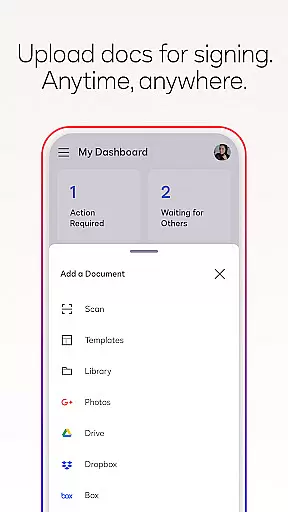
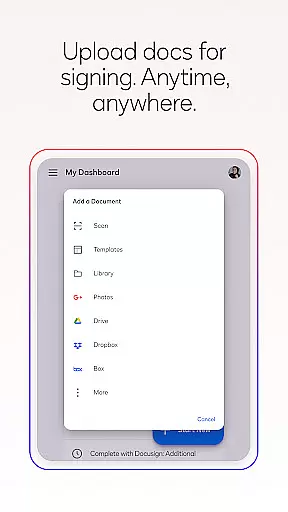
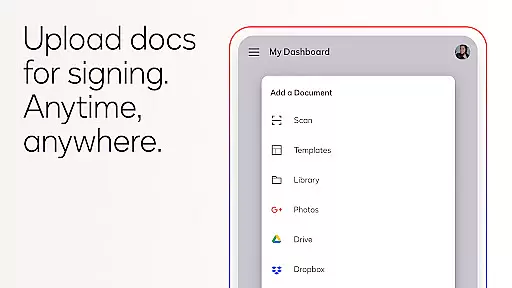
Docusign stands out with its comprehensive feature set tailored for efficient agreement management. Users can create customized digital signatures directly on their devices and upload documents easily via email, cloud services like Google Drive and Dropbox, or even photo scanning. The app supports unlimited free signing for all parties, making it accessible for everyone.
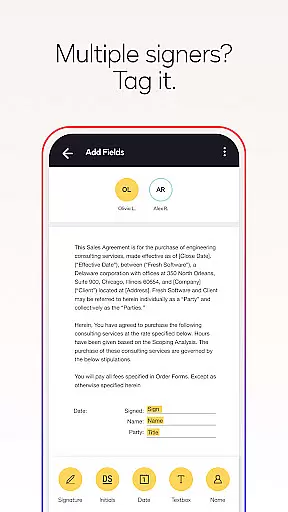
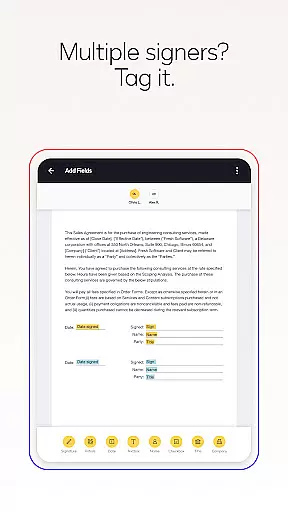
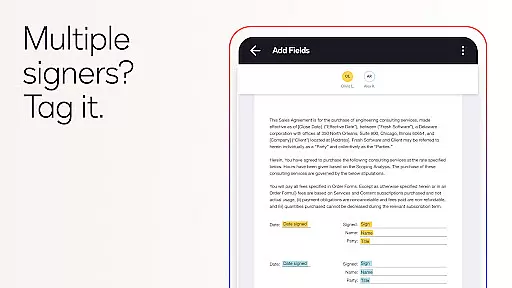
For advanced users, Docusign offers premium plans with additional capabilities. These include sending documents for signature, setting up workflows for multiple signers, and using reusable templates. Real estate professionals benefit from specialized features like zipForm Plus integration, while individual users can take advantage of essential fields and limited document sending in the Personal Plan.
All plans come with robust security measures, ensuring that electronically signed agreements are legally binding and protected with complete audit trails. This makes Docusign suitable for various industries, including healthcare, finance, and real estate.
In the realm of productivity, core task management is pivotal for organizing and executing work efficiently. DocuSign revolutionizes this area by streamlining the agreement process, making it seamless to manage tasks related to document signing.
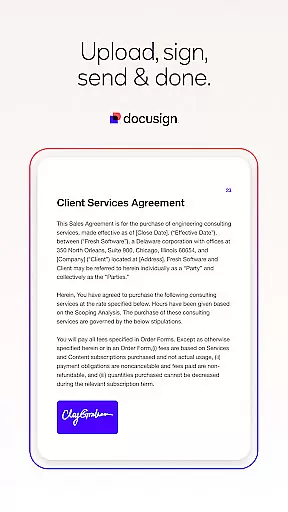
DocuSign's platform allows users to create customized digital signatures, upload documents from various sources, and tag them with 'Sign Here' indicators. This simplifies the workflow significantly, as users can set precise signing orders and receive real-time notifications upon completion.
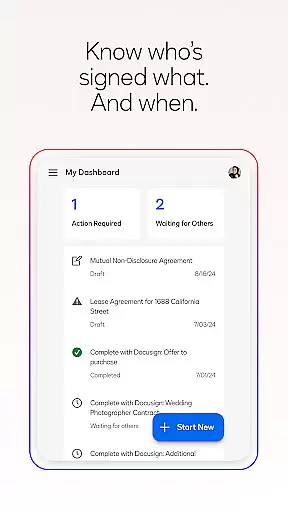
The app also supports both in-person and remote signing, adapting documents responsively for mobile devices. With features like reminders and the ability to void sent documents, DocuSign ensures that task management within the agreement process is intuitive and efficient.
By integrating advanced functionalities such as reusable templates and managing multiple signers, DocuSign enhances productivity. Users benefit from a comprehensive audit trail, ensuring agreements are not only managed effectively but also remain secure and legally binding.
Cross-device synchronization is essential for maintaining consistency and reliability across different platforms. DocuSign excels in this area by providing a seamless experience whether you're using a smartphone, tablet, or computer.
With DocuSign, users can securely send and sign agreements from practically anywhere, at any time, on almost any device. The synchronization between devices ensures that all actions taken on one device are immediately reflected on others, keeping everyone updated.
This reliable cross-device functionality extends to importing files from cloud services like Google Drive and Dropbox. Regardless of where you start or finish the document preparation, every change is synchronized across devices without missing a beat.
Moreover, DocuSignu2019s encryption and compliance with standards such as ISO 27001 and SSAE16 guarantee that your data remains protected during synchronization. This reliability fosters trust among millions of users worldwide who depend on DocuSign for their agreement management needs.
User-friendly interface
Legally compliant e-signature
Secure document handling
Wide format compatibility
Real-time notifications
Premium features costly
Limited free sending
Subscription auto-renews
No offline access
Advanced tools complex

Automates browsing any website and notifies you of important changes or events
 4.30
4.30
Protect and view your important info on your phone and tablet with eWallet®
4.80
We're working to become the best machining app on the market! www.cncdirt.com
4.80
Pwnagotchi companion app
4.20
Easiest event planning, volunteer signups & parent teacher conference scheduling
2.20
The AI assistant that thinks with you - write, code, and solve complex tasks
4.60
Great calculator for Android named one of USA TODAY's "25 Essential Apps".
4.90
A Pixel Art watchface inspired by other iconic 90s designs for Wear OS devices!
4.40
AT&T Internet customers can use this app to personalize their Wi-Fi network.
4.40
Use powerful, industry-leading AI tools to generate visual charts from any data
4.80
Understand anything with a personalized AI research assistant
4.80
Absolutely the best CNC machinist speed and feed calculator around. fswizard.com
4.60
Translate text/voice/photos in 150+ languages. Offline & fast translator app.
4.50
All in One PDF Reader: Manage, Read and Edit your Documents
4.20
Unlock AutoNotification
4.00
Customizable calendar widget for seamless event sync, planning & scheduling.
4.00
Access your phone's notifications, calls, apps, photos & texts on your PC
3.90
Ultimate Virtual AI Character for immersive Roleplay Chat. Perfect Companion
3.90
Auto-shutoff Alarm with Sunrise, Sunset & Fixed Options.
3.50


User Reviews