
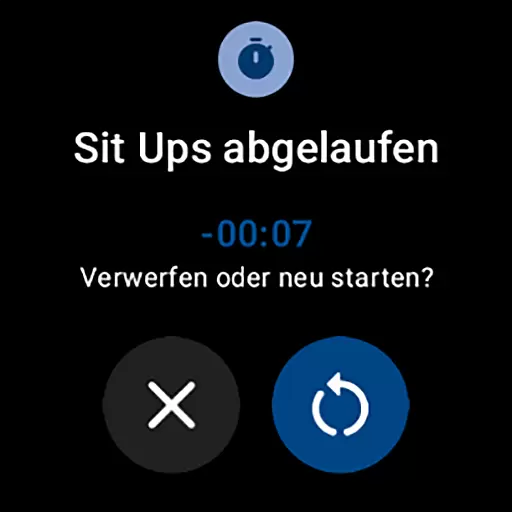
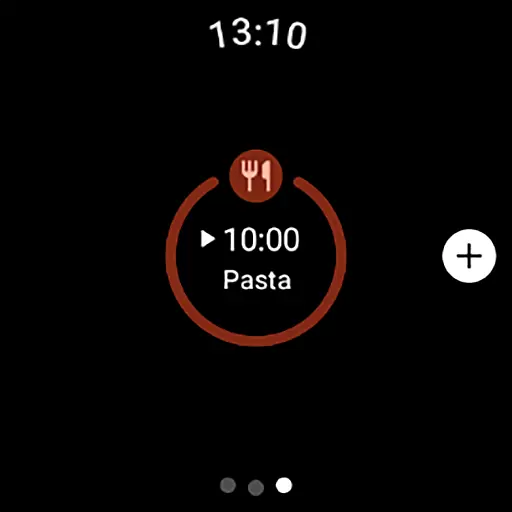
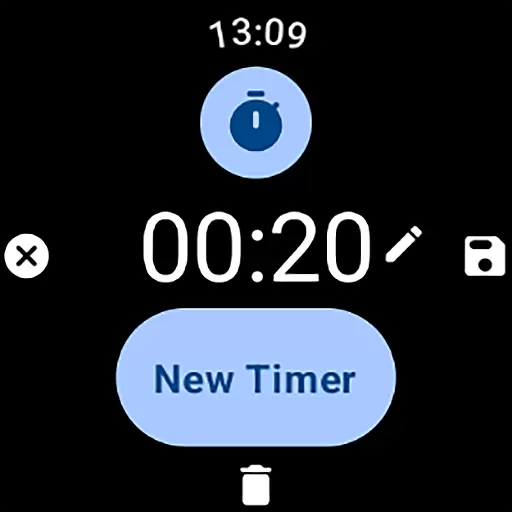
MultiTimerPro for Wear OS is a powerful productivity tool designed to help users manage their time with precision. This app allows you to run multiple timers simultaneously, making it perfect for multitasking scenarios like cooking, exercising, or work sprints. With its intuitive interface and customizable options, MultiTimerPro ensures that you can easily create and track various timers tailored to your specific needs.
The app also features sound notifications and integrates with the newly added Tile functionality, giving you quick access to your favorite timers directly from your smartwatch. Whether you're managing complex schedules or simply need a reliable timer for daily tasks, MultiTimerPro enhances efficiency and keeps you on track.
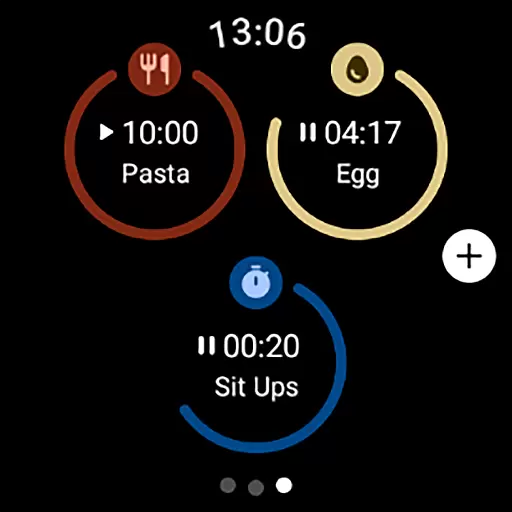
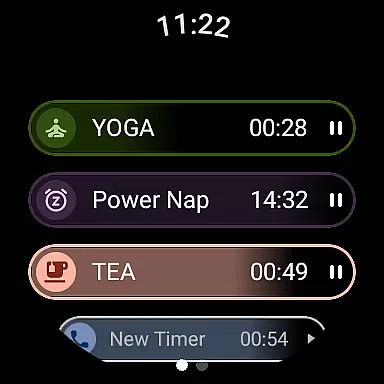
MultiTimerPro stands out with its unique multi-timer functionality, allowing users to handle several countdowns at once. This feature is particularly useful for those who need to monitor different activities simultaneously, such as chefs timing multiple dishes or athletes tracking workout intervals. The app's intuitive interface makes it easy to create, edit, and manage these timers without any hassle.
In addition to its core capabilities, MultiTimerPro offers extensive customization options. Users can personalize each timer with unique names, durations, icons, and colors, ensuring that every countdown is distinct and recognizable at a glance. The inclusion of sound notifications adds another layer of reliability, ensuring you never miss an alert. These thoughtful features combine to deliver a seamless and efficient time management experience.
Effective task management is essential for productivity, and MultiTimerPro excels in this area by offering users the ability to handle multiple timers simultaneously. This feature is particularly beneficial for those who need to keep track of various tasks or activities at the same time.
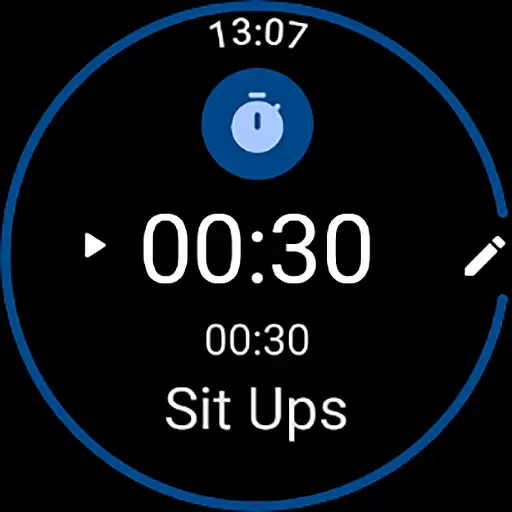
The app allows users to create, edit, and manage timers with remarkable ease. Each timer can be customized with specific names, durations, icons, and colors, ensuring that every activity is distinctly represented. This level of customization not only enhances organization but also makes it simpler to identify and manage different tasks efficiently.
By integrating sound notifications, MultiTimerPro ensures that users never miss a timer alert. This auditory cue complements the visual interface, providing a comprehensive alert system that keeps users on track with their daily schedules.
Cross-device synchronization is crucial for users who rely on seamless transitions between devices. MultiTimerPro addresses this need by ensuring reliable synchronization across Wear OS devices, allowing users to access their timers wherever they are.
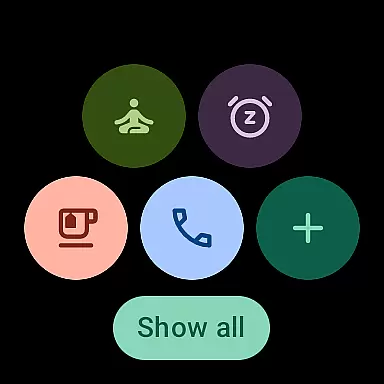
The app's newly added Tile feature enhances accessibility by letting users directly access their favorite timers. This instant access reduces the time needed to navigate through menus, thus streamlining the user experience significantly.
With its intuitive interface designed for easy navigation, MultiTimerPro empowers users to manage their timers effortlessly. The synchronization feature ensures that all changes made on one device are promptly reflected on others, maintaining consistency and reliability in time management.
User-friendly interface
Multiple timers support
Customizable timer settings
Sound notification alerts
Tile integration for quick access
Limited to Wear OS
No web-based version
Premium features may require payment
Interface could be overwhelming for beginners
Notifications may not work on all devices

 4.20
4.20
Protect and view your important info on your phone and tablet with eWallet®
4.80
App lock - lock apps with fingerprint, password, pin or pattern, protect privacy
4.70
Cloud storage, automatic phone backup, and more.
4.10
Create and edit presentations with Google Slides, part of Google Workspace.
4.00
A comprehensive suite of tools designed specifically for Lactation Consultants
4.0
Best Tool for the professionals Electrician, Electrical contractors, etc.
4.90
A simple Whisper AI keyboard for reliable speech transcription and rewording
4.60
Lightweight PDF, Word, Excel reader.
4.60
Great calculator for Android named one of USA TODAY's "25 Essential Apps".
4.90
The long-awaited modern gallery app for your Nextcloud server
4.70
Quickly and easily keep track of your work shifts
4.70
App Lock with fingerprint, password: Lock apps & hide photos with lock screens
4.60
Tally and goal counter for Wear OS & mobile
4.50
Experience Reading - Night Mode for Documents
4.40
Send files, sync SMS, notifications & clipboard across devices via local network
4.40
This small app MUST BE INSTALLED after purchase, else license won't work
4.40
Wake up & get tasks done! Add alarms & reminders on the Clock Launcher.
4.00
Access your phone's notifications, calls, apps, photos & texts on your PC
3.90


User Reviews