

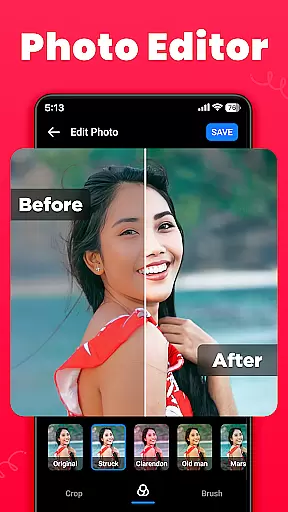
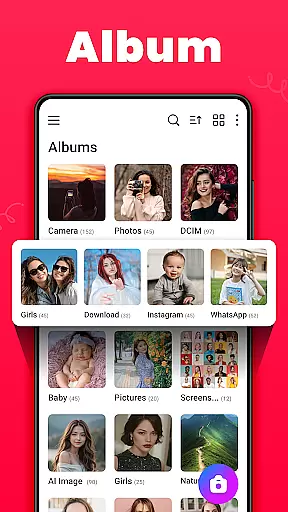
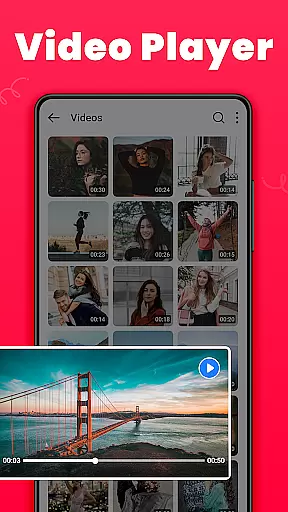
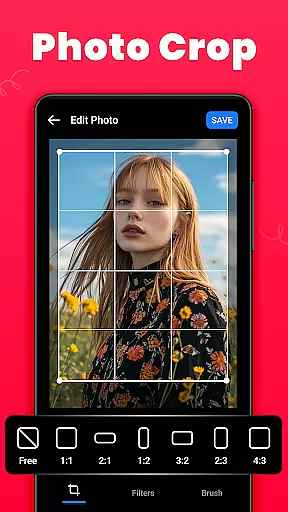

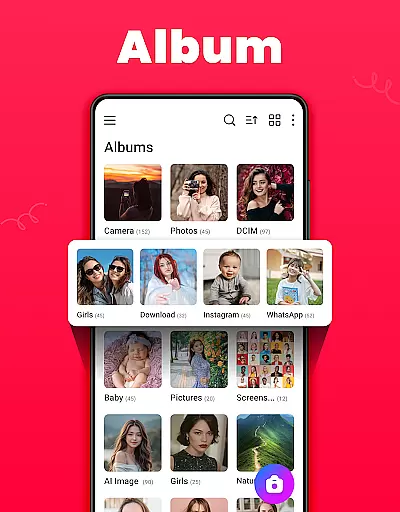

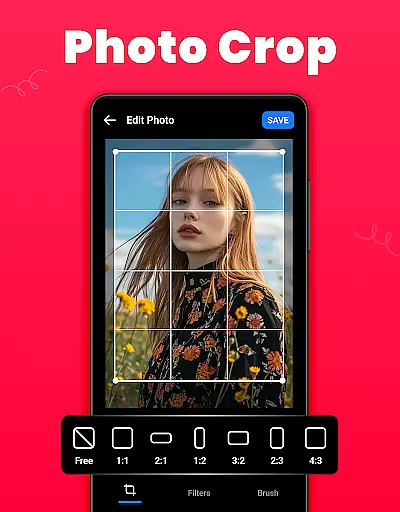
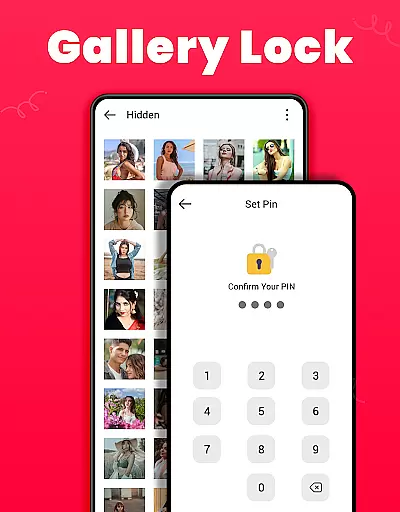
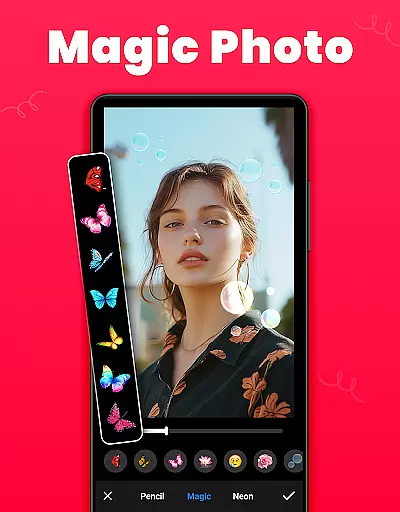
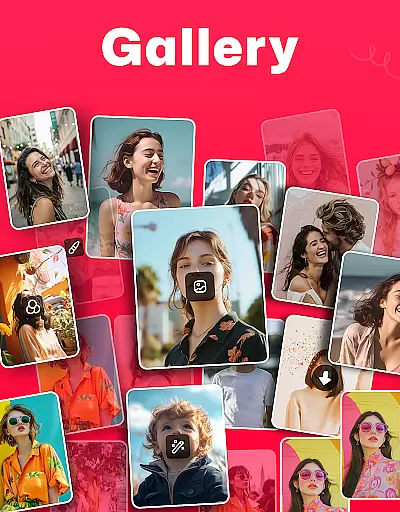
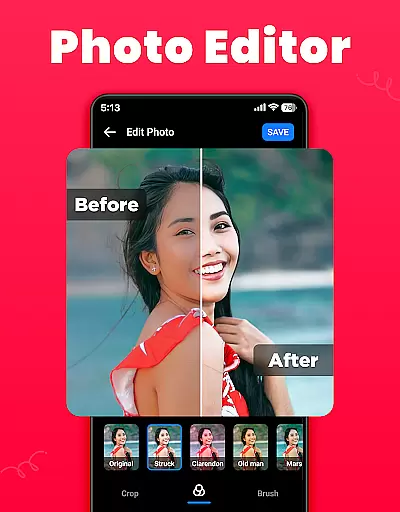
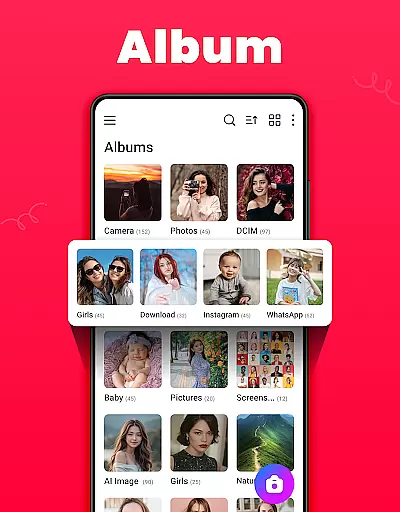

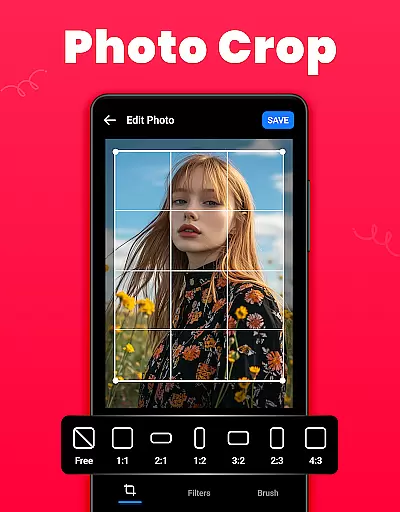
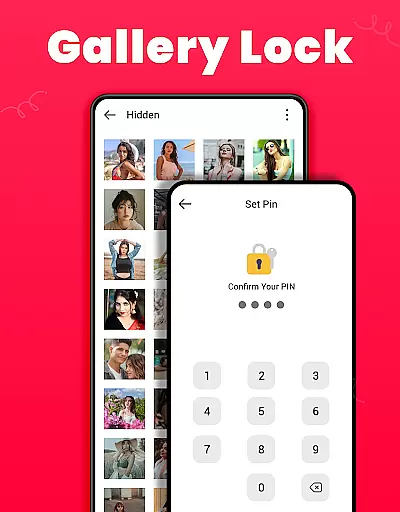
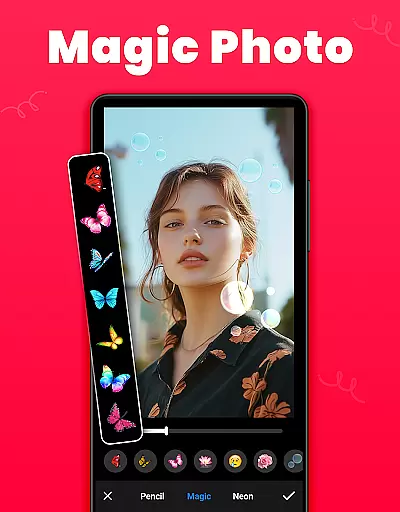
Gallery is a versatile offline photo and video management app designed for Android users. This application allows you to organize, edit, and share your media files effortlessly. One of its standout features is the Gallery Lock, which lets you secure private photos and videos in a protected vault using a PIN or password. Additionally, the app provides tools for editing images with options like crop, filter, and brush, making it a comprehensive solution for managing your digital memories.
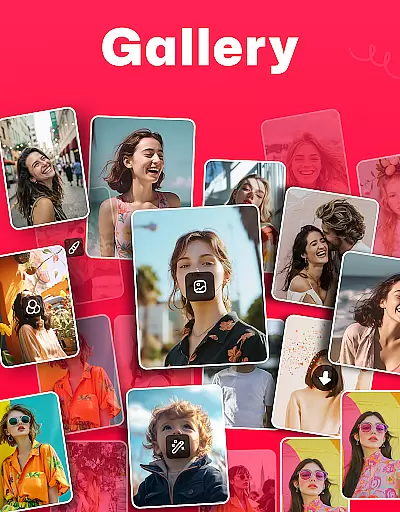
The app automatically organizes media according to file paths and offers functionalities such as creating and managing albums, setting favorite pictures as wallpapers, and recovering deleted media from the Recycle Bin. It also supports viewing media details and paths, sorting albums by various criteria, and switching between light or dark modes. With its user-friendly interface and robust feature set, Gallery ensures that your cherished moments are always organized and secure.
Gallery boasts an array of features that cater to both casual and power users. The app's ability to function offline makes it highly accessible, ensuring you can manage your media without needing an internet connection. Its smart gallery view helps you easily navigate through photos and videos, while advanced sorting options allow you to arrange albums by name, date, path, and more. You can also capture new photos or videos directly within the app, adding convenience to your media management tasks.
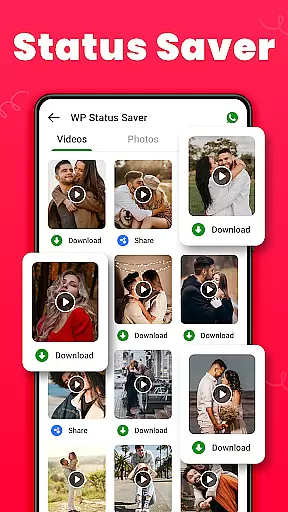
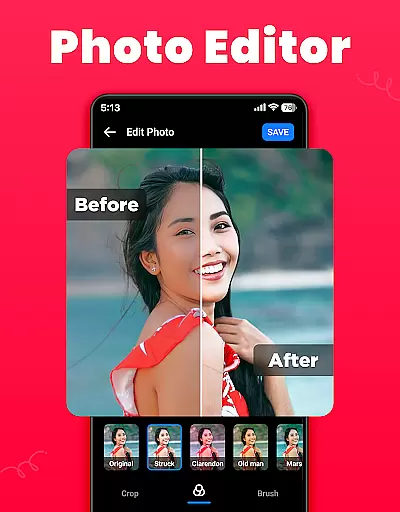
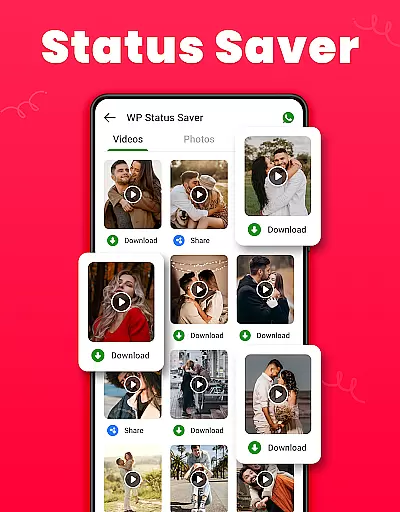
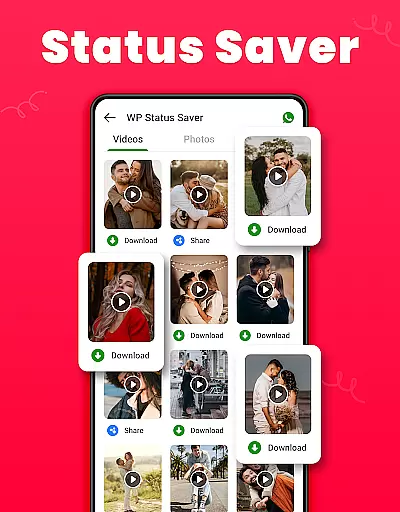
Another significant feature is the integrated photo editor, which includes tools like crop, filter, and brush. These tools enable you to enhance your images creatively. Furthermore, the app facilitates sharing content on any social media platform and supports downloading WA statuses with just one click. Whether you're looking to edit, share, or safeguard your media, Gallery provides a comprehensive suite of tools to meet your needs efficiently and effectively.
Real-time capture and preview functionality is essential for ensuring that users can accurately frame and capture their desired images without delay. The Gallery app offers a seamless experience by providing instant feedback on the screen as you take photos or videos.
This feature allows users to see exactly what the camera sensor is capturing, making it easier to adjust settings such as exposure, focus, and composition before taking a shot. With real-time previews, photographers can make sure they are getting the best possible image quality every time.
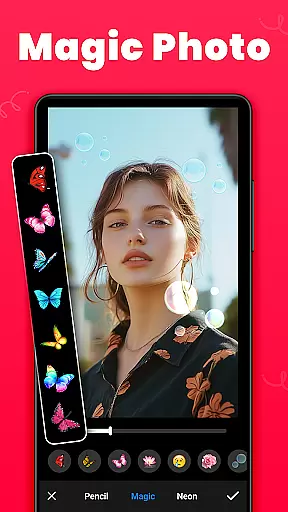
In addition to basic capture capabilities, this app enhances the photography experience with advanced options like filters and editing tools directly accessible from the preview screen. This means users can apply creative effects and adjustments immediately after capturing an image, streamlining the entire photo-taking process.
The ability to instantly review and edit photos not only saves time but also improves the overall user experience by allowing quick sharing or further refinement of images. Whether capturing everyday moments or special occasions, real-time capture and preview ensure that each photo meets the user's expectations.
AI beauty and enhancement features have become increasingly popular in photography apps, offering users the ability to enhance their photos with natural-looking effects. The Gallery app leverages advanced AI algorithms to provide enhancements that maintain the authenticity of the original image while improving its aesthetic appeal.
These AI-driven enhancements include skin smoothing, blemish removal, and facial feature adjustments, all designed to create a polished yet realistic look. By analyzing facial structures and skin tones, the app ensures that edits appear subtle and true to life, avoiding the over-processed appearance common in some photo editing software.
Moreover, the app provides customizable intensity levels for these enhancements, giving users control over how much modification they want to apply. This flexibility allows individuals to tailor the enhancements to their personal preferences, whether they seek minor touch-ups or more noticeable improvements.
Ultimately, the AI beauty and enhancement features in the Gallery app empower users to achieve professional-quality results effortlessly. By maintaining the natural essence of the photograph, these tools help preserve genuine expressions and emotions, ensuring that memories remain authentic and cherished.
User-friendly interface
Offline functionality
Secure media locking
Comprehensive editing tools
Efficient organization features
Limited cloud integration
Occasional bugs reported
Ads in free version
Permissions required for full functionality
Interface may feel cluttered

Gallery show photo, video, slideshow, is perfect 3D effect private photo albums.
 4.80
4.80
1M influencer's special filter
4.60
An interval timer to automate photo taking process for timelapse
2.90
HD Camera Pro with HD Video shooting, Panorama, Photo editor , Beauty Camera.
4.50
Create amazing frames with up to five photos. Rounded corners, effects and more!
3.60
Luminar: Photo Editor - easy picture editing with AI
4.20
Catch sunlight, sunrise sunset times and sun phases with the AR sun tracker.
4.10
Welcome to ProShot, the most powerful camera app on Android.
4.20
Solocator stamps photos you take with GPS location, Compass Direction, Date/Time
3.80
Viewfinder, Light meter, Reciprocity failure time, DOF & Bellows Extension
4.60
Take videos and pictures with the popular TikTok TIME WARP SCAN filter.
4.60
Unblur, enhance & restore photos with powerful AI photo enhancer tools.
4.60
Create Business Headshots, Polaroid Filter, Retake Photos,Profile Pics,AI Photos
4.50
Photo editor & gallery. Crop pictures & edit photos offline, no wifi!
4.50
Fit multiple photos on one post. Create carousels & scroll layouts for Instagram
4.50
RAW video capture with advanced controls
4.40
The #1 app for B&W film developing featuring an advanced darkroom timer.
4.10
Astrophotography with your smartphone, photo live stacking and much more!
3.90
Long exposure camera with computational photography
2.60


User Reviews