
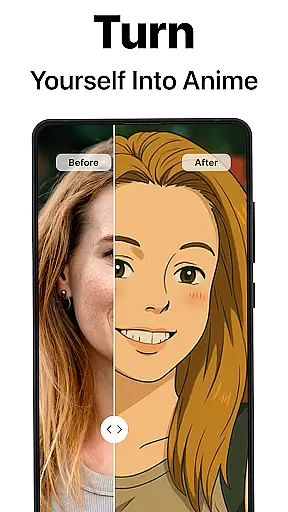
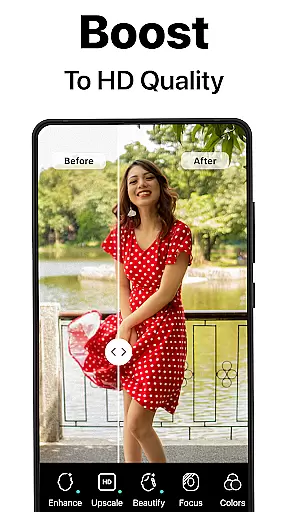
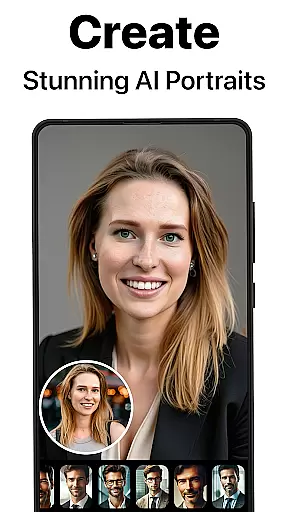
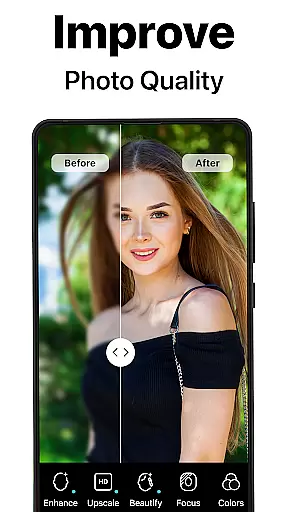
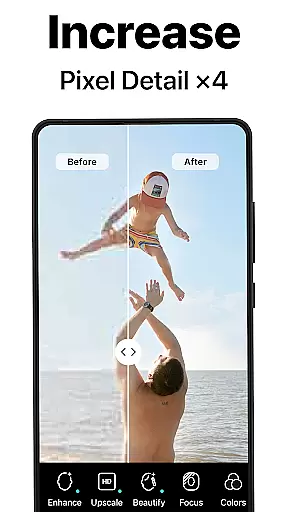
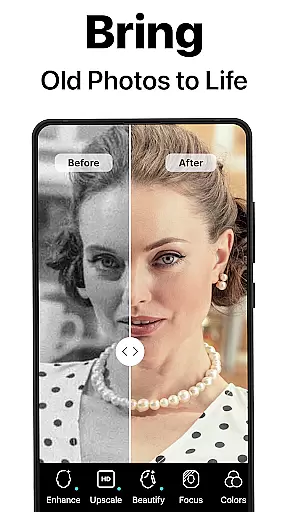
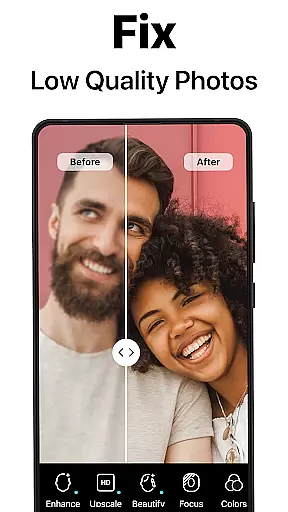
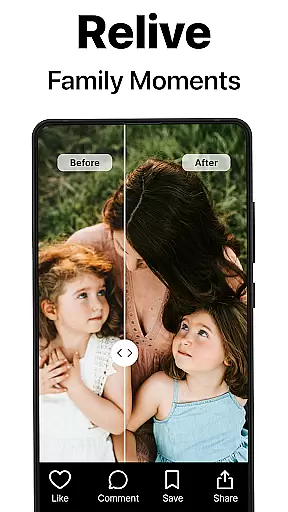
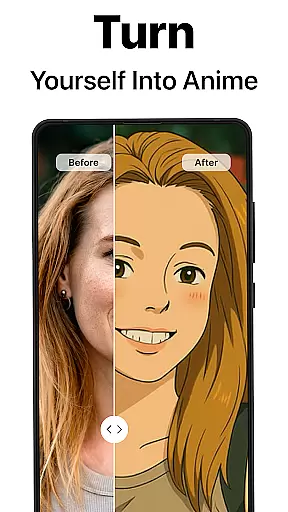
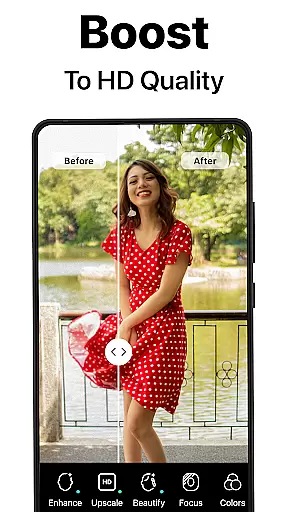
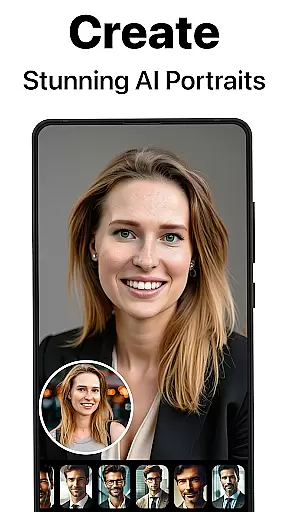
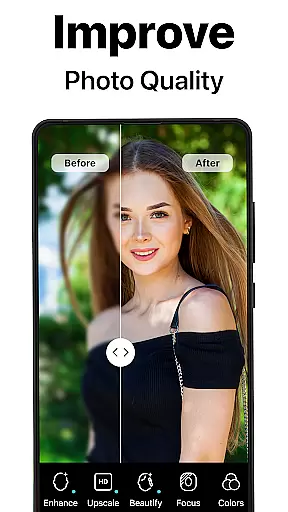
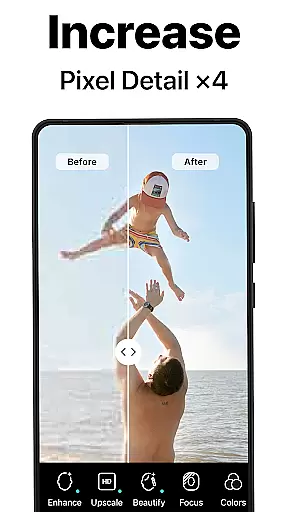
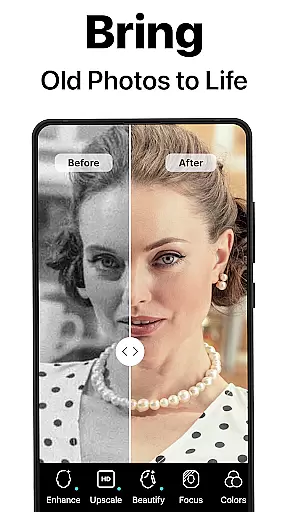
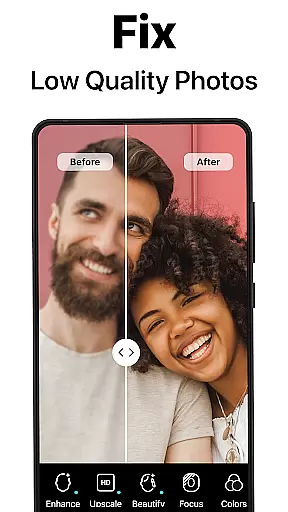
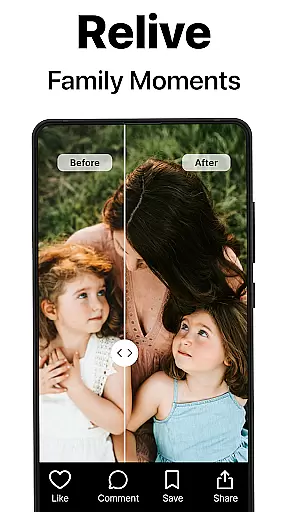
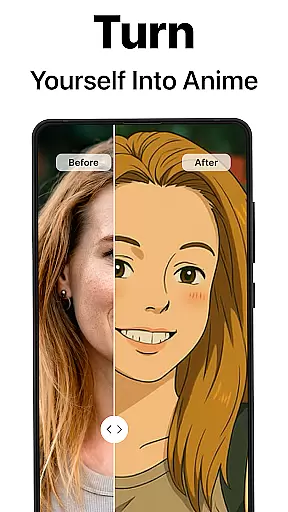
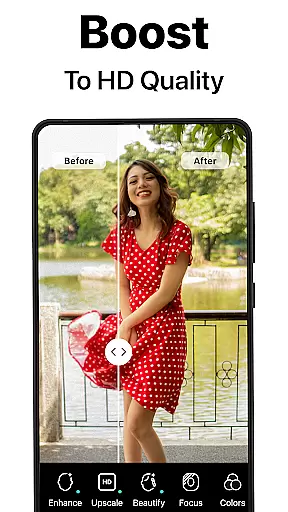
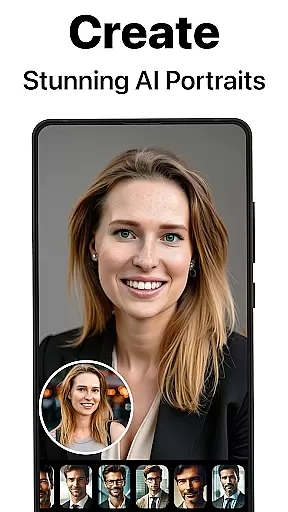
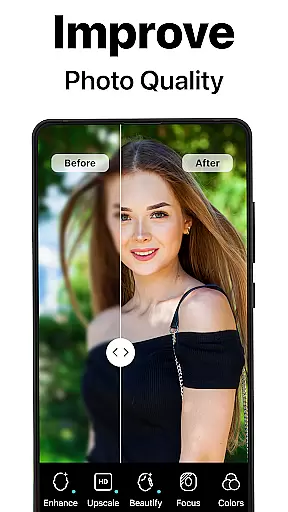
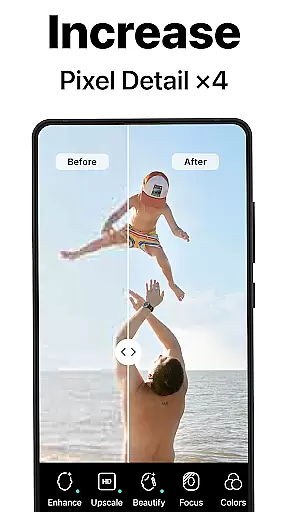
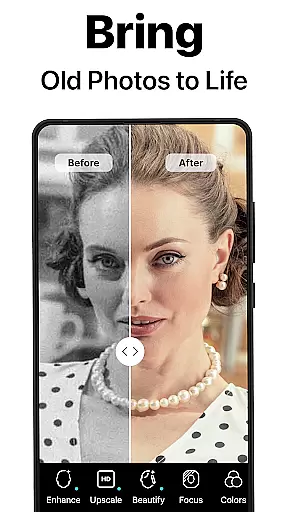
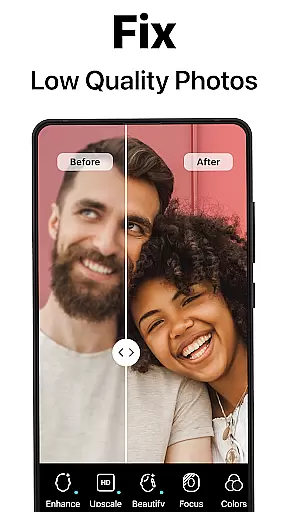
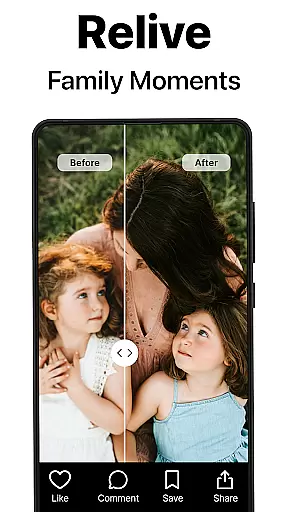
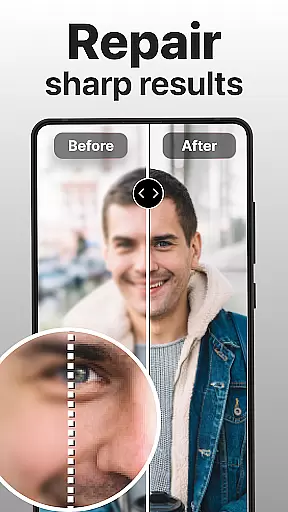
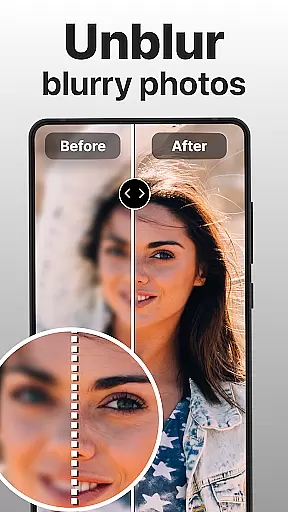
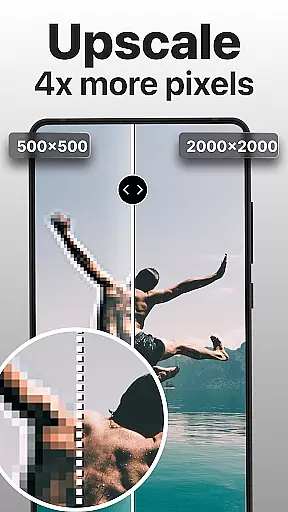
PhotoBoost is a revolutionary photography app that uses advanced AI technology to enhance, restore, and transform your photos. The app specializes in sharpening blurry images, reviving pixelated photos, and restoring cherished memories with impressive precision. Its standout feature is the AI Avatars tool, which allows users to create stunning avatars in various artistic styles, ranging from festive holiday themes to fantasy-inspired designs.
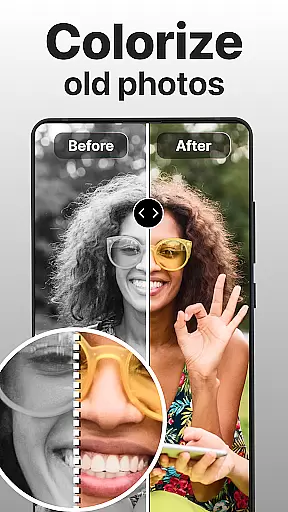
With additional capabilities such as photo restoration, colorization of black-and-white images, and advanced AI upscaling, PhotoBoost caters to both casual users and professionals. Whether you're looking to enhance social media posts or preserve family heirlooms, this app offers versatile solutions for all your photo editing needs.
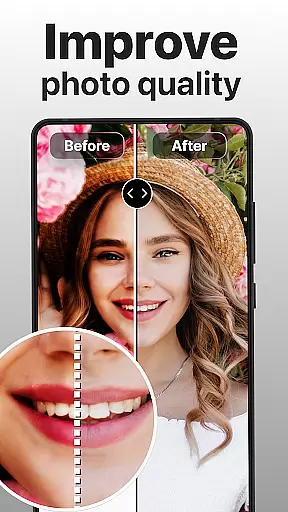
PhotoBoost stands out with its cutting-edge features tailored for photo enhancement enthusiasts. One of its core functionalities is the ability to instantly sharpen blurry or low-resolution images, making them suitable for professional use or personal sharing. Additionally, the app provides powerful restoration tools that repair damaged photos, remove scratches, and add vibrant colors to faded images.
The AI Avatars feature is another highlight, offering an extensive library of customizable styles and themes. Users can transform their selfies into creative masterpieces inspired by famous art movements, pop culture references, or fantasy worlds. With lightning-fast processing speeds and high-quality outputs, PhotoBoost ensures that every transformation is seamless and visually striking.
Real-time capture and preview functionality is essential for ensuring that every photo taken meets the user's expectations. PhotoBoost excels in this area by providing instantaneous feedback on images as they are captured, allowing users to make necessary adjustments before finalizing their shots.
The app leverages advanced AI technology to enhance the clarity and quality of photos during the capture process. This ensures that even if the original shot is suboptimal, the intelligent system can immediately correct issues such as blurriness or poor lighting, delivering a refined image in seconds.
For users, this means no more guesswork or disappointment when taking important photos. Whether it's for social media posts or preserving cherished family moments, PhotoBoost guarantees that each picture will be sharp and vibrant, ready to impress viewers right from the moment of capture.
AI beauty and enhancement features have become a staple in modern photography apps, but PhotoBoost sets itself apart through its commitment to natural-looking results. The app uses sophisticated algorithms to subtly enhance facial features without creating an over-processed appearance, maintaining the authenticity of the subject's likeness.
With options like skin smoothing, blemish removal, and teeth whitening, PhotoBoost allows users to fine-tune their portraits while keeping them realistic. These enhancements are applied intelligently, ensuring that the unique characteristics of each face are preserved, resulting in professional-quality edits that don't look artificial.
This focus on natural beauty enhancement provides significant value to users who want polished yet genuine-looking photos. Whether preparing headshots for work or enhancing personal memories, PhotoBoost ensures that every edit enhances the photo's appeal without compromising its true-to-life essence.
User-friendly interface
Advanced AI technology
Versatile editing tools
Unique AI Avatars
Fast processing speed
Premium subscription required
Limited free trial
Internet connection needed
Occasional ads
Steep learning curve

Add Watermark - Sign your pictures with a text or logo. Effective, quick, easy!
 4.50
4.50
Photo prints, cards, & gifts at Walgreens. Easy ordering & fast local pickup !
4.80
Create AI Photos, Improve and restore quality of blurry, old or damaged pics.
4.20
Amazing Photo Effects - The most fun you can have with your photos!
4.70
A reflected light meter with spot metering and incident light metering.
4.40
GCamera allows all GCam features on all phone models! Better photos with GCamera
3.30
Pro version: AR sun/moon tracker for any date. Tool for photographers & planners
4.90
RAW video capture with advanced controls
4.40
Edit photos with the picture generator: PS2 & AI Clay filters, cartoon effects.
4.50
Collage your moments in one tap: 1000+ layouts, filters, stickers, and texts.
4.90
Photo editor: AI filters, photo enhancer, pic collage maker, AI art generator.
4.80
See your baby AI baby face generator AI baby maker Face generator babymaker fun!
4.70
Take videos and pictures with the popular TikTok TIME WARP SCAN filter.
4.60
Create collages easily! Nice pic collage maker & background eraser for Instagram
4.50
Movie camera, supports pro recording settings for filming. Try it and be amazed!
4.50
Professional photography on your mobile phone
4.20
Transform Photos: Edit, Beautify and Craft Memories & Make Collages!
4.10
How old age camera Gender Swap App Face Shape Hairstyle App Hair Styler App fun!
4.00
USB Storage Access for Photos, Videos, Music and Documents
3.80


User Reviews