
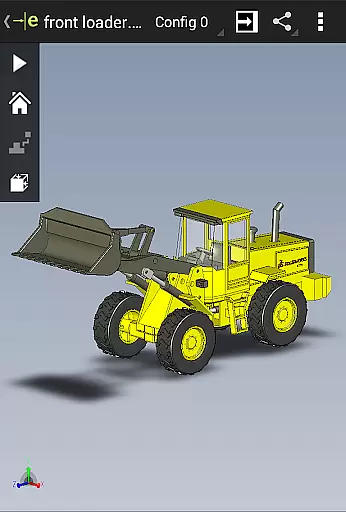
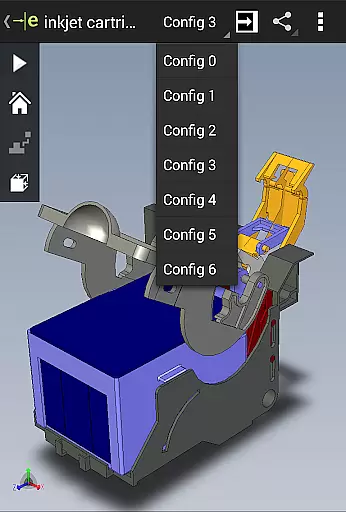
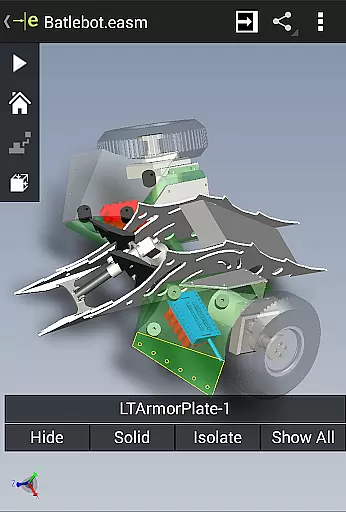
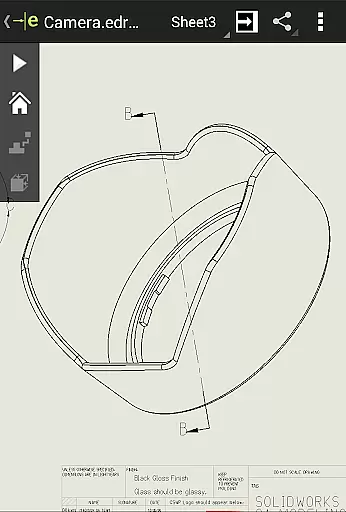
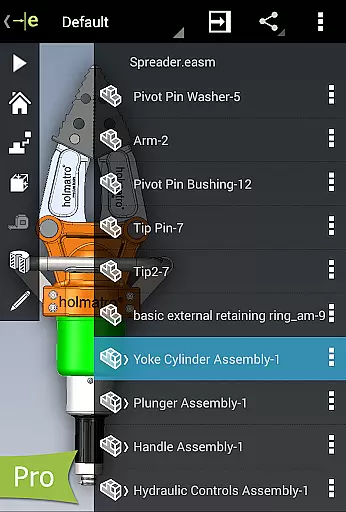
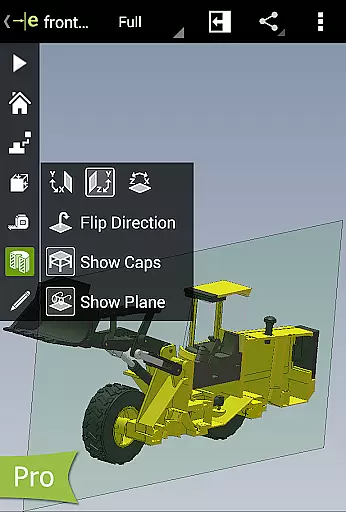
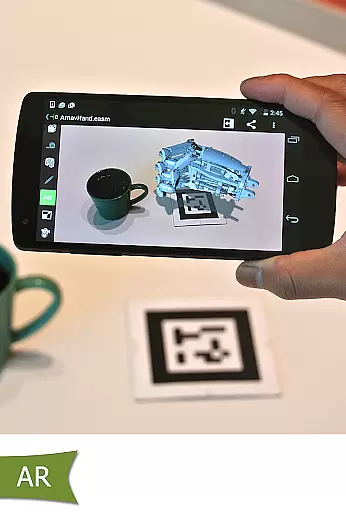
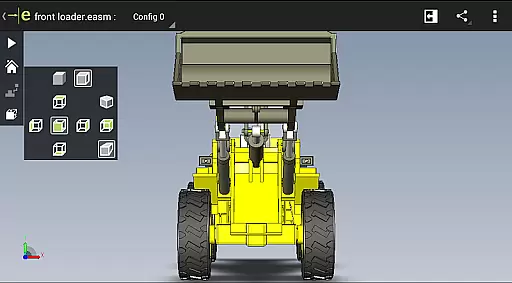
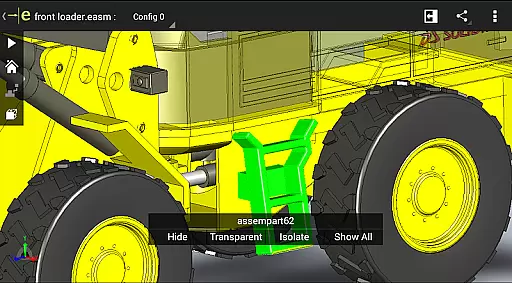
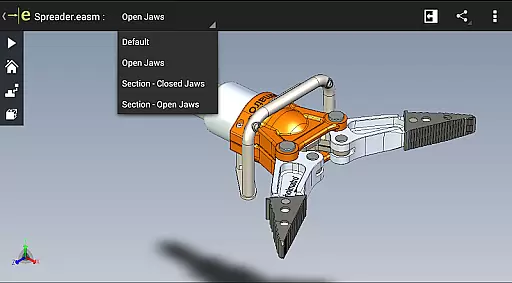
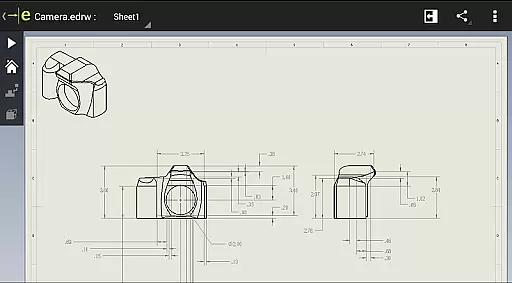
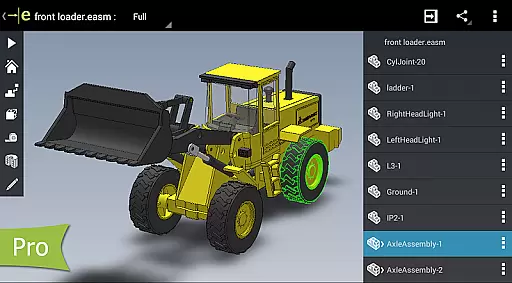
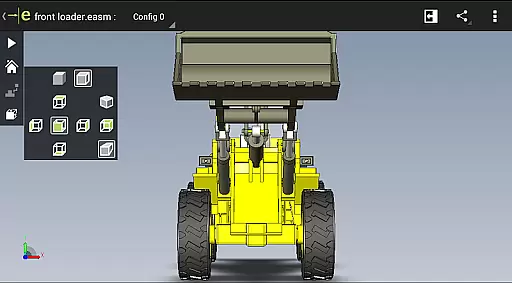
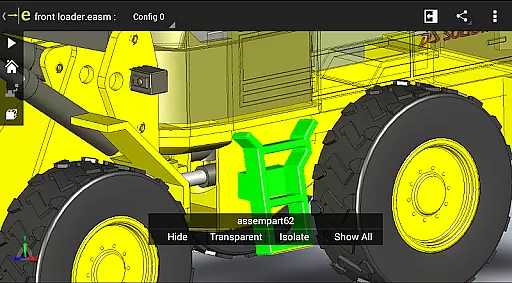
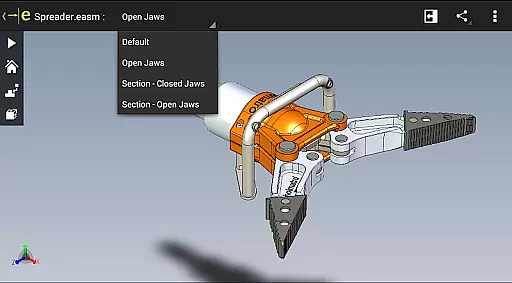
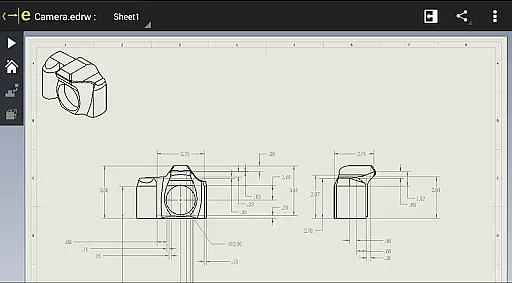
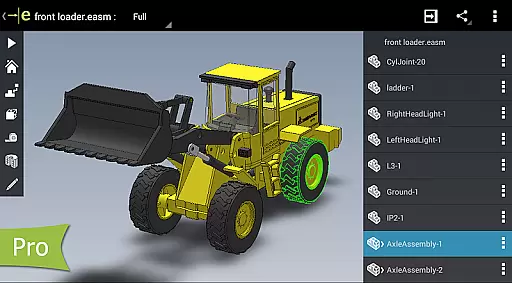
eDrawings is a powerful CAD viewer designed for Android devices, enabling users to view native eDrawings files as well as SolidWorks parts, assemblies, and drawings. This app revolutionizes the way product design information is shared by allowing users to easily load and send files via email, facilitating collaboration among all stakeholders in product development.
With multi-touch gestures, users can effortlessly pan, zoom, and rotate models. The app supports drawing sheets and exploded views for files published from SolidWorks, making it an essential tool for anyone involved in CAD design. Whether you're a professional designer or simply need to interpret 2D and 3D designs, eDrawings provides an intuitive platform to visualize and understand complex CAD data.
eDrawings offers a comprehensive set of features that cater to both casual users and professionals. The app's user-friendly interface allows for easy navigation and manipulation of 2D and 3D CAD data. Users can open various file formats including EASM, EPRT, SLDASM, SLDPRT, IGES, IGS, JT, STEP, STP, IFC, EDRW, SLDDRW, DWG, and DXF from multiple sources such as email attachments, cloud storage services, web and FTP sites, and network folders.
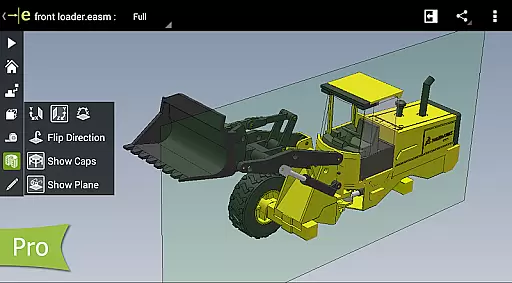
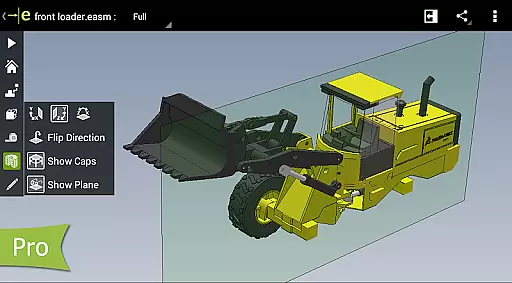
One of the standout features is the ability to animate 3D standard views and browse through 2D drawing sheets. With the Pro version available through an in-app purchase, users can measure designs, view dynamic cross-sections, and create markups with text notes and freehand notations. These capabilities enhance collaboration by allowing users to share marked-up files with others for review and further comments.
eDrawings excels in core task management by offering a comprehensive suite of tools for viewing and interacting with CAD files. The app supports a wide range of 3D and 2D file formats, including EASM, EPRT, SLDASM, SLDPRT, IGES, IGS, JT, STEP, STP, IFC, EDRW, SLDDRW, DWG, and DXF.
Users can easily manipulate their designs through intuitive multi-touch gestures that allow panning, zooming, and rotating models effortlessly. This functionality is crucial for professionals who need to review complex assemblies or detailed drawings on the go.
The ability to animate standard views and browse drawing sheets enhances productivity by enabling users to quickly understand design intent and identify potential issues without needing access to full CAD software.
With eDrawings Pro, available via in-app purchase, additional capabilities such as measurement tools, dynamic cross-section viewing, and markup features further streamline task management, making it an indispensable tool for anyone involved in product development.
Cross-device synchronization is a key feature of eDrawings, ensuring that users can seamlessly transition between different devices while maintaining consistent access to their CAD data. Whether working on an Android phone or tablet, the app provides reliable performance and data integrity.
Files can be loaded and shared via email directly from the app, facilitating collaboration among team members regardless of their location or device preference. This email-enabled communication tool simplifies sharing product design information with stakeholders who may not regularly use CAD software.
eDrawings also integrates with various cloud storage services like Dropboxu2122, SkyDriveu00ae, Google Drive, Hightailu00ae, and others, allowing users to access their files from multiple sources. This flexibility ensures that all collaborators have up-to-date information at their fingertips.
Furthermore, the app's support for full-screen viewing and easy navigation through double-tapping to fit designs on screen enhances usability across devices, providing a uniform experience whether you're presenting to clients or reviewing designs internally.
User-friendly interface
Supports multiple file formats
Facilitates easy collaboration
Multi-touch gesture support
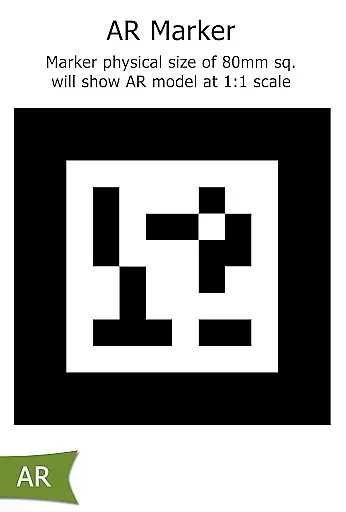
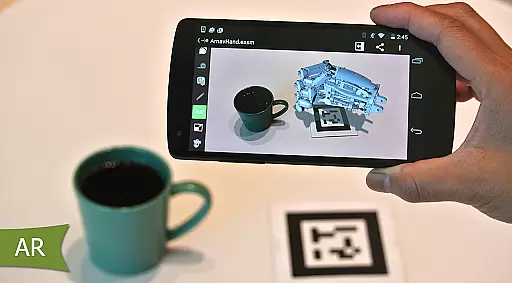
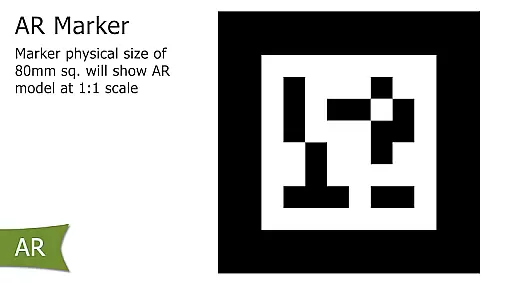
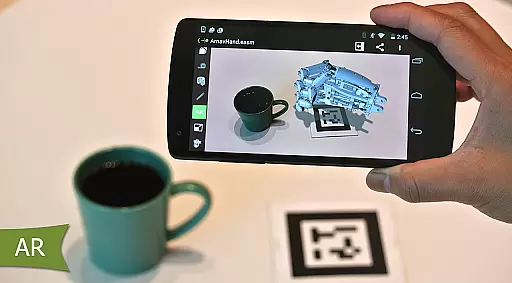
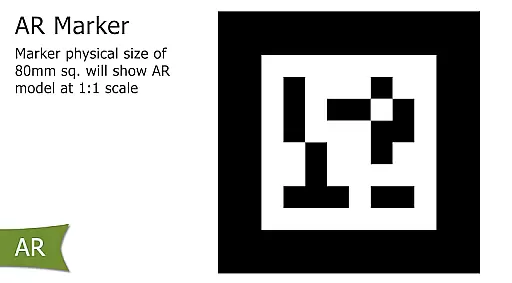
Augmented reality features
Pro features require in-app purchase
Limited AR functionality on some devices
Occasional UI clipping issues
Advanced tools only in Pro version
Internet required for some features

 4.20
4.20
A lightweight JSON & XML files creator, editor and viewer (Premium Version)
4.40
Make your handwriting beautiful, even more than pen on paper.
3.60
Access, manage and transfer files on Android, PC, Mac, NAS and cloud storages.
4.30
To do list widget with a notebook organizer, checklist, simple shopping list
4.60
A Pixel Art watchface inspired by other iconic 90s designs for Wear OS devices!
4.40
The ultimate file manager for rooted devices. The original and still the best.
4.00
Access your phone's notifications, calls, apps, photos & texts on your PC
3.90
Use powerful, industry-leading AI tools to generate visual charts from any data
4.80
Understand anything with a personalized AI research assistant
4.80
Stay on top of your to-dos with Google Tasks, part of Google Workspace.
4.60
Calendar 2023 widget for Android. Appointment scheduler, planner, and reminder
4.60
Fill, sign & send docs, forms, agreements & contracts via electronic signature.
4.50
CalenGoo is a very flexible and feature-rich calendar app
4.40
Enjoy classic gameplay with customizable features and retro-style graphics.
4.30
Todo reminder
4.10
Make apps & sites with natural language prompts
4.10
Cloud storage, automatic phone backup, and more.
4.10
A comprehensive suite of tools designed specifically for Lactation Consultants
4.4


User Reviews