
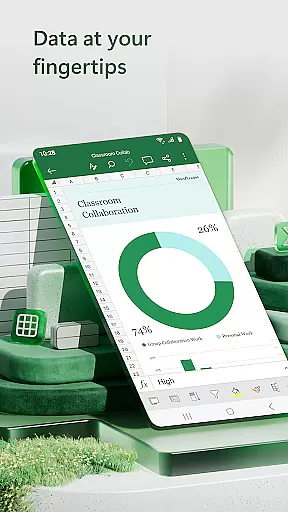
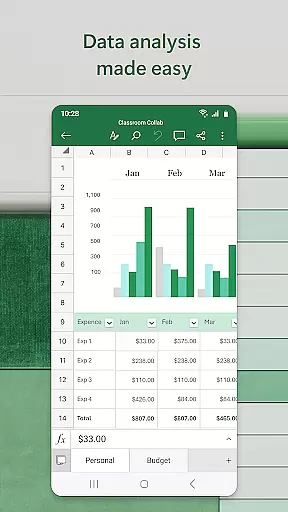

Microsoft Excel is the leading spreadsheet application that empowers users to create, edit, and share professional-grade spreadsheets from their mobile devices. This powerful productivity app offers advanced data analytics, chart creation, budget tracking, and financial management tools. With its intuitive interface, users can easily build complex spreadsheets, analyze data through pivot tables, and create visually compelling charts.
The app's seamless integration across devices makes it ideal for professionals who need to work on-the-go. Whether you're managing business expenses, preparing financial reports, or analyzing key metrics, Excel provides all the necessary tools in a mobile-friendly format. Its comprehensive feature set includes familiar formulas, calculation functions, and formatting options that maintain consistency across platforms.
Excel stands out with its robust collection of productivity-enhancing features. The app offers over 100 built-in templates for budgets, accounting, and task management, enabling users to quickly start their projects. Advanced calculation capabilities include support for complex formulas, data analysis tools, and real-time calculation updates, making it suitable for both basic and sophisticated financial modeling.
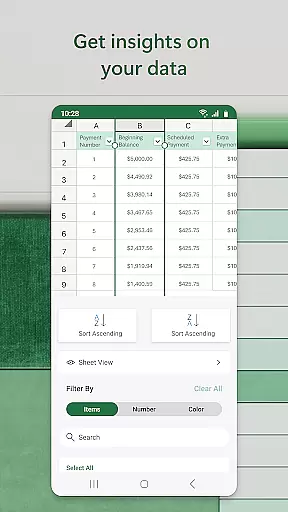
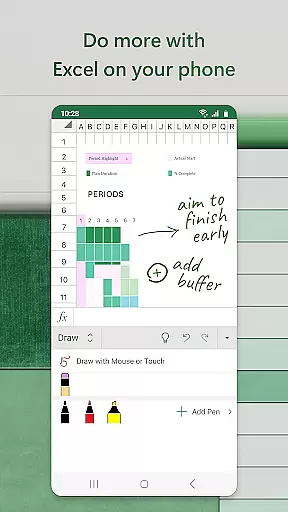
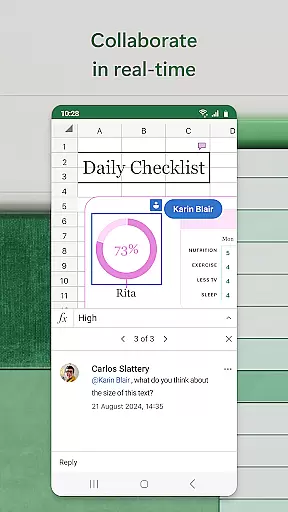
Data visualization is another key strength, with customizable chart types, pivot charts, and annotation tools that help bring numbers to life. The app's collaboration features are particularly noteworthy - multiple users can simultaneously edit spreadsheets, leave comments, and track changes. Additional features include touch-enabled drawing tools for annotations, sort/filter functionality for data organization, and seamless integration with other Microsoft Office applications.
For power users, Excel provides advanced spreadsheet management tools including conditional formatting, data validation, and macro support. The mobile version maintains feature parity with desktop versions while optimizing the experience for smaller screens through smart UI adaptations and touch-friendly controls.
Microsoft Excel revolutionizes core task management by offering a comprehensive suite of tools designed to streamline productivity and enhance workflow efficiency. At its heart, Excel provides powerful spreadsheet capabilities that allow users to organize, calculate, and analyze data with precision.
The app's modern templates enable users to create budgets, task lists, and financial analyses effortlessly. With familiar formulas and an accounting calculator, running complex calculations on spreadsheets becomes intuitive and efficient. The consistent operation of features across all devices ensures that users can manage tasks seamlessly, whether on mobile or desktop.
Excel's utility extends beyond mere number crunching; it offers robust formatting options that make workbook sheets and charts easier to read and use. This functionality is crucial for professionals who need clarity in their data presentation. Additionally, the ability to annotate, highlight parts of worksheets, and even draw equations enhances the review and editing process.
Ultimately, Excel empowers users to handle their task management needs confidently. From tracking expenses with personal budget templates to leveraging pivot charts for insightful data visualization, Excel stands as an indispensable tool for anyone looking to boost their productivity through effective task management.
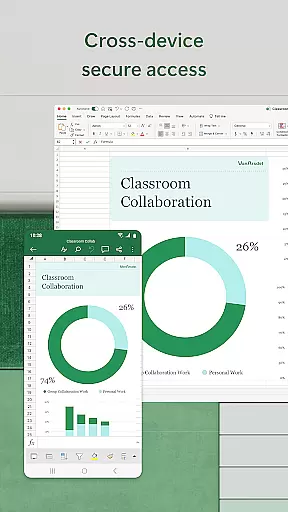
Cross-device synchronization is a cornerstone of Microsoft Excel's productivity enhancement features, ensuring that your data and work are consistently accessible, regardless of the device you're using. This reliable synchronization capability allows users to start a project on one device and continue working on another without missing a beat.
With Excel, signing in with a free Microsoft account on devices with screens smaller than 10.1 inches enables seamless document creation and editing. This feature guarantees that whether you're switching from your phone to your tablet or PC, your files remain up-to-date and synchronized across all platforms.
Moreover, collaboration is made effortless through Excelu2019s sharing functionalities. By inviting others to edit, view, or comment on shared files, teams can work together in real-time, enhancing collaborative efforts. The ability to attach links to workbooks or copy worksheets into emails further streamlines communication and project management.
By unlocking the full Microsoft 365 experience, users can enjoy uninterrupted access to their documents, ensuring that every change is saved and available wherever they go. This level of synchronization reliability not only boosts individual productivity but also supports dynamic team interactions, making Excel an essential tool for modern, cross-device task management.
Industry-leading spreadsheet capabilities
Seamless cross-device functionality
Comprehensive template library
Advanced data analysis tools
Real-time collaboration features
Complex interface for beginners
Resource-intensive operation
Subscription fees required
Limited offline functionality
Steep learning curve

The Pro Version of Android's tiniest Notepad app. Just 0.3MB but feature-packed!
 4.60
4.60
Protect and view your important info on your phone and tablet with eWallet®
4.80
Device's storage information in a simple and clear graphical form (infographics)
4.10
All document reader, all in one file viewer read PDF, DOCX, XLS, PPT, TXT files.
4.60
This small app MUST BE INSTALLED after purchase, else license won't work
4.40
Intelligent AI Assistant
4.10
AT&T Internet customers can use this app to personalize their Wi-Fi network.
4.40
Set up, print, and get support—in one place
4.20
Browse and view your photos and videos from the phone with photo & video hide.
4.10
A beautiful digital clock with autostart and many other functions
4.70
Absolutely the best CNC machinist speed and feed calculator around. fswizard.com
4.60
Lightweight PDF, Word, Excel reader.
4.60
Fill, sign & send docs, forms, agreements & contracts via electronic signature.
4.50
Send files, sync SMS, notifications & clipboard across devices via local network
4.40
The ultimate file manager for rooted devices. The original and still the best.
4.00
⏰ Finally a timer app which can run multiple timers simultaneously on your watch
3.90
Auto-shutoff Alarm with Sunrise, Sunset & Fixed Options.
3.50
Easiest event planning, volunteer signups & parent teacher conference scheduling
2.20
IP Camera Viewer - Android TV : RTSP Surveillance camera viewer for Android TV
4.0


User Reviews