
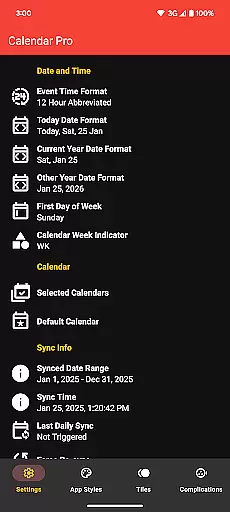
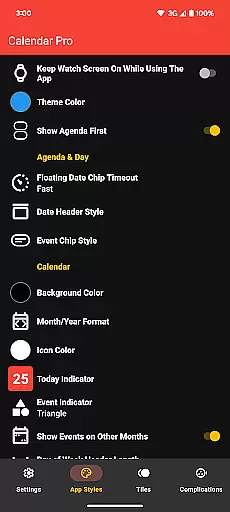
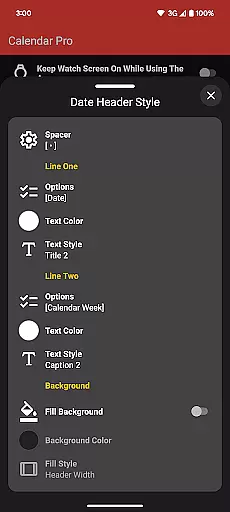
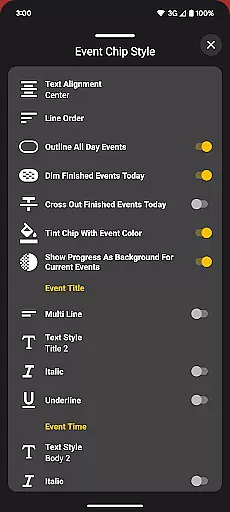
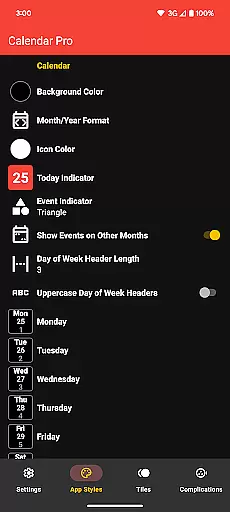
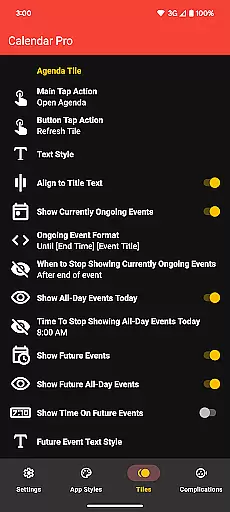
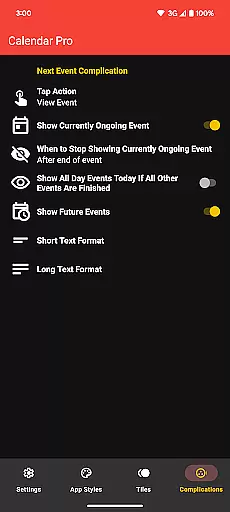
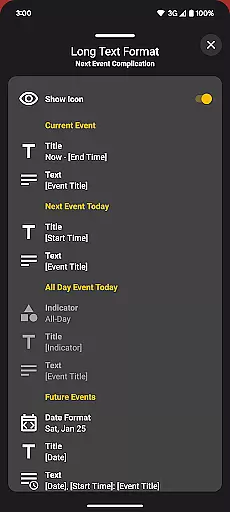
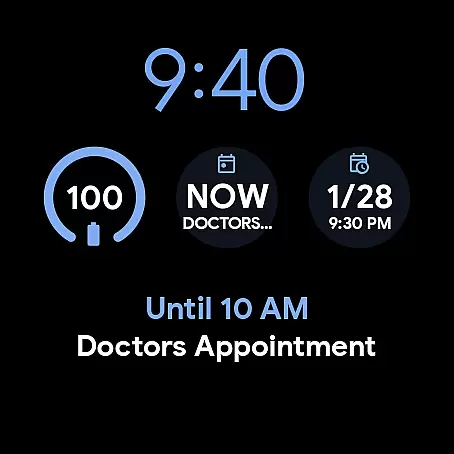
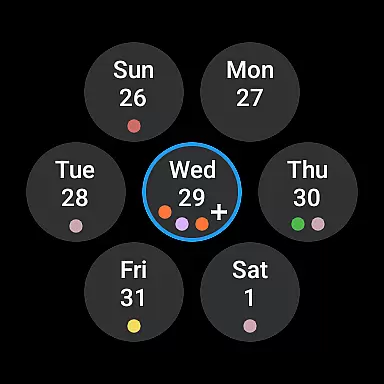
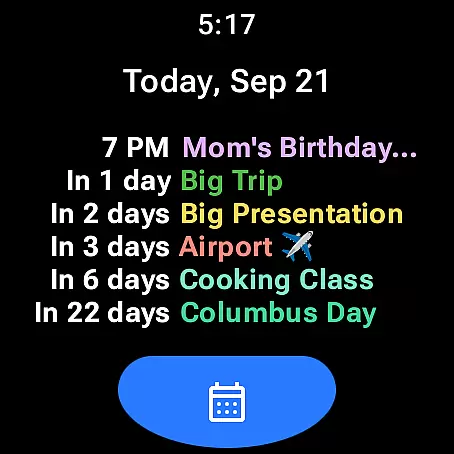
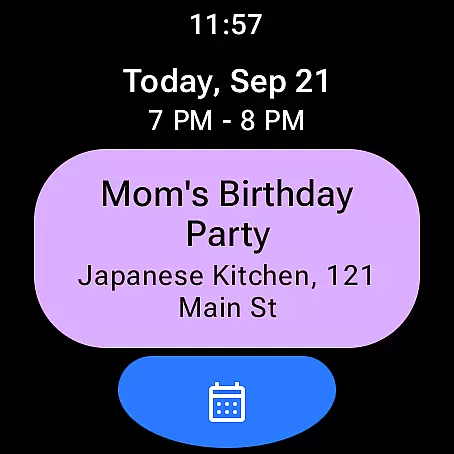
Calendar Pro for Wear OS is a comprehensive calendar solution that seamlessly integrates your smartphone calendars with your Wear OS smartwatch. This productivity app allows users to access, manage, and customize their schedules directly from their wrist.
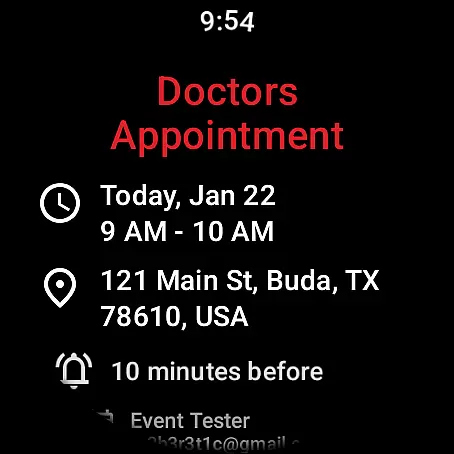
The app's core functionality includes syncing the next 12 months of events, enabling on-watch event management, and providing detailed event views. Its customizable interface lets users tailor month calendars and agendas to their preferences, while various tiles and complications keep you informed at a glance.
Ideal for busy professionals and active individuals, Calendar Pro enhances time management by delivering essential calendar information right to your watch face. The app supports multiple calendar services including Google, Outlook, and Samsung calendars, making it a versatile tool for organizing your life efficiently.
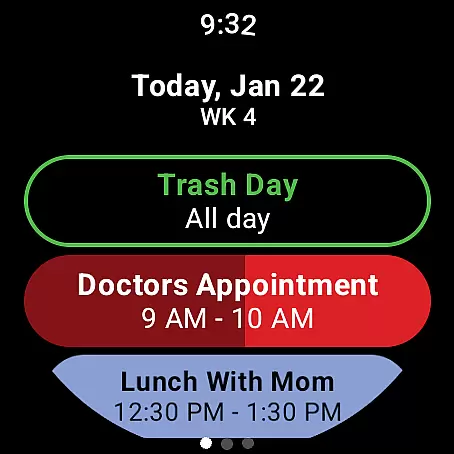
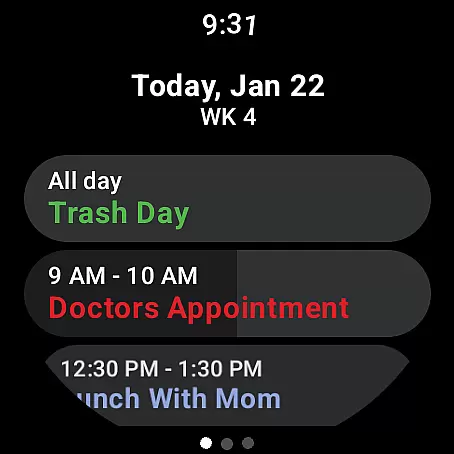
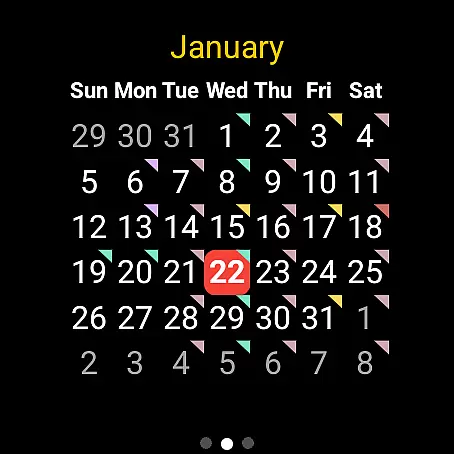
Calendar Pro distinguishes itself through extensive customization options and robust functionality. The app offers three main calendar views - month, agenda, and week - each with unique customization capabilities. Users can personalize everything from background colors to event indicator shapes, ensuring their calendar matches their preferred aesthetic.
A standout feature is the Next Event complication, which provides flexible display options and calendar selection. The app also includes various watch tiles including Agenda Tile showing up to six events, Week Tile for weekly overviews, and Month Calendar Tile with event indicators.
The app's strength lies in its comprehensive approach to wearable productivity. With support for multiple theme colors, progress indicators for ongoing events, and cross-out functionality for completed tasks, Calendar Pro delivers a sophisticated yet user-friendly experience that maximizes productivity on Wear OS devices.
Calendar Pro for Wear OS excels in core task management by providing users with a comprehensive suite of tools to manage their schedules directly from their smartwatch. The app syncs the next 12 months of events, ensuring that users have access to their upcoming commitments at a glance.
One standout feature is the ability to add, edit, and delete events using the watch itself. This functionality streamlines task management, allowing users to make changes on-the-go without needing to reach for their phone. Additionally, the customizable month calendar with event indicators offers a visual representation of one's schedule, enhancing awareness and planning.
The app also includes various tiles such as Agenda, Week, and Next Event Tiles, which provide quick access to essential information. These tiles can be customized in terms of colors and styles, catering to individual preferences while maintaining clarity and usability. With support for multiple calendars including Google Calendar and Outlook, Calendar Pro ensures seamless integration across different platforms.
Cross-device synchronization is a critical feature of Calendar Pro for Wear OS, ensuring that all updates made on the watch are reliably reflected on the paired smartphone. This synchronization capability covers not only basic event details but extends to more complex customizations like theme colors and calendar views.
The app supports real-time updates, meaning any changes made through the watch interface are immediately visible on the phone app. This includes modifications to events, settings adjustments, and even intricate personalizations within the Month Calendar & Tile options. Such reliable syncing empowers users to manage their schedules flexibly, regardless of which device they interact with.
Furthermore, Calendar Pro accommodates a wide range of calendar services including Google Calendar, Outlook Calendar (with specific conditions), Samsung Calendar (on Samsung phones), DAVxu2075, and ICSxu2075. By supporting these diverse services, the app guarantees broad compatibility and consistent performance across different ecosystems, reinforcing its position as a dependable productivity tool.
Extensive customization
Multiple calendar support
No subscription model
Real-time sync capability
User-friendly interface
Requires phone app
Limited Samsung support
Complex setup process
Premium price point
Font scaling limitations

Native client for Forgejo and Gitea
 5.00
5.00
Total remote control for your Android device, PC and cloud services (IFTTT)!
4.20
The upgraded version of Name Wheel with AI and the power to add your own wheels.
4.0
Make your handwriting beautiful, even more than pen on paper.
3.60
⏰ Finally a timer app which can run multiple timers simultaneously on your watch
3.90
Customizable calendar widget for seamless event sync, planning & scheduling.
4.00
Best Tool for the professionals Electrician, Electrical contractors, etc.
4.90
A Pixel Art watchface inspired by other iconic 90s designs for Wear OS devices!
4.40
Access your phone's notifications, calls, apps, photos & texts on your PC
3.90
Multilingual translator for text, voice, and image translation!
4.90
Seamlessly integrate data and reports to build your presentation to impress
4.80
We're working to become the best machining app on the market! www.cncdirt.com
4.80
Use powerful, industry-leading AI tools to generate visual charts from any data
4.80
Direct Chat without saving contacts & Dual WA Account on Single Device
4.70
Absolutely the best CNC machinist speed and feed calculator around. fswizard.com
4.60
To do list widget with a notebook organizer, checklist, simple shopping list
4.60
Enjoy classic gameplay with customizable features and retro-style graphics.
4.30
Wake up & get tasks done! Add alarms & reminders on the Clock Launcher.
4.00
All in one sketching tool. Technical and General drawing. Online Maps support.
3.70


User Reviews