
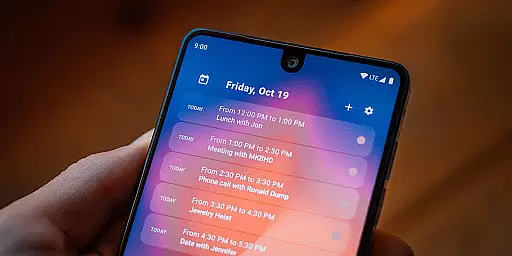
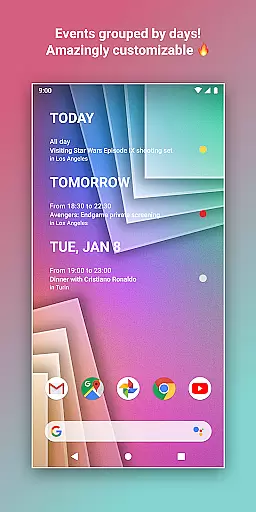
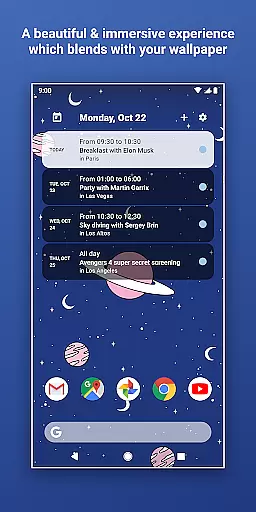
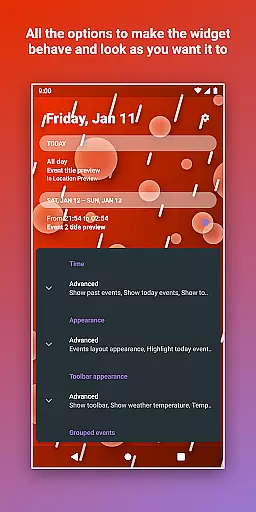
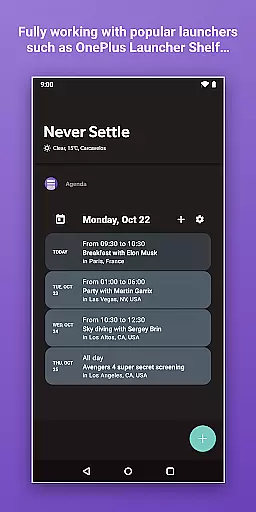
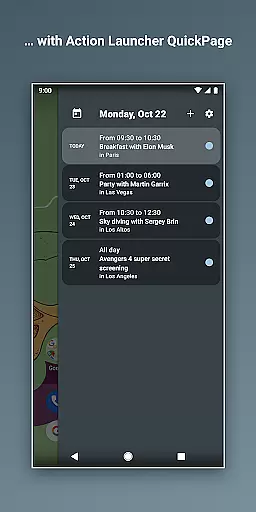
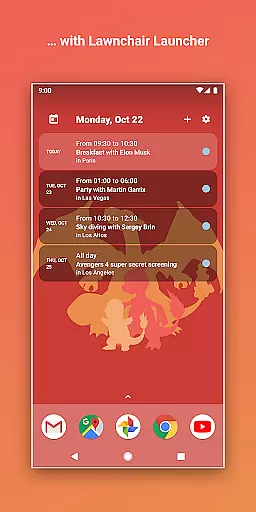
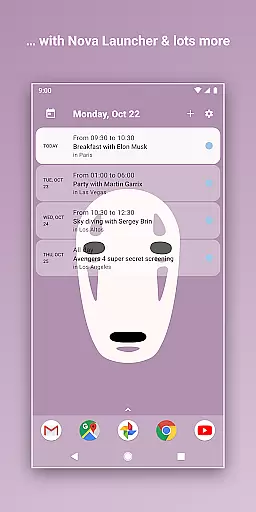
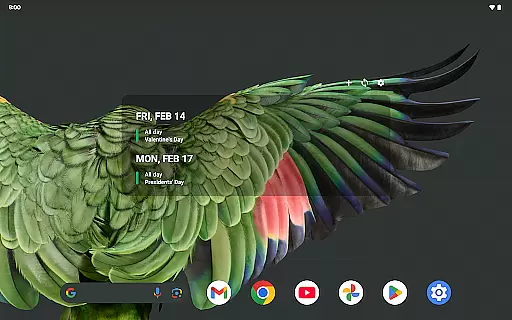
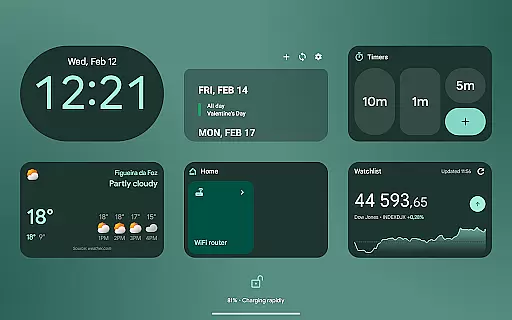
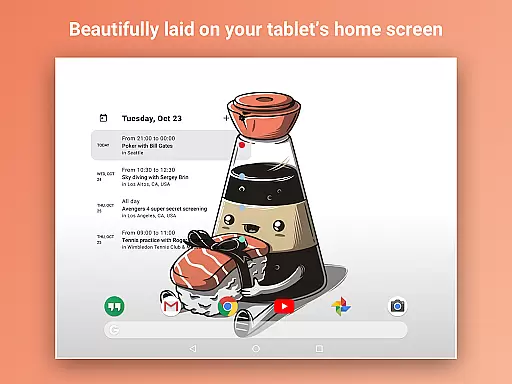
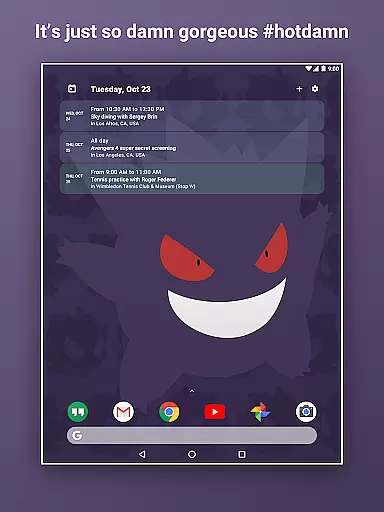
Home Agenda is a powerful productivity tool designed to streamline your daily planning and organization. This customizable calendar widget, agenda, and planner for Android offers seamless integration with popular calendar services like Google Calendar and Outlook. With instant synchronization capabilities, users can effortlessly manage their events and appointments in real-time.
The application stands out through its highly customizable interface, allowing users to personalize widget sizes and themes to match their unique style. Whether you need a minimalist layout or a feature-rich planning hub, Home Agenda adapts to your specific needs. Its optimized performance ensures minimal battery impact while delivering a smooth user experience.
Designed for both personal and professional use, this app transforms your home screen into an interactive planning center. The clean, modern interface provides easy access to your schedule while maintaining data privacy - no tracking, no ads, just pure functionality. Perfect for busy professionals and organized individuals alike.
Home Agenda distinguishes itself through several innovative features that enhance productivity and user experience. The application's custom design capabilities allow users to create personalized themes and adjust widget dimensions, ensuring perfect integration with their home screen aesthetics.
One of the key strengths lies in its instant synchronization feature, which connects seamlessly with multiple calendar services including Google Calendar and Outlook. This ensures that all your events and appointments are always up-to-date across devices. The easy planning functionality enables quick viewing, adding, and editing of events, making schedule management intuitive and efficient.
Additional notable features include real-time notifications that keep users informed about upcoming events, and a 100% local data processing policy that guarantees complete privacy. Unlike many competitors, Home Agenda doesn't track user data or display advertisements, giving users full control over their personal information while maintaining optimal performance.
Effective task management is essential for maintaining productivity and staying organized in today's fast-paced world. Home Agenda excels in this area by offering users a customizable calendar widget that syncs seamlessly with their events from Google Calendar, Outlook, and more.
The app allows you to quickly view, add, and edit events, ensuring that your daily planning is both efficient and effortless. With instant synchronization, any changes made to your calendars are immediately reflected on your home screen widget, keeping you always up-to-date.
Moreover, the low battery impact of Home Agenda means it's optimized for daily use without draining your deviceu2019s power. This ensures that while you stay on top of your schedule, your phone remains functional throughout the day.
In an era where we use multiple devices throughout our day, reliable cross-device synchronization is crucial for consistent access to our schedules and tasks. Home Agenda addresses this need by providing real-time notifications and automatic syncing across all linked devices.
Whether you're at work on your computer or on-the-go with your smartphone, Home Agenda keeps your events updated everywhere. The app supports integration with various calendar services like Google Calendar and Outlook, ensuring comprehensive coverage no matter which platform you prefer.
Furthermore, Home Agenda respects user privacy by being 100% localu2014no data tracking or ads are involved. Your information stays private and secure, giving you peace of mind while you manage your busy lifestyle efficiently.
User-friendly interface
Highly customizable widgets
Instant calendar sync
Privacy-focused design
Low battery consumption
Limited reminder support
No public API access
Premium features locked
Occasional sync delays
Complex customization

 4.20
4.20
Experience real multitasking on your Android!
4.00
Total remote control for your Android device, PC and cloud services (IFTTT)!
4.20
Easily read and manage all your PDF files
4.10
Automates browsing any website and notifies you of important changes or events
4.30
Subscribe to Webcal & .ics calendars and keep them up-to-date!
4.50
Secure, open-source, SPICE and SSH Remote Desktop for QEMU KVM virtual machines
4.00
Intelligent AI Assistant
4.10
Browse and view your photos and videos from the phone with photo & video hide.
4.10
Seamlessly integrate data and reports to build your presentation to impress
4.80
Absolutely the best CNC machinist speed and feed calculator around. fswizard.com
4.60
Calendar 2023 widget for Android. Appointment scheduler, planner, and reminder
4.60
Docker, Kubernetes management over Portainer Mobile
4.40
Wake up & get tasks done! Add alarms & reminders on the Clock Launcher.
4.00
All in one sketching tool. Technical and General drawing. Online Maps support.
3.70
Smart PDF reader & editor to view, organize and manage PDF documents easily.
3.70
Auto-shutoff Alarm with Sunrise, Sunset & Fixed Options.
3.50
AI Video AI Image Private LLM AI Browser Llama Gemma Ollama Connect LLM Studio
4.2
A comprehensive suite of tools designed specifically for Lactation Consultants
4.0


User Reviews