
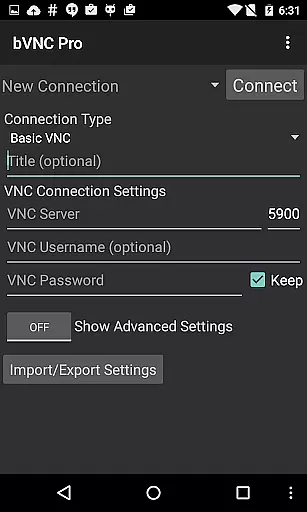
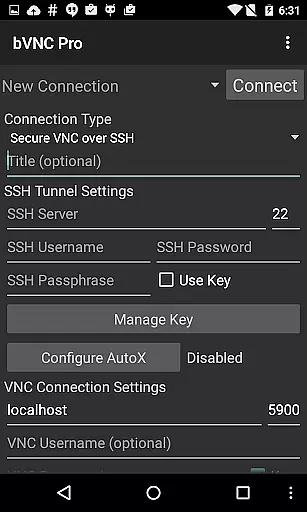
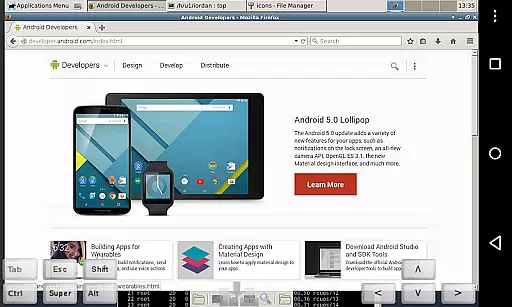
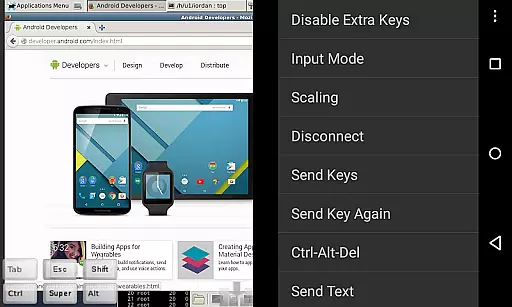
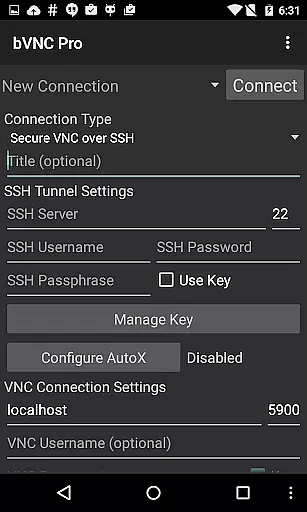
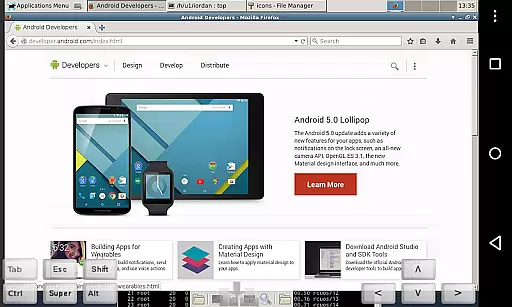
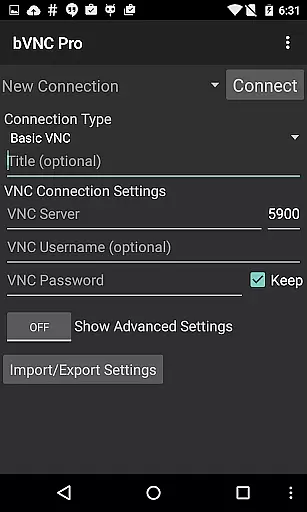
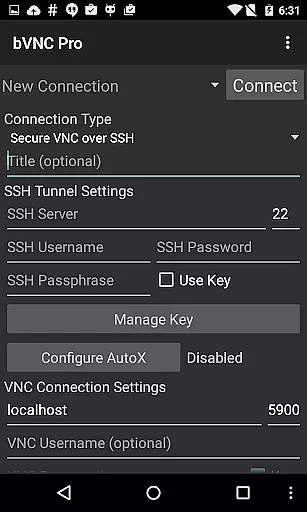
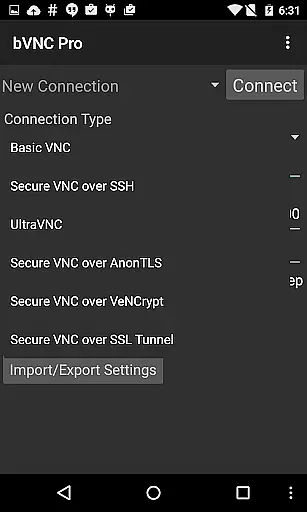
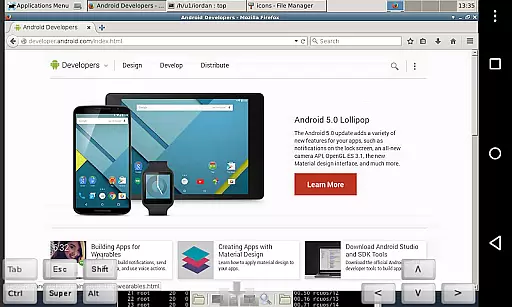
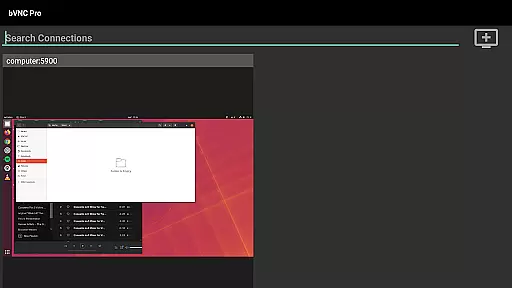
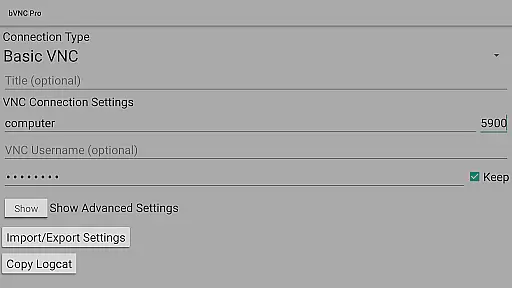
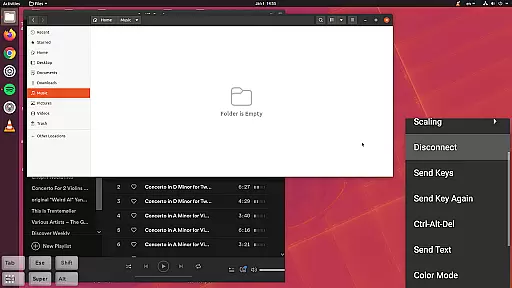
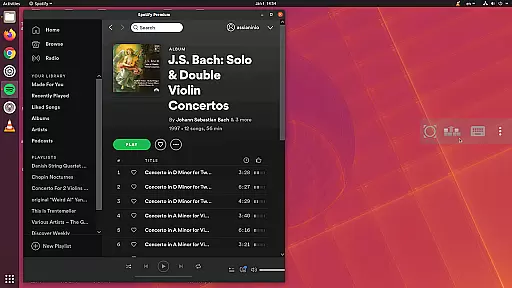
bVNC Pro: Secure VNC Viewer is a top-tier productivity tool designed for seamless remote desktop access. This application allows users to connect securely to various operating systems including Windows, Mac, Linux, and others that have a VNC server installed. The app stands out with its compatibility with PiKVM and advanced security features like master password support and multi-factor SSH authentication available in the Pro version.
With bVNC Pro, users can enjoy an uninterrupted workflow through its intuitive multi-touch controls for remote mouse operations. Whether you're managing servers, providing IT support, or working remotely, this app ensures your desktop is accessible from anywhere, enhancing both personal productivity and collaborative efforts.
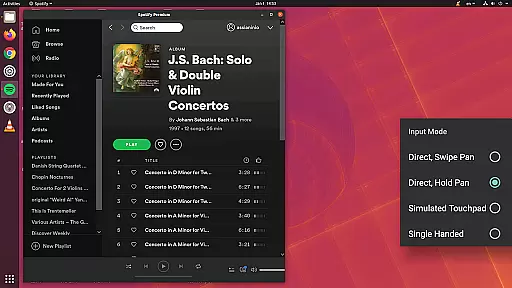
The hallmark of bVNC Pro is its rich feature set tailored for efficient remote desktop management. It supports dynamic resolution changes, allowing real-time desktop reconfiguration while maintaining a connection. The app offers multiple input modes including direct touch, simulated touchpad, and single-handed mode, catering to diverse user preferences.
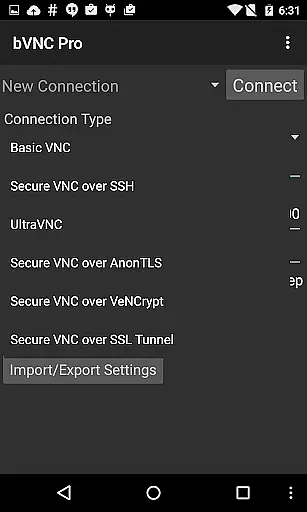
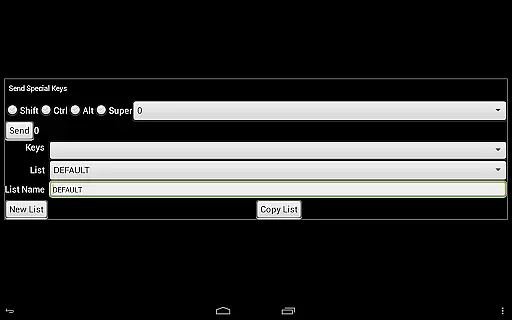
Security is paramount, and bVNC Pro excels with superior encryption protocols such as SSH and VeNCrypt, thwarting potential man-in-the-middle attacks. Additionally, it provides practical functionalities like pinch-zoom, scroll with two-finger drag, and customizable on-screen keys, ensuring a smooth and personalized user experience across different devices and network conditions.
bVNC Pro: Secure VNC Viewer offers robust core task management capabilities that are essential for users who need to remotely control their desktops. The app supports multi-touch gestures, enabling users to perform left, right, and middle clicks with simple finger taps. This intuitive interaction ensures that managing tasks on a remote desktop is as seamless as using a physical mouse.
Additionally, bVNC Pro provides advanced features like dynamic resolution changes, which allow users to reconfigure their desktop environments while remaining connected. This flexibility is crucial for professionals who require varying desktop setups depending on the task at hand. Whether adjusting screen size or switching between different operating systems, bVNC Pro ensures that task management remains efficient and user-friendly.
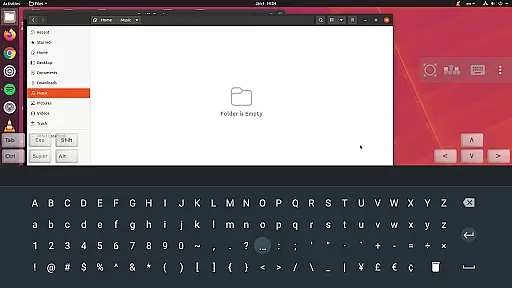
The application also includes multi-language support and full mouse functionality, making it accessible to a global audience. Users can easily navigate complex desktop environments without losing visibility, even when the soft keyboard is extended. These features collectively enhance productivity by streamlining task execution and minimizing disruptions during remote sessions.
Cross-device synchronization is a standout feature of bVNC Pro: Secure VNC Viewer, ensuring reliable performance across various platforms. The app supports Windows, Mac, Linux, BSD, and other operating systems with installed VNC servers, providing consistent connectivity regardless of the device being used. This versatility allows users to switch between devices without compromising on functionality or security.
bVNC Pro enhances synchronization reliability through SSH tunneling, AnonTLS, and VeNCrypt, offering secure connections that prevent unauthorized access. High-grade encryption methods, such as x509 certificates and SSL, surpass traditional RDP encryption standards, safeguarding data integrity during transmission. Such measures are vital for maintaining synchronization across devices in potentially insecure network environments.
Moreover, the app's ability to handle slow links by reducing color depth and its support for multiple input modesu2014including Direct, Simulated Touchpad, and Single-handedu2014ensure smooth operation under diverse conditions. By prioritizing both speed and accuracy, bVNC Pro guarantees dependable cross-device synchronization, empowering users to manage their tasks efficiently from any location.
Secure connections
Multi-platform support
Dynamic resolution
Advanced authentication
Customizable interface
No RealVNC encryption
Complex setup required
Paid pro features
Limited free version
Requires technical knowledge

A Revolutionary All-in-One Artificial Intelligence Tools
 3.80
3.80
AI Video AI Image Private LLM AI Browser Llama Gemma Ollama Connect LLM Studio
4.3
Easily read and manage all your PDF files
4.10
Calendar 2023 widget for Android. Appointment scheduler, planner, and reminder
4.60
Code on-the-go with VScode for Android. Edit,debug and collaborate from mobile!!
3.10
Tally and goal counter for Wear OS & mobile
4.50
Docker, Kubernetes management over Portainer Mobile
4.40
Intelligent AI Assistant
4.10
AI Chatbot and AI writing assistant powered by ChatGPT.
4.60
Understand anything with a personalized AI research assistant
4.80
The Pro Version of Android's tiniest Notepad app. Just 0.3MB but feature-packed!
4.60
Stay on top of your to-dos with Google Tasks, part of Google Workspace.
4.60
A simple Whisper AI keyboard for reliable speech transcription and rewording
4.60
A lightweight JSON & XML files creator, editor and viewer (Premium Version)
4.40
Secure, open-source, SPICE and SSH Remote Desktop for QEMU KVM virtual machines
4.00
* block pre-roll ads, pop-up and forced redirect ads * Samsung certification app
4.00
Smart PDF reader & editor to view, organize and manage PDF documents easily.
3.70
Make your handwriting beautiful, even more than pen on paper.
3.60
The upgraded version of Name Wheel with AI and the power to add your own wheels.
4.1


User Reviews