
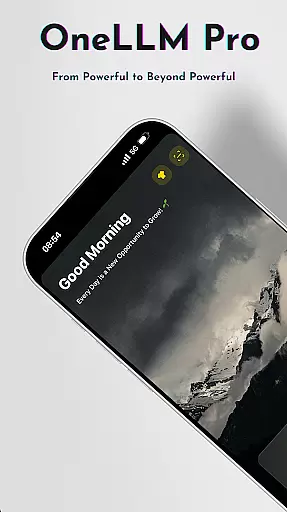
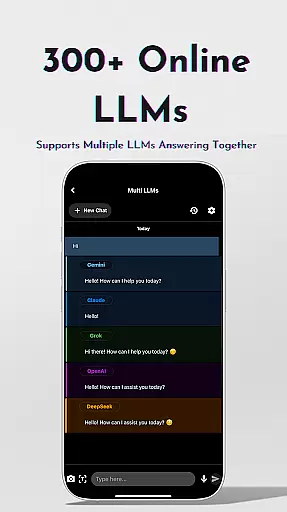
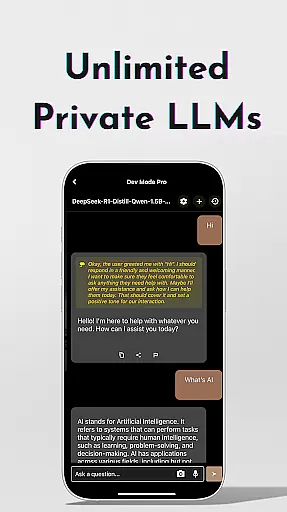
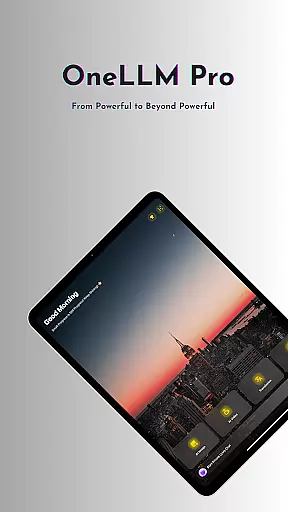
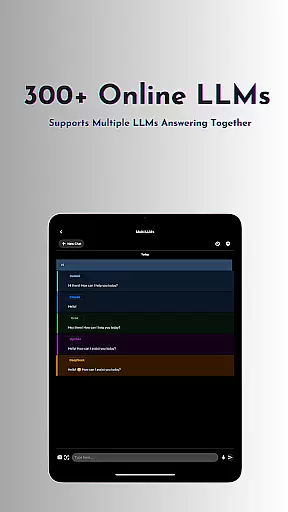
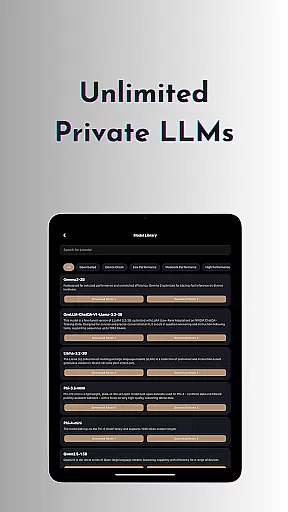
OneLLM Pro is a powerful productivity tool that seamlessly integrates local and cloud AI capabilities, offering users an extensive suite of AI-powered features. Whether offline or online, the app provides access to thousands of fully offline Large Language Models (LLMs) and over 300 leading online LLMs, including top performers like ChatGPT 4o, Claude, and Llama. This ensures lightning-fast, secure interactions while maintaining maximum privacy.
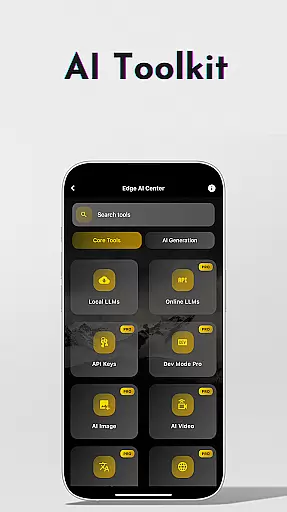
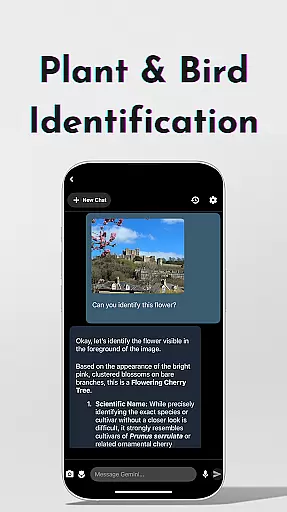
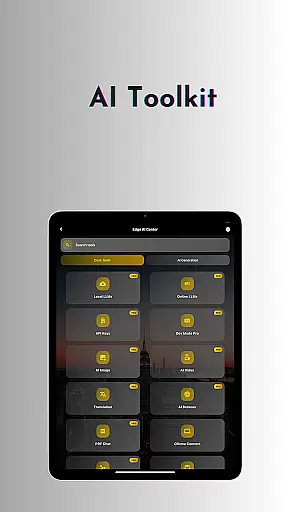
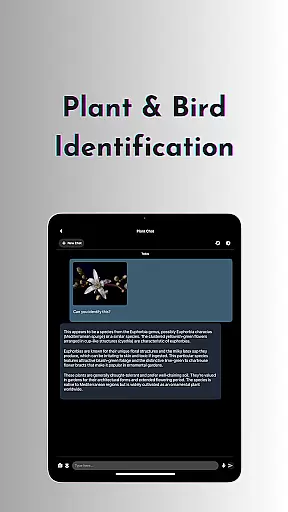
The app's AI toolkit covers a wide range of use cases, from AI video and image generation to offline OCR document scanning, private speech-to-text transcription, and more. With specialized tools such as Plant & Birds Identification, Study Assistant, and Multi-LLM Simultaneous Response Mode, OneLLM Pro caters to both everyday and advanced user needs. Optimized for all devices, it delivers exceptional performance without compromising on speed or battery life.
OneLLM Pro is particularly valuable for professionals, students, and tech enthusiasts who require robust AI capabilities at their fingertips. Its ability to function offline makes it ideal for secure environments, while its cloud integration allows handling demanding tasks with ease. The app's focus on privacy, customization, and cross-device optimization makes it a versatile solution for maximizing productivity.
OneLLM Pro stands out with its comprehensive feature set designed to enhance productivity across various domains. At its core, the app offers unlimited access to private and local LLMs, enabling users to customize unique AI characters tailored to specific chat demands. For those requiring advanced capabilities, the app supports over 300 online LLMs, allowing seamless switching between models with a single tap.
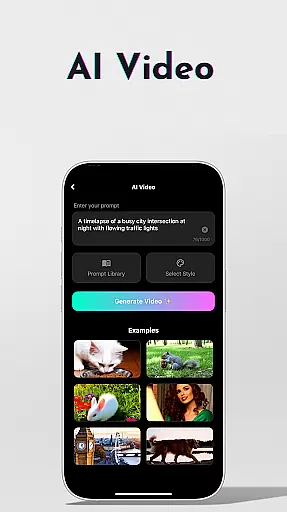
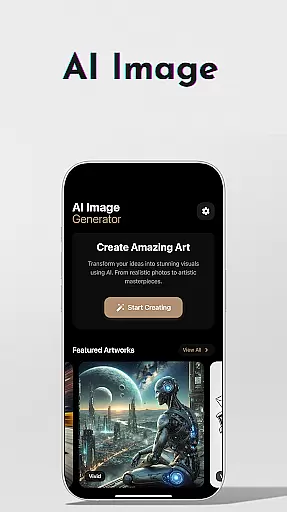
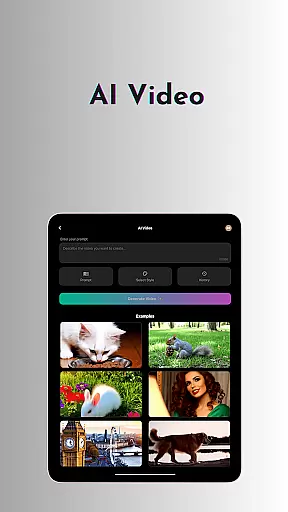
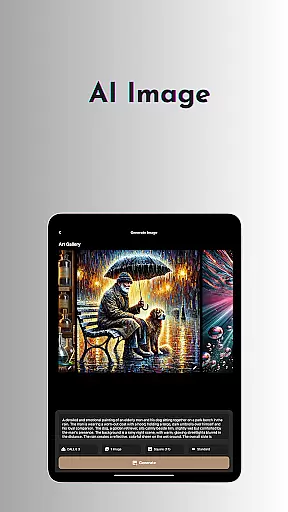
Beyond language models, OneLLM Pro includes an expansive AI toolkit. Users can generate cinematic videos, create stunning visuals using Stable Diffusion or DALL·E 3, and scan documents offline with OCR technology. Additional tools include a private speech-to-text transcription feature, an AI browser for summarizing complex articles, and a Study Assistant that supports text input, photo capture, or image uploads. Advanced users can leverage the LLM Dev Mode to fine-tune parameters and optimize configurations.
Other notable features include Smart LLMs Matching, which intelligently recommends models based on device specifications, Hugging Face Integration for easy model downloads, and an ad-free experience. These innovations ensure that OneLLM Pro adapts to individual user needs while delivering peak performance across entry-level and flagship devices alike.
OneLLM Pro excels in core task management by offering a comprehensive suite of AI-powered tools designed to streamline productivity. The app provides users with access to thousands of offline Large Language Models (LLMs), enabling efficient handling of daily tasks without requiring an internet connection.
The application's strength lies in its ability to seamlessly integrate local and cloud AI capabilities. This dual approach ensures lightning-fast interactions for maximum privacy while still leveraging cloud power when needed for more demanding tasks. Users can switch between models effortlessly, unlocking a vast array of AI functionalities tailored to their specific needs.
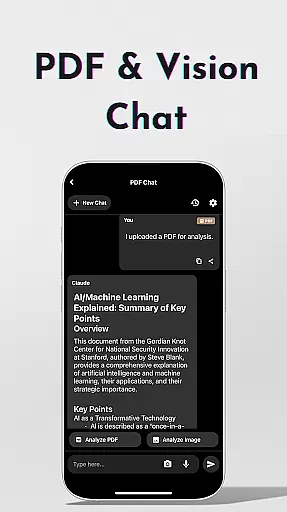
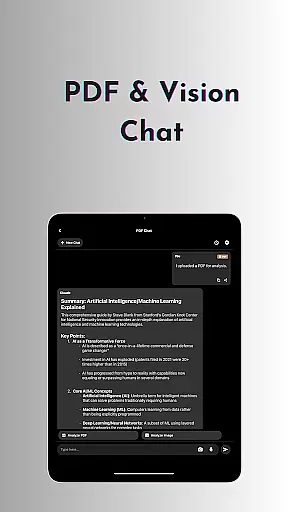
With features like AI Browser, Study Assistant, and Chat with PDF & Image, OneLLM Pro allows users to digest complex information quickly, receive answers from top models, and analyze documents with ease. These tools collectively enhance the user's capacity to manage tasks efficiently, making it an invaluable asset for both personal and professional use.
Cross-device synchronization is a critical feature of OneLLM Pro, ensuring that users can rely on consistent and up-to-date information across all their devices. Whether switching from a phone to a tablet or a PC, the app maintains seamless connectivity and data integrity.
OneLLM Pro achieves this through its optimized architecture that supports real-time updates and synchronization. This means that any changes made on one device are immediately reflected on others, providing a cohesive user experience regardless of the platform being used.
In addition to maintaining synchronization reliability, the app offers Ollama Connect, which enables users to link their mobile devices with large LLMs running on PCs or servers. This feature enhances the flexibility and accessibility of AI tools, allowing users to harness powerful computational resources wherever they go.
Extensive AI toolkit
Offline functionality
Privacy-focused design
Cross-device optimization
Ad-free experience
Complex for beginners
Requires API setup
High storage usage
Limited free models
Subscription costs

Total remote control for your Android device, PC and cloud services (IFTTT)!
 4.20
4.20
Mega cloud explorer plugin for Solid Explorer
3.80
Secure, fast, open-source, Remote Desktop Client for Windows and Linux with SSH
4.60
Customizable calendar widget for seamless event sync, planning & scheduling.
4.00
Todo reminder
4.10
Quickly and easily keep track of your work shifts
4.70
Experience and share your SolidWorks designs on your Android® phone and tablet.
2.50
This small app MUST BE INSTALLED after purchase, else license won't work
4.40
Lightweight PDF, Word, Excel reader.
4.60
8 custom complications. Custom Time Fonts. Beautiful color schemes. A++ Design.
5.00
Mind Map and brainstorm, note taking and idea collection
4.80
We're working to become the best machining app on the market! www.cncdirt.com
4.80
Use powerful, industry-leading AI tools to generate visual charts from any data
4.80
Subscribe to Webcal & .ics calendars and keep them up-to-date!
4.50
Access, manage and transfer files on Android, PC, Mac, NAS and cloud storages.
4.30
A customizable calendar for your Wear OS watch
4.20
All in one sketching tool. Technical and General drawing. Online Maps support.
3.70
Easiest event planning, volunteer signups & parent teacher conference scheduling
2.20
Ads Free App! Editor, Hide File, Copy, Move, Delete and Rename.. all facility av
1.70


User Reviews