
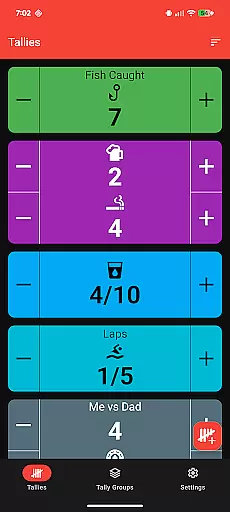
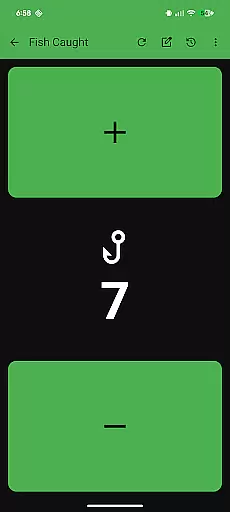
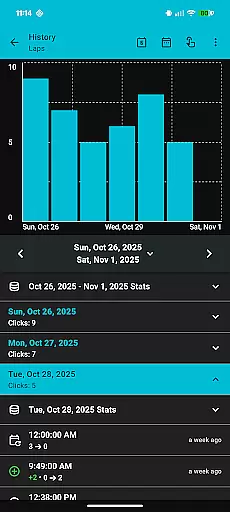
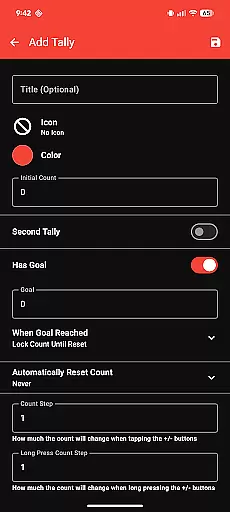
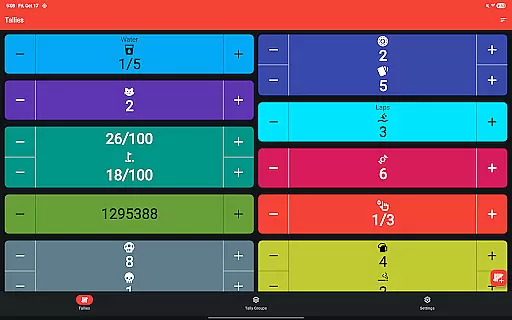
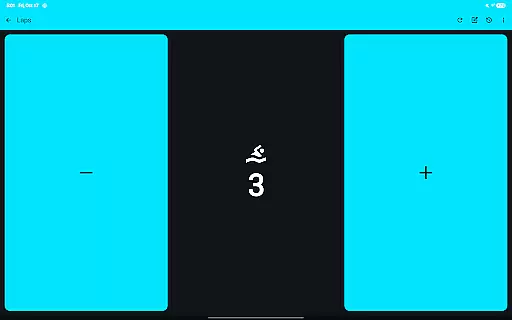
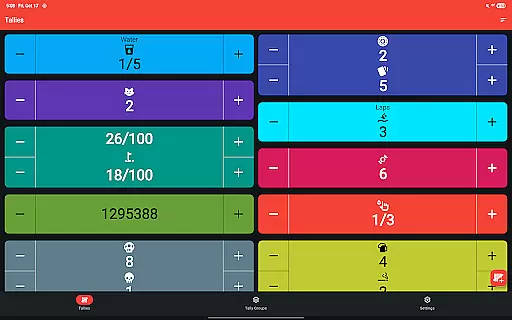
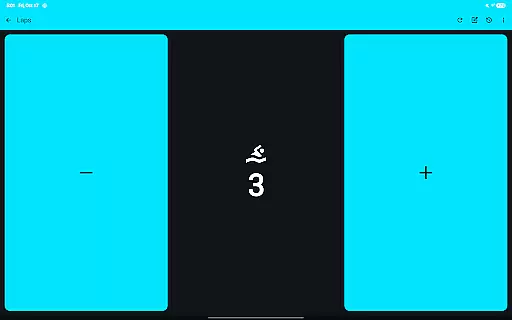
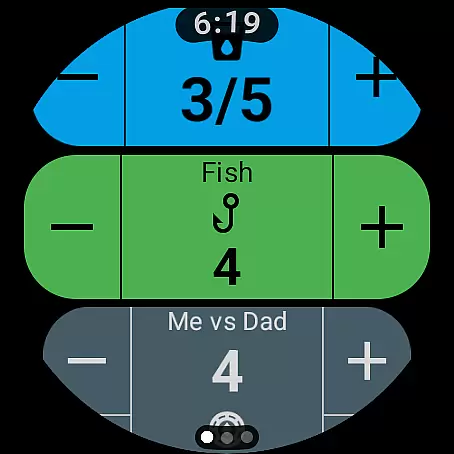
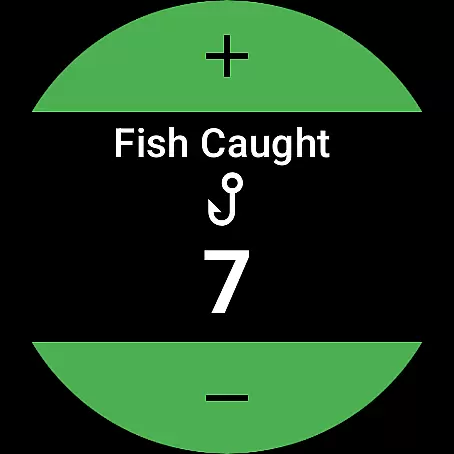
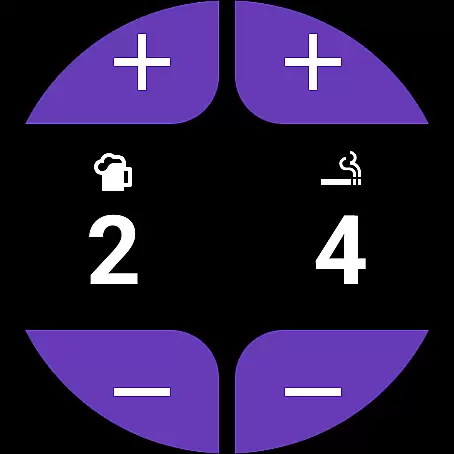
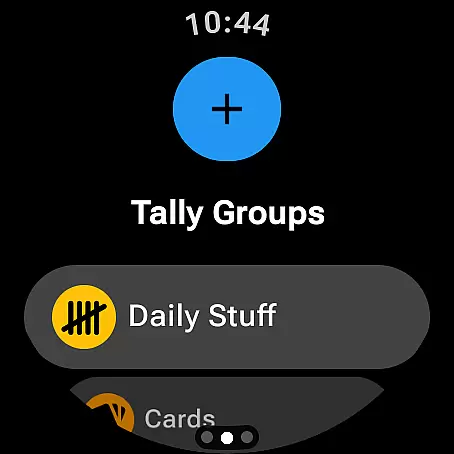
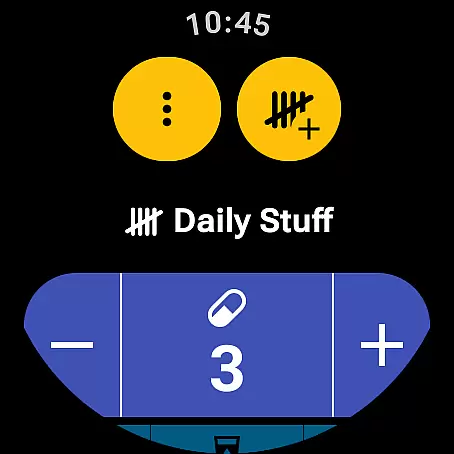
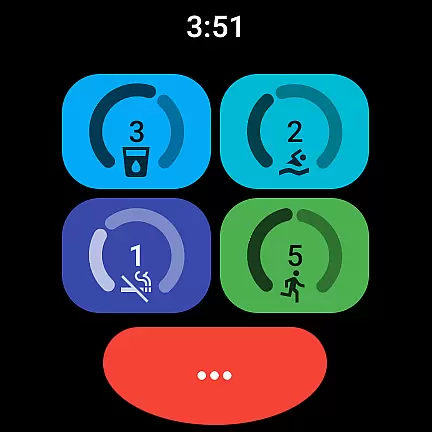
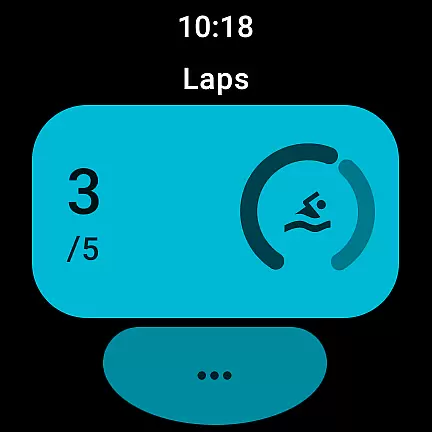
Tallies is a versatile productivity tool designed for both Wear OS and mobile devices, offering users an efficient way to track counts and achieve goals. The app provides double and single tally counters with ongoing counts, goal tallies that can lock or reset upon completion, and automatic reset options across different time intervals. Users can organize tallies into groups, view detailed histories with graphs and stats on their phones, and enjoy seamless synchronization between devices.
With its intuitive interface and robust feature set, Tallies is ideal for anyone needing to monitor progress in various aspects of life, from fitness routines to project milestones. Its ability to export data as CSV files adds extra utility for those who need to analyze their tracking information further. Whether you're using it on your phone or smartwatch, Tallies ensures your data is always up-to-date and accessible wherever you go.
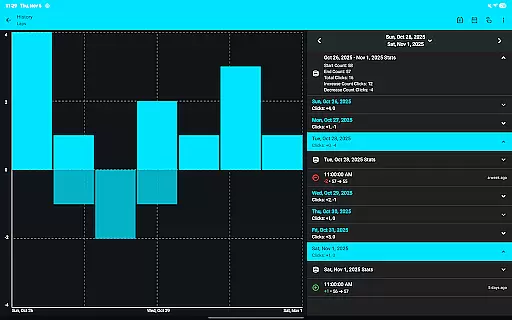
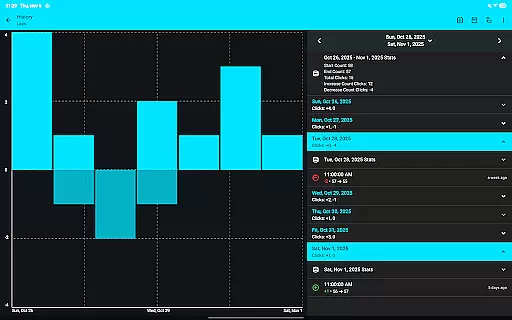
Tallies stands out with its comprehensive suite of features tailored for both Wear OS and mobile platforms. It includes multiple tally counter types, such as ongoing and goal-based tallies, each with customizable settings like automatic resets and vibration feedback. The app also supports tally groups, enabling users to aggregate counts and view summaries easily. On the phone, users can explore detailed tally histories through interactive graphs and export this data as CSV files for further analysis.
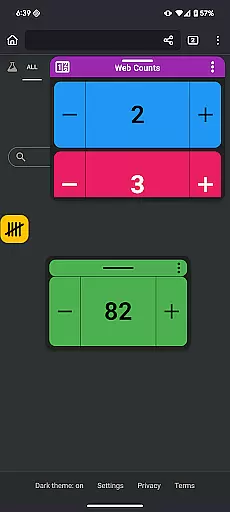
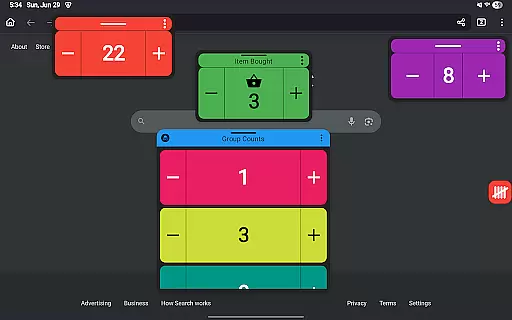
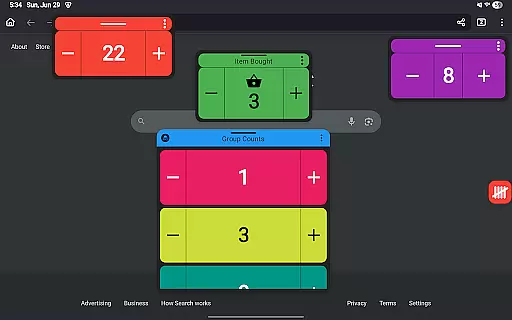
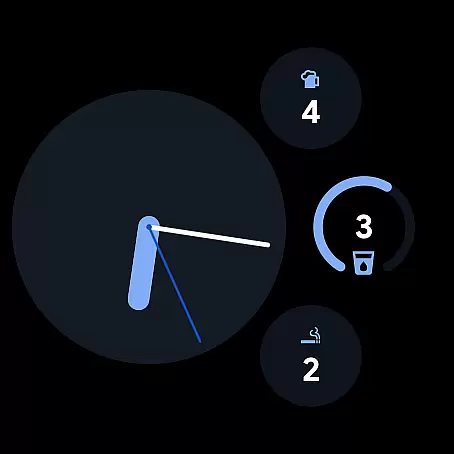
For Wear OS users, Tallies offers specialized complications and tiles that provide quick access to tally functions directly from the watch face. These include ongoing and goal tally complications, quick tally tiles, and multi-goal tally options. Meanwhile, mobile users benefit from home screen widgets, floating windows for persistent display over other apps (on Android 14+), and volume button controls in full-screen mode. With no subscription required, Tallies delivers all these capabilities at a one-time purchase price, ensuring uninterrupted access to its full range of tools.
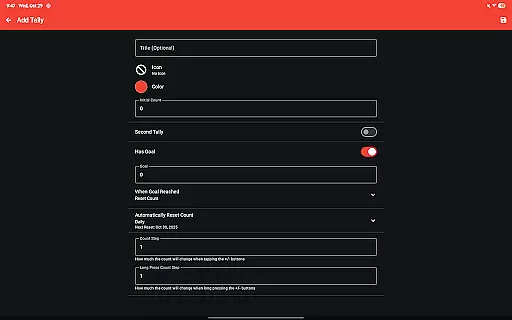
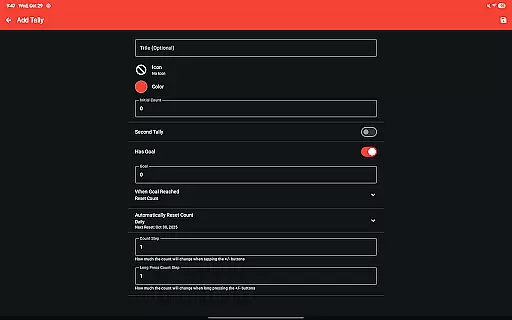
Tallies offers a robust set of features for managing tasks and goals, making it an essential tool for productivity enthusiasts. The app provides double and single tally counters, ongoing counts, and goal tallies with customizable options such as locking or resetting the count upon reaching a target.
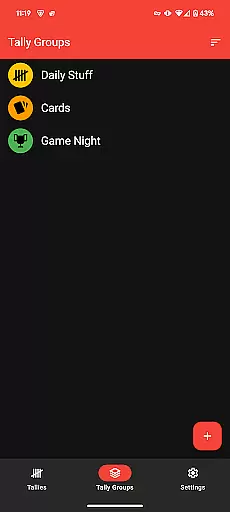
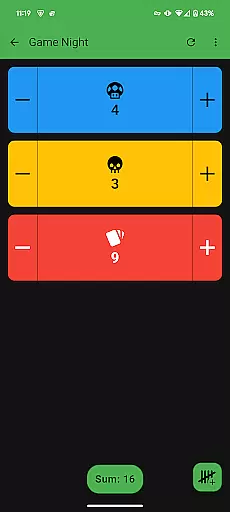
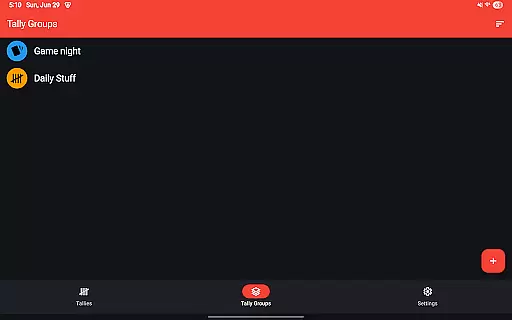
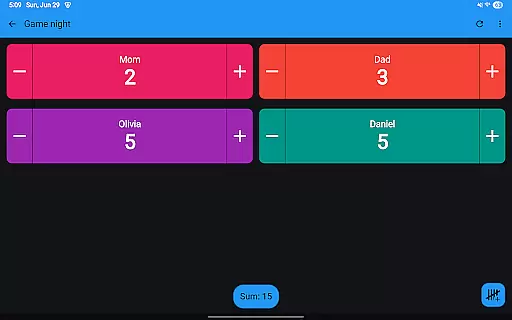
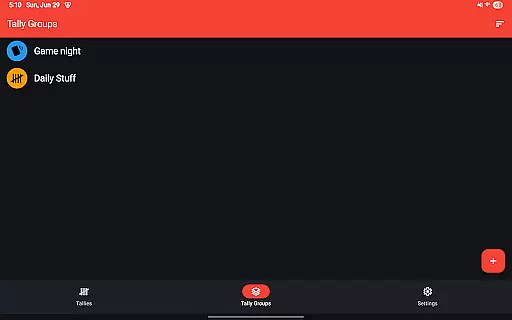
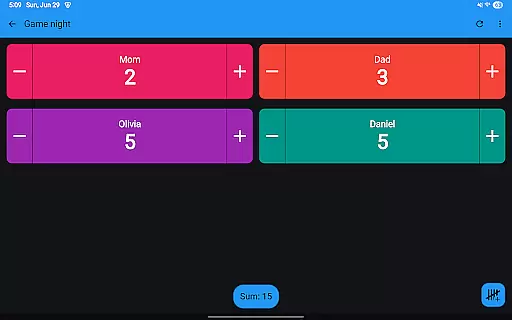
Users can take advantage of automatic reset functionalities that cater to daily, weekly, monthly, and yearly needs, ensuring that their tally management aligns perfectly with their scheduling requirements. Additionally, the introduction of Tally Groups allows users to organize related tallies and view their combined sum, streamlining the task management process.
The ability to review tally history on the phone through multiple graphs, selectable intervals, and statistics adds another layer of depth to task tracking. This feature empowers users to analyze trends and make informed decisions based on historical data, which is automatically synced from the watch when changes occur.
Cross-device synchronization is a standout feature in Tallies, ensuring that all user data is reliably updated across Wear OS devices and mobile phones. To activate this functionality, users must install the app on both their phone and watch, creating a seamless sync experience that keeps all devices up-to-date.
The app supports a variety of watch-specific features like Ongoing Tally and Goal Tally watch complications, Quick Tally Tiles, and multiple shortcut tiles for easy access. These elements ensure that users can interact with their tallies directly from their watch face or through convenient shortcuts.
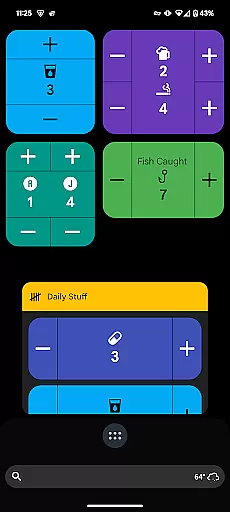
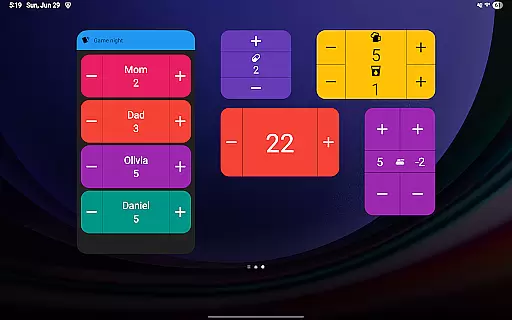
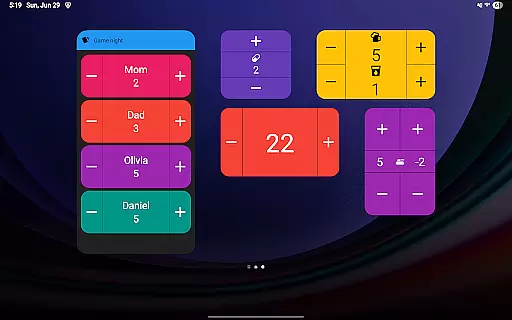
On the phone side, Tallies enhances accessibility with home screen widgets for vertical, horizontal, and list views of tallies, as well as tally groups. With Floating tally windows available for Android 14+, users can overlay tally information on top of other apps, maintaining visibility and quick access regardless of what they are doing on their device.
User-friendly interface
Seamless cross-device sync
Comprehensive tally options
Customizable themes and icons
No subscription fees
Limited to Android ecosystem
Requires manual setup for sync
Premium features locked behind paywall
Some features need latest Android version
Occasional sync delays reported

Experience Reading - Night Mode for Documents
 4.40
4.40
Mega cloud explorer plugin for Solid Explorer
3.80
aCalendar+ makes your day, week and month
4.70
PDF scanner & converter for files, photos, lottery, QR codes. One swipe away!
4.50
Translate text/voice/photos in 150+ languages. Offline & fast translator app.
4.50
Code on-the-go with VScode for Android. Edit,debug and collaborate from mobile!!
3.10
Best Tool for the professionals Electrician, Electrical contractors, etc.
4.90
AT&T Internet customers can use this app to personalize their Wi-Fi network.
4.40
Daily processing of PDF documents.
4.40
We're working to become the best machining app on the market! www.cncdirt.com
4.80
QuickBooks Workforce lets teams view pay info and track time in one place.
4.70
The long-awaited modern gallery app for your Nextcloud server
4.70
Docker, Kubernetes management over Portainer Mobile
4.40
Enjoy classic gameplay with customizable features and retro-style graphics.
4.30
Cloud storage, automatic phone backup, and more.
4.10
Intelligent AI Assistant
4.10
* block pre-roll ads, pop-up and forced redirect ads * Samsung certification app
4.00
Find and delete junk files & block unwanted notifications & manage files
3.70
Ads Free App! Editor, Hide File, Copy, Move, Delete and Rename.. all facility av
1.70


User Reviews