
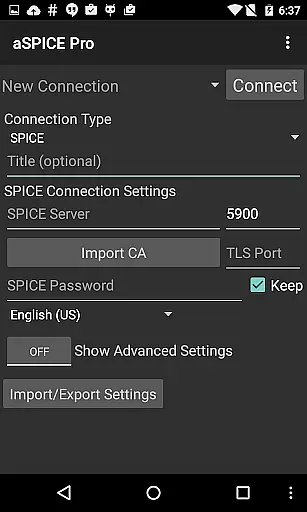
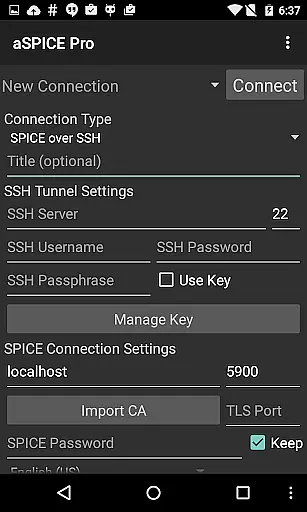
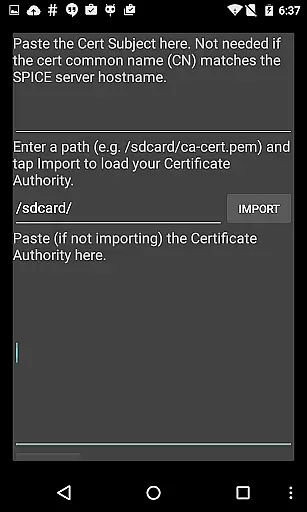
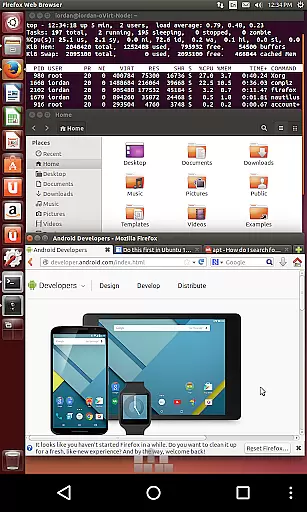
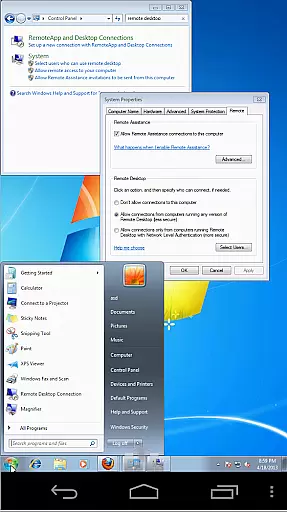
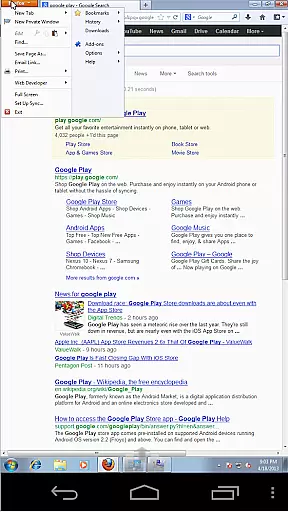
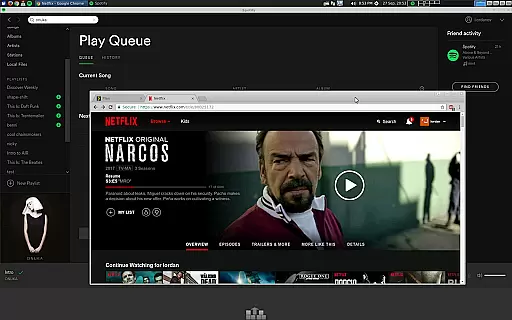
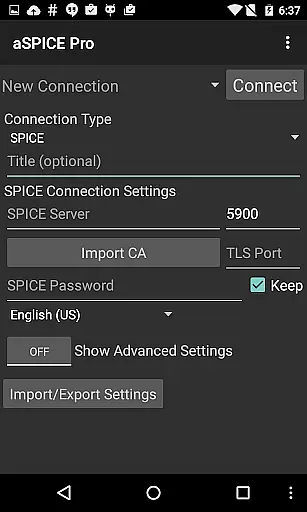
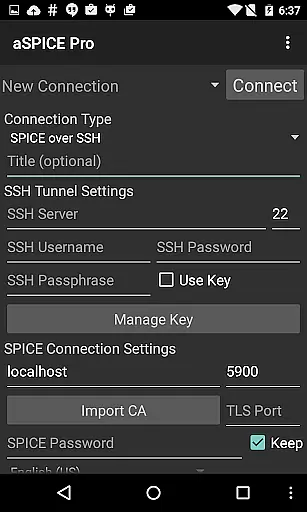
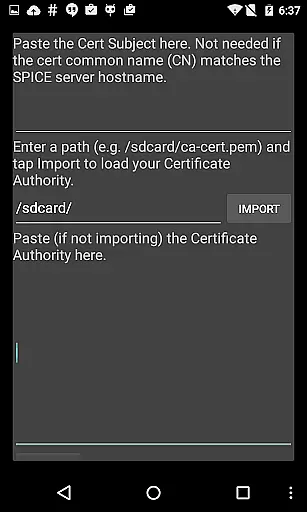
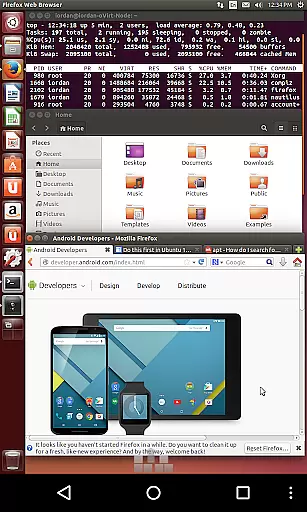
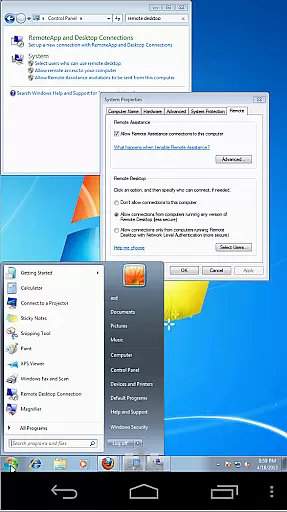
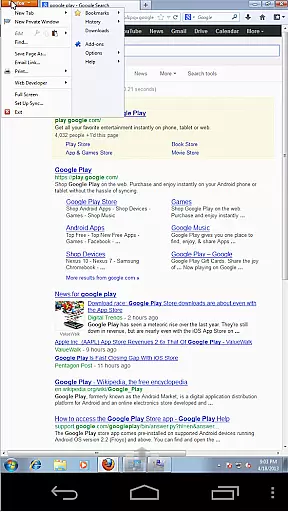
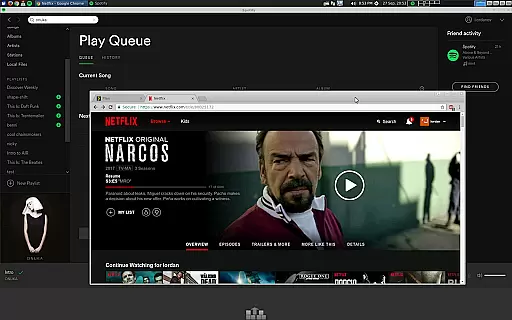
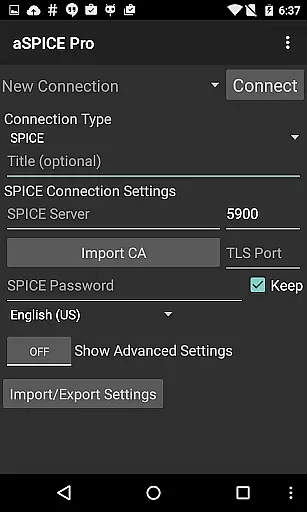
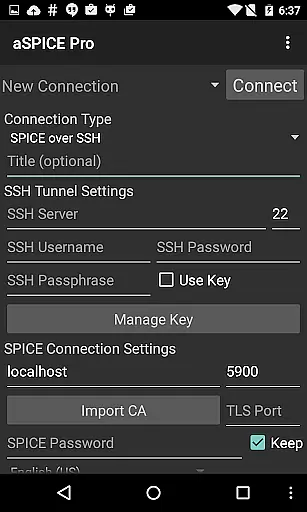
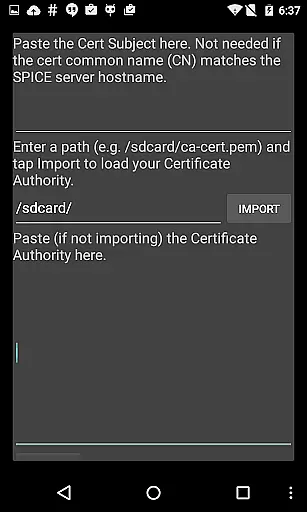
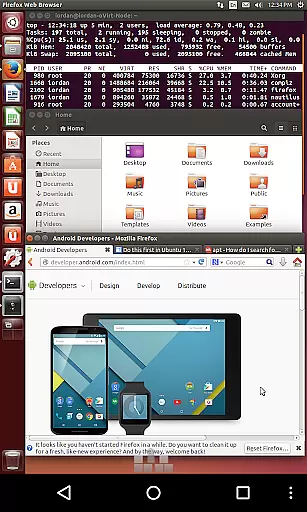
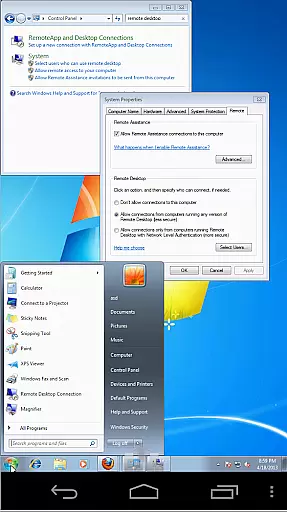
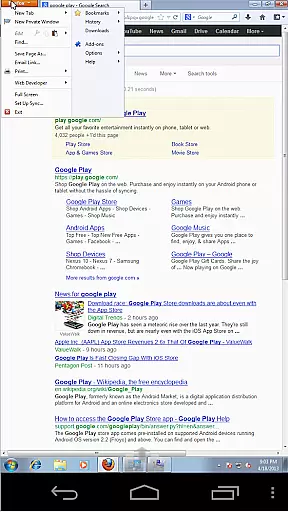
aSPICE Pro Secure SPICE Client is a robust productivity tool designed for users who require secure and efficient remote access to virtual machines. This application supports the SPICE protocol, enabling control of any SPICE-enabled QEMU virtual machine regardless of the guest operating system. With features like Master password support, Multi-Factor Authentication (MFA/2FA) SSH authentication, and USB redirection, it ensures both security and versatility.
The app provides an extensive set of functionalities including audio support, multi-touch control over the remote mouse, and dynamic resolution changes. These capabilities allow users to reconfigure their desktop environments while maintaining a connection, thus offering seamless transitions from BIOS to OS levels. Additionally, its SSH tunneling feature adds another layer of security, making it ideal for accessing machines behind firewalls.
Designed with productivity in mind, aSPICE Pro caters to professionals who need reliable remote desktop solutions. Whether you're managing servers or working on complex projects that demand high computational power, this app delivers a comprehensive suite of tools to enhance your workflow securely and efficiently.
aSPICE Pro stands out with its rich array of features tailored for productivity enhancement. One notable aspect is its advanced input modes, which include two Direct modes, one Simulated Touchpad mode, and one Single-handed mode. These options provide flexibility in how users interact with remote systems, accommodating various preferences and use cases. The inclusion of stowable on-screen Ctrl/Alt/Tab/Super and arrow keys further enhances usability by allowing quick access to essential commands without cluttering the interface.
Another significant feature is the support for SSH tunneling, which not only boosts security but also enables connectivity to machines located behind firewalls. This makes aSPICE Pro particularly valuable for IT professionals and system administrators who require safe and unrestricted access to networked resources. Moreover, the app's ability to handle automatic connection session saving ensures that users can pick up right where they left off, minimizing downtime and maximizing efficiency.
The app also excels in providing a seamless user experience through its UI optimizations for different screen sizes, catering to both tablets and smartphones. Features such as pinch-zooming, scrolling with a two-finger drag, and full rotation support make navigation intuitive and responsive. Furthermore, the availability of multi-language support broadens its appeal, ensuring that users worldwide can benefit from its powerful capabilities.
aSPICE Pro Secure SPICE Client excels in core task management by providing users with a comprehensive set of tools to control SPICE-enabled virtual machines. This includes support for any guest OS, making it versatile for various computing environments.
The application offers multi-factor authentication (MFA/2FA) through SSH, ensuring that only authorized users can access critical tasks. Additionally, features like USB redirection and audio support enhance the user's ability to manage resources effectively.
With dynamic resolution changes and full rotation support, users can reconfigure their desktop environments on-the-fly while maintaining control over virtual machines from BIOS to OS level. These capabilities ensure that productivity is not hindered by environmental constraints.
Furthermore, the availability of different input modes, such as Direct, Simulated Touchpad, and Single-handed, allows users to interact with their virtual machines in a way that best suits their workflow, thus streamlining task execution.
Cross-device synchronization is a standout feature of aSPICE Pro Secure SPICE Client, allowing seamless transitions between iOS, Mac OS X, and Android platforms. This ensures that whether you're on a smartphone or a tablet, your work remains consistent and up-to-date.
The app supports automatic connection session saving, which means users can pick up right where they left off, regardless of the device they switch to. This reliability extends to its compatibility with various screen sizes, optimizing UI elements for both tablets and smartphones.
Security during synchronization is also prioritized, with SSH tunneling adding an extra layer of protection. This allows users to reach machines behind firewalls securely, ensuring data integrity across devices.
Moreover, the inclusion of Samsung multi-window support and DEX compatibility demonstrates the appu2019s commitment to providing a reliable, synchronized experience across a multitude of devices and use cases.
Secure SSH connections
Multi-touch controls
Dynamic resolution changes
Comprehensive input modes
Automatic session saving
No clipboard integration yet
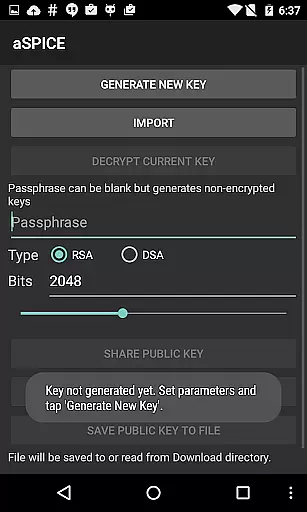
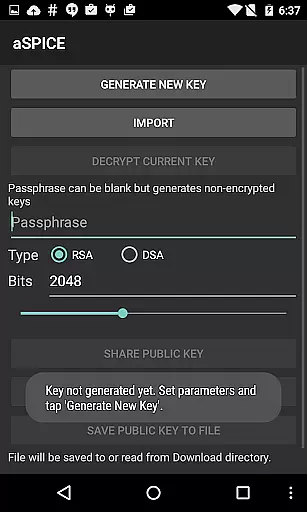
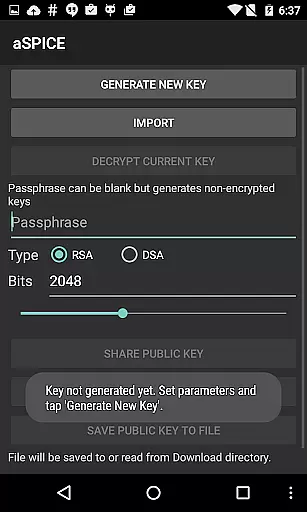
Limited DSA key support
Complex setup for beginners
Requires external keyboard app
Advanced features may overwhelm casual users

Take control of your clipboard with Clipper!
 3.90
3.90
Professional calendar app for Google Calendar, MS Outlook & Exchange
4.20
Protect and view your important info on your phone and tablet with eWallet®
4.80
Make your handwriting beautiful, even more than pen on paper.
3.60
Absolutely the best CNC machinist speed and feed calculator around. fswizard.com
4.60
Multilingual translator for text, voice, and image translation!
4.90
Lightweight PDF, Word, Excel reader.
4.60
Simple notepad & memo. Take notes, to-do list, shopping list with reminders.
4.80
Okta MFA
4.70
Great calculator for Android named one of USA TODAY's "25 Essential Apps".
4.90
App Lock with fingerprint, password: Lock apps & hide photos with lock screens
4.60
Tally and goal counter for Wear OS & mobile
4.50
CalenGoo is a very flexible and feature-rich calendar app
4.40
This small app MUST BE INSTALLED after purchase, else license won't work
4.40
Secure your apps with lock screens, use custom themes and different features.
4.40 4.20
4.20
Intelligent AI Assistant
4.10
Auto-shutoff Alarm with Sunrise, Sunset & Fixed Options.
3.50
Ads Free App! Editor, Hide File, Copy, Move, Delete and Rename.. all facility av
1.70


User Reviews