
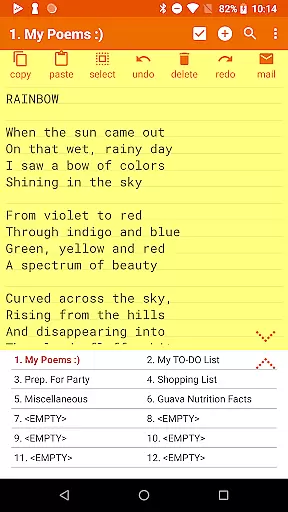



Notepad Pro represents the pinnacle of note-taking applications on Android, offering a robust set of features in an incredibly lightweight package. This productivity tool stands out with its auto-save functionality and versatile capabilities that cater to both casual note-takers and power users alike.
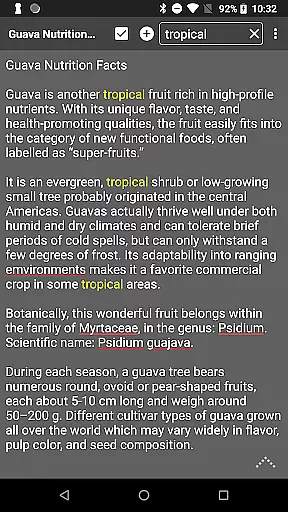
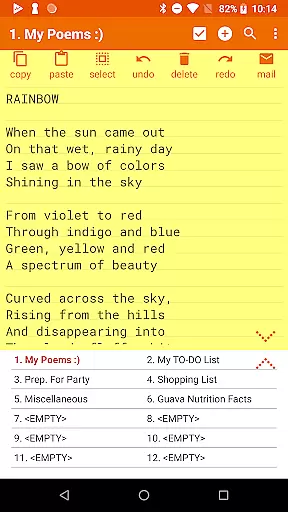
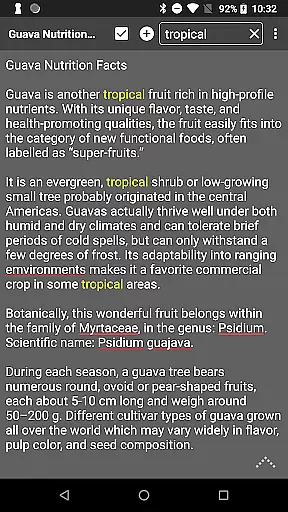
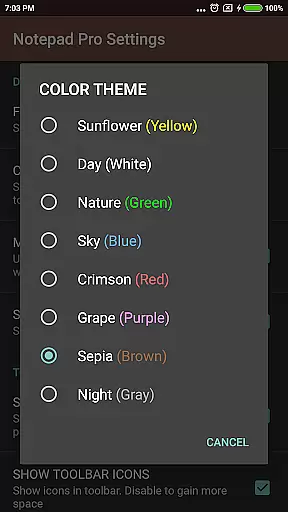
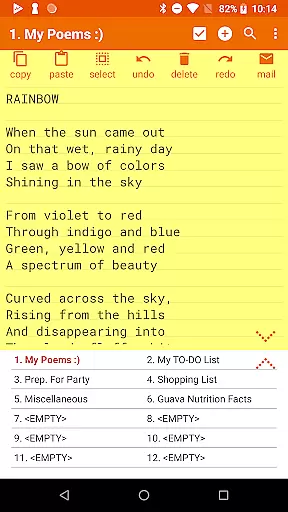
The app provides unlimited notepad slots, inline checklist creation, and powerful search functions across notes. Its tiny footprint of just 0.3MB ensures it runs smoothly on all devices without demanding excessive resources. The inclusion of desktop widget support and customizable themes makes it a flexible choice for organizing thoughts and ideas efficiently.
Whether you're managing daily tasks or archiving important information, Notepad Pro's comprehensive feature set - including read-only notes, backup management, and desktop shortcuts - creates a reliable environment for all your note-taking needs.
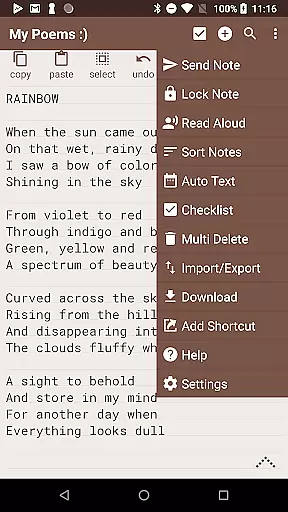
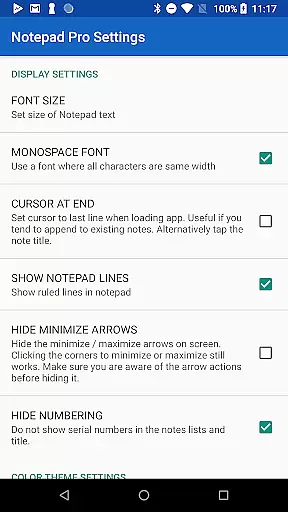
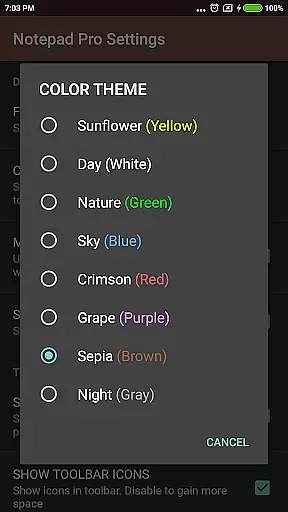
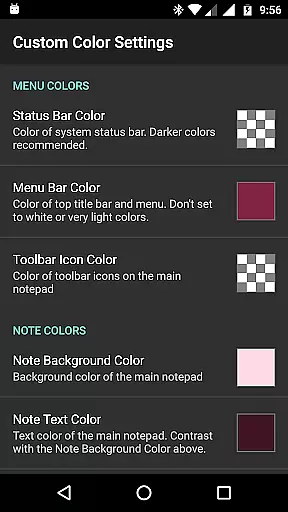
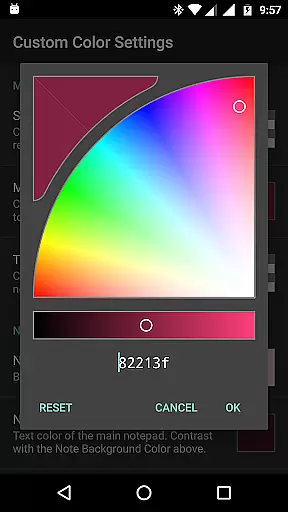
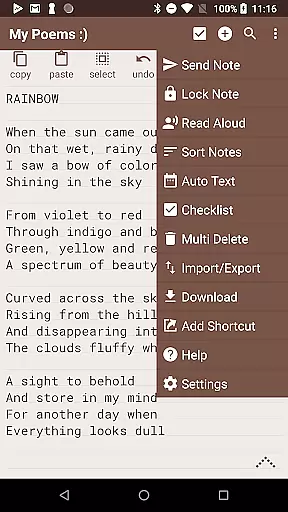
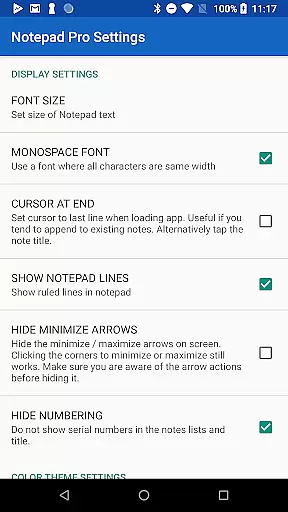
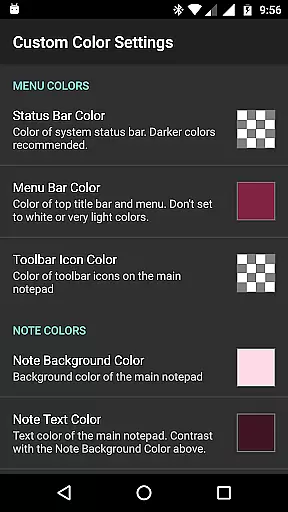
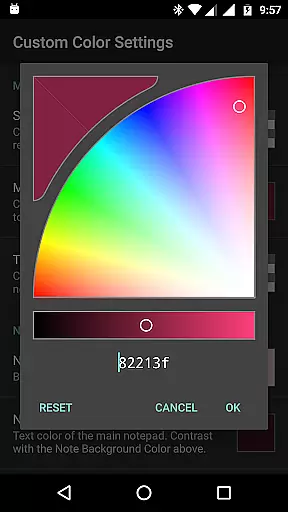
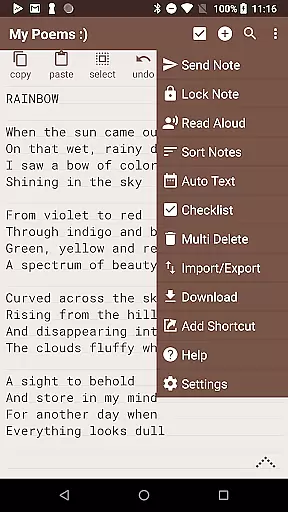
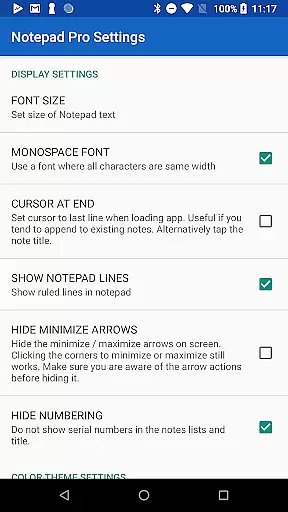
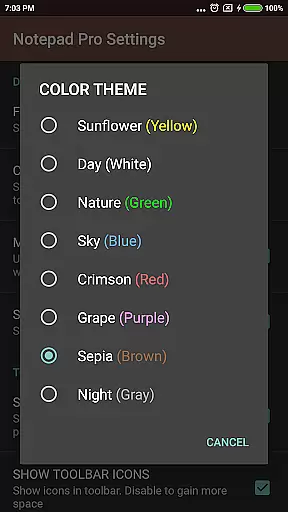
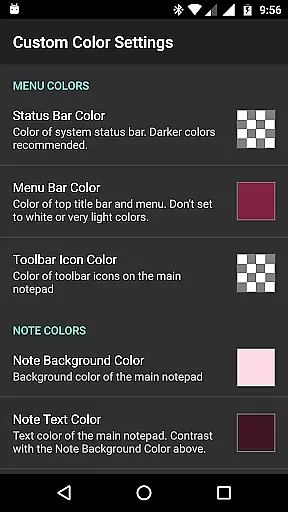
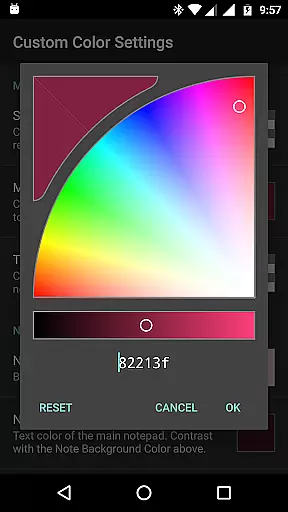
Notepad Pro distinguishes itself through an impressive array of productivity-enhancing features. The application allows users to customize their experience with options to sort and rearrange notes, apply custom themes, and maintain always-visible note titles.
Safeguarding your information is made simple with advanced backup solutions. Users can restore notes from backup files, download local copies of their notes, and specify backup frequencies. The ability to make notes read-only and selectively import/export content adds another layer of data protection.
Accessibility features have been thoughtfully implemented, including text-to-speech functionality and various navigation shortcuts. Sharing capabilities are equally robust, allowing users to send notes via external apps, attach them as files in emails, and specify preferred email applications for seamless integration with existing workflows.
Notepad Pro excels in core task management by offering users a versatile Auto Save Notepad with unlimited notepad slots. This ensures that users can manage multiple tasks simultaneously without the fear of losing any information due to storage limitations.
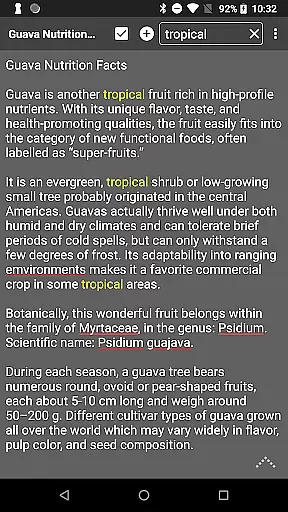
The app goes beyond simple note-taking by providing in-line checklist capability and search functionality within and across notes. These features allow users to organize their tasks efficiently and find specific information quickly, enhancing productivity and saving valuable time.
Additionally, the app's tiny size of just 0.3 MB and lack of unwanted permissions make it a lightweight yet powerful tool for task management. Users can trust that their data remains secure while enjoying the convenience of desktop widget support for easy access to their notes.
While Notepad Pro focuses on device-local features, its safeguarding capabilities ensure reliable cross-device synchronization through downloadable notes and backups. Users can download their notes and backups locally, ensuring they have access to their data from any device.
The app allows selective import and export of notes, giving users control over which notes are synchronized across devices. This feature is particularly useful for those who work on multiple devices and need to keep certain notes accessible everywhere.
Furthermore, Notepad Pro offers the ability to specify backup frequency and make notes read-only, adding an extra layer of protection against accidental changes during synchronization. These safeguards contribute to a reliable experience when managing notes across different devices.
Lightweight app size
Unlimited note storage
Advanced backup options
Customizable interface
Cross-note search capability
Paid version only
No cloud sync feature
Limited formatting options
Android exclusive
No collaboration tools

Native client for Forgejo and Gitea
 5.00
5.00
Send files, sync SMS, notifications & clipboard across devices via local network
4.40
The upgraded version of Name Wheel with AI and the power to add your own wheels.
4.0
IP Camera Viewer - Android TV : RTSP Surveillance camera viewer for Android TV
4.1
App Lock with fingerprint, password: Lock apps & hide photos with lock screens
4.60
Multilingual translator for text, voice, and image translation!
4.90
To do list widget with a notebook organizer, checklist, simple shopping list
4.60
Intelligent AI Assistant
4.10
Note taking, handwriting, record audio, PDF annotation, planner & journal
4.20
QuickBooks Workforce lets teams view pay info and track time in one place.
4.70
aCalendar+ makes your day, week and month
4.70
App lock - lock apps with fingerprint, password, pin or pattern, protect privacy
4.70
Share files & memories safely. Keep your photos and videos secure.
4.40
Pwnagotchi companion app
4.20
Todo reminder
4.10
Font maker keyboard with your own handwriting
4.10
Secure, open-source, SPICE and SSH Remote Desktop for QEMU KVM virtual machines
4.00
The ultimate file manager for rooted devices. The original and still the best.
4.00
Smart PDF reader & editor to view, organize and manage PDF documents easily.
3.70


User Reviews