
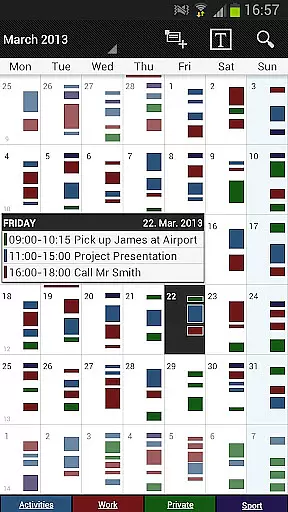
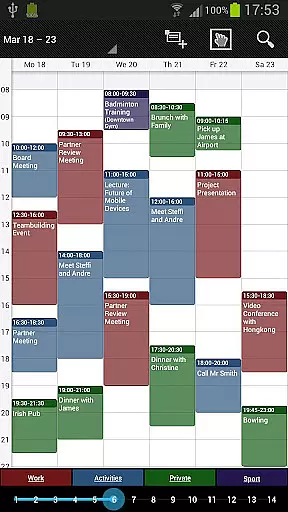
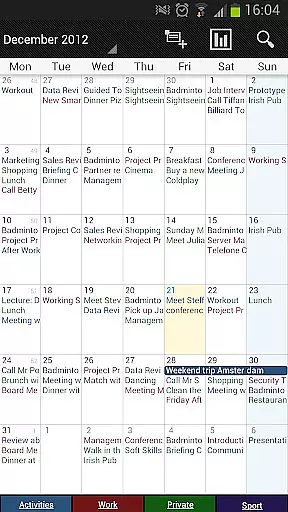
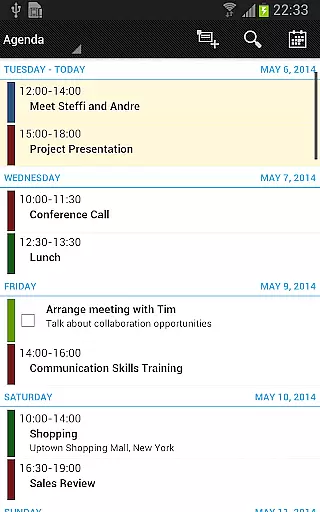
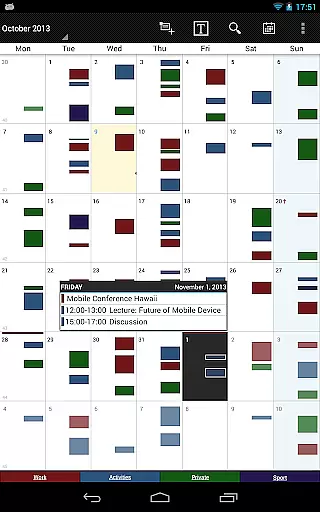
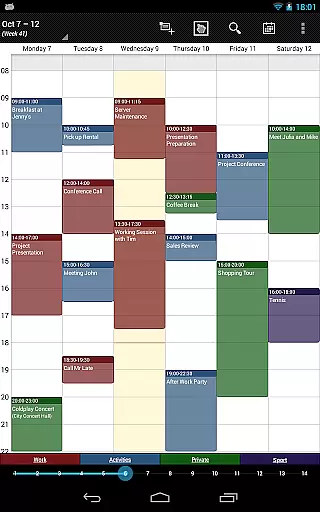
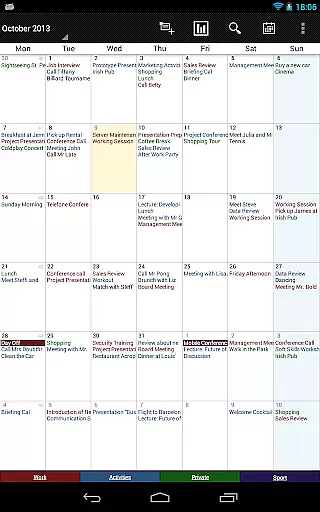
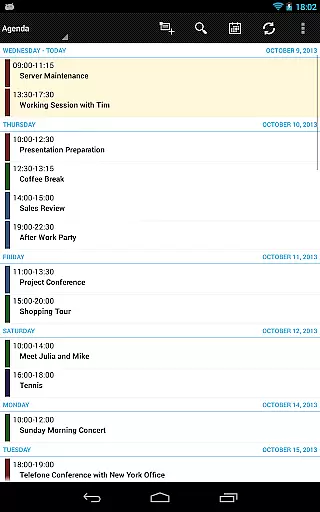
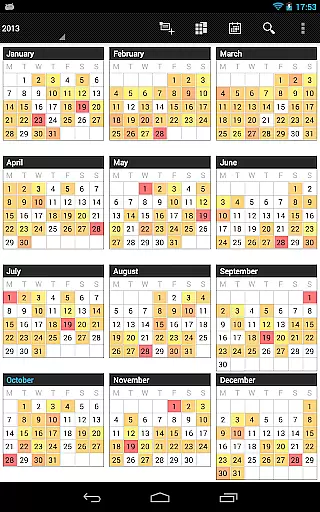
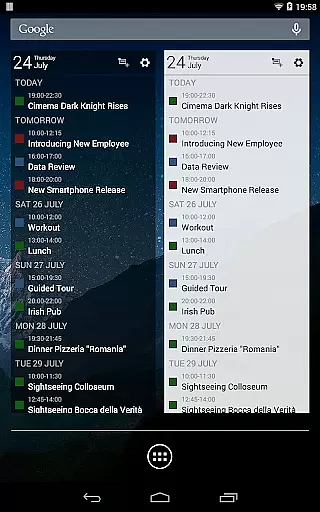
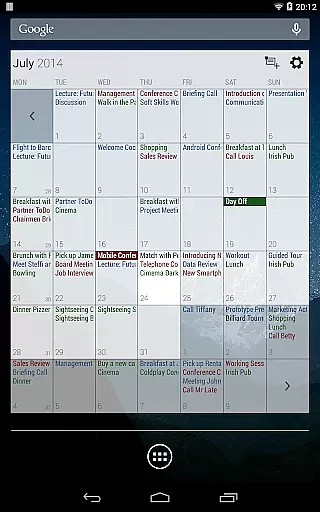
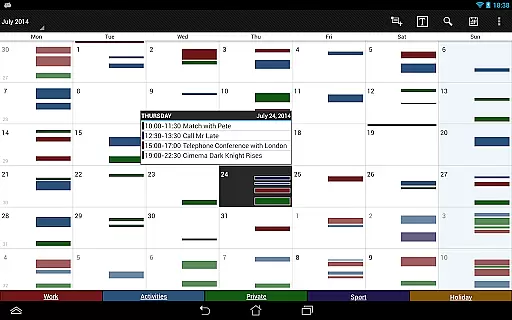
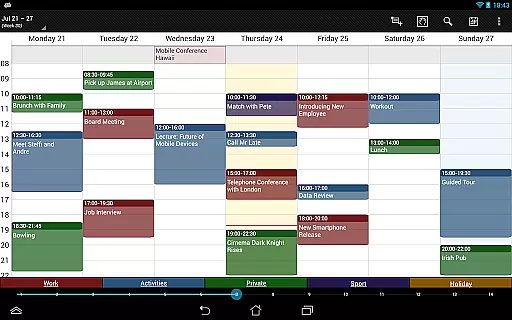
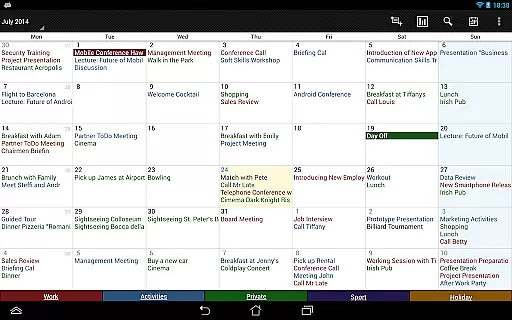

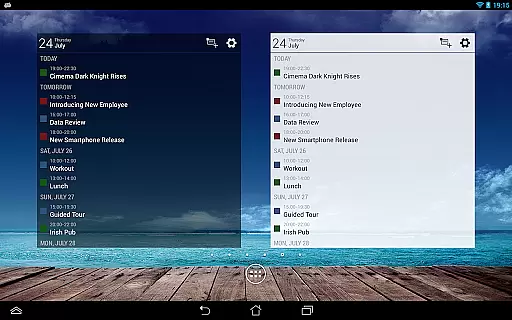
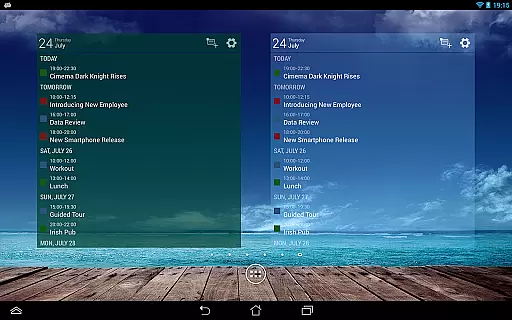
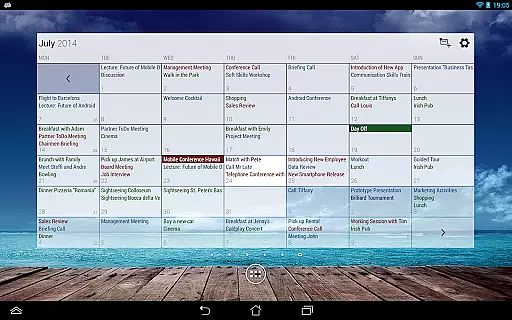
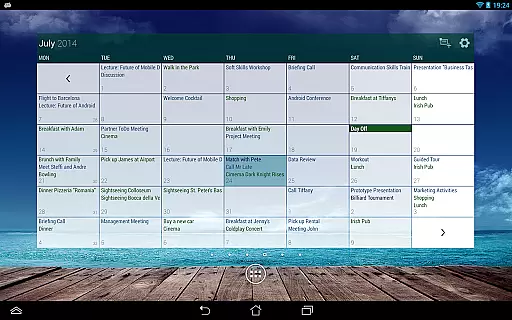
Business Calendar Pro is a comprehensive productivity tool designed to streamline your scheduling and event management. This powerful calendar app offers an intuitive interface that provides excellent visibility of your appointments while maintaining ease of use. With features like Quick Day View, smooth scrolling, and zoom capabilities, users can efficiently navigate through their schedules.
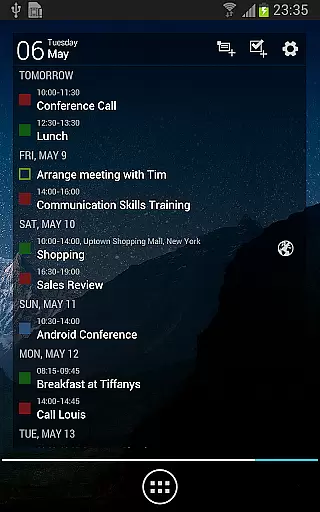
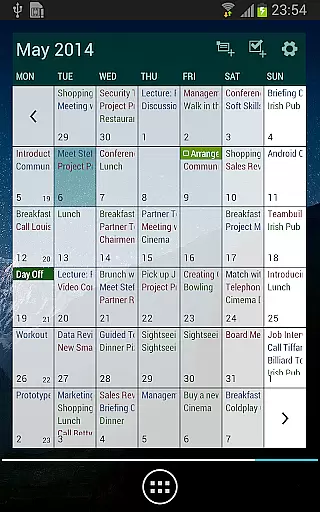
The app stands out with its detailed customization options, allowing users to adapt views and widgets to their preferences. It supports synchronization with Google Calendar, Microsoft Outlook, and Exchange, ensuring seamless integration with existing systems. The professional widgets and multi-day view options make it a versatile tool for both personal and business use. Whether you need to manage contacts, set reminders, or handle recurring events, Business Calendar Pro delivers the tools necessary to keep your schedule organized and accessible.
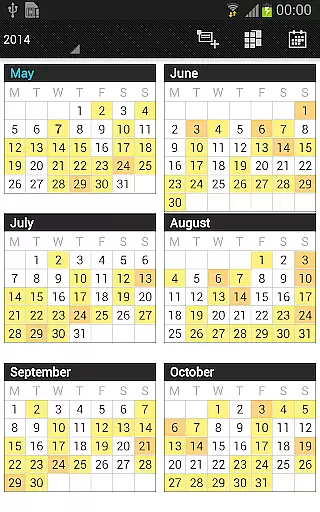
Business Calendar Pro boasts an array of features that cater to diverse scheduling needs. One of its key strengths is the ability to customize every aspect of the app, from individual reminders with vibration and sound to adjustable font sizes for improved readability. The app's color-coded year view and scrollable multi-day view provide clear visual cues for better time management.
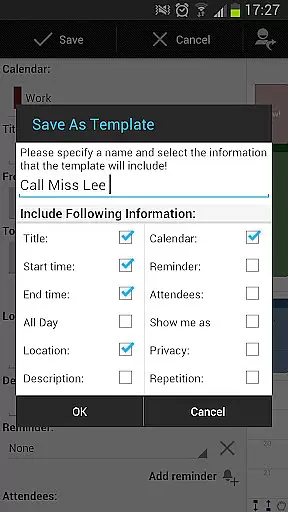
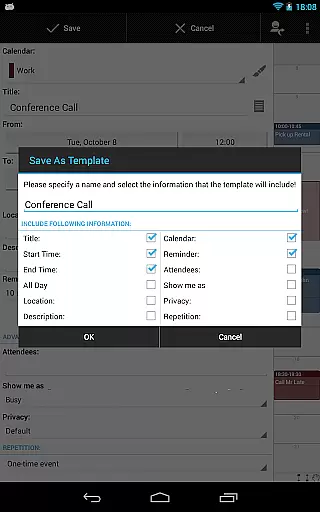
Advanced functionalities in the pro version include drag-and-drop event management, customizable event templates, and comprehensive task management through integration with Google Tasks and Toodledo. Users can also benefit from advanced widget settings, import-export capabilities in .ics format, and context-sensitive help systems. These features collectively enhance productivity by offering flexible tools that adapt to various workflow requirements, making it an indispensable companion for regular calendar users.
Task management is a cornerstone of productivity applications, and Business Calendar Pro excels in this area. The app provides users with powerful tools to create, manipulate, and organize their events efficiently.
With features like customizable templates, users can design their own frameworks for new events, ensuring consistency and saving time. The ability to manage contacts by linking them to events adds another layer of utility, making sure that all relevant information is readily accessible.
The multi-selection functionality allows for bulk actions such as deleting, moving, or copying multiple events at once, streamlining the workflow significantly. Additionally, drag & drop support in the multi-day view makes rearranging events an intuitive process.
These comprehensive task management capabilities ensure that users can maintain control over their schedules while optimizing their daily operations, leading to increased productivity and better time management.
Cross-device synchronization is vital for users who rely on accessing their data from multiple devices. Business Calendar Pro addresses this need by offering reliable sync options with popular services such as Google Calendar, Microsoft Outlook, and Exchange.
This synchronization ensures that whether you're at your desk or on the go, your appointments and tasks are always up-to-date across all your devices. By leveraging Android's native calendar synchronization, the app guarantees that changes made on one device are promptly reflected everywhere else.
Moreover, the pro version includes advanced widgets and import/export functionalities in .ics format, allowing quick backups and transfers of calendar data. This means users can easily migrate their schedules between different systems without losing any critical information.
By providing dependable cross-device synchronization, Business Calendar Pro empowers users to stay organized and connected, no matter where they are or which device they choose to use.
User-friendly interface
Highly customizable views
Seamless calendar sync
Powerful task management
Professional-grade widgets
Paid pro version
Complex for beginners
Occasional sync issues
Limited free features
Resource-intensive

A Revolutionary All-in-One Artificial Intelligence Tools
 3.80
3.80
Seamlessly integrate data and reports to build your presentation to impress
4.80
Total remote control for your Android device, PC and cloud services (IFTTT)!
4.20
Easily read and manage all your PDF files
4.10
Send files, sync SMS, notifications & clipboard across devices via local network
4.40
Customizable calendar widget for seamless event sync, planning & scheduling.
4.00
Easiest event planning, volunteer signups & parent teacher conference scheduling
2.20
Quickly and easily keep track of your work shifts
4.70
Ultimate Virtual AI Character for immersive Roleplay Chat. Perfect Companion
3.90
Use powerful, industry-leading AI tools to generate visual charts from any data
4.80
The long-awaited modern gallery app for your Nextcloud server
4.70
Scan paperwork into PDF/JPG, generate your own e-signature and send fax or email
4.70
The Pro Version of Android's tiniest Notepad app. Just 0.3MB but feature-packed!
4.60
A lightweight JSON & XML files creator, editor and viewer (Premium Version)
4.40
CalenGoo is a very flexible and feature-rich calendar app
4.40
This small app MUST BE INSTALLED after purchase, else license won't work
4.40
Share files & memories safely. Keep your photos and videos secure.
4.40 4.20
4.20
Simple and reliable communication between inmates, friends and family
3.20


User Reviews