
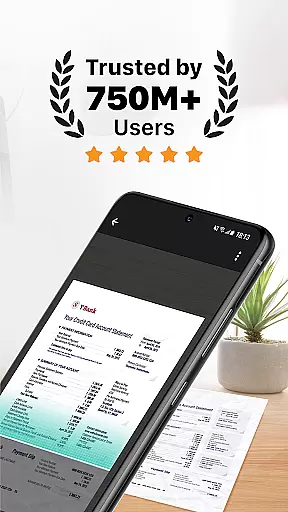
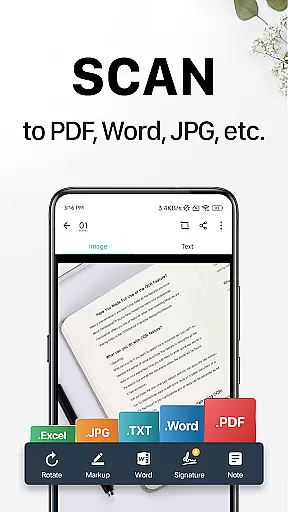
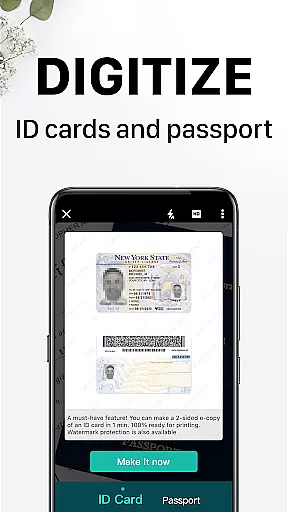
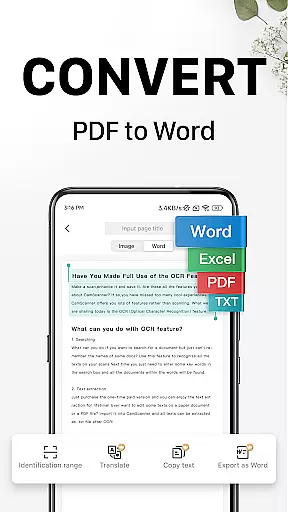
CamScanner is a versatile productivity app that transforms your mobile device into a powerful portable scanner. With advanced OCR technology, it allows users to instantly scan, save, and share documents in various formats including PDF, JPG, Word, and TXT. The app optimizes scan quality through smart cropping and auto-enhancing features, ensuring premium color and resolution for every document.
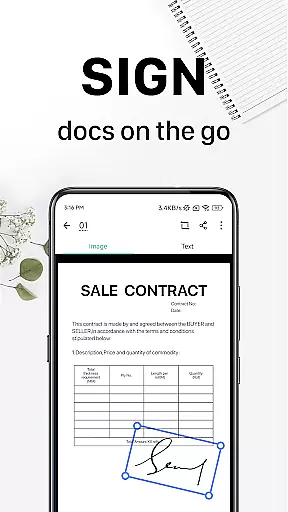
Beyond basic scanning, CamScanner offers text extraction capabilities, wireless printing, remote fax services to over 30 countries, and advanced document editing tools. Users can annotate documents, add customized watermarks, and securely protect confidential content with password protection. Its cross-platform syncing enables seamless access across smartphones, tablets, and computers.
Ideal for professionals and students alike, CamScanner increases productivity by digitizing receipts, notes, invoices, business cards, certificates, and more. Whether you're managing office paperwork or handling academic documents, this app provides an efficient solution to keep all your important files organized and accessible at all times.
CamScanner stands out with its comprehensive feature set tailored for productivity enthusiasts. One of its key highlights is the quick document digitization capability, allowing users to scan receipts, notes, invoices, whiteboard discussions, business cards, and certificates effortlessly. The app employs intelligent cropping and auto-enhancement to ensure scans are clear, sharp, and visually appealing.
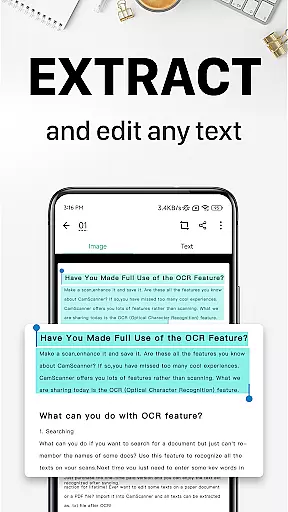
The OCR functionality is another major advantage, enabling users to extract text from images or PDFs for later searching, editing, or sharing. This feature significantly enhances document management efficiency. Additionally, CamScanner supports wireless printing and remote faxing to over 30 countries, eliminating the need for physical printers or fax machines.
Advanced document editing tools provide further customization options, such as annotations and personalized watermarks. The app also includes quick search capabilities based on tags and OCR-recognized content, making document retrieval effortless. With secure password protection and cross-platform syncing, CamScanner ensures both security and accessibility for all your important files.
CamScanner excels in core task management by offering a comprehensive suite of tools designed to handle various document-related tasks efficiently.
The app allows users to quickly digitize documents using their mobile device's camera, optimizing scan quality with smart cropping and auto-enhancing features. This ensures that text and graphics are clear and sharp, enhancing readability and usability.
With optical character recognition (OCR), CamScanner enables users to extract text from images or PDFs, making it searchable, editable, and easy to share. This functionality significantly boosts productivity by streamlining document processing tasks.
Additionally, the app supports wireless printing and remote faxing to over 30 countries, further simplifying task management for both personal and professional use.
Cross-device synchronization is a critical feature of CamScanner, ensuring that users can access their documents seamlessly across multiple devices.
By signing up for an account, users can sync their scanned documents on all their devices, including smartphones, tablets, and computers. This synchronization allows for real-time updates and access, providing flexibility and convenience.
The appu2019s reliable sync functionality ensures that any changes made on one device are immediately reflected on others, maintaining consistency and accuracy across platforms. This is particularly beneficial for users who need to manage documents on the go.
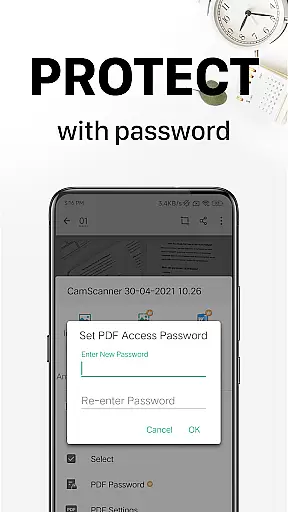
Furthermore, CamScanneru2019s secure cloud storage protects important documents with password settings and encrypted download links, adding an extra layer of security while ensuring reliable access from any device.
Powerful OCR technology
User-friendly interface
Multi-format support
Cross-platform syncing
Advanced editing tools
Premium features locked
Subscription costs
Limited free usage
Ads in free version
Occasional bugs

AI Video AI Image Private LLM AI Browser Llama Gemma Ollama Connect LLM Studio
 4.5
4.5
Android Wallet Password Manager
4.80
Send files, sync SMS, notifications & clipboard across devices via local network
4.40
A lightweight JSON & XML files creator, editor and viewer (Premium Version)
4.40
Device's storage information in a simple and clear graphical form (infographics)
4.10
All in One PDF Reader: Manage, Read and Edit your Documents
4.20
A Pixel Art watchface inspired by other iconic 90s designs for Wear OS devices!
4.40
The ultimate file manager for rooted devices. The original and still the best.
4.00
AT&T Internet customers can use this app to personalize their Wi-Fi network.
4.40
Use powerful, industry-leading AI tools to generate visual charts from any data
4.80
Docker, Kubernetes management over Portainer Mobile
4.40
Share files & memories safely. Keep your photos and videos secure.
4.40
Todo reminder
4.10
Make apps & sites with natural language prompts
4.10
Intelligent AI Assistant
4.10
* block pre-roll ads, pop-up and forced redirect ads * Samsung certification app
4.00
A Revolutionary All-in-One Artificial Intelligence Tools
3.80
Auto-shutoff Alarm with Sunrise, Sunset & Fixed Options.
3.50
Create study competitions, track your hours, and stay consistent with friends
4.4


User Reviews