
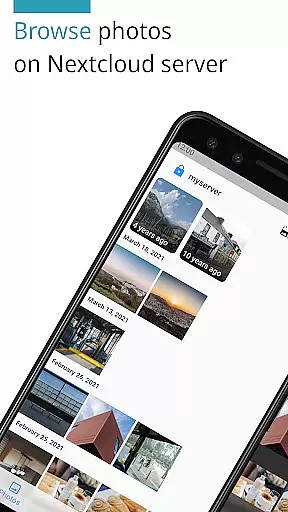
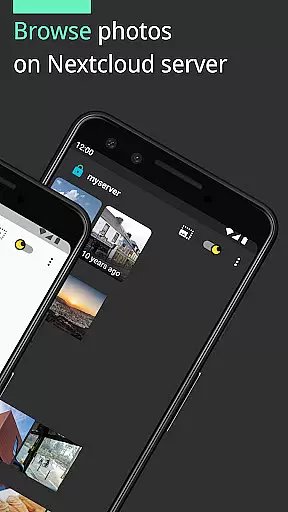
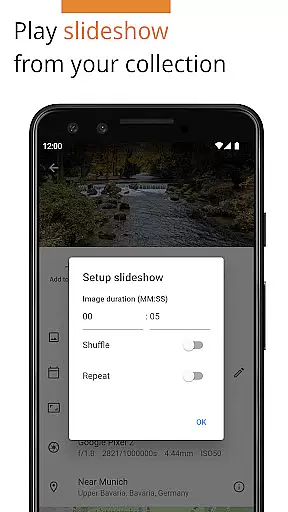
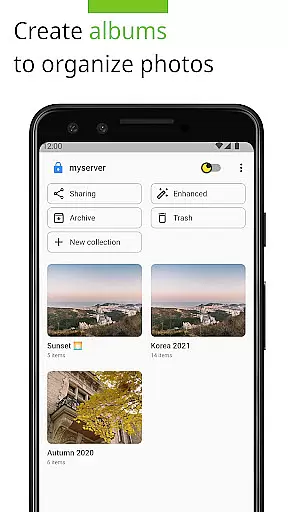
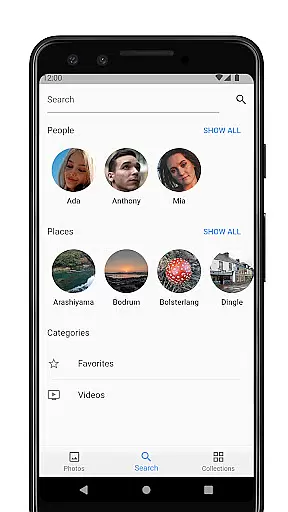

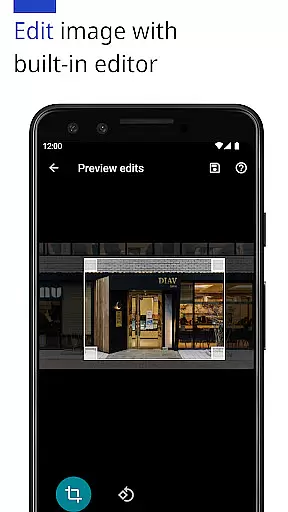
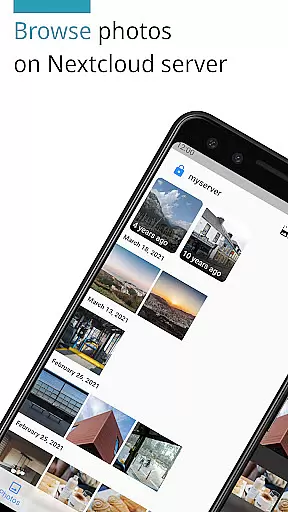
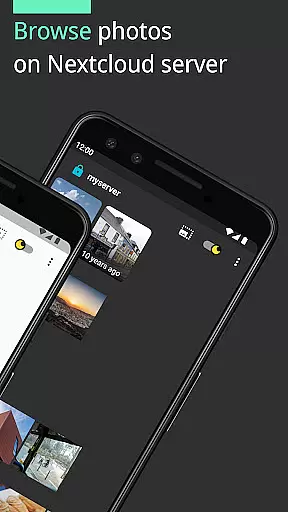
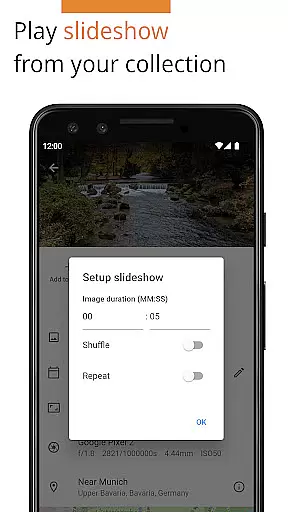
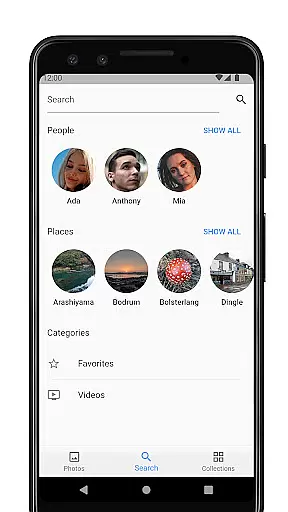
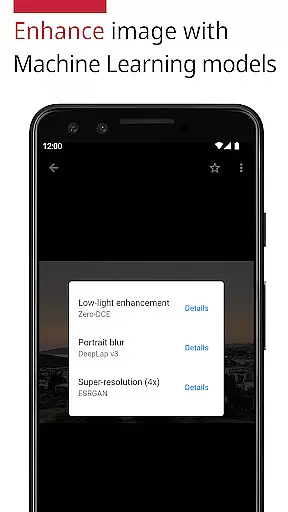
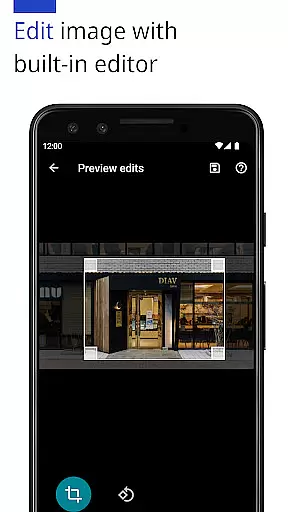
Photos for Nextcloud is a powerful productivity app designed to enhance photo management on the Nextcloud platform. This app offers advanced features such as JPEG XL support, client-side EXIF extraction, and machine learning-based photo enhancement. Users can edit photos with the built-in editor and create flexible albums while enjoying the benefits of reverse geocoding.
The app supports multiple sign-ins across different servers and allows experimental shared albums with users on the same server. Compatible with various formats including JPEG, PNG, WebP, HEIC, GIF, JPEG XL, MP4, and WebM, it ensures broad usability. Photos for Nextcloud emphasizes user control and open-source collaboration, making it ideal for those seeking an efficient and customizable photo management solution.
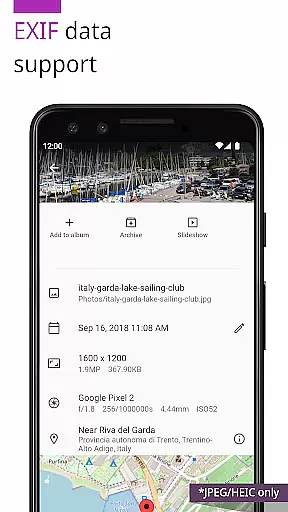
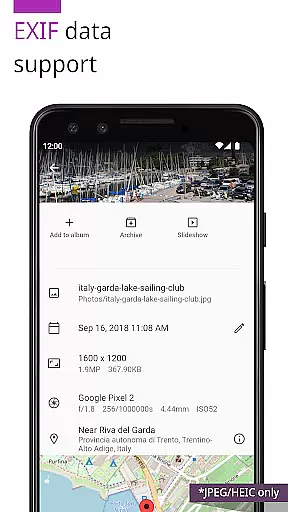
One of the standout features of Photos for Nextcloud is its support for cutting-edge formats like JPEG XL and HEIC, alongside traditional formats such as JPEG, PNG, and GIF. The app also provides client-side EXIF data extraction, ensuring metadata management even for files unsupported by the server. Additionally, its integration with machine learning models enables intelligent photo enhancements directly within the app.
Photos for Nextcloud includes a built-in photo editor and supports reverse geocoding, allowing users to manage location data effectively. It facilitates signing into multiple Nextcloud servers and creating shared albums experimentally. With no features locked behind paywalls, this app delivers extensive functionality, bolstered by its compatibility with third-party Nextcloud apps like Face Recognition.
Task management is a cornerstone of productivity applications, and Photos for Nextcloud excels in this area by offering users the ability to efficiently organize their digital assets. The app supports multiple file formats including JPEG, PNG, WebP, HEIC, GIF, JPEG XL, MP4, and WebM, ensuring that all your photos and videos can be managed within a single platform.
The application provides advanced features such as client-side EXIF extraction, which allows users to maintain metadata even for formats not supported by the server. This ensures that important information like geotags and timestamps are preserved, enhancing the overall organization and searchability of your media library.
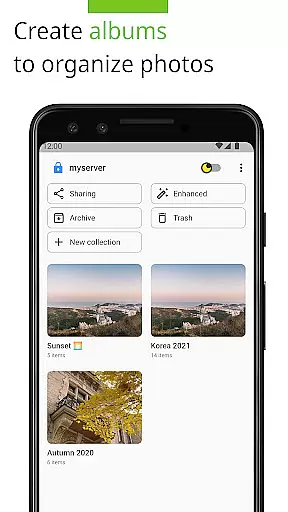
Additionally, Photos for Nextcloud offers flexible album creation and reverse geocoding, enabling users to categorize their images based on location data. These capabilities empower users to create structured collections that are easy to navigate and share with others, streamlining both personal and collaborative workflows.
Cross-device synchronization is essential for maintaining consistency across different platforms, and Photos for Nextcloud delivers reliable performance in this aspect. By allowing sign-in to multiple servers, the app ensures that users can access their media libraries from various locations without any loss of data or functionality.
One of the standout features is its support for shared albums with users on the same server, an experimental feature that enhances collaboration. This means you can work together with friends or colleagues on photo projects, ensuring everyone has up-to-date access to the latest files regardless of where they are stored.
Furthermore, being open source adds another layer of trust and transparency to the synchronization process. Users can verify the integrity of the code themselves, providing peace of mind when it comes to data security and reliability. Overall, these features make Photos for Nextcloud a robust solution for managing digital content across devices seamlessly.
User-friendly interface
Advanced format support
Open-source flexibility
Machine learning tools
Multiple server access
Experimental sharing features
Limited codec support
No offline mode
Metadata inconsistencies
Device compatibility issues

Planet Free VPN - The best Fast Unlimited and Secure VPN Without Logs
 4.50
4.50
The Pro Version of Android's tiniest Notepad app. Just 0.3MB but feature-packed!
4.60
Secure, fast, open-source, Remote Desktop Client for Windows and Linux with SSH
4.60
Customizable calendar widget for seamless event sync, planning & scheduling.
4.00
Easiest event planning, volunteer signups & parent teacher conference scheduling
2.20
Font maker keyboard with your own handwriting
4.10
Multilingual translator for text, voice, and image translation!
4.90
Create and edit presentations with Google Slides, part of Google Workspace.
4.00
Understand anything with a personalized AI research assistant
4.80
Great calculator for Android named one of USA TODAY's "25 Essential Apps".
4.90
Mind Map and brainstorm, note taking and idea collection
4.80
QuickBooks Workforce lets teams view pay info and track time in one place.
4.70
Lightweight PDF, Word, Excel reader.
4.60
Docker, Kubernetes management over Portainer Mobile
4.40
Total remote control for your Android device, PC and cloud services (IFTTT)!
4.20
Make apps & sites with natural language prompts
4.10
⏰ Finally a timer app which can run multiple timers simultaneously on your watch
3.90
IP Camera Viewer - Android TV : RTSP Surveillance camera viewer for Android TV
4.1
A comprehensive suite of tools designed specifically for Lactation Consultants
4.4


User Reviews