
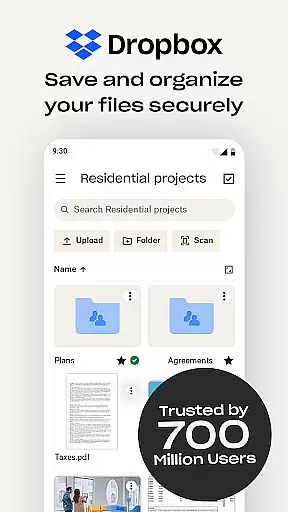
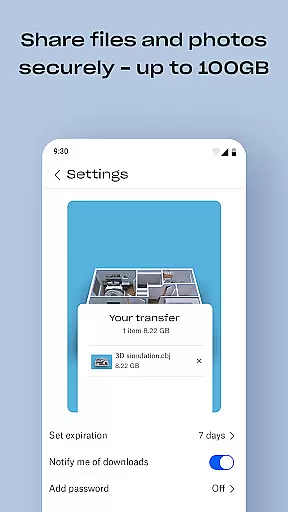
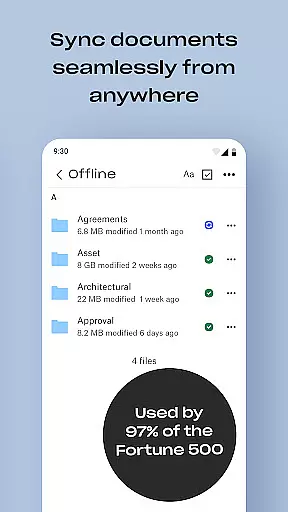
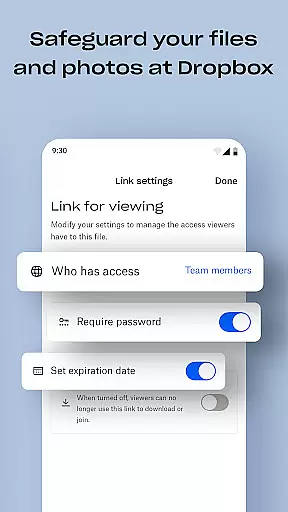
Dropbox is a leading cloud storage solution that allows users to securely backup, access, and manage their essential files from any location. With over 700 million registered users globally, it provides reliable and private file management for individuals and teams. The service offers automatic camera roll uploads, offline file access, and easy sharing of large files through simple links.
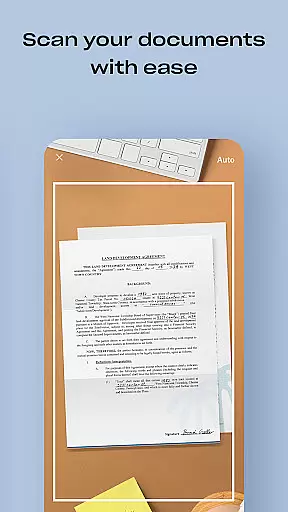
The app's document scanning feature lets users transform receipts, IDs, and photos into high-quality PDFs using their mobile devices. Dropbox also includes version history and file recovery capabilities, making it an ideal choice for both personal and professional use. Its secure infrastructure has earned the trust of Fortune 500 companies, while its user-friendly interface ensures seamless productivity across all devices.
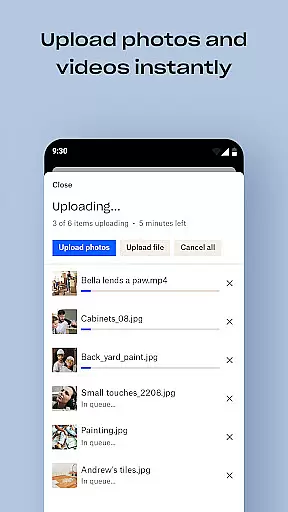
Dropbox stands out with its comprehensive feature set tailored for productivity. The automatic photo upload functionality seamlessly transfers images from your device to secure cloud storage, enabling effortless photo sharing. Users can access over 175 file types without requiring special software, ensuring maximum compatibility and convenience.
Advanced security features include Dropbox Vault for sensitive documents and Dropbox Rewind for account rollback capabilities. The Plus plan offers 2 TB of storage space along with password management tools. These enterprise-grade security measures, combined with intuitive file organization and sharing options, make Dropbox an exceptional choice for managing both personal and work-related files efficiently.
Dropbox excels in core task management by offering a comprehensive suite of tools designed to streamline file handling and organization. The app allows users to automatically upload photos, access files offline, and preview various file types without needing special software.
With features like automatic camera roll uploads and offline file access, Dropbox ensures that users can manage their tasks efficiently regardless of their location or internet connectivity. This flexibility is crucial for maintaining productivity on the go.
The ability to easily send large files via shareable links further enhances task management capabilities. Whether collaborating with team members or sharing documents with clients, Dropbox simplifies the process, ensuring seamless communication and file exchange.
Moreover, Dropbox's sync functionality and version history provide an added layer of security and convenience. Users can recover older versions or restore deleted files, making it an indispensable tool for managing both personal and professional tasks effectively.
Cross-device synchronization is a cornerstone of Dropbox's productivity offerings, ensuring that users have reliable and consistent access to their files across all devices. By syncing folders on PCs or Macs to Dropbox, users can enjoy real-time updates and backups of their important documents.
This synchronization extends beyond just computers; Dropbox's mobile app allows users to scan documents, receipts, and photos, transforming them into high-quality PDFs that are instantly available on all linked devices. This feature is particularly useful for professionals who need to digitize paper documents while on the move.
Dropbox's robust cloud infrastructure guarantees that changes made on one device are immediately reflected on others, providing a seamless experience. This reliability is vital for teams and individuals who require constant access to the latest versions of their files.
Furthermore, Dropbox's version history and file recovery options add an extra layer of assurance. Users can roll back any file, folder, or their entire account for up to 30 days, ensuring that accidental deletions or edits do not disrupt workflow continuity.
User-friendly interface
Secure file storage
Offline access capability
Automatic photo backup
Cross-device synchronization
Limited free storage
Paid subscription required
Occasional sync issues
High cost for extra space
Basic file preview options

A customizable calendar for your Wear OS watch
 4.20
4.20
The long-awaited modern gallery app for your Nextcloud server
4.70
Create study competitions, track your hours, and stay consistent with friends
4.2
Automates browsing any website and notifies you of important changes or events
4.30
Mind Map and brainstorm, note taking and idea collection
4.80
We're working to become the best machining app on the market! www.cncdirt.com
4.80
⏰ Finally a timer app which can run multiple timers simultaneously on your watch
3.90
Make apps & sites with natural language prompts
4.10
Font maker keyboard with your own handwriting
4.10
Native client for Forgejo and Gitea
5.00
Android Wallet Password Manager
4.80
Total remote control for your Android device, PC and cloud services (IFTTT)!
4.20
Experience real multitasking on your Android!
4.00
Wake up & get tasks done! Add alarms & reminders on the Clock Launcher.
4.00
* block pre-roll ads, pop-up and forced redirect ads * Samsung certification app
4.00
A Revolutionary All-in-One Artificial Intelligence Tools
3.80
Smart PDF reader & editor to view, organize and manage PDF documents easily.
3.70
Auto-shutoff Alarm with Sunrise, Sunset & Fixed Options.
3.50
ID.me Authenticator is a simple and free Two Factor Authentication solution
3.50


User Reviews