
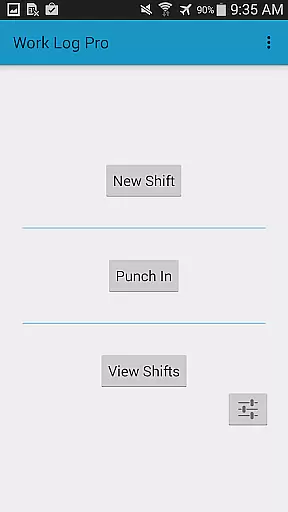
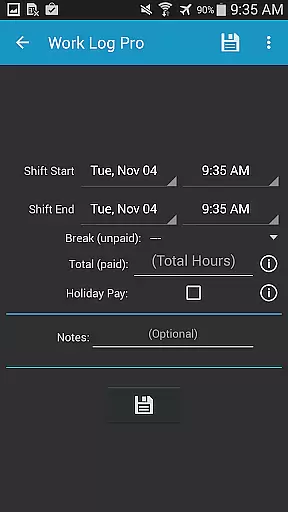
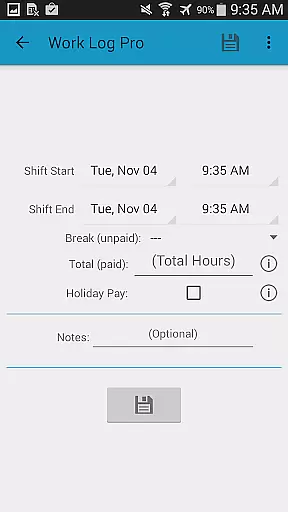
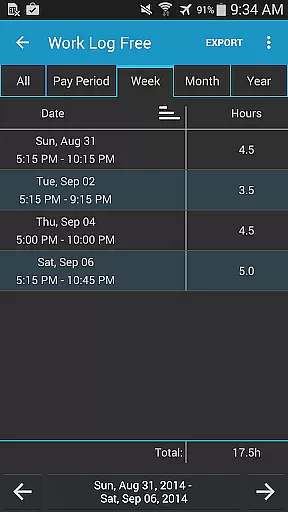
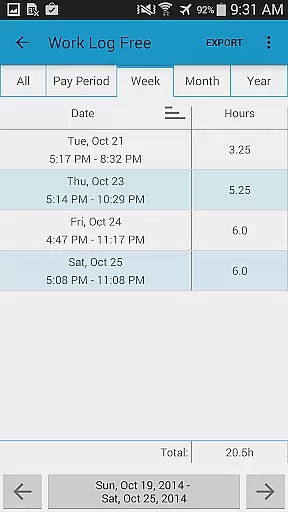
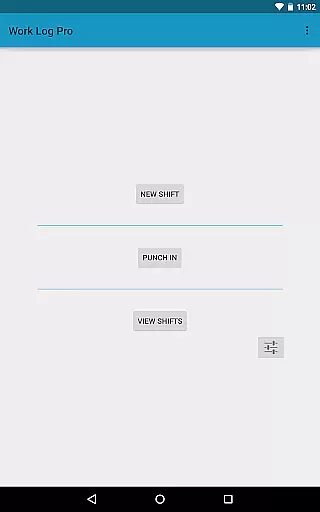
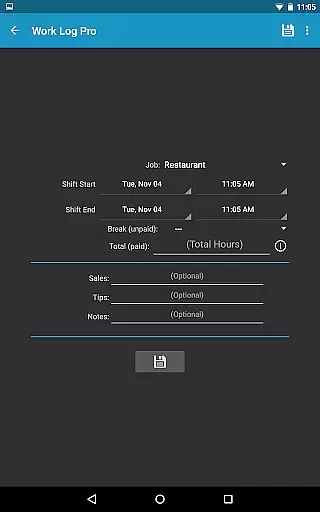
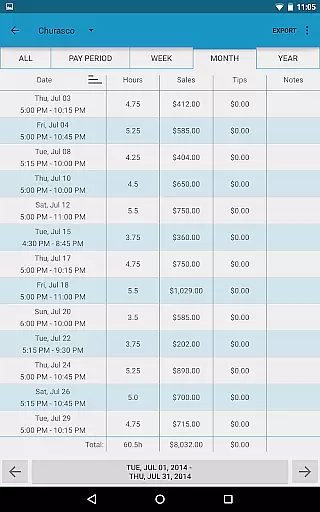
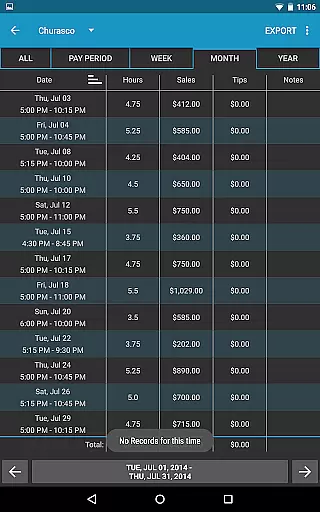
Work Log Pro is a comprehensive productivity tool designed for professionals who need to efficiently track their work hours and manage multiple jobs. The app offers an intuitive interface that allows users to punch in and out, manually enter shift hours, and automatically calculate wages based on customizable pay periods. With support for overtime tracking, automatic break deductions, and detailed customization options, it caters to a wide range of employment scenarios.
In addition to basic time-tracking features, Work Log Pro provides advanced functionalities such as exporting data in spreadsheet or PDF formats, backing up shifts via email, and syncing information across devices. Its robust feature set also includes widgets for quick access, sales and tip tracking for commission-based workers, and extensive theming options. These capabilities make it an invaluable tool for anyone seeking precise control over their work schedule and earnings.
The app's ability to handle multiple jobs with individual settings ensures accurate wage calculations across different roles. Users can benefit from automated paycheck estimations that include deductions and bonuses, making financial planning more straightforward. Whether you're a server tracking tips or a freelancer managing multiple clients, Work Log Pro delivers the tools needed to maintain an organized and efficient workflow.
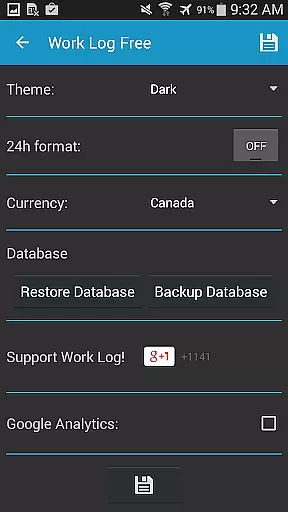
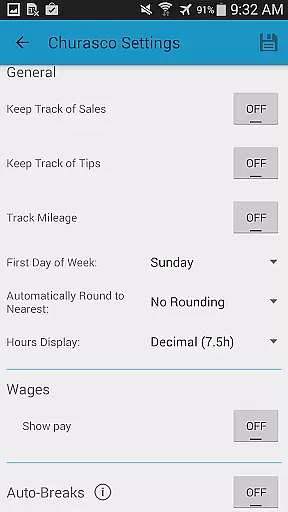
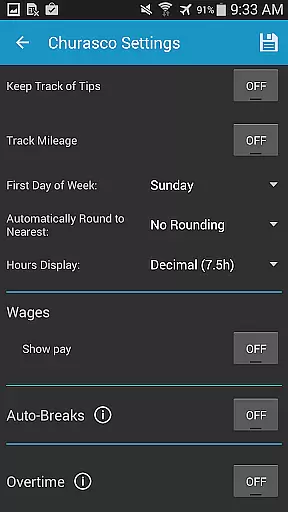
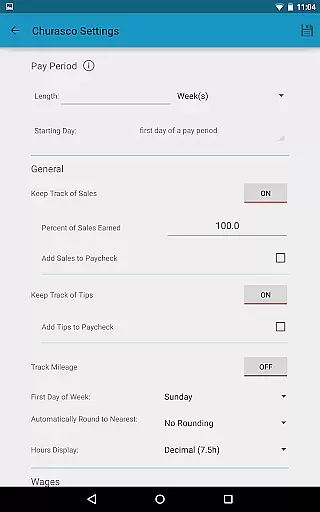
Work Log Pro stands out with its rich array of features tailored to enhance productivity and streamline work hour management. One of its key strengths is the ability to customize nearly every aspect of the tracking process. Users can choose between 12-hour and 24-hour time formats, set custom pay periods, and configure automatic break deductions based on shift length. This level of personalization ensures the app adapts to various work environments and personal preferences.
The app also excels in data management and security. It allows users to back up their entire database and restore it on other devices through email exports. Additionally, shift data can be exported as CSV files for further analysis in spreadsheet applications. For those managing multiple income streams, the app supports tracking up to two overtime rates and calculating commissions or tips alongside regular wages. These features collectively provide a complete solution for maintaining accurate and accessible work records.
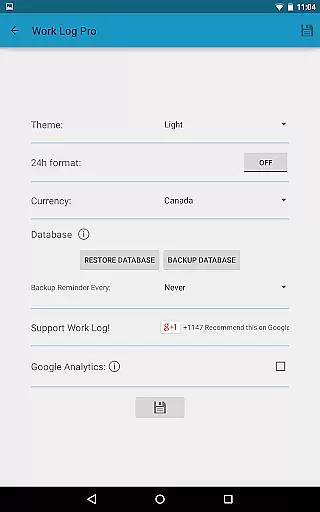
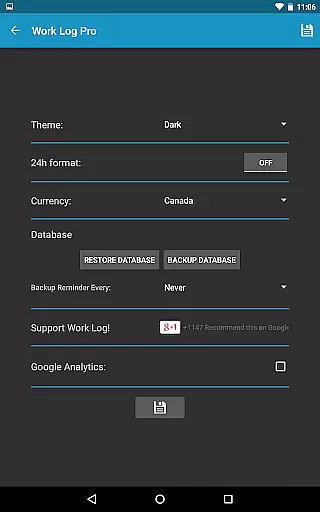
Another notable aspect is the app's widget functionality, which enables quick punching in and out directly from the home screen. The dark and light theme options, along with currency symbol selection from over 100 countries, demonstrate attention to user experience and global usability. By combining these practical features with ad-free operation and seamless integration across devices, Work Log Pro establishes itself as a versatile tool for modern professionals seeking to optimize their time-tracking processes.
Work Log Pro excels in core task management by offering users a comprehensive suite of tools to track and manage their work hours efficiently. The app allows for both manual entry and automatic time tracking, ensuring that every shift is accurately recorded.
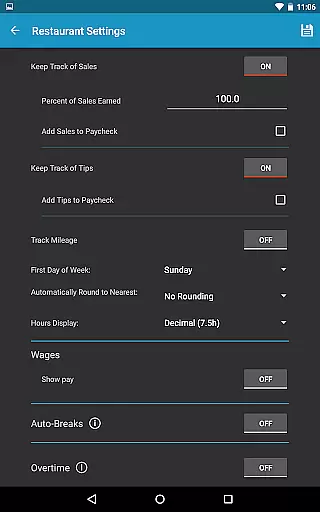
One of the standout features is its ability to handle multiple jobs, each with customizable settings such as pay rates, overtime calculations, and break deductions. This flexibility ensures that users can tailor the app to fit their unique work scenarios, whether they are juggling several part-time gigs or managing complex overtime rules at a single job.
The app also provides powerful automation features like automatic break deductions and paycheck calculations, saving users valuable time. These features not only streamline the process of logging hours but also help prevent errors that can occur with manual calculations.
By integrating widgets for quick access and providing various customization options, Work Log Pro ensures that users can manage their tasks with minimal effort while maintaining high accuracy and reliability.
Cross-device synchronization is a critical feature for users who need consistent access to their data across multiple devices. Work Log Pro addresses this need by offering reliable backup and restore functionalities that ensure your information is always up-to-date and accessible.
Users can create backups of their shifts and settings directly within the app and transfer them via email. This method allows for seamless transitions between devices, whether upgrading to a new phone or switching between personal and work devices.
In addition to basic backups, the app supports exporting data as spreadsheets or PDFs, which can be stored in cloud services for added security and accessibility. This feature not only enhances data portability but also provides an extra layer of protection against data loss.
Overall, Work Log Pro's robust synchronization capabilities ensure that users can rely on having their most current and complete work log data available wherever they go, enhancing productivity and peace of mind.
Comprehensive time tracking
Multiple job support
Customizable settings
Data export options
Ad-free experience
Separate free version
Complex setup
Requires learning
No cloud sync
Paid upgrades

Create study competitions, track your hours, and stay consistent with friends
 4.2
4.2
Ads Free App! Editor, Hide File, Copy, Move, Delete and Rename.. all facility av
1.70
The Pro Version of Android's tiniest Notepad app. Just 0.3MB but feature-packed!
4.60
Stay on top of your to-dos with Google Tasks, part of Google Workspace.
4.60
Simple and reliable communication between inmates, friends and family
3.20
* block pre-roll ads, pop-up and forced redirect ads * Samsung certification app
4.00
A Pixel Art watchface inspired by other iconic 90s designs for Wear OS devices!
4.40
The ultimate file manager for rooted devices. The original and still the best.
4.00
QuickEdit is a fast, stable and full featured text and code editor.
4.20
Native client for Forgejo and Gitea
5.00
Simple notepad & memo. Take notes, to-do list, shopping list with reminders.
4.80
aCalendar+ makes your day, week and month
4.70
Client for Nextcloud Deck
4.60
To do list widget with a notebook organizer, checklist, simple shopping list
4.60
Secure your apps with lock screens, use custom themes and different features.
4.40
Pwnagotchi companion app
4.20
Intelligent AI Assistant
4.10
Smart PDF reader & editor to view, organize and manage PDF documents easily.
3.70
IP Camera Viewer - Android TV : RTSP Surveillance camera viewer for Android TV
4.2


User Reviews