
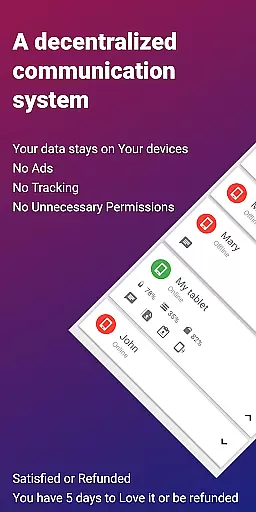
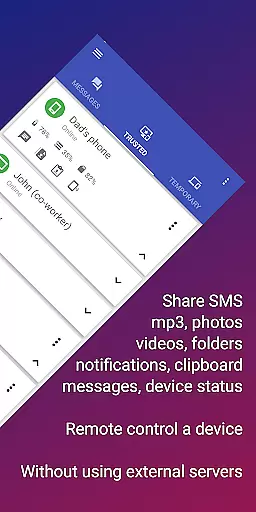
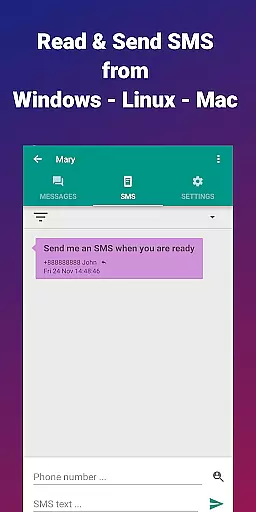
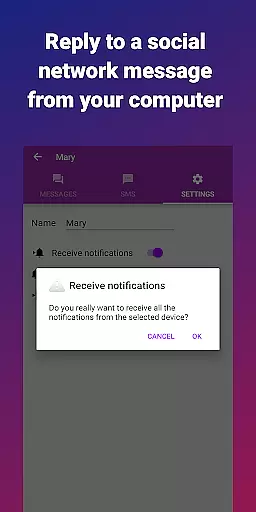


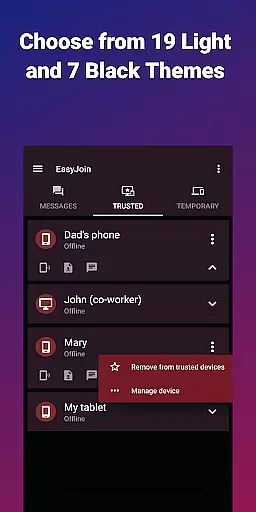
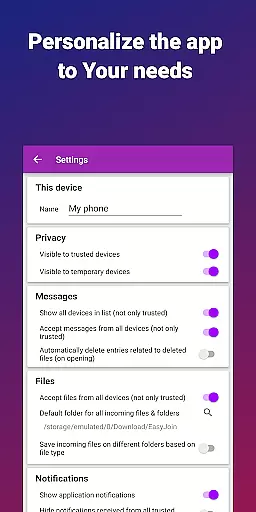
EasyJoin is a productivity-focused application designed to seamlessly connect your devices and transfer files instantly without relying on cloud services, advertisements, or tracking. The app enables users to send files, sync clipboards, manage SMS, read notifications, and control devices using only their local network. With end-to-end encryption, all data remains private and secure on your devices.
Key features include fast file transfer across multiple platforms such as Phone, PC, and Tablet, clipboard synchronization, peer-to-peer encrypted sharing, remote notifications and SMS management, remote device control, local network messaging, and cross-platform support. EasyJoin is perfect for reading and sending SMS from your computer, transferring files between phone and computer, copying-pasting text across devices, offline file transfers, and secure LAN file sharing for teams.
This app is ideal for users seeking a secure, private, and efficient way to manage their digital workflow across multiple devices without compromising privacy or security.
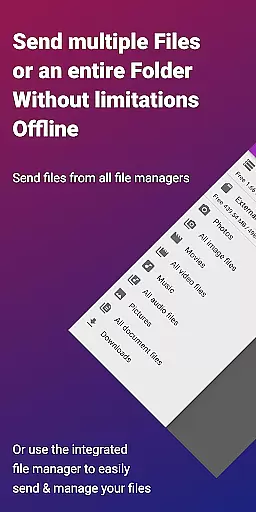
EasyJoin offers a comprehensive suite of features that enhance productivity by enabling seamless interaction between multiple devices. One standout feature is the fast file transfer capability, which allows users to send photos, videos, documents, and folders instantly between devices without requiring an internet connection, cloud storage, or external servers.
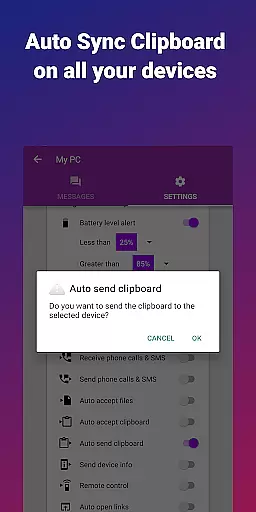
Another key feature is clipboard synchronization, which lets users copy content on one device and paste it on another, supporting cross-platform functionality across Android, Windows, macOS, iPhone, iPad, and Linux. Peer-to-peer encrypted sharing ensures that all data stays within the local network with end-to-end encryption, providing users with peace of mind regarding their privacy.
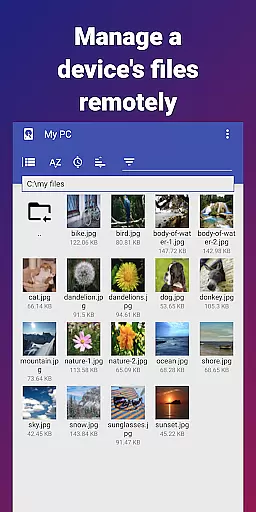
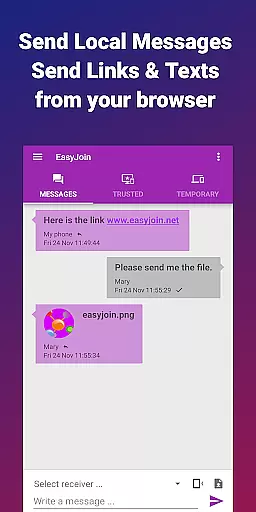
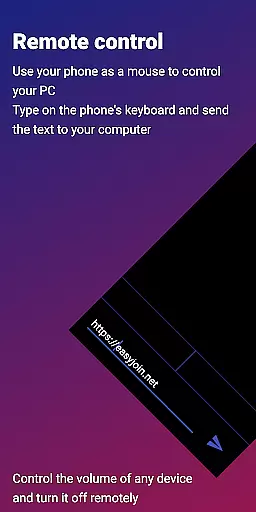
Additionally, EasyJoin supports remote notifications and SMS management, allowing users to read and respond to messages directly from their computers. Remote control functionality enables users to use their phones as input devices for PCs or control their phones from their computers. Local network messaging facilitates secure communication between linked devices without external services, making it a versatile tool for personal and professional use.
Task management is a cornerstone of productivity applications, and EasyJoin excels in this area by offering a suite of features that streamline the way you handle your digital tasks. The app allows for seamless file transfers, clipboard syncing, and even SMS management across multiple devices, all without the need for cloud services or external servers.
EasyJoin's implementation of task management includes sending files between devices like phones, PCs, and tablets with remarkable speed. It also syncs clipboards across different operating systems, allowing users to copy on one device and paste on another effortlessly. This cross-platform support enhances workflow efficiency and reduces the friction often encountered when switching between devices.
The benefits to the user are manifold; by keeping all data within the local network and employing end-to-end encryption, EasyJoin ensures privacy and security. Users can read notifications, respond to messages, and control their devices remotely, which significantly boosts productivity. These capabilities make it an invaluable tool for both personal use and team collaboration.
Ultimately, EasyJoin's approach to task management empowers users to maintain control over their information, enhancing both their personal and professional lives through secure, efficient, and intuitive functionality.
Cross-device synchronization is vital for maintaining workflow continuity in our multi-device world. EasyJoin addresses this need by providing reliable synchronization across various devices using the local network, ensuring that all your important data is accessible wherever you are.
The application achieves synchronization reliability through its peer-to-peer encrypted sharing feature. All data shared between devices remains within the confines of the user's local network, safeguarding against unauthorized access. Whether it's transferring files, syncing clipboards, or managing SMS and notifications, EasyJoin keeps everything up-to-date in real-time.
Users benefit from this reliable synchronization as it eliminates the dependency on internet connectivity for file transfers and clipboard sharing. With support for Android, Windows, macOS, iPhone, iPad, and Linux, EasyJoin creates a cohesive ecosystem where information flows freely and securely between linked devices.
This steadfast synchronization not only simplifies daily tasks but also supports complex workflows, making EasyJoin a robust solution for individuals and teams seeking a dependable, private, and efficient means of managing their digital activities across multiple platforms.
Fast file transfer
Clipboard sync
P2P encryption
Cross-platform
No subscriptions
Limited to LAN
One-time cost
No cloud backup
Setup required
Advanced features

Experience real multitasking on your Android!
 4.00
4.00
Native client for Forgejo and Gitea
5.00
Mega cloud explorer plugin for Solid Explorer
3.80
Planet Free VPN - The best Fast Unlimited and Secure VPN Without Logs
4.50
Secure, fast, open-source, Remote Desktop Client for Windows and Linux with SSH
4.60
PDF scanner & converter for files, photos, lottery, QR codes. One swipe away!
4.50
Functional QR scanner and barcode reader that requires little storage space.
4.60
Browse and view your photos and videos from the phone with photo & video hide.
4.10
Note taking, handwriting, record audio, PDF annotation, planner & journal
4.20
App lock - lock apps with fingerprint, password, pin or pattern, protect privacy
4.70
Absolutely the best CNC machinist speed and feed calculator around. fswizard.com
4.60
To do list widget with a notebook organizer, checklist, simple shopping list
4.60
Subscribe to Webcal & .ics calendars and keep them up-to-date!
4.50
This small app MUST BE INSTALLED after purchase, else license won't work
4.40
Access, manage and transfer files on Android, PC, Mac, NAS and cloud storages.
4.30
Device's storage information in a simple and clear graphical form (infographics)
4.10
Intelligent AI Assistant
4.10
Auto-shutoff Alarm with Sunrise, Sunset & Fixed Options.
3.50
A simple, portable logger for POTA, SOTA, Field Day, and more
4.2


User Reviews