
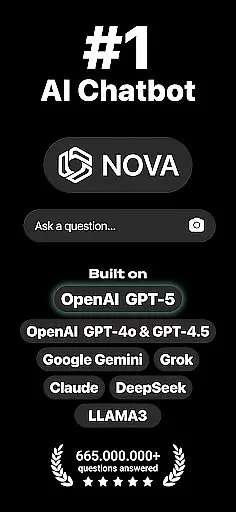
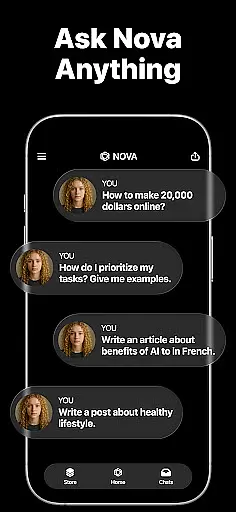
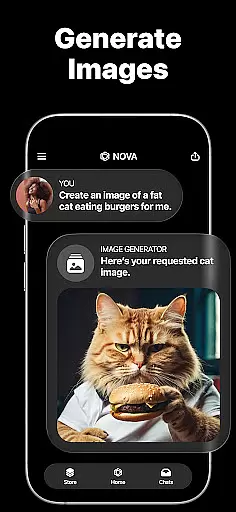
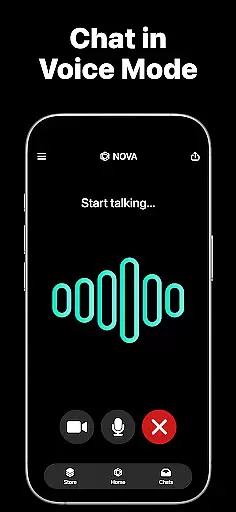
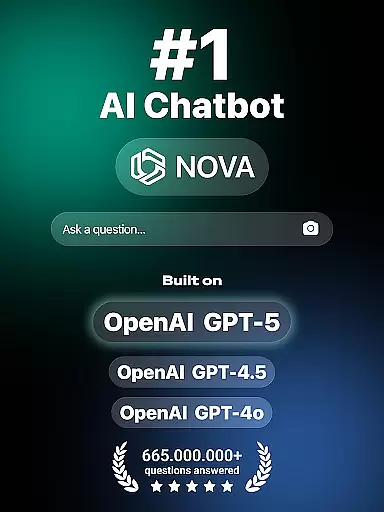
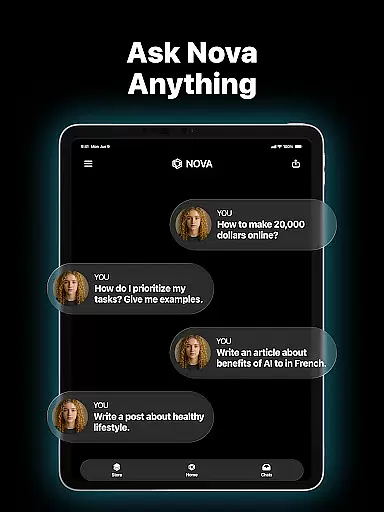
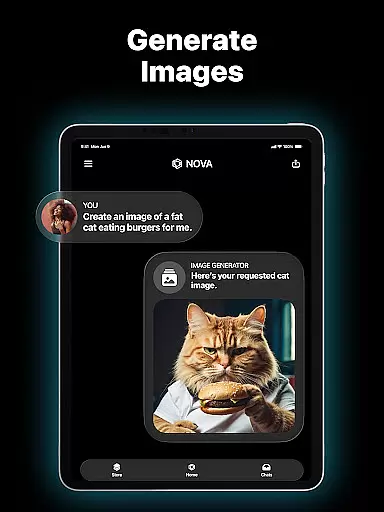
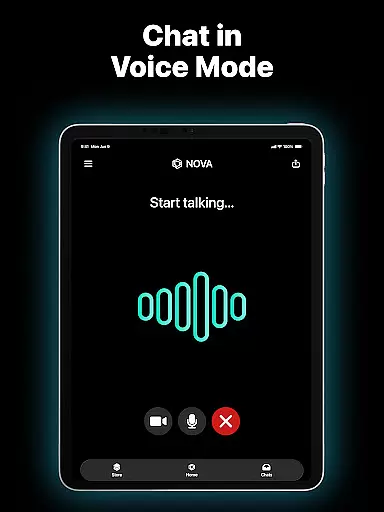
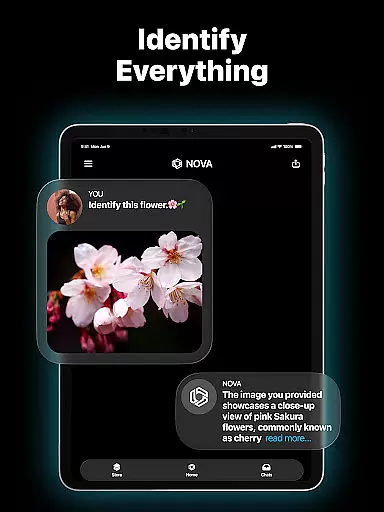
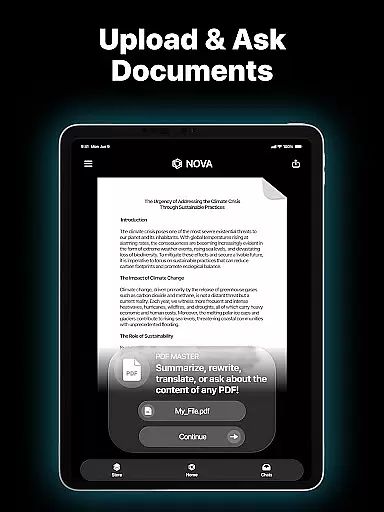
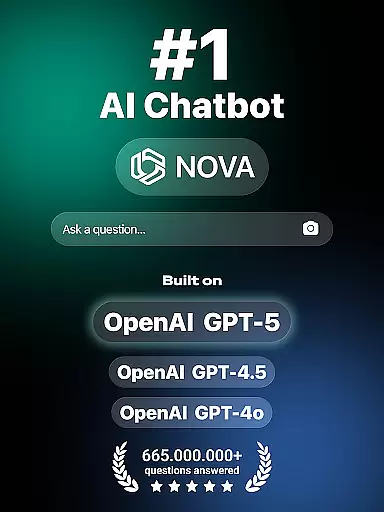
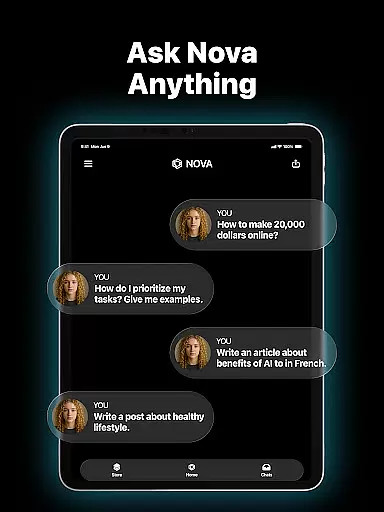
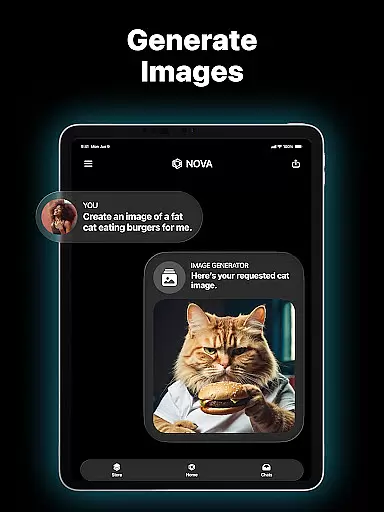
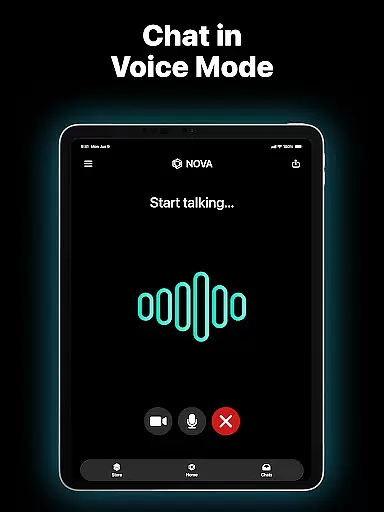
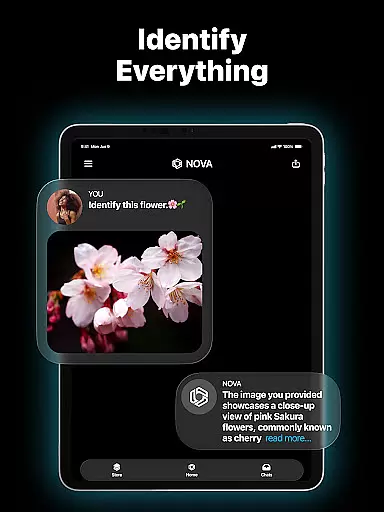
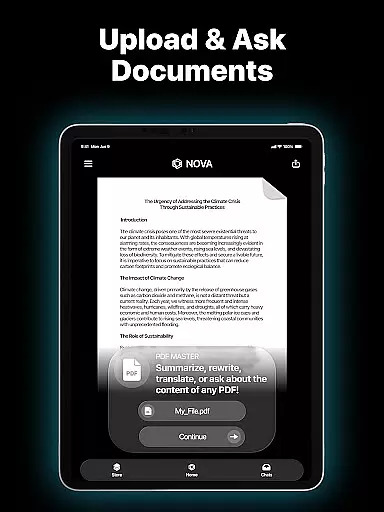
Nova AI Chatbot is a cutting-edge personal assistant designed to streamline productivity through advanced conversational AI. Built on technologies like GPT-5, GPT-4o, Google Gemini, and Claude, this app delivers human-like interactions while supporting over 140 languages. Its cross-platform compatibility ensures seamless use across iPhone, iPad, Apple Watch, and web interfaces.
What sets Nova apart is its ability to remember full chat histories, making every interaction more personalized. Whether you need help with writing tasks, proofreading documents, or simply want a reliable chat partner, Nova combines creativity with precision. From crafting engaging social media posts to offering grammar suggestions, it adapts to both professional and casual needs.
For users seeking efficiency in their daily workflows, Nova's unlimited question-and-answer feature provides instant access to information. Additionally, its AI-powered recommendations for books, movies, and other content make it an ideal companion for both work and leisure. With Nova, productivity meets innovation in a single, user-friendly package.
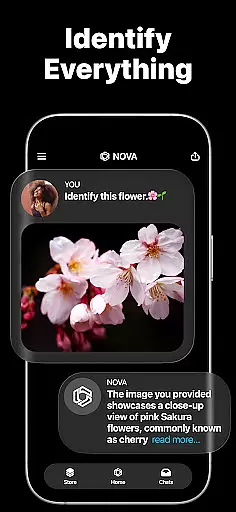
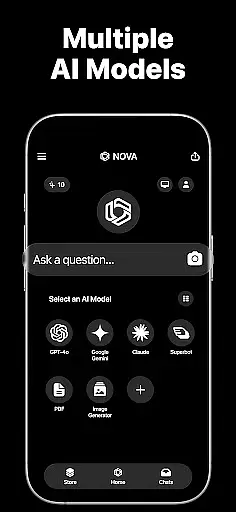
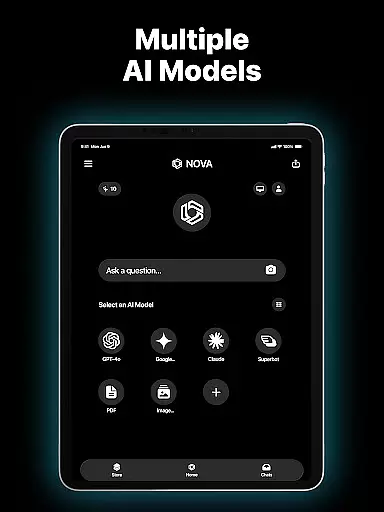
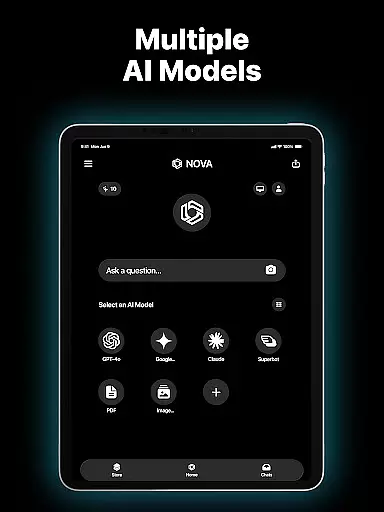
Nova AI Chatbot stands out with its robust feature set tailored for productivity enthusiasts. One of its core strengths lies in its foundation on multiple AI models such as GPT-5, GPT-4o, and Google Gemini. These technologies enable the app to generate context-aware responses that mimic human conversation, ensuring a natural and engaging user experience.
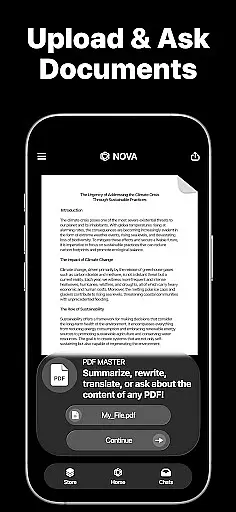
The app also excels in versatility. For instance, its AI copywriting tool helps users draft compelling ad copies, video scripts, and sales pitches, while the proofreading module ensures error-free writing by analyzing grammar, punctuation, and style. Furthermore, Nova supports creative projects like songwriting and storytelling, powered by its integration with GPT-4 and GPT-5.
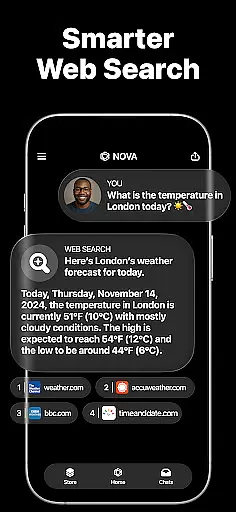
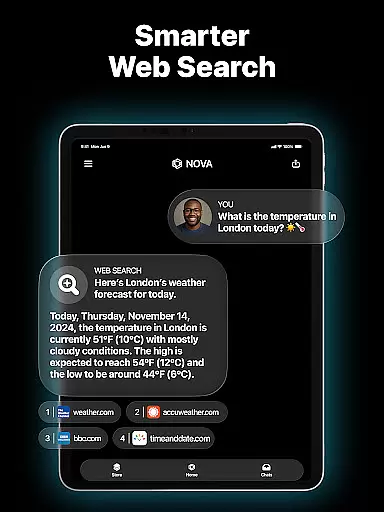
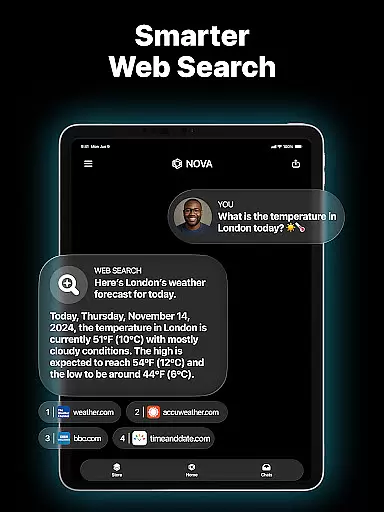
Another notable feature is its real-time information retrieval capability, developed using DeepSeek technology. This allows users to obtain accurate data quickly, whether they're researching for work or exploring new topics. With multi-language support and cross-device synchronization, Nova caters to global audiences who demand flexibility and performance in their digital tools.
In the realm of productivity, core task management is pivotal for organizing and prioritizing tasks efficiently. Nova AI Chatbot revolutionizes this aspect by offering an advanced AI assistant that not only helps in listing tasks but also understands the complexity and urgency of each task through natural language processing.
Utilizing cutting-edge technologies such as GPT-5 and GPT-4o, Nova can intelligently categorize tasks, set reminders, and even anticipate future tasks based on user behavior and preferences. This ensures that users are always a step ahead in their planning and execution processes.
The benefit to users is immense; they experience a streamlined workflow with minimal manual input. The AI's ability to learn and adapt to individual working styles means that over time, it becomes an indispensable tool for personal and professional task management.
Moreover, Nova's cross-platform compatibility ensures that whether you're on your iPhone, iPad, or web interface, your tasks are synchronized in real-time, providing a seamless experience across devices. This cohesion allows for uninterrupted productivity, no matter where you are or what device you're using.
Cross-device synchronization is crucial for maintaining consistency and reliability across different platforms. For Nova AI Chatbot, this feature ensures that all interactions, task updates, and settings are mirrored accurately and promptly across every connected device.
Leveraging its foundation on multiple AI models including GPT-4, Google Gemini, and Claude, Nova guarantees that data integrity is preserved during synchronization. Users can start a conversation or update a task on one device and seamlessly continue on another without missing a beat.
This reliable synchronization empowers users to transition smoothly between their Apple Watch, iPad, iPhone, or web interface, ensuring that their AI assistant is always up-to-date with the latest information. Such fluidity enhances the overall user experience by providing constant access to critical data.
Furthermore, Novau2019s commitment to multi-language support (over 140 languages) means that regardless of geographical location or preferred language, users enjoy consistent performance and accuracy in their AI-driven task management. This global accessibility underscores Nova's dedication to serving a diverse user base with unwavering reliability.
Advanced AI models
Cross-platform support
Multi-language capabilities
Unlimited Q&A sessions
Creative writing assistance
Premium subscription required
Occasional slow responses
Limited offline functionality
Privacy concerns with data
Steep learning curve

A Revolutionary All-in-One Artificial Intelligence Tools
 3.80
3.80
Experience Reading - Night Mode for Documents
4.40
Create study competitions, track your hours, and stay consistent with friends
4.0
Mega cloud explorer plugin for Solid Explorer
3.80
Protect and view your important info on your phone and tablet with eWallet®
4.80
Todo reminder
4.10
Fill, sign & send docs, forms, agreements & contracts via electronic signature.
4.50
Secure, open-source, SPICE and SSH Remote Desktop for QEMU KVM virtual machines
4.00
Great calculator for Android named one of USA TODAY's "25 Essential Apps".
4.90
aCalendar+ makes your day, week and month
4.70
Quickly and easily keep track of your work shifts
4.70
Client for Nextcloud Deck
4.60
Lightweight PDF, Word, Excel reader.
4.60
Tally and goal counter for Wear OS & mobile
4.50
When you Focus, so will your Bean in this cozy focus timer
4.30
Customizable calendar widget for seamless event sync, planning & scheduling.
4.00
Access your phone's notifications, calls, apps, photos & texts on your PC
3.90
Easiest event planning, volunteer signups & parent teacher conference scheduling
2.20
AI Video AI Image Private LLM AI Browser Llama Gemma Ollama Connect LLM Studio
4.2


User Reviews