
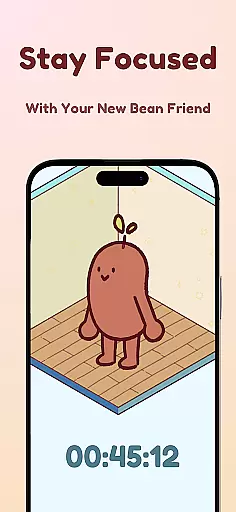
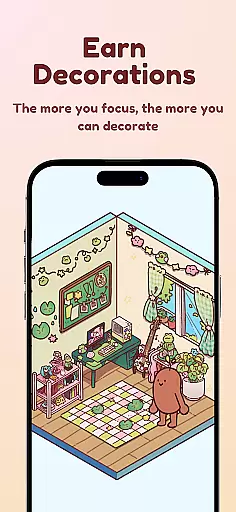
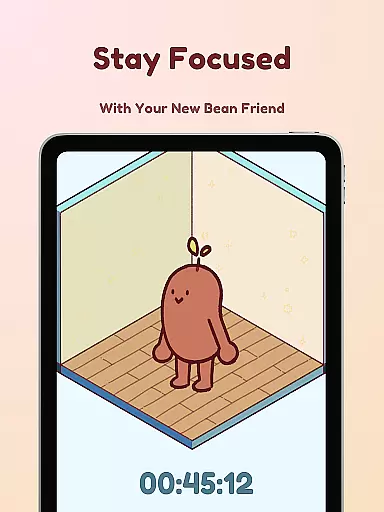
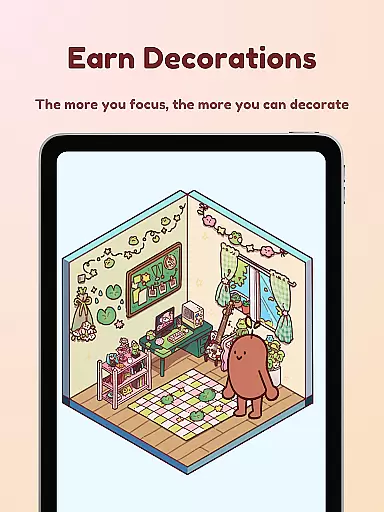
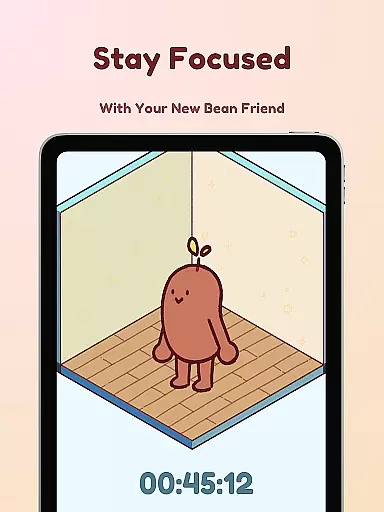
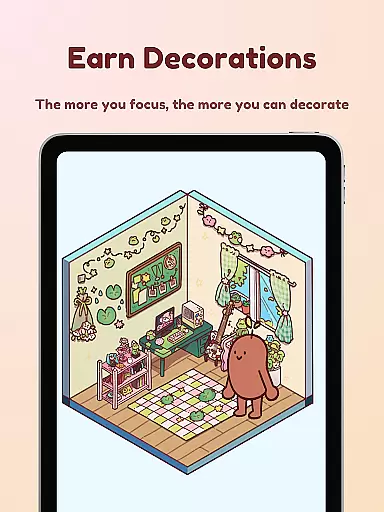
Focus Friend is a productivity app designed to help users maintain focus during tasks through gamification. Created by Hank Green, this app features a cute Bean character that mirrors the user's focus sessions. When you stay on task, your Bean friend thrives; if you interrupt the session, the Bean becomes sad. This interactive approach encourages sustained concentration and rewards users with in-app prizes for completing sessions.
The app offers various productivity-enhancing features such as Live Activity, which allows timer progress visibility even when the phone is locked, and Deep Focus Mode that locks distracting apps. Users can also enjoy break timers and decorate their Bean's room with hundreds of available items. Perfect for students or anyone needing help with concentration, Focus Friend combines productivity with fun customization options.
Focus Friend stands out with its unique gamified approach to productivity. The app includes Live Activity functionality, enabling users to track their focus timer even when their device is locked. Deep Focus Mode helps eliminate distractions by locking apps that may disrupt concentration during sessions.
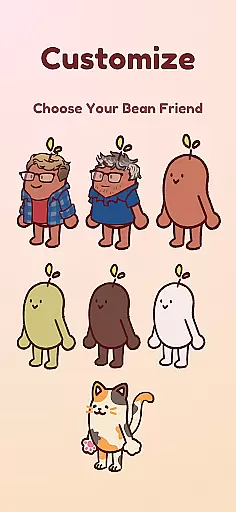
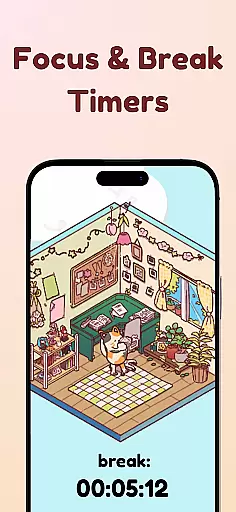
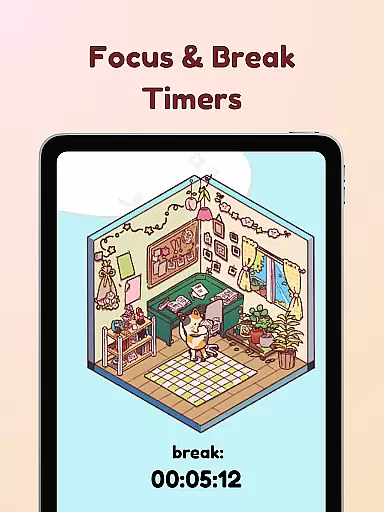
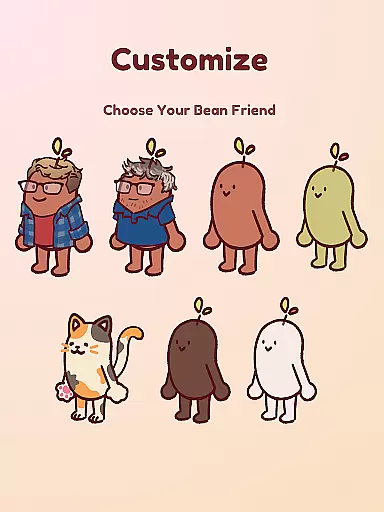
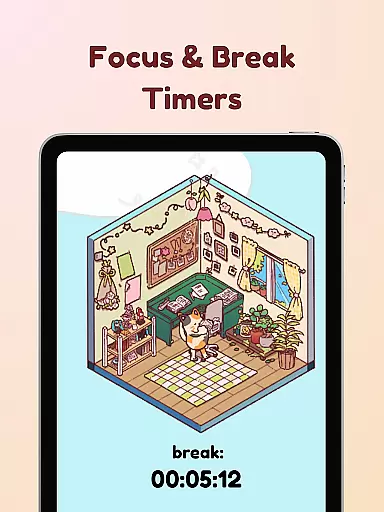
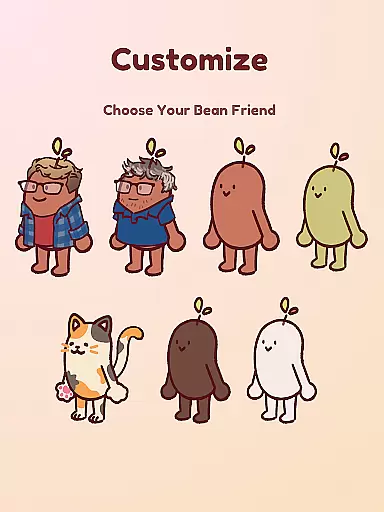
Another notable feature is the Pomodoro-inspired break timers, allowing users to take breaks and decorate their virtual space. With hundreds of decorations and customizable Bean skins, users can personalize their experience extensively. These engaging elements not only enhance productivity but also make focusing more enjoyable and rewarding.
By integrating these innovative features, Focus Friend creates an environment where maintaining focus becomes both productive and entertaining. The combination of practical tools like app locking and creative outlets like room decoration ensures a balanced approach to task management.
At the heart of Focus Friend lies its core task management system, designed to help users maintain focus and productivity. This feature is not just about setting timers; it's about creating an engaging environment that encourages sustained concentration.
The app employs a unique gamification approach where your virtual Bean Friend mirrors your focus sessions. If you stay on task, your Bean remains happy and focused. This creates a sense of accountability and companionship, making productivity a shared journey rather than a solitary struggle.
Users can break down their work into manageable intervals using the Pomodoro technique, with dedicated break times for decorating the Bean's room. This method ensures that even during rest periods, users remain engaged with the app and motivated to return to their tasks.
Focus Friend offers reliable cross-device synchronization, ensuring that your progress and customizations are seamlessly maintained across multiple devices. This functionality is crucial for users who switch between their phone, tablet, or other gadgets throughout the day.
The app's synchronization feature keeps track of completed focus sessions, earned rewards, and room decorations. Whether you're at home or on the go, you can pick up right where you left off, maintaining continuity in your productivity journey.
This synchronization extends to the Bean Skins and hundreds of available decorations, allowing for a consistent and personalized experience regardless of the device you're using. Such reliability fosters trust and encourages regular use, knowing that every achievement is securely stored and accessible anytime, anywhere.
User-friendly interface
Engaging gamification
Customizable Bean skins
Effective focus timer
Fun reward system
Limited free decorations
Premium features costly
Requires constant use
May distract some users
Internet connection needed

A customizable calendar for your Wear OS watch
 4.20
4.20
QuickBooks Workforce lets teams view pay info and track time in one place.
4.70
8 custom complications. Custom Time Fonts. Beautiful color schemes. A++ Design.
5.00
Send files, sync SMS, notifications & clipboard across devices via local network
4.40
Remotely view listen control and record cameras.
3.70
Customizable calendar widget for seamless event sync, planning & scheduling.
4.00
Stay on top of your to-dos with Google Tasks, part of Google Workspace.
4.60
Understand anything with a personalized AI research assistant
4.80
AT&T Internet customers can use this app to personalize their Wi-Fi network.
4.40
Secure, fast, open-source, VNC and SSH Remote Desktop for Windows, Linux and Mac
4.70
App lock - lock apps with fingerprint, password, pin or pattern, protect privacy
4.70
The Pro Version of Android's tiniest Notepad app. Just 0.3MB but feature-packed!
4.60
Functional QR scanner and barcode reader that requires little storage space.
4.60
A simple Whisper AI keyboard for reliable speech transcription and rewording
4.60
A Pixel Art watchface inspired by other iconic 90s designs for Wear OS devices!
4.40
This small app MUST BE INSTALLED after purchase, else license won't work
4.40
Device's storage information in a simple and clear graphical form (infographics)
4.10
Cloud storage, automatic phone backup, and more.
4.10
Activate Two Factor Authentication (2FA or Multi OTP), Password manager and more
4.10


User Reviews