
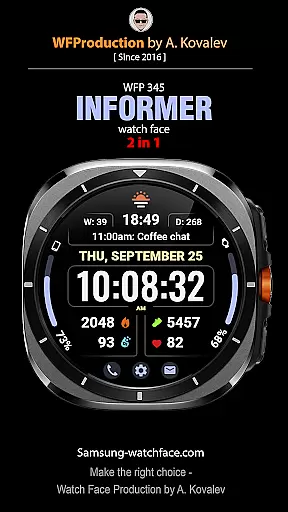
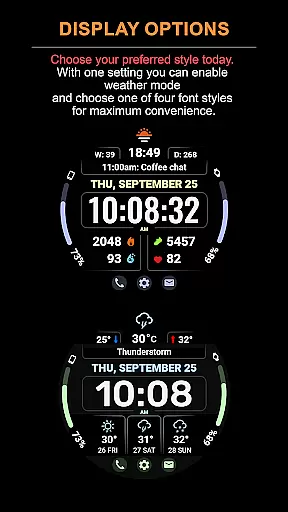
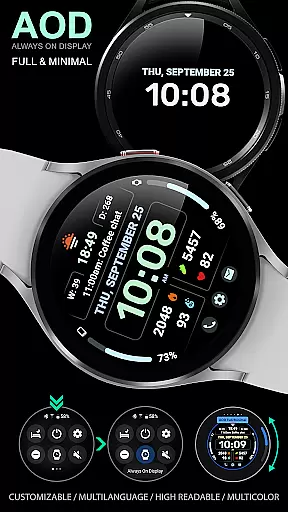
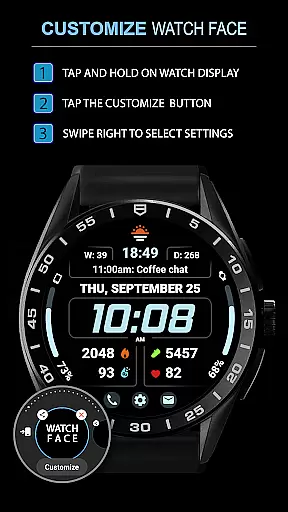
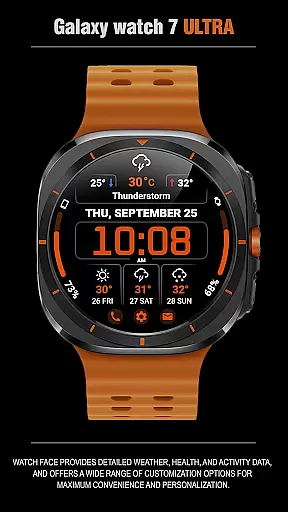
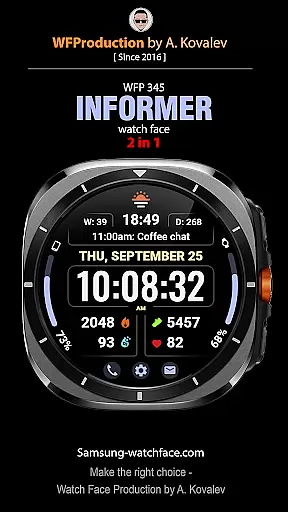
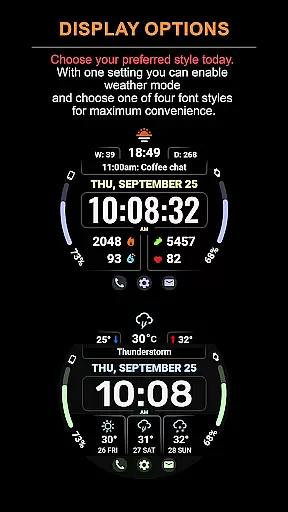
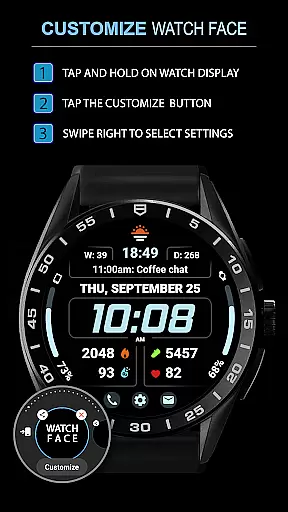
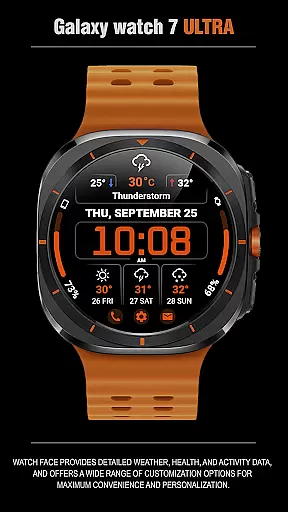
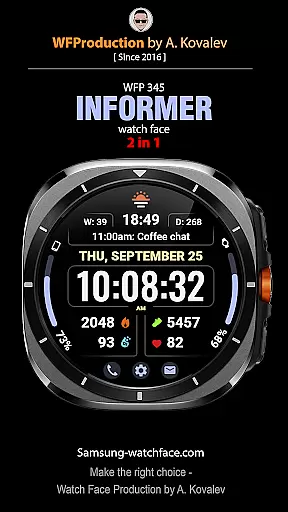
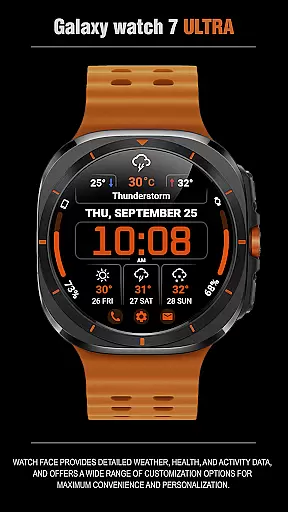
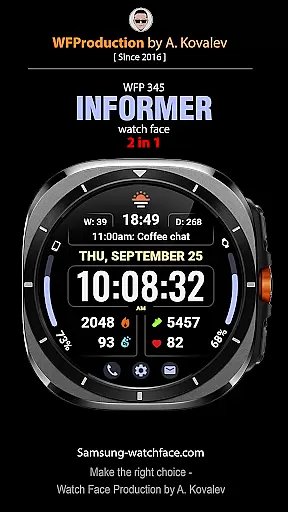
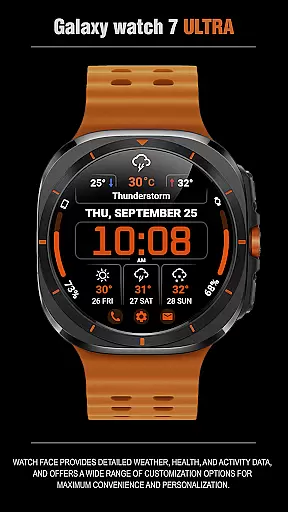
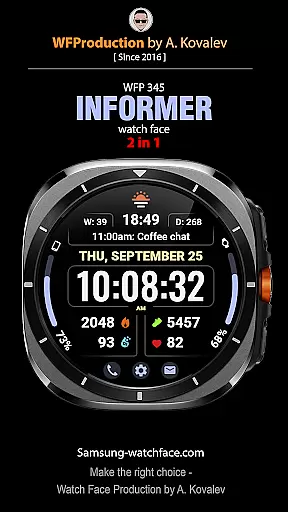
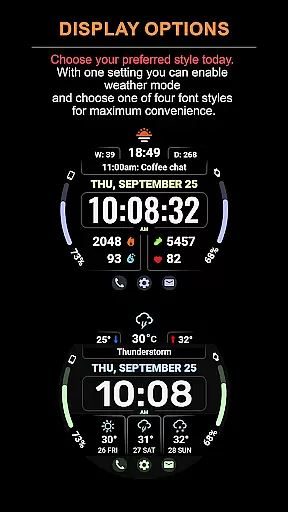
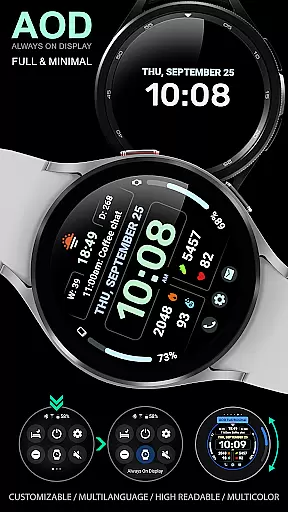
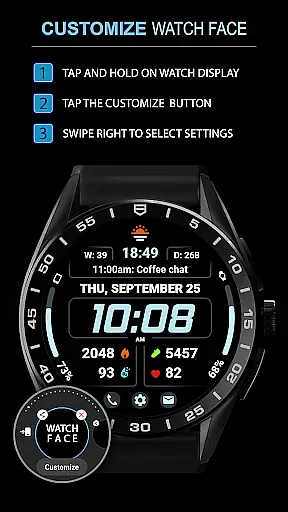
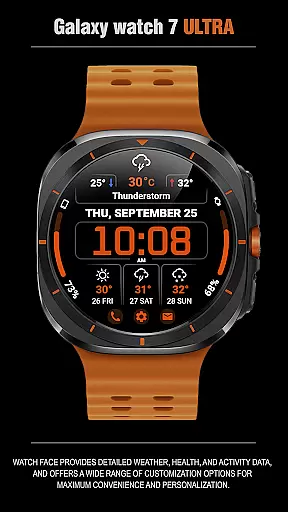
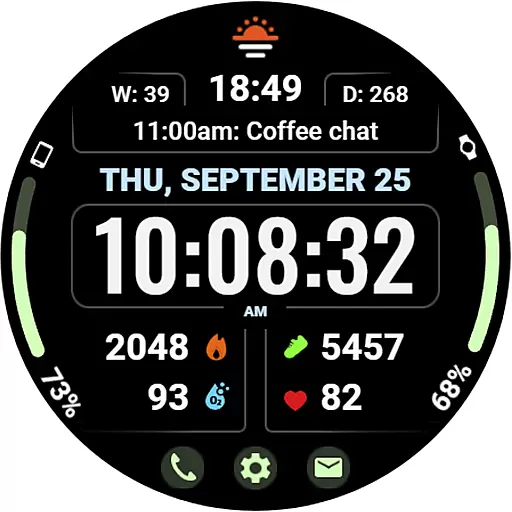
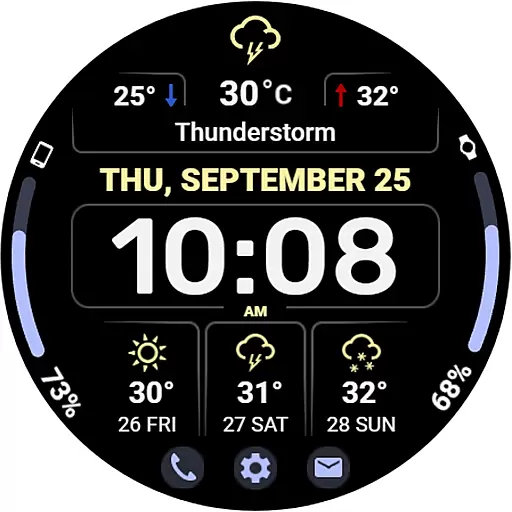
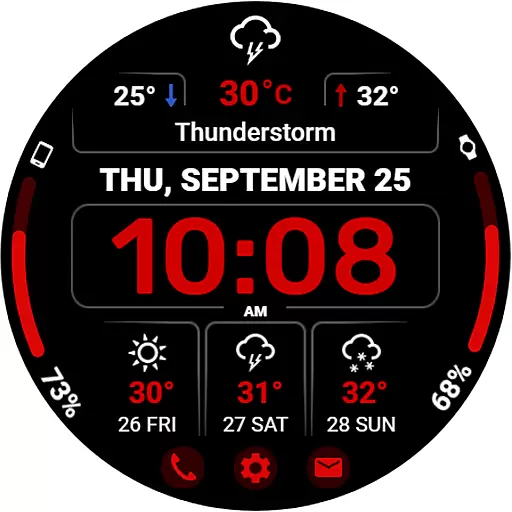
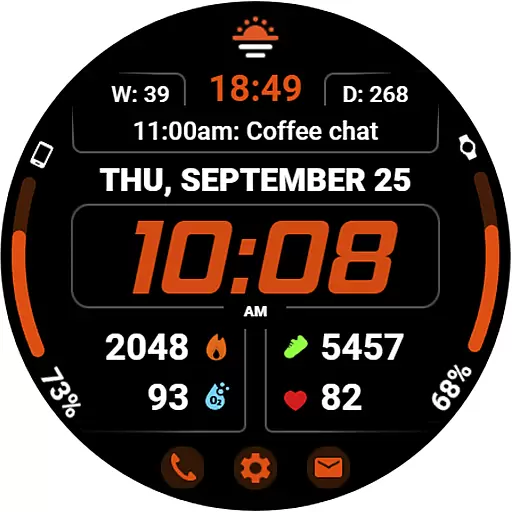
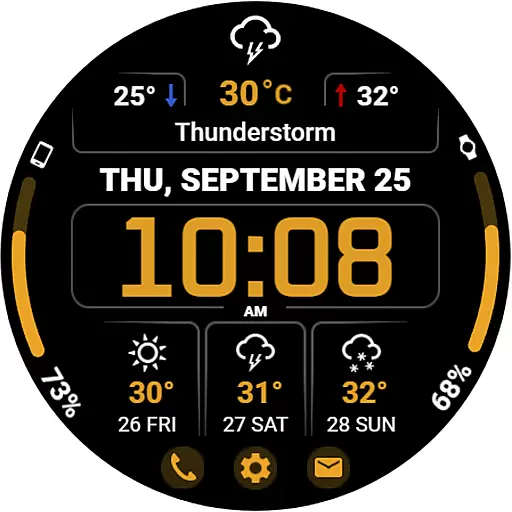
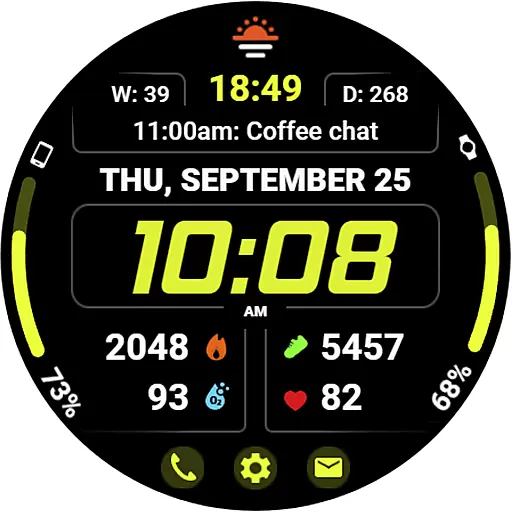
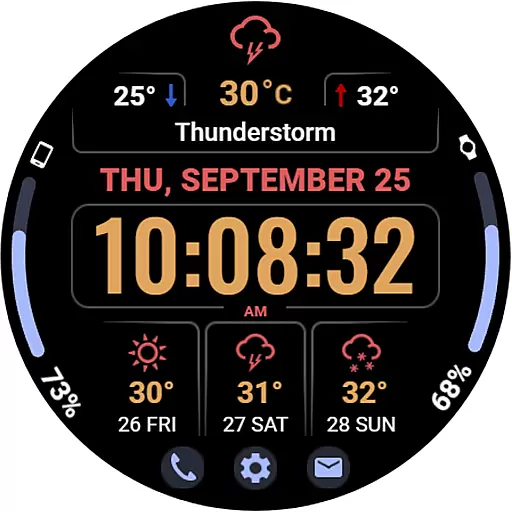
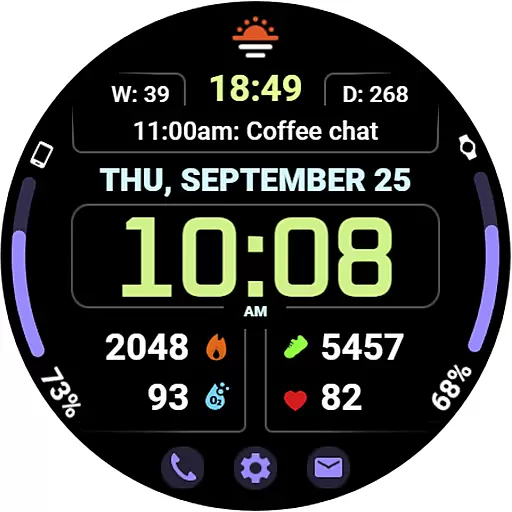
WFP 345 Informer watch face is a feature-rich Android Wear application that combines style and functionality. It offers users detailed weather forecasts, health tracking, and activity monitoring while providing extensive customization options for a personalized experience. With support for multiple complications, various color schemes, and high-resolution display optimization, this watch face ensures both aesthetic appeal and practical usability on your smartwatch.
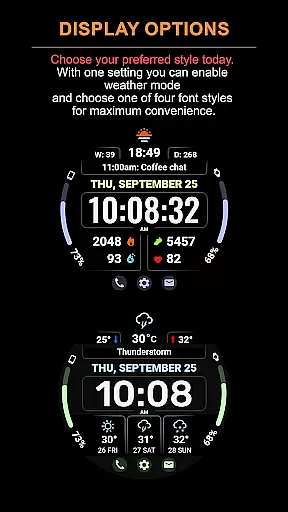
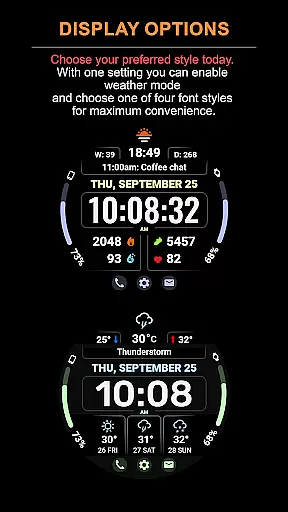
The app stands out with its dual-mode feature, allowing users to switch between a complication-focused view or an extended weather forecast mode. Whether you need quick access to essential metrics or a comprehensive three-day weather outlook, WFP 345 caters to diverse user needs. Its low battery consumption and multilingual support make it an ideal choice for users seeking efficiency and accessibility in a wearable device interface.
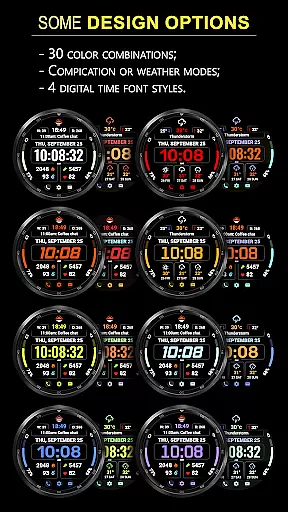
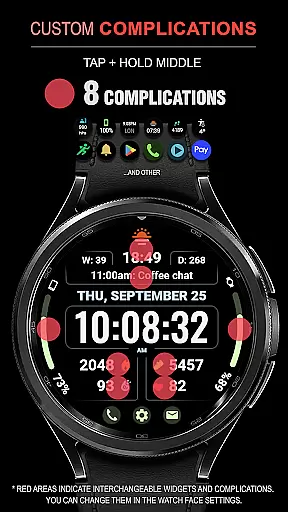
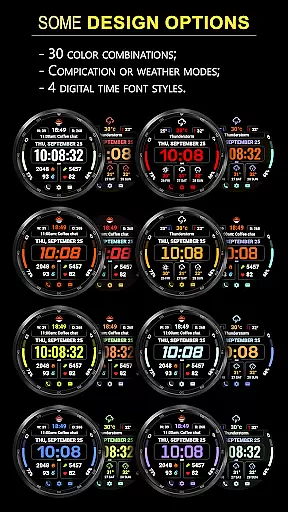
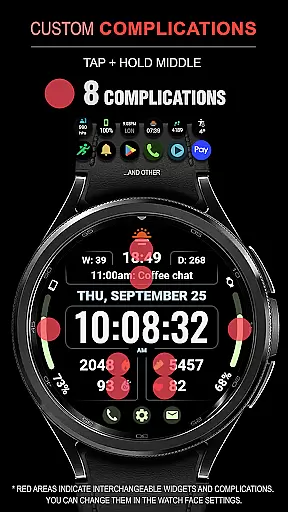
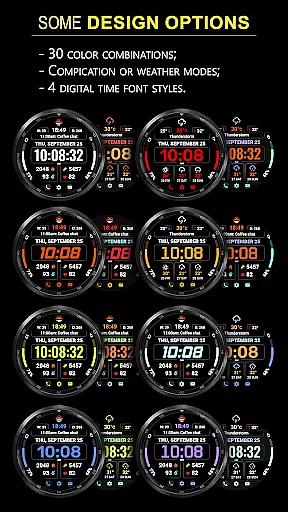
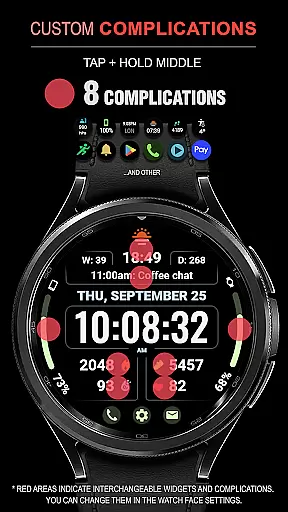
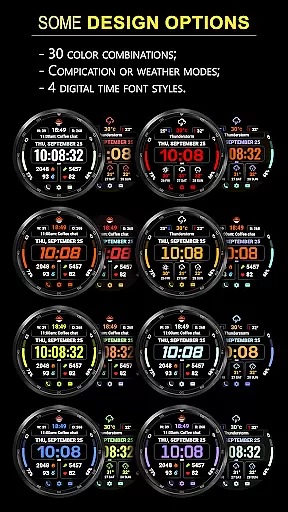
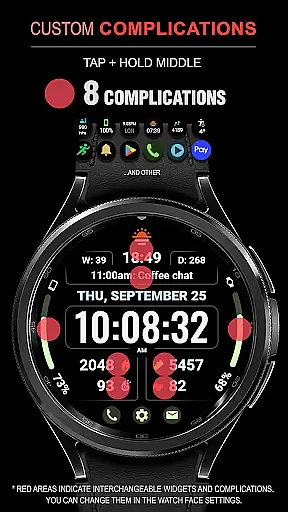
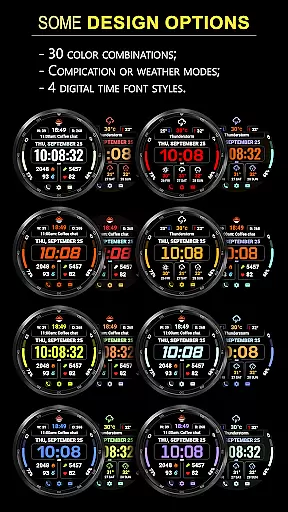
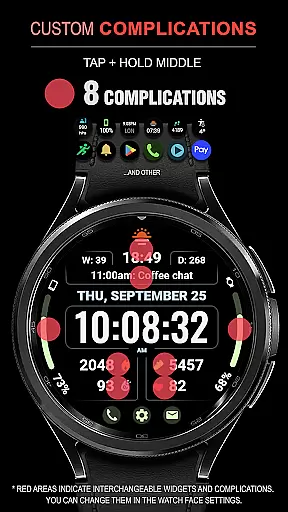
WFP 345 Informer watch face boasts an impressive array of features designed to enhance user interaction and convenience. The app includes eight customizable complications, 30 color options, and two distinct modes—complications or weather forecast—ensuring maximum flexibility. Users can access a three-day weather forecast, minimum and maximum temperatures, and choose from four time font styles for a tailored appearance.
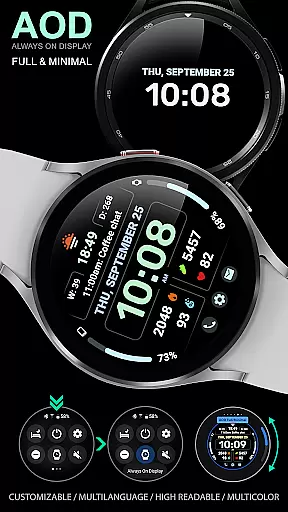
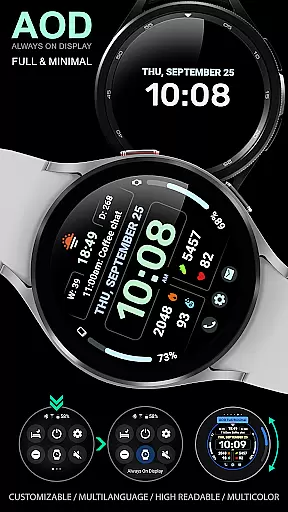
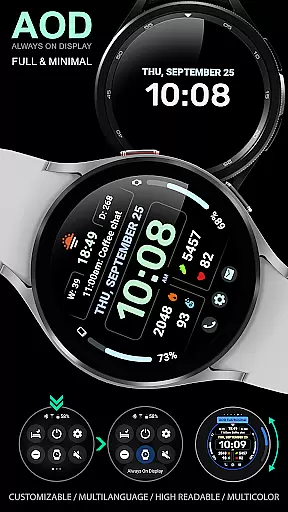
Additional functionalities include three quick-access buttons, Fahrenheit/Celsius temperature settings, and a highly optimized, battery-efficient design. The app also supports Always-On Display (AOD) with minimal and customizable modes, ensuring visibility and personalization even when the screen is dimmed. These robust features collectively deliver a seamless blend of aesthetics, utility, and performance for Android Wear users.
Companion app integration is essential for a seamless wearable experience. The WFP 345 Informer watch face excels in this area by offering users synchronized data across their devices.
This application ensures that all weather, health, and activity information displayed on the watch face is accurately mirrored from the user's primary device. This synchronization allows for real-time updates and alerts, keeping users informed at all times.
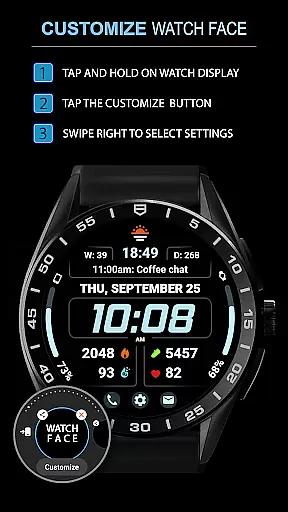
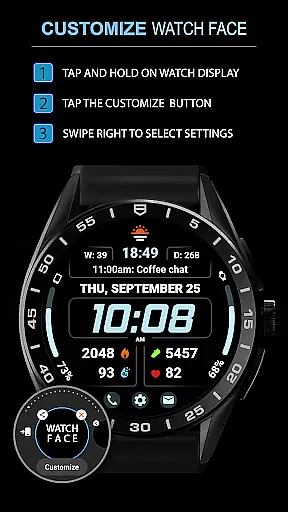
Furthermore, the customization options available through the companion app allow users to tailor their watch face to their specific preferences. With access to settings like weather modes, color schemes, and widget configurations, personalization has never been easier or more comprehensive.
The result is an integrated system where changes made on one device are instantly reflected on the other, providing a cohesive and user-friendly experience that enhances both functionality and style.
Ensuring broad Wear OS and device compatibility is crucial for maximizing accessibility. The WFP 345 Informer watch face is designed to work seamlessly with a range of devices within the Wear OS ecosystem.
This compatibility extends to various smartwatches, ensuring that regardless of the model, users can enjoy the detailed weather forecasts, health metrics, and customizable features without concern for device limitations.
In addition to supporting multiple devices, the WFP 345 Informer also offers high optimization and low battery consumption. These features make it suitable for different hardware capabilities, thus preserving performance and extending battery life across devices.
By focusing on such extensive compatibility, the WFP 345 Informer guarantees that every user can benefit from its stylish design and robust functionality, regardless of their specific Wear OS device.
Highly customizable
Low battery usage
Multilingual support
Stylish design
Accurate weather data
Complicated setup
Limited free features
Weather mode restrictions
Requires account
Premium cost

Gym Log & Workout Tracker | Fitness Journal, Training & Weight Lifting Planner
 4.90
4.90
Calming & relaxing sounds for sleeping and stress relief. Stay focused all day!
4.20
Watch the sharpness of the sky on your wrist..
3.70
A full-featured Amazon Alexa voice assistant that can show you things.
3.70
Sleek, highly customizable watch face inspired by Galaxy Watch Circle Dashboard.
4.3
Let's celebrate Thanksgiving - Wear Os watch face
4.20
The most customizable hybrid watch face. For Wear OS 5.0, API 34+ and later
4.70
Premium hybrid watch face with many customizations for Wear OS devices.
4.40
Spam call blocker and caller ID for automatic call protection!
4.40
Walking app for weight loss: walk & step tracker, pedometer, indoor treadmill
4.60
MyNISSAN® lets you remotely control your car from your phone.*
4.50
Embrace the holiday spirit with this magical animated watch face!
4.40
Current temperature, weather hourly, weather radar by the weather forecast app
4.40
Digital watch face. For Wear OS devices.
4.40
Your music, your playlists, and more—offline and unlimited.
4.20
an Analog Watch Face for winter season with freeze winter background for Wear OS
4.2
A watch face that fuses motorsport precision with contemporary smartwatch design
4.4
Simple Analog-Digital Watchface For Wear OS 3.0 and Up Smartwatches
4.1
Stylish digital watch face for Wear OS devices with customizable features
4.4


User Reviews