
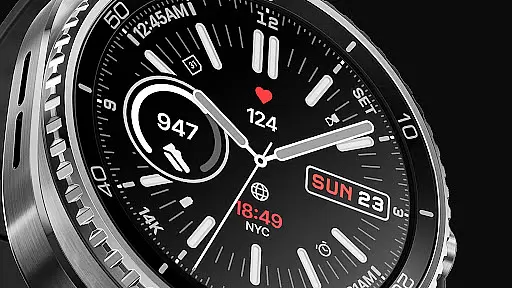
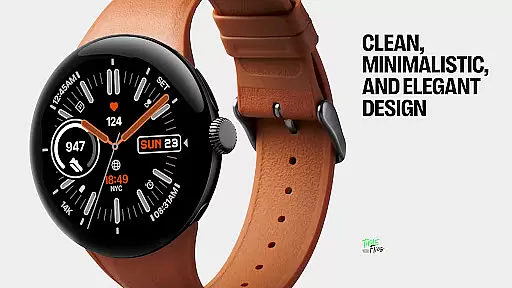
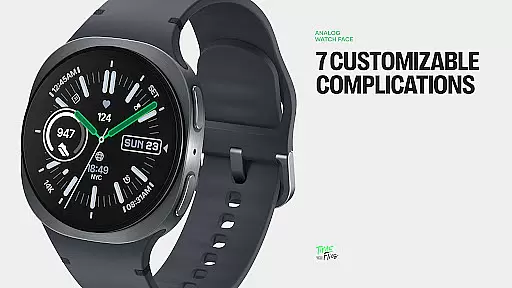
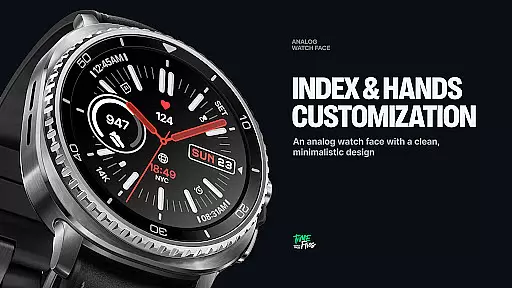
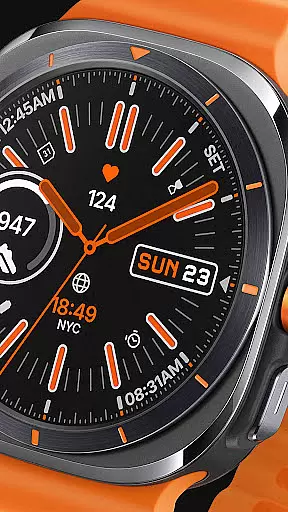
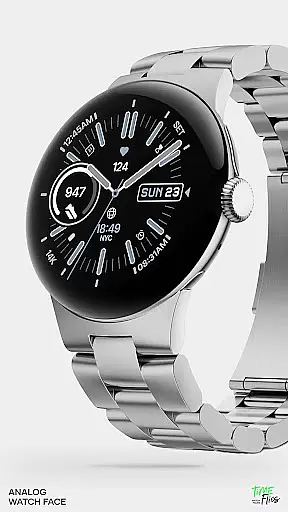
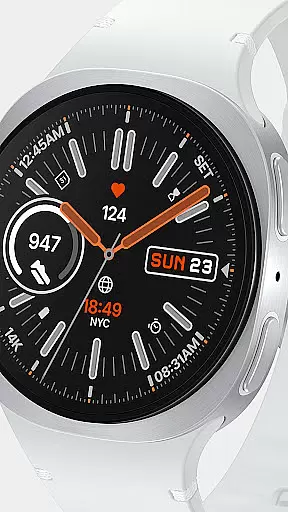
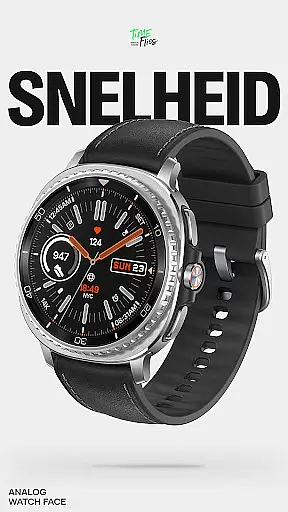
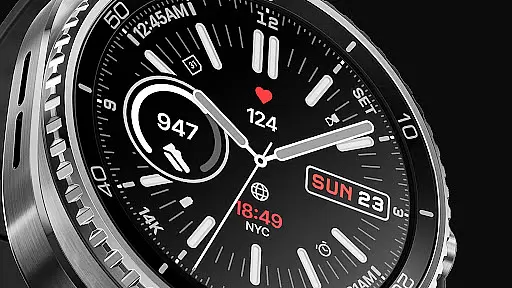
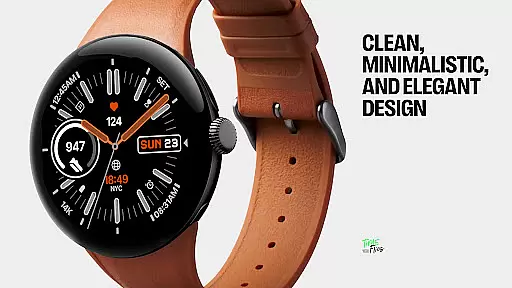
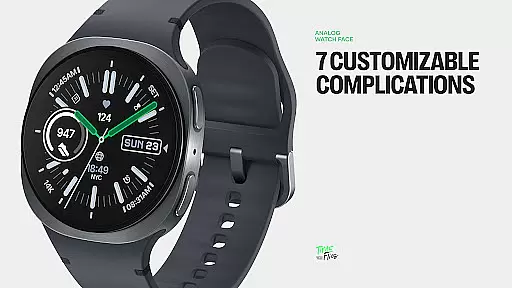
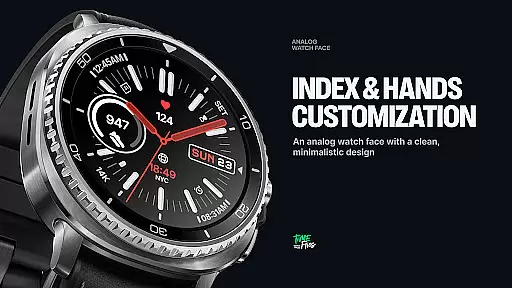
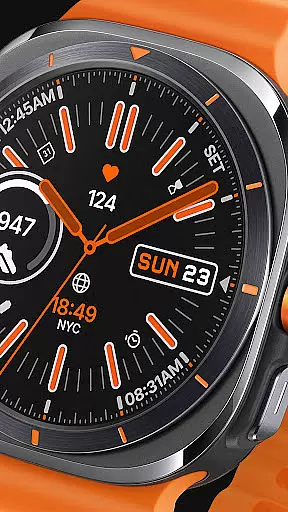
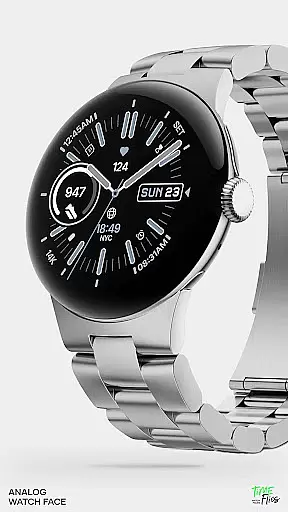
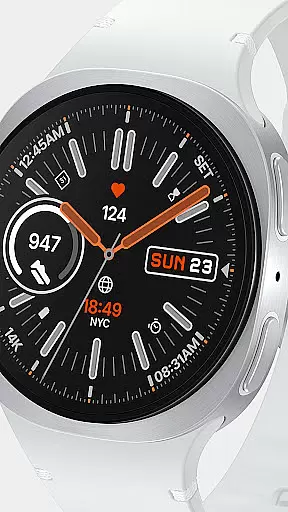
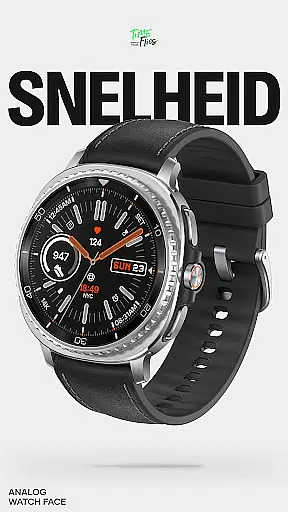
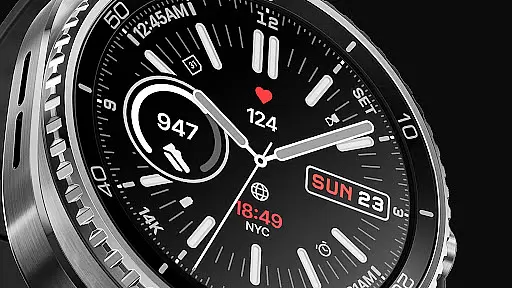
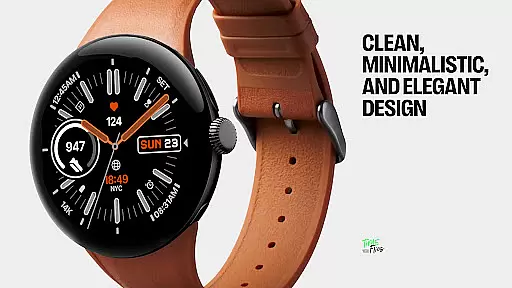
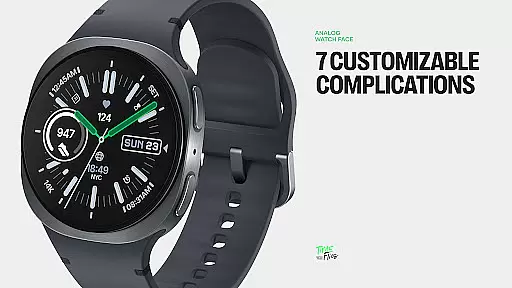
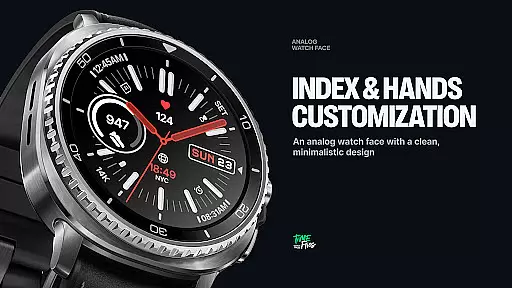
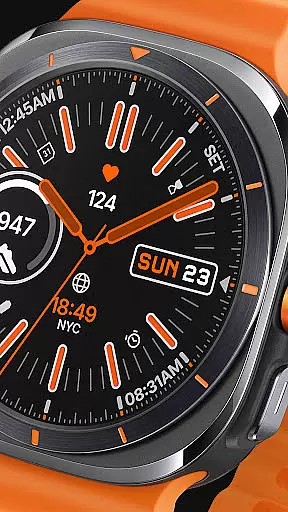
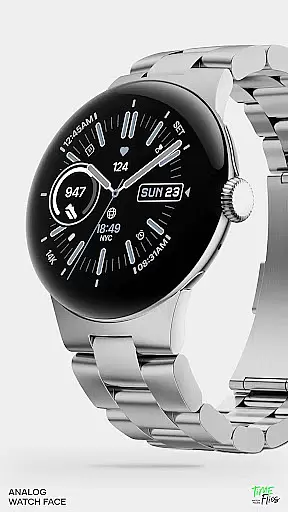
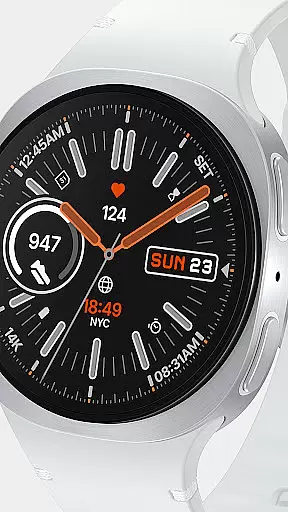
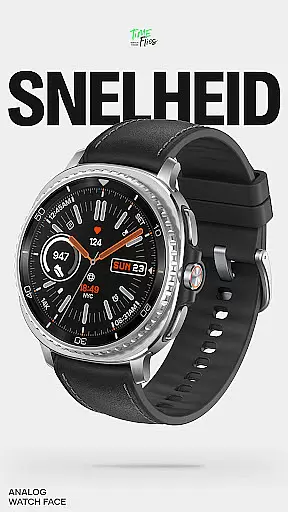
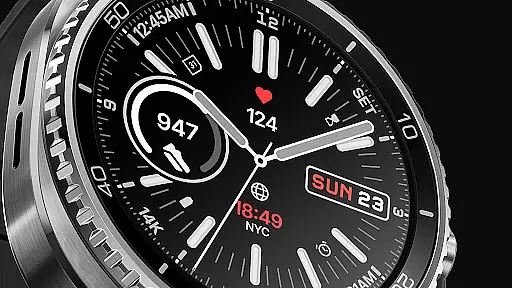
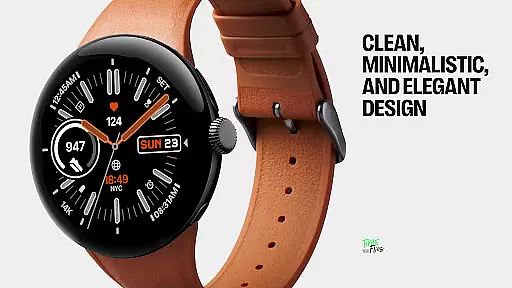
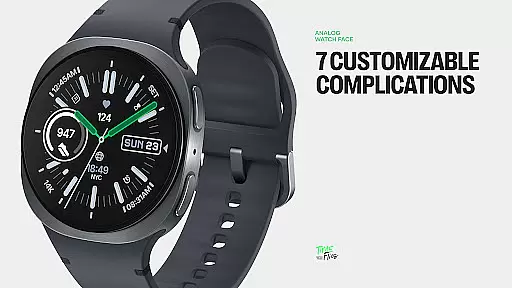
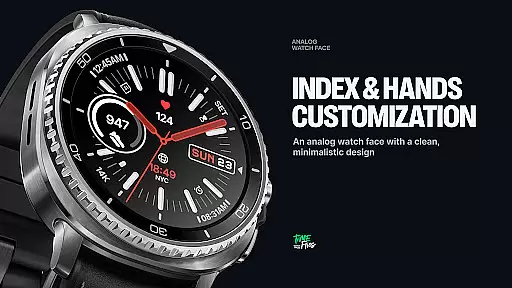
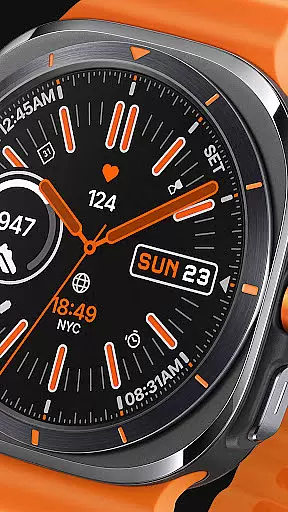
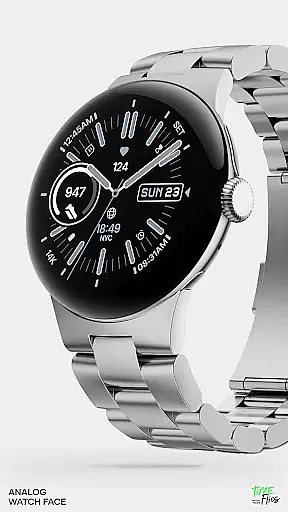
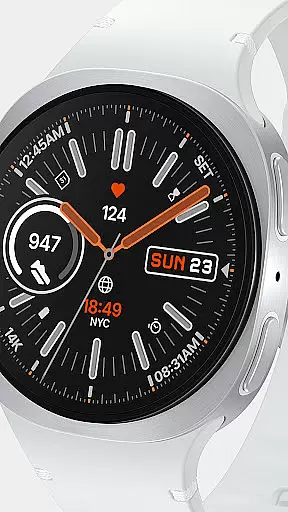
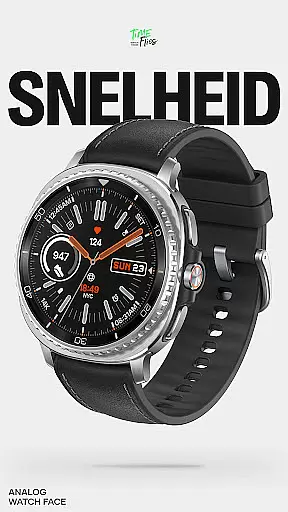
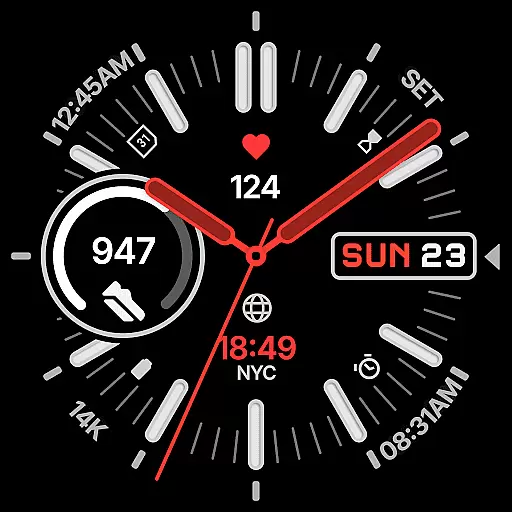
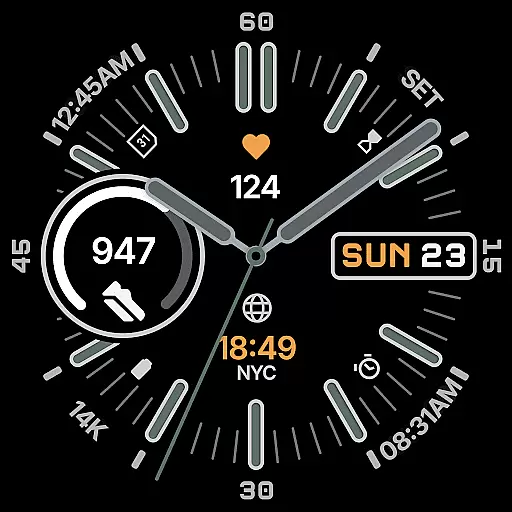
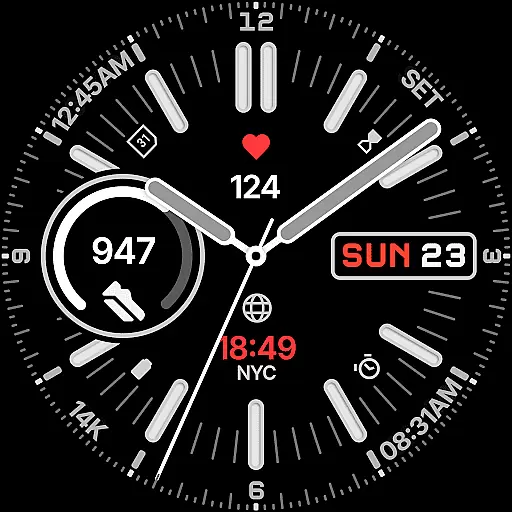
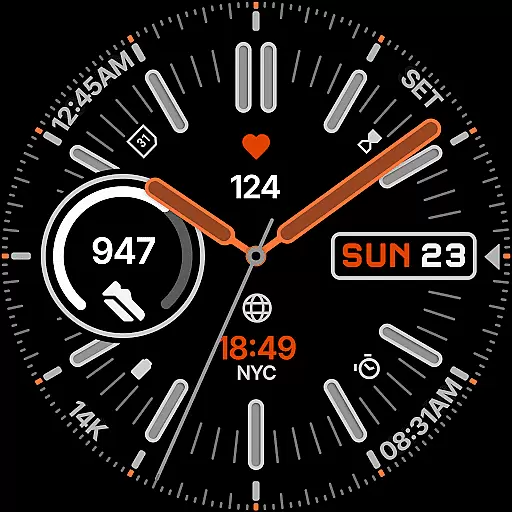
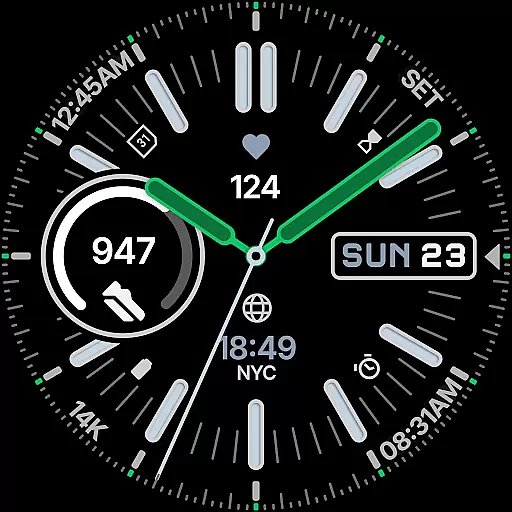
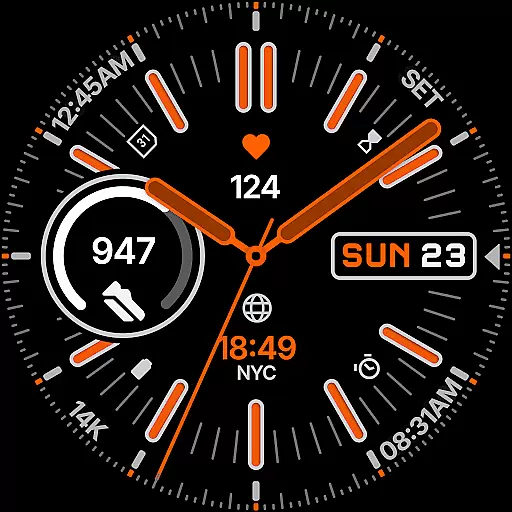
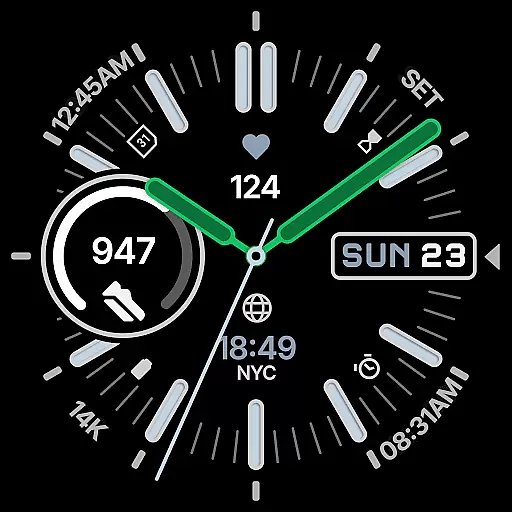
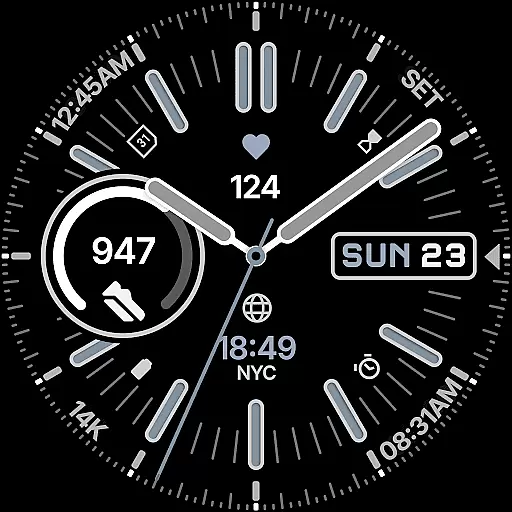
Snelheid Analog Watch Face is a premium Wear OS watch face that combines motorsport-inspired design with modern smartwatch functionality. Featuring bold indices, vibrant accents, and dashboard-style typography, it delivers both style and utility. The interface integrates analog timekeeping with seven customizable digital complications, offering quick access to essential data like health metrics, weather, and notifications.
With 30 curated color schemes, multiple index styles, and battery-efficient Always-on Display modes, Snelheid adapts seamlessly to various preferences and use cases. Whether for professional settings or outdoor activities, this watch face maintains its dynamic yet elegant character while providing users complete control over customization through an optional Android companion app.
Snelheid stands out with its unique fusion of motorsport aesthetics and advanced smartwatch capabilities. The watch face features a highly customizable layout with seven distinct complication slots, enabling users to display critical information such as activity stats, weather updates, or world time zones directly on the dial. Its design ensures optimal readability even at a glance, thanks to carefully balanced elements like bold indices and vibrant accents.
Customization is one of Snelheid's core strengths. Users can choose from 30 expertly curated color schemes, multiple index styles, and various dial options to personalize their experience. Additionally, the Clean Always-on Display mode maximizes battery efficiency without compromising aesthetics. These features make Snelheid versatile enough for everyday wear or active lifestyles while retaining its distinctive motorsport-inspired identity.
Companion app integration is essential for a seamless wearable experience. Snelheid offers an optional Android companion app that simplifies the setup and customization process, allowing users to personalize their watch face directly from their phone.
The companion app provides an intuitive interface where users can access all customization options. With just a few taps, users can choose between 7 fully customizable complications, select from 30 curated color schemes, and adjust index styles and dial options to match their personal preferences.
This level of integration ensures that users can efficiently manage their watch face settings without needing to interact directly with their wearable device. This not only enhances user convenience but also saves valuable time when personalizing the watch face.
Ensuring compatibility across various Wear OS devices is crucial for any watch face. Snelheid is designed to work seamlessly on different smartwatch models, whether they feature a steel-bezel or a minimalist curved display.
The watch face takes full advantage of Wear OS capabilities, integrating analog timekeeping with digital intelligence. It supports seven customizable complications positioned within the dial, providing quick access to essential information such as health metrics, activity tracking, weather updates, or world time.
Snelheid's versatile design adapts to any style, from everyday professional wear to active outdoor use. With clean Always-on Display modes for battery efficiency, it ensures optimal performance while retaining its motorsport-inspired character across all compatible devices.
Highly customizable
Vibrant design
Battery efficient
Easy readability
Professional look
Premium cost
Complex setup
Limited free options
Requires Wear OS
Fewer features on older devices

Christmas is near, let's count together the days left until Santa comes
 4.0
4.0
Deck out your Wear OS Watch face with a beautifully decorated pine wreath!
4.50
Easy Voice Recorder is your everyday companion to record important moments.
4.70
Digital watch face with big numbers and many customization for Wear OS devices
4.40
Locate your family members by GPS phone location tracker everywhere and anytime
4.30
Retro digital watch face with customizable colors and a unique lighting effect
4.60
A realistic hybrid watch face with many customization options.
4.60
Want to take charge of your health? Let Google Fit help you reach your goals.
3.50
Download full tracks, listen to music offline, make unlimited playlists.
4.80
Real-time weather radar with temperatures, warnings, hurricanes, and widgets
4.80
Your second brain for organizing your life: to-do, calendar, reminder.
4.70
A modern premium sporty hybrid watch face for Wear OS by Ballozi
4.70
Kia Access makes getting your vehicle information easier than ever
4.60
Ideal for surviving in the wasteland left after nuclear fallout
4.50
Beautiful artistic animated digital watch face, with a customizable layout!
4.40
Daily Weather forecast with 15 weather images for Day & Night plus Big Bold time
4.10
Viewer for Wyze/Yi/Eufy/Arlo/ONVIF/RTSP/P2P IP cams w/ adv. features & DIY DVR
4.00
Stunning modern digital watch face with 7 complications and strong contrast
4.0
Fitness interactive virtual pet super fighter boy watch face
4.5


User Reviews