
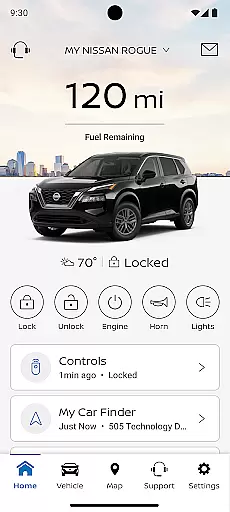
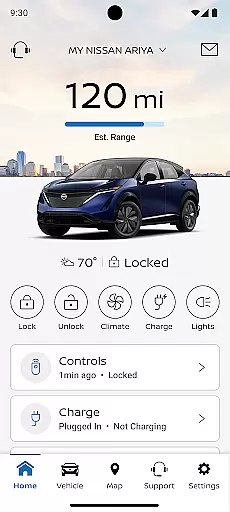
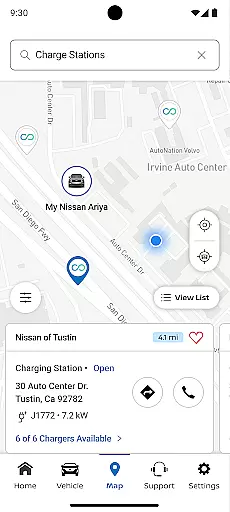
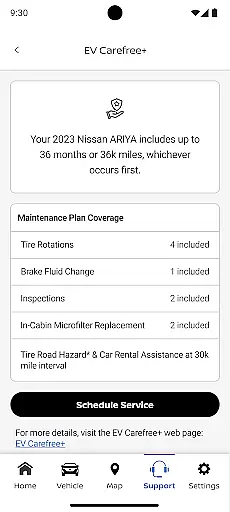
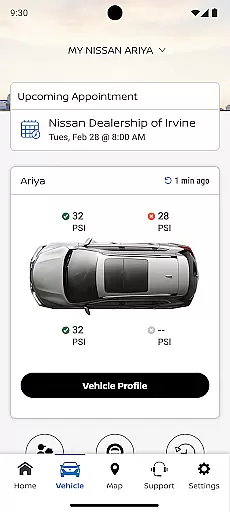
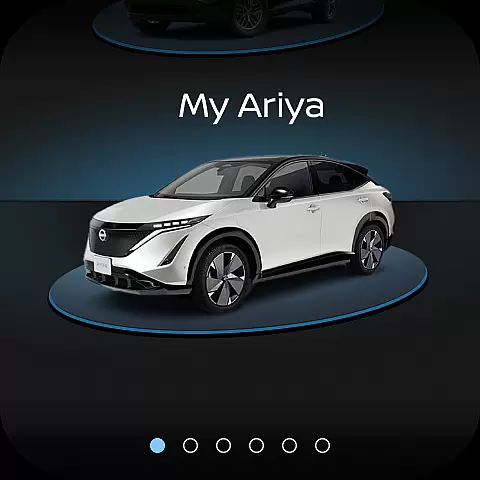
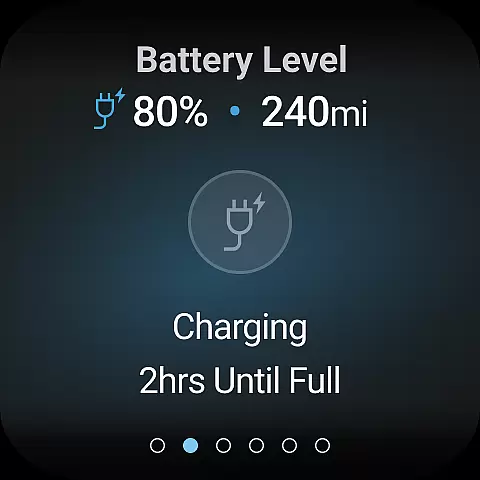
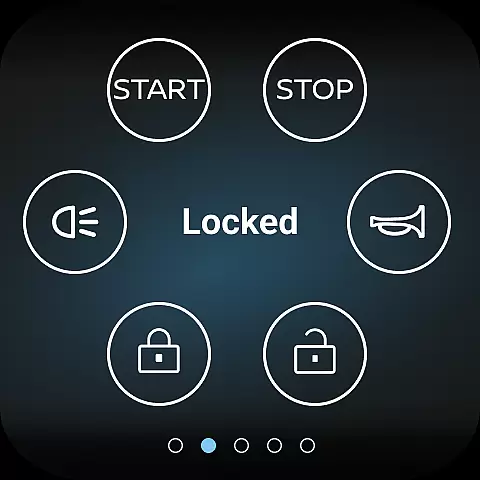
MyNISSAN is a comprehensive vehicle management application designed to enhance the ownership experience for Nissan vehicle owners. The app provides an array of features that allow users to remotely interact with their vehicles, ensuring convenience and security. With compatibility extended to Android phones and Wear OS, it offers a seamless connection between your Nissan vehicle and smart devices.
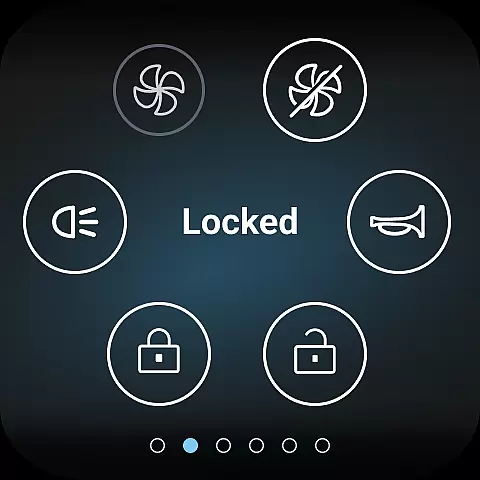
The app's core functionalities include remote vehicle control such as starting and stopping the engine, locking and unlocking doors, and activating horn and lights. It also enables users to monitor their vehicle's status including mileage, fuel range, tire pressure, and more. For vehicles equipped with NissanConnect Services, additional features like real-time updates from repair shops, data-based route planning, and maintenance alerts are available. MyNISSAN is particularly beneficial for owners of Nissan vehicles from 2014 onwards, with the full suite of features accessible on select models from 2018.
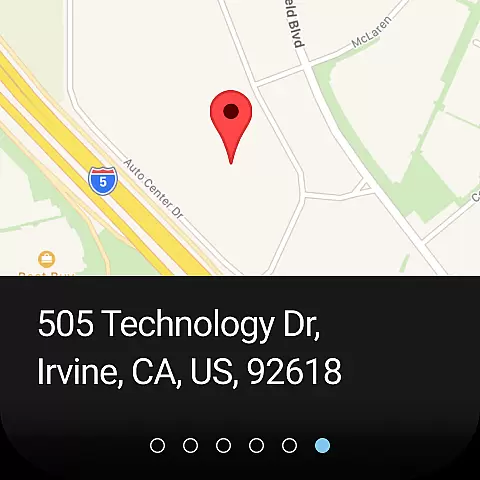
This application proves invaluable when you need to locate your vehicle in a crowded parking lot or receive notifications about unlocked doors or cracked windows. By integrating advanced telematics and connectivity options, MyNISSAN ensures that owners can maintain their vehicles efficiently while enjoying personalized services tailored to their driving habits.
MyNISSAN stands out with its diverse set of features crafted to provide maximum utility and peace of mind to Nissan vehicle owners. One of the primary capabilities includes managing your Nissan account preferences directly through the app, which simplifies tasks like scheduling service appointments with your preferred dealer and receiving recall notifications.
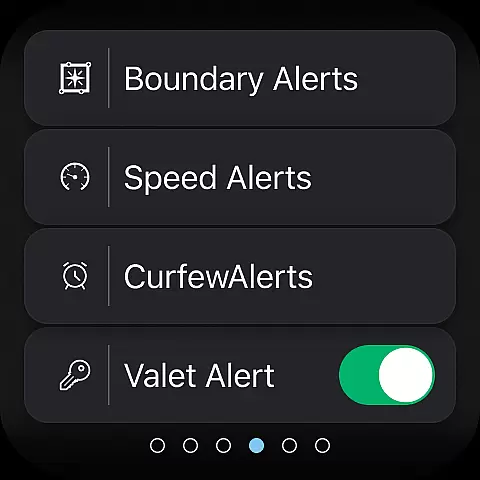
For compatible vehicles, the app offers remote access features allowing users to start or stop their vehicle's engine, lock or unlock doors, and even activate horn and lights. Vehicle status checks provide essential information such as door locks, engine status, mileage, remaining fuel range, tire pressure, oil pressure, airbags, and brakes. Additionally, boundary, speed, and curfew alerts can be customized to keep track of your vehicle’s whereabouts and usage patterns.
Owners of vehicle trims with Google built-in benefit from added functionalities like remote climate adjustment and engine start. They also receive notifications for leaving the vehicle in an insecure state and can connect with automotive repair shops for real-time updates. These innovative features collectively ensure that users have a holistic understanding of their vehicle's condition while enjoying enhanced convenience and security.
Companion app integration is essential for a seamless experience between your Nissan vehicle and Android device. The MyNISSAN App excels in this area by offering real-time synchronization of crucial vehicle data with your smartphone or Wear OS device.
This integration allows users to remotely control their vehicles, receive important notifications, and access personalized features directly from their mobile devices. Whether it's checking the vehicle status, setting speed alerts, or locating your car, the companion app ensures all functionalities are readily accessible.
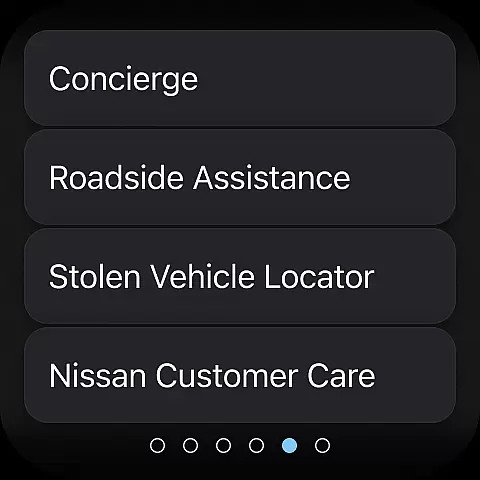
The benefits of this robust integration include enhanced convenience and peace of mind. Users can manage their Nissan account preferences, schedule service appointments, and even connect with Roadside Assistance effortlessly. This interconnected ecosystem transforms the driving experience into a more personalized and secure journey.
By leveraging the power of companion app integration, MyNISSAN delivers an innovative solution that keeps drivers connected to their vehicles like never before, ensuring optimal performance and ownership satisfaction.
Wear OS/device compatibility ensures that the MyNISSAN App functions optimally across various Android devices. This compatibility is vital for users who rely on smartwatches and other Wear OS-enabled gadgets to stay connected with their vehicles.
The app supports a wide range of devices, providing consistent performance regardless of whether you're using a smartphone or a smartwatch. With features such as remote climate adjustment, engine start, and security notifications, users can enjoy a versatile and reliable connection to their Nissan vehicles.
This broad compatibility enhances user convenience by allowing them to interact with their cars through their preferred devices. Whether receiving alerts about unlocked doors or cracked windows, or simplifying trips with route planning, the MyNISSAN App ensures these functionalities are available at your fingertips.
Ultimately, Wear OS/device compatibility underscores the app's commitment to delivering a flexible and integrated user experience. By supporting multiple devices, MyNISSAN empowers drivers to maintain constant communication with their vehicles, enhancing both safety and convenience.
User-friendly interface
Comprehensive vehicle control
Real-time updates and alerts
Remote access capabilities
Customizable settings
Limited to Nissan vehicles
Feature availability varies
Subscription fees apply
Dependent on network coverage
Requires compatible hardware

A customizable Christmas watch face for Wear OS with a countdown.
 4.20
4.20
Christmas watch face. For Wear OS devices.
4.30
Christmas - Festive - Christmas Village - Winter - Christmas lights
5.00
Animated Watch Face and Customizable with 24 Backgrounds. Perfect for Christmas!
3.90
Precision analog watch face with 7 complications and style options
4.3
Locate your family members by GPS phone location tracker everywhere and anytime
4.30
Start and succeed with PAP
4.10
Back up your contacts & access them anywhere
4.30
Toyota app currently supports 2010 or newer vehicles (2018 or newer for Hawaii).
4.50
A modern premium sporty hybrid watch face for Wear OS by Ballozi
4.70
Digital watch face with big numbers and many customization for Wear OS devices
4.40
Digital watch face. For Wear OS devices.
4.40
The ultimate destination for kids ages 3-8 to explore the Marvel Universe!
4.30
Elegant animated Christmas tree with multiple customization options
4.20
Watch face for Wear OS.
4.20
Animated video-game inspired “secret agent” simulation, right on your wrist!
4.20
"PER27 Galaxy Digital" is a digital Wear OS watch face designed by PERSONA
4.10
Analog watch face with 8 complications and expedition styling
4.5
Sleek, highly customizable watch face inspired by Galaxy Watch Circle Dashboard.
4.4


User Reviews